Overview of Blocking Phishing Messages
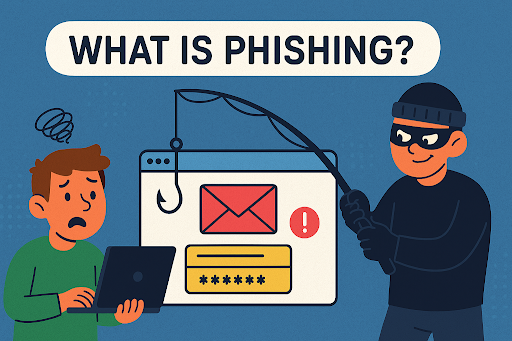
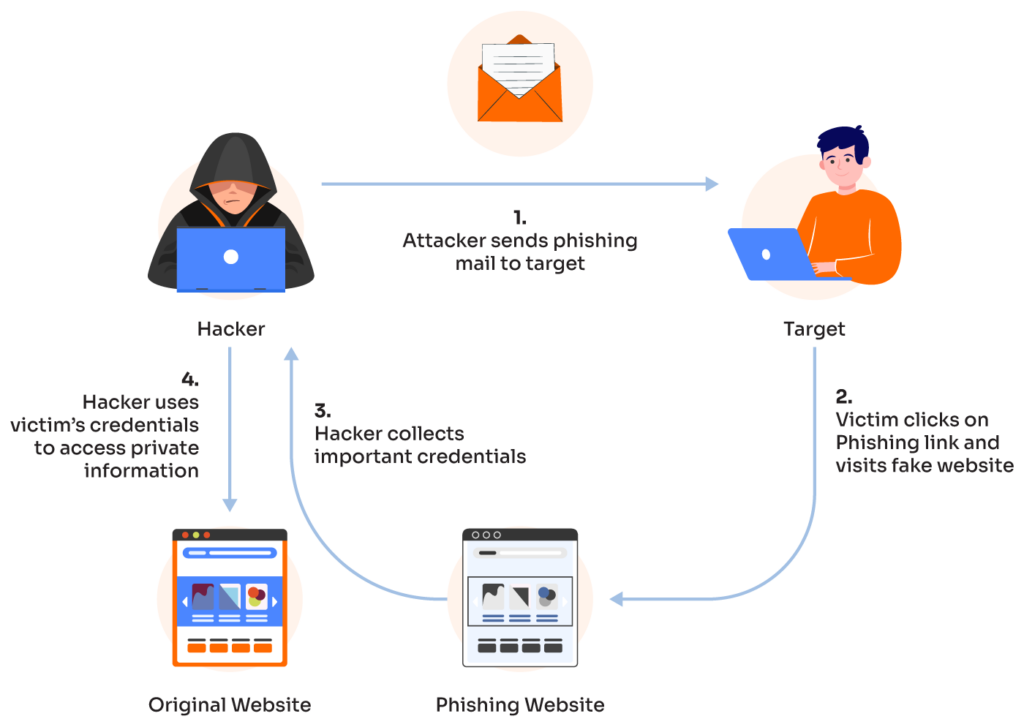
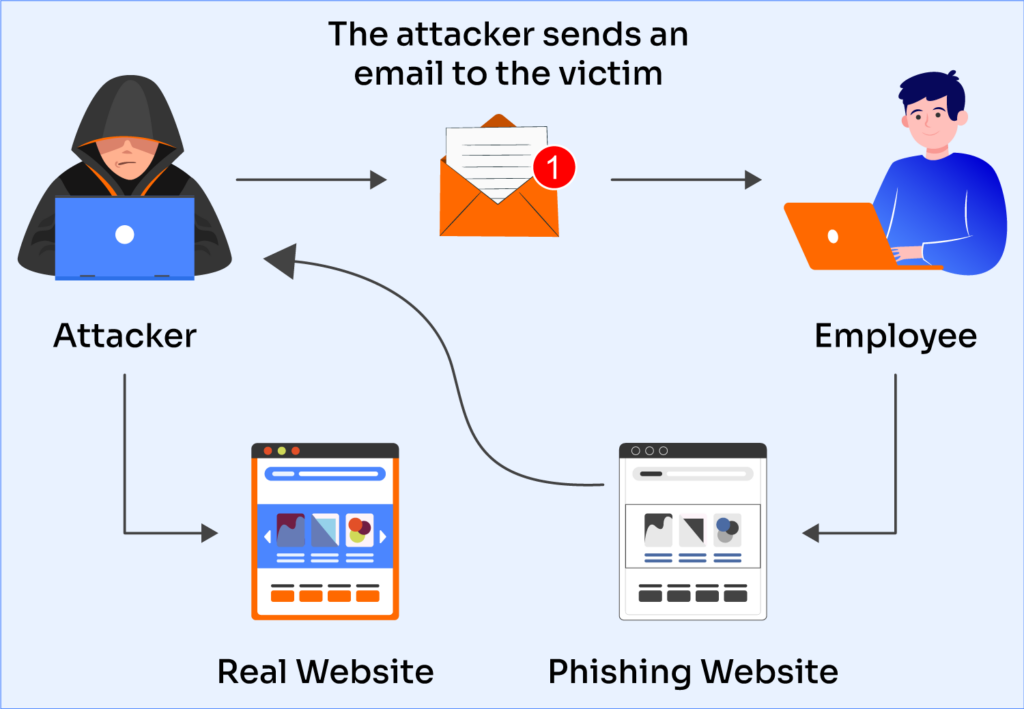
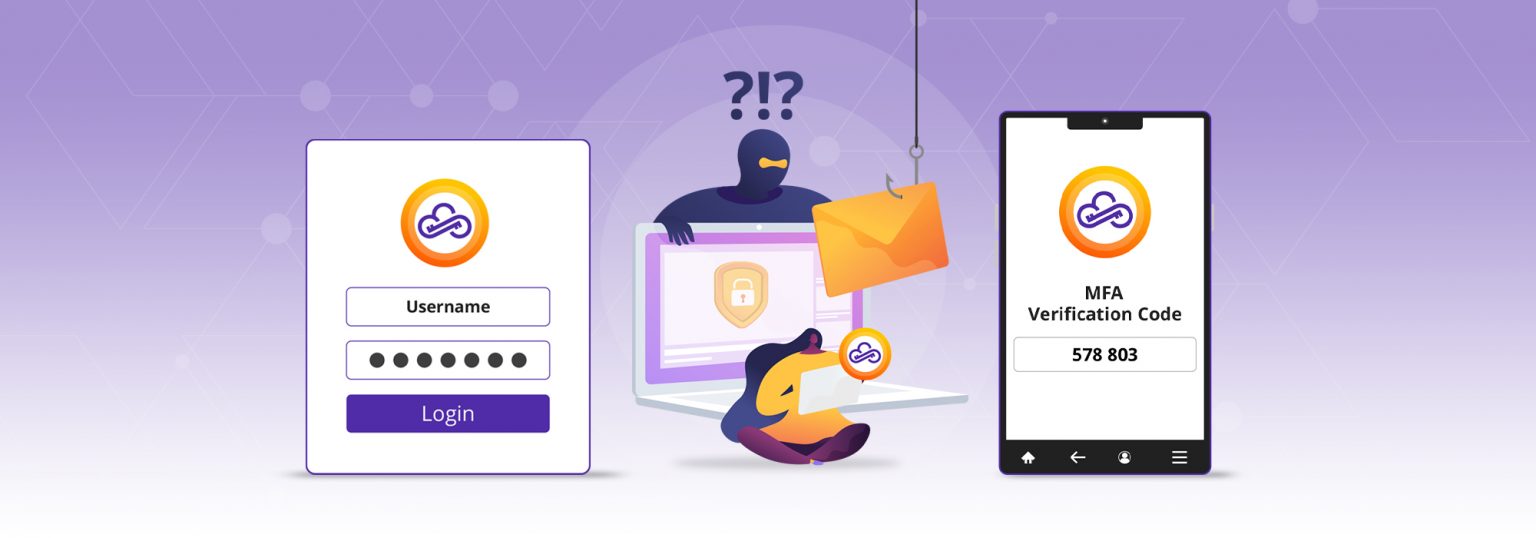
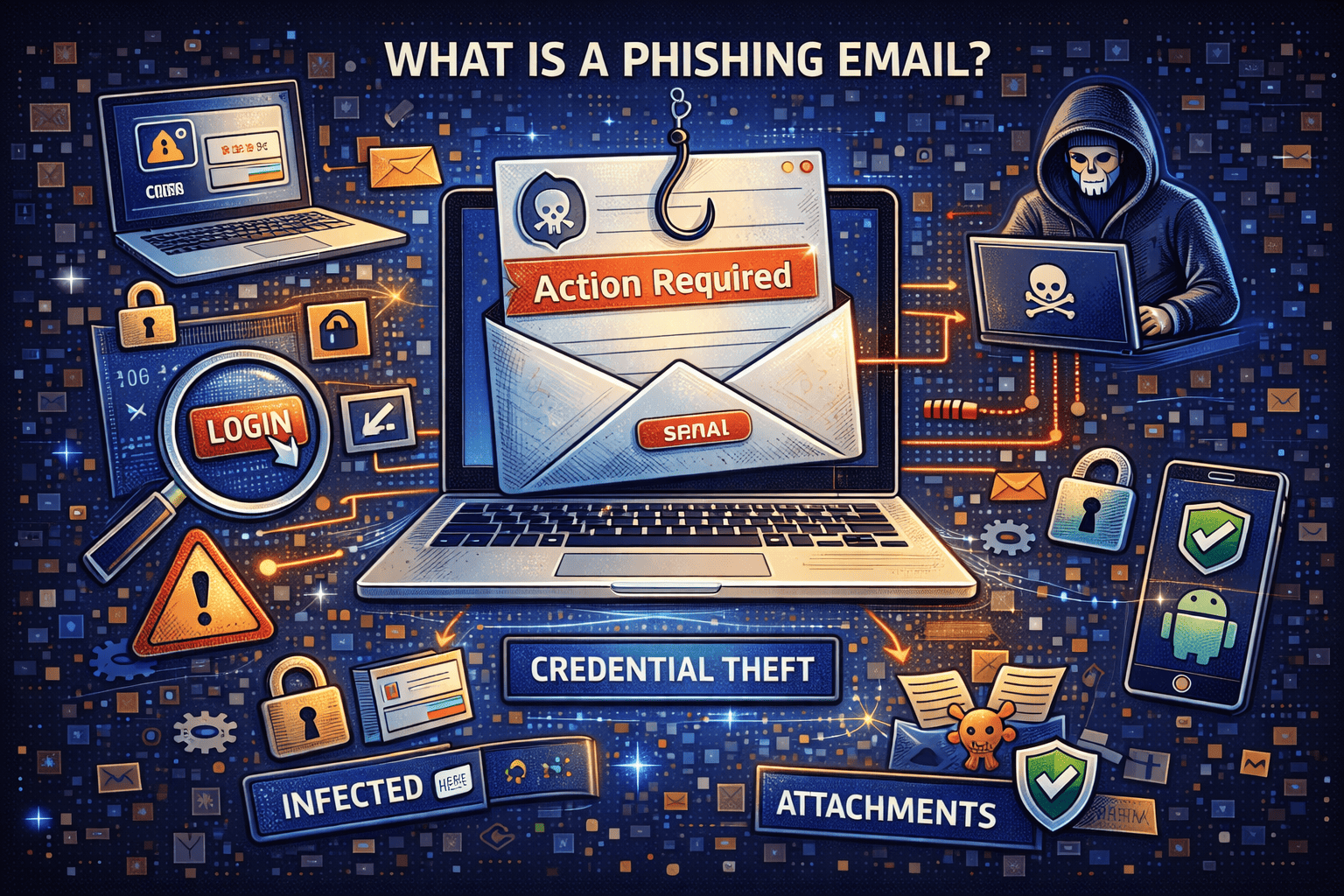
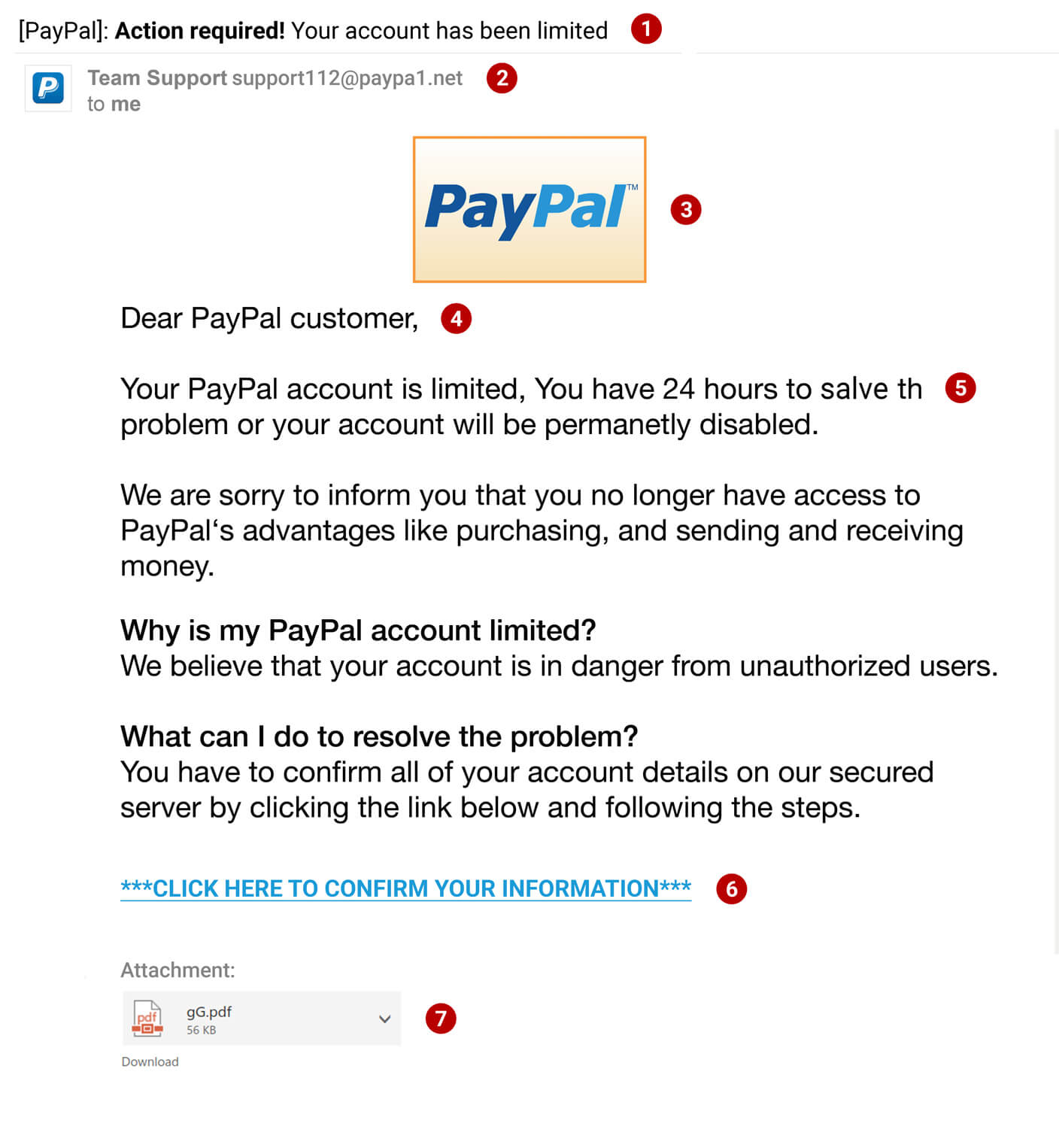
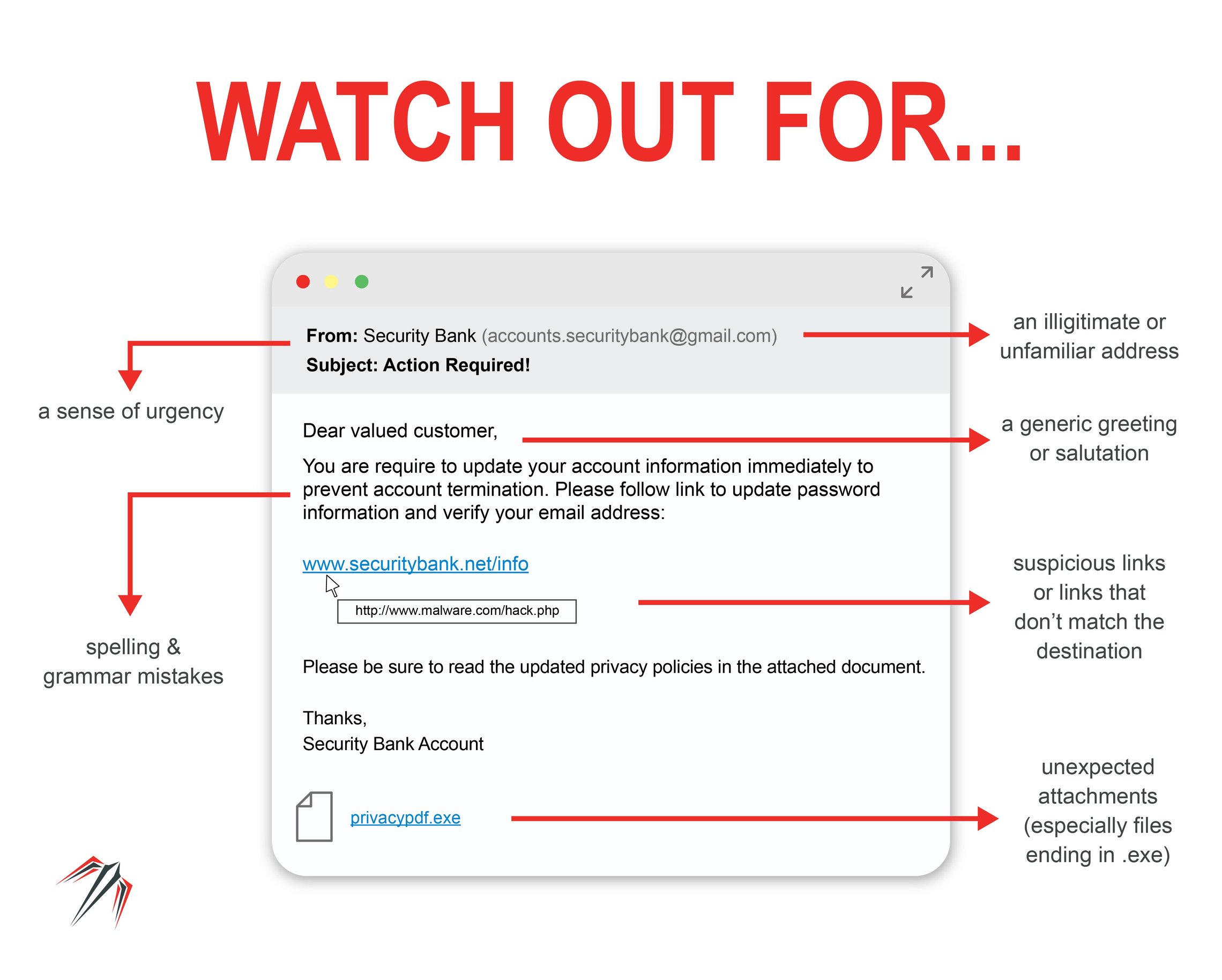
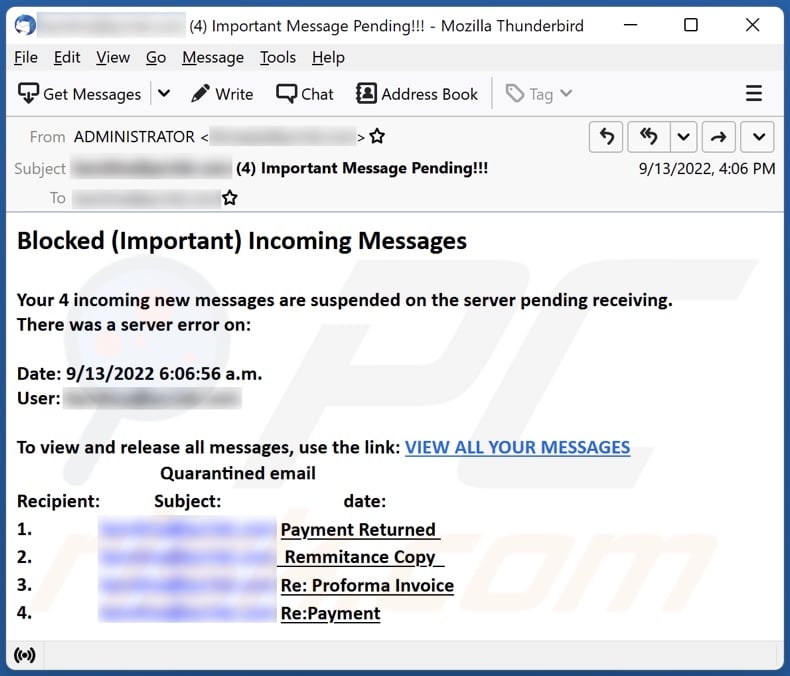
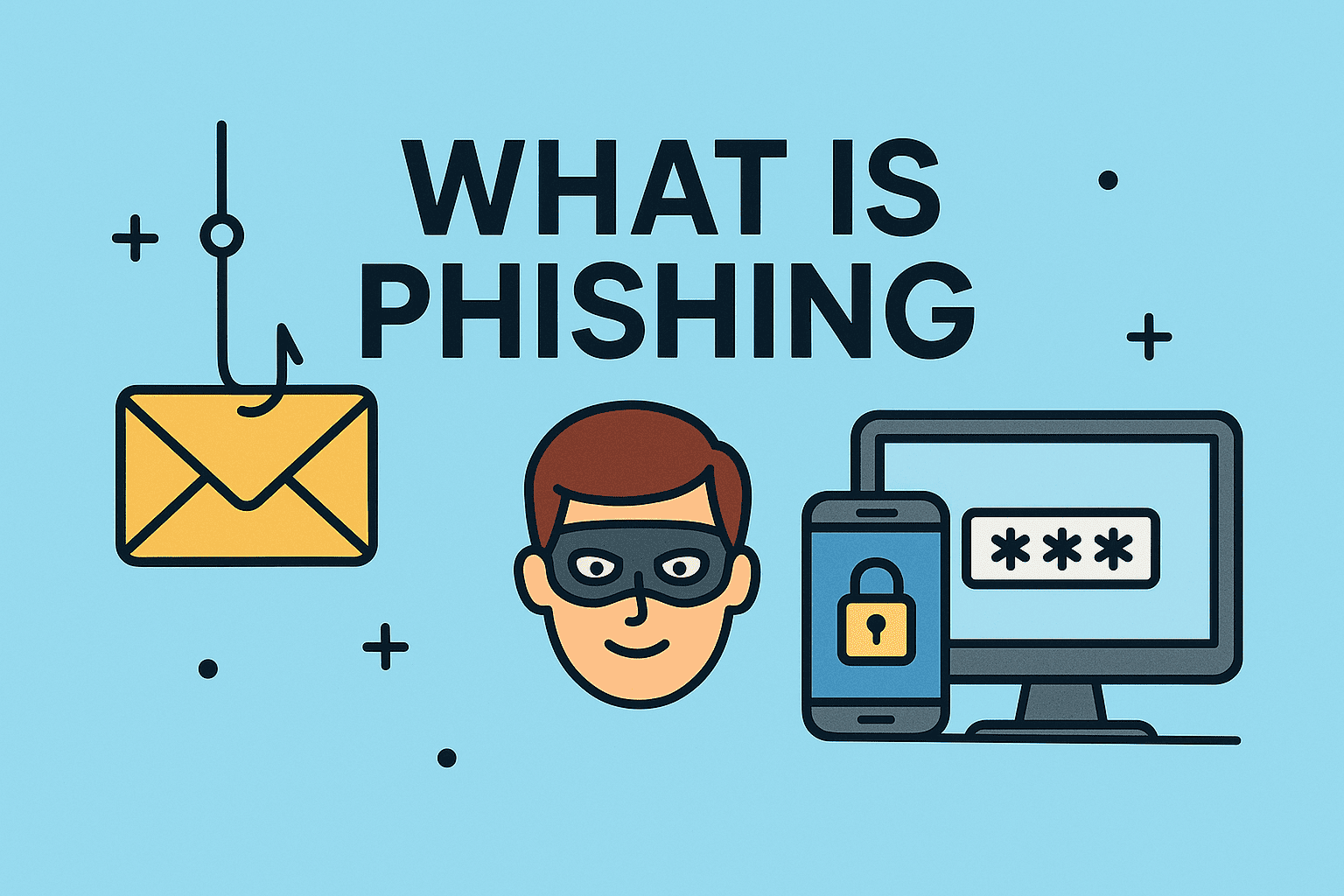
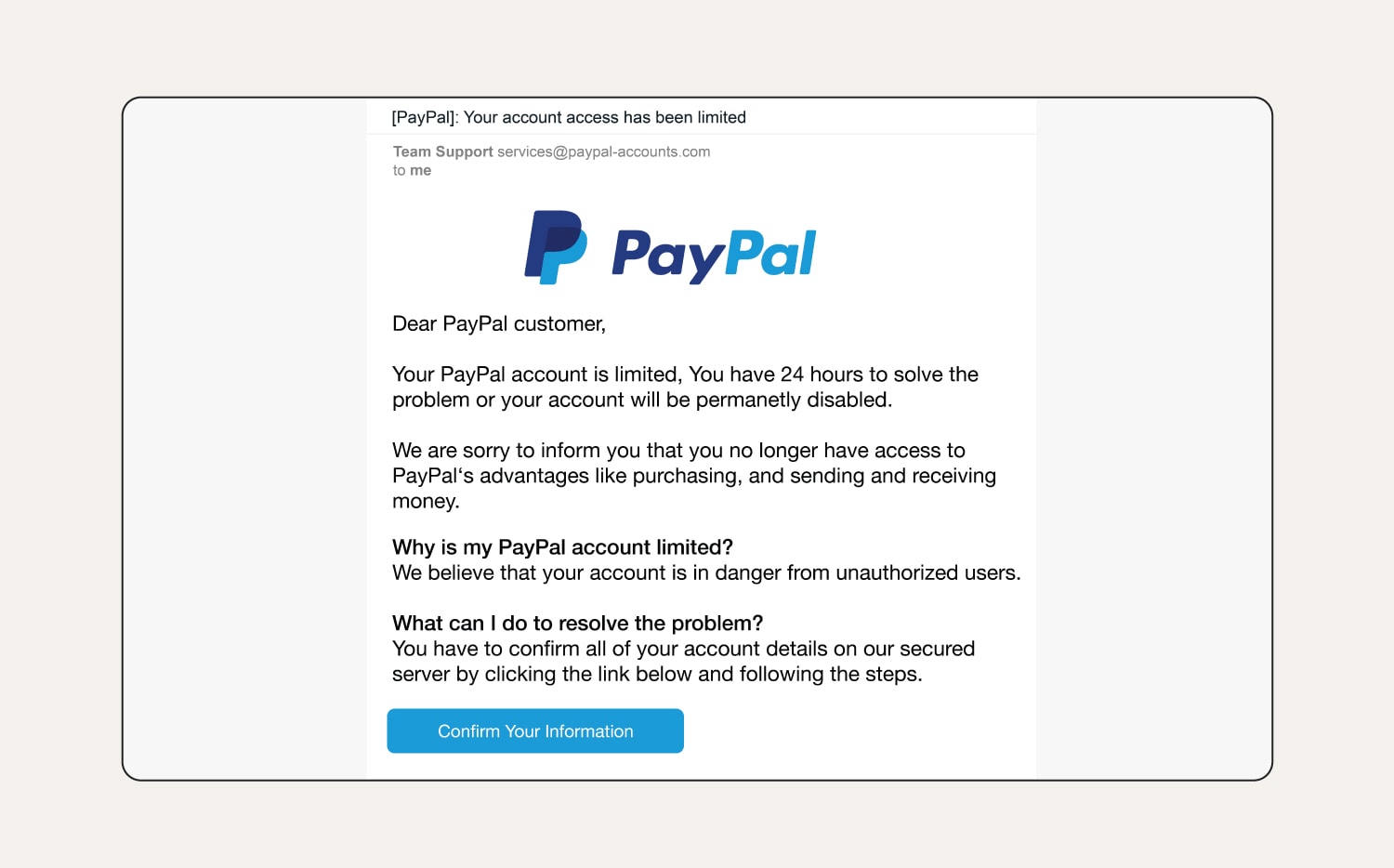
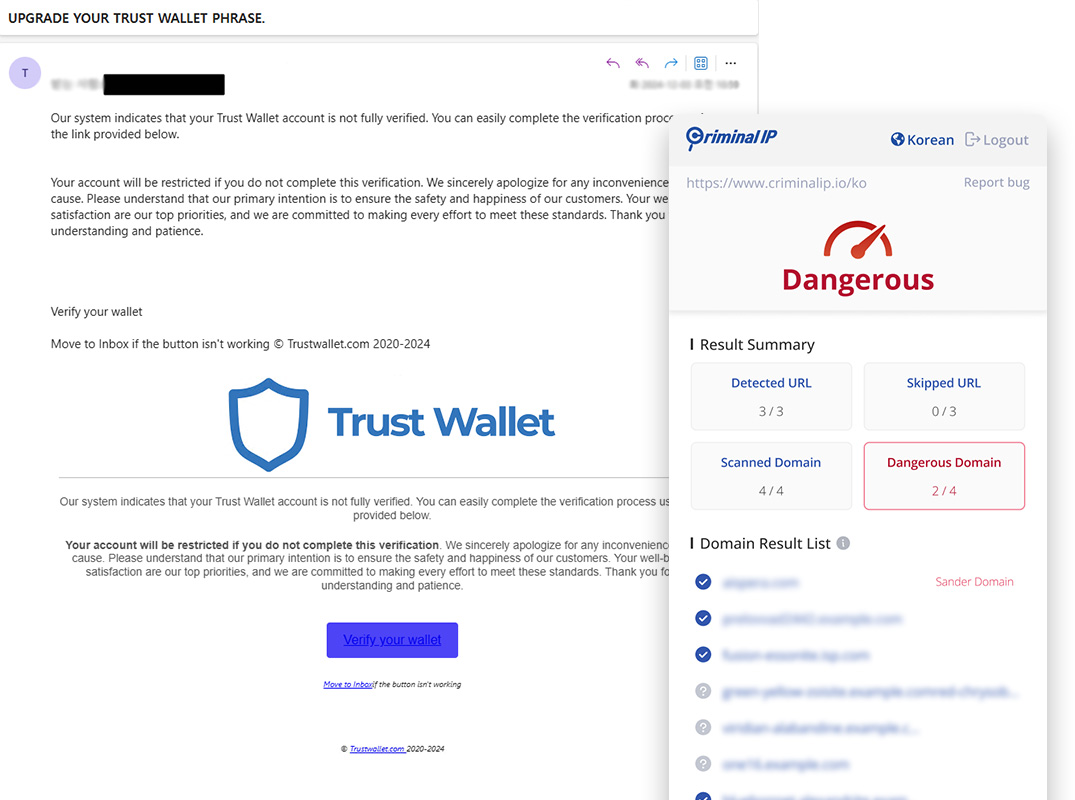
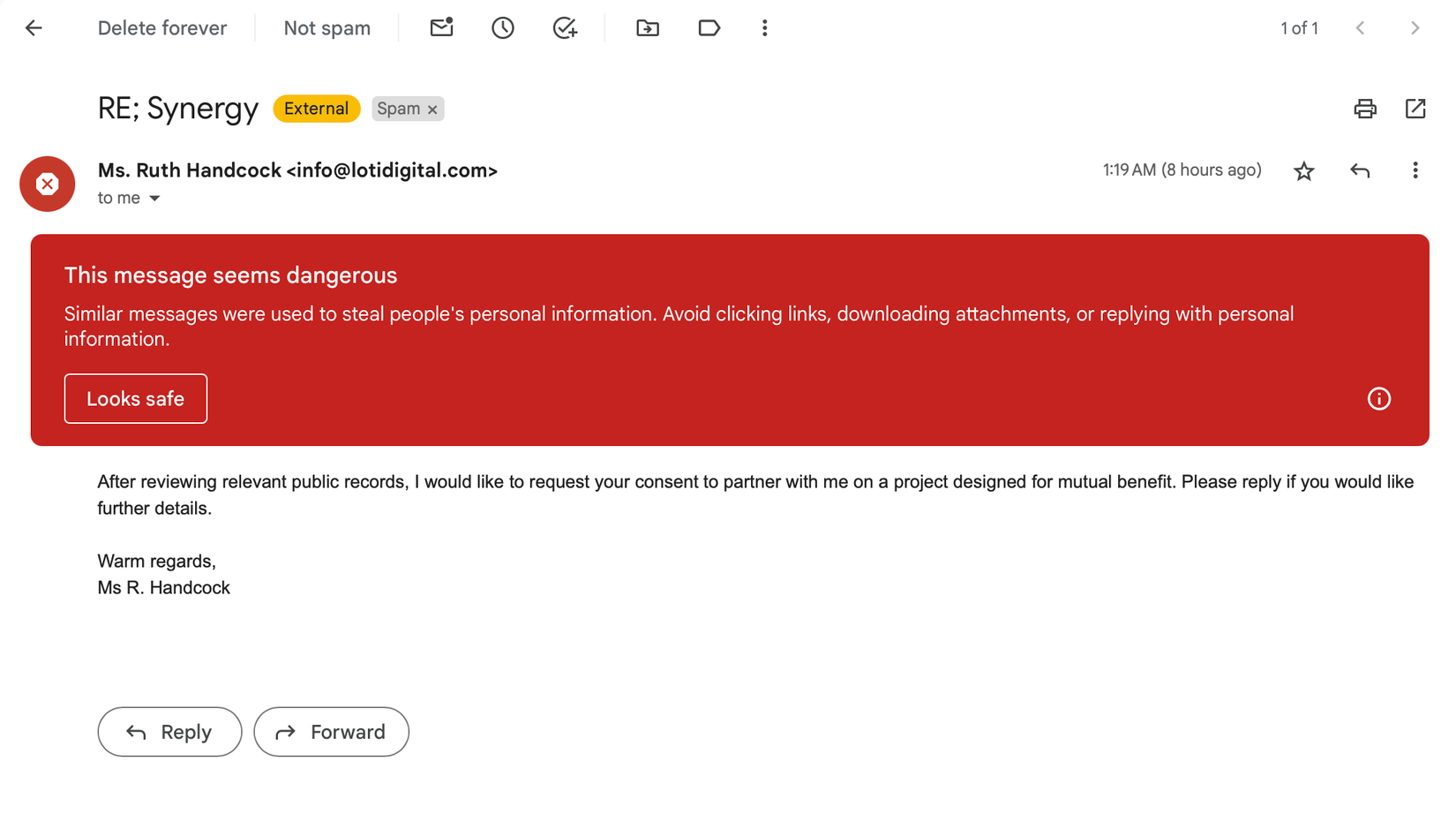
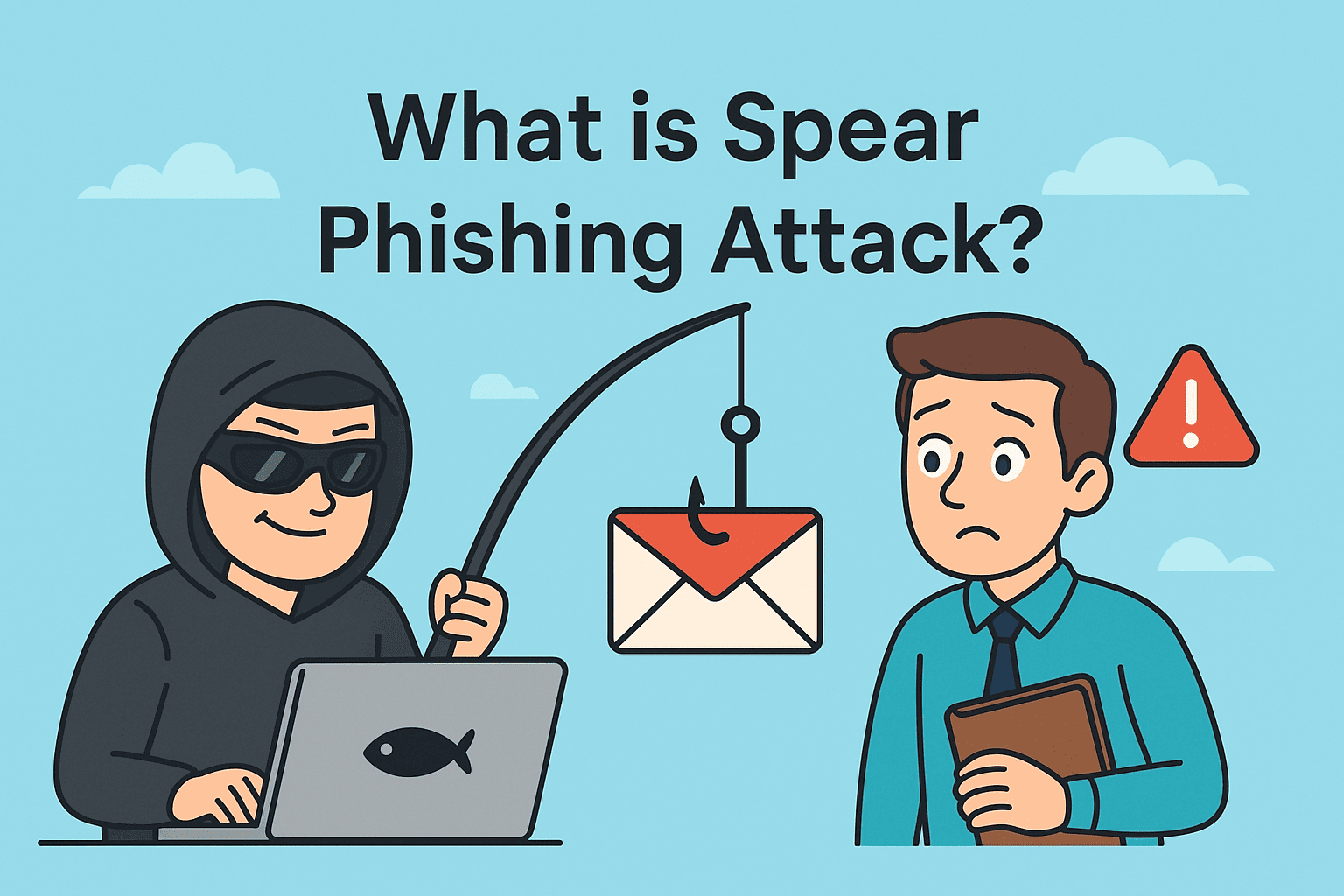
Phishing is a way cybercriminals trick you into giving them personal information. They send you fraudulent emails or text messages often pretending to be from large organisations you know or trust.
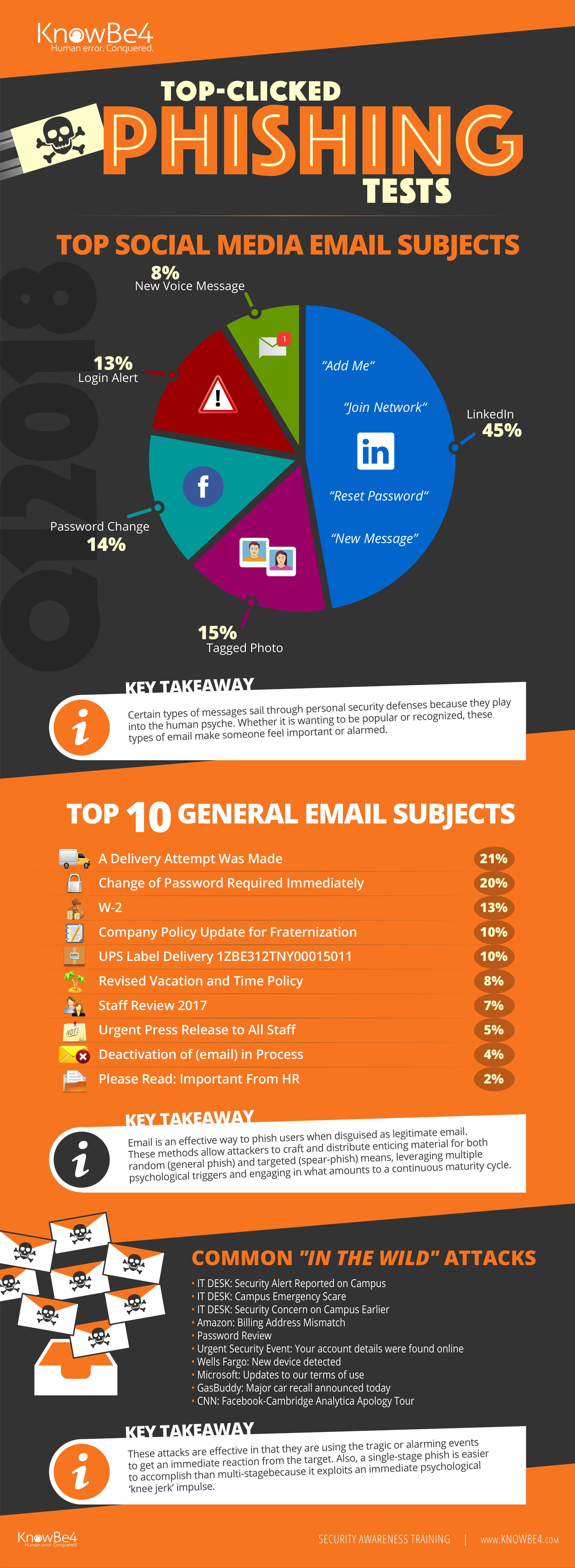
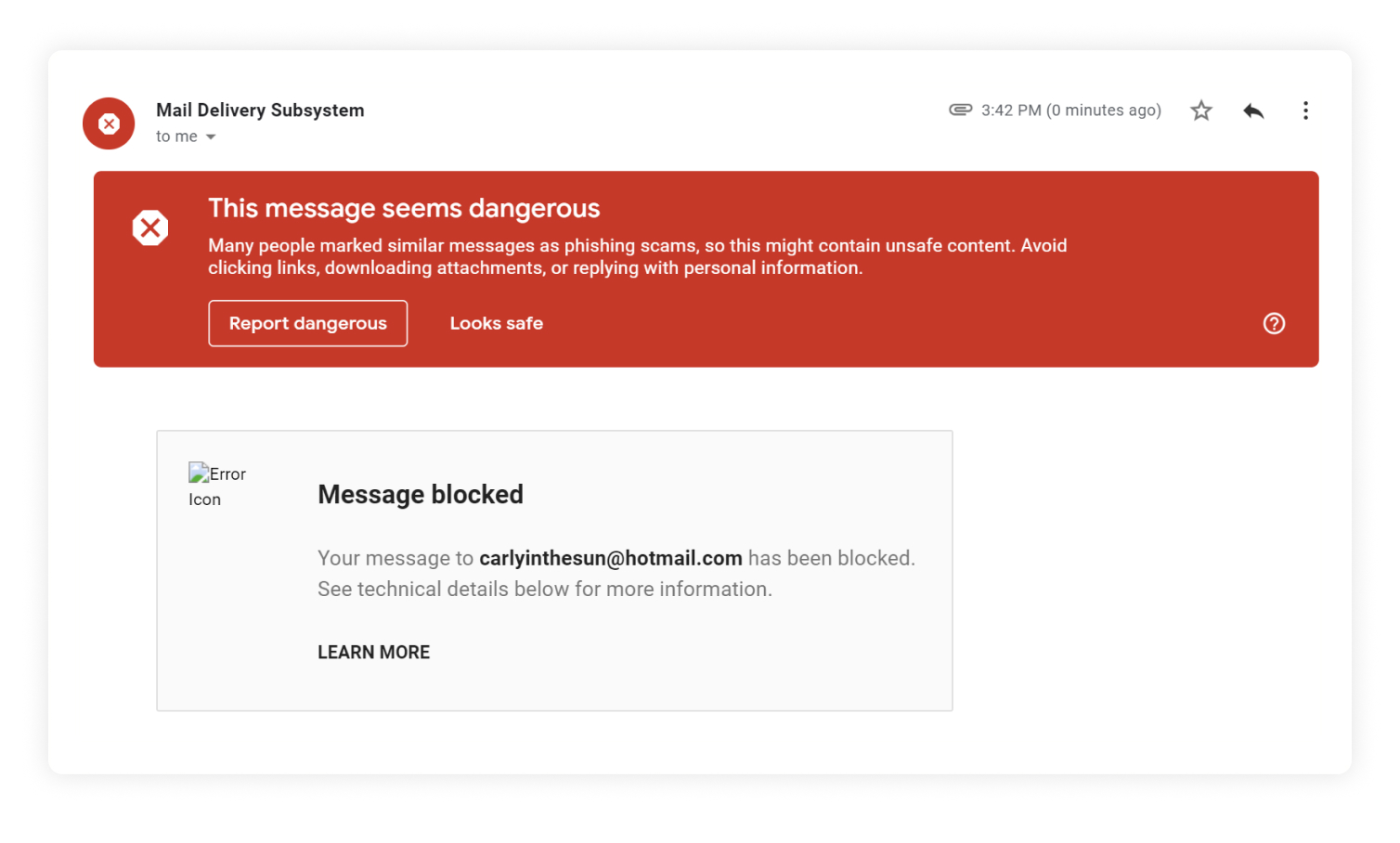
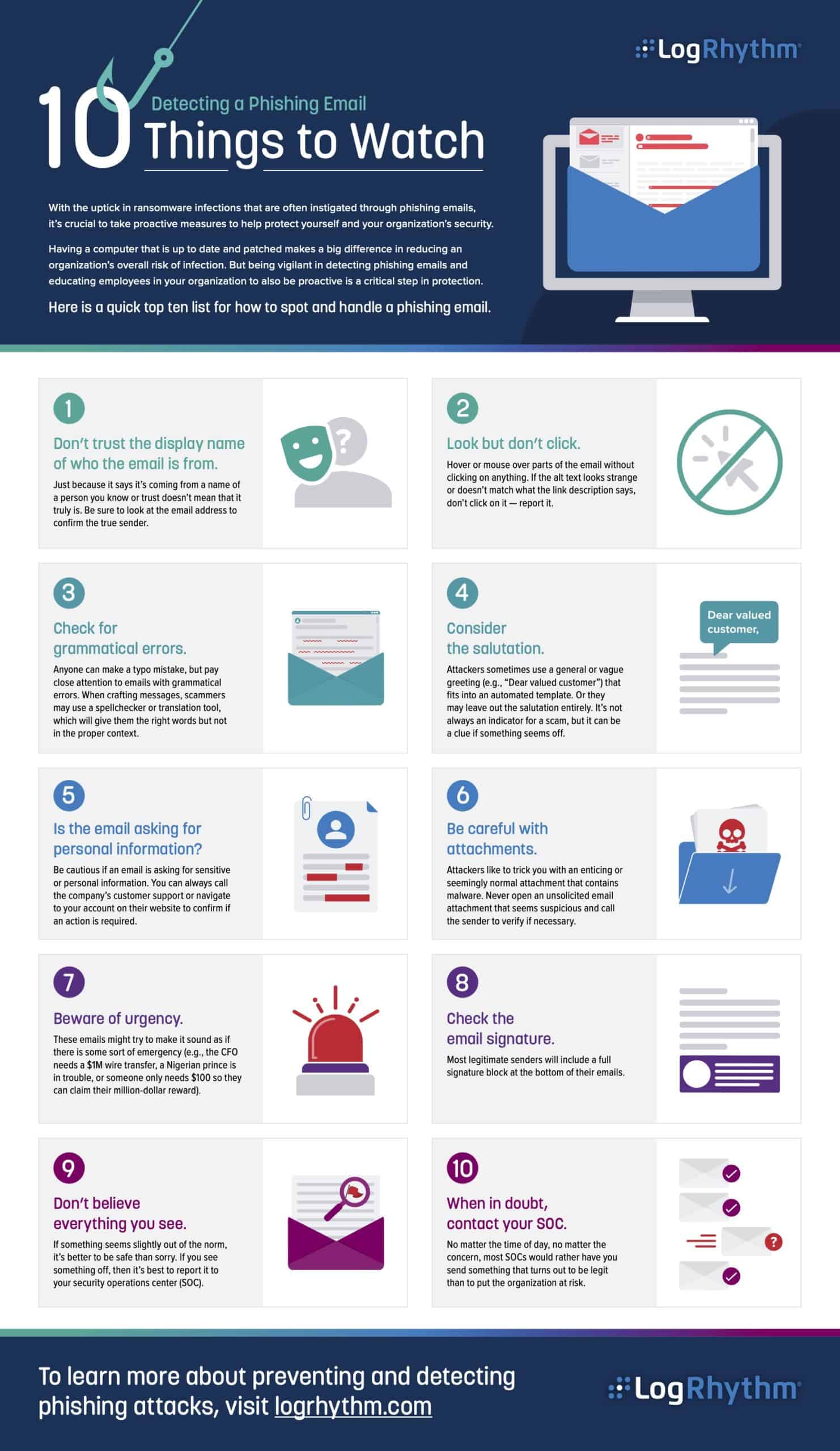
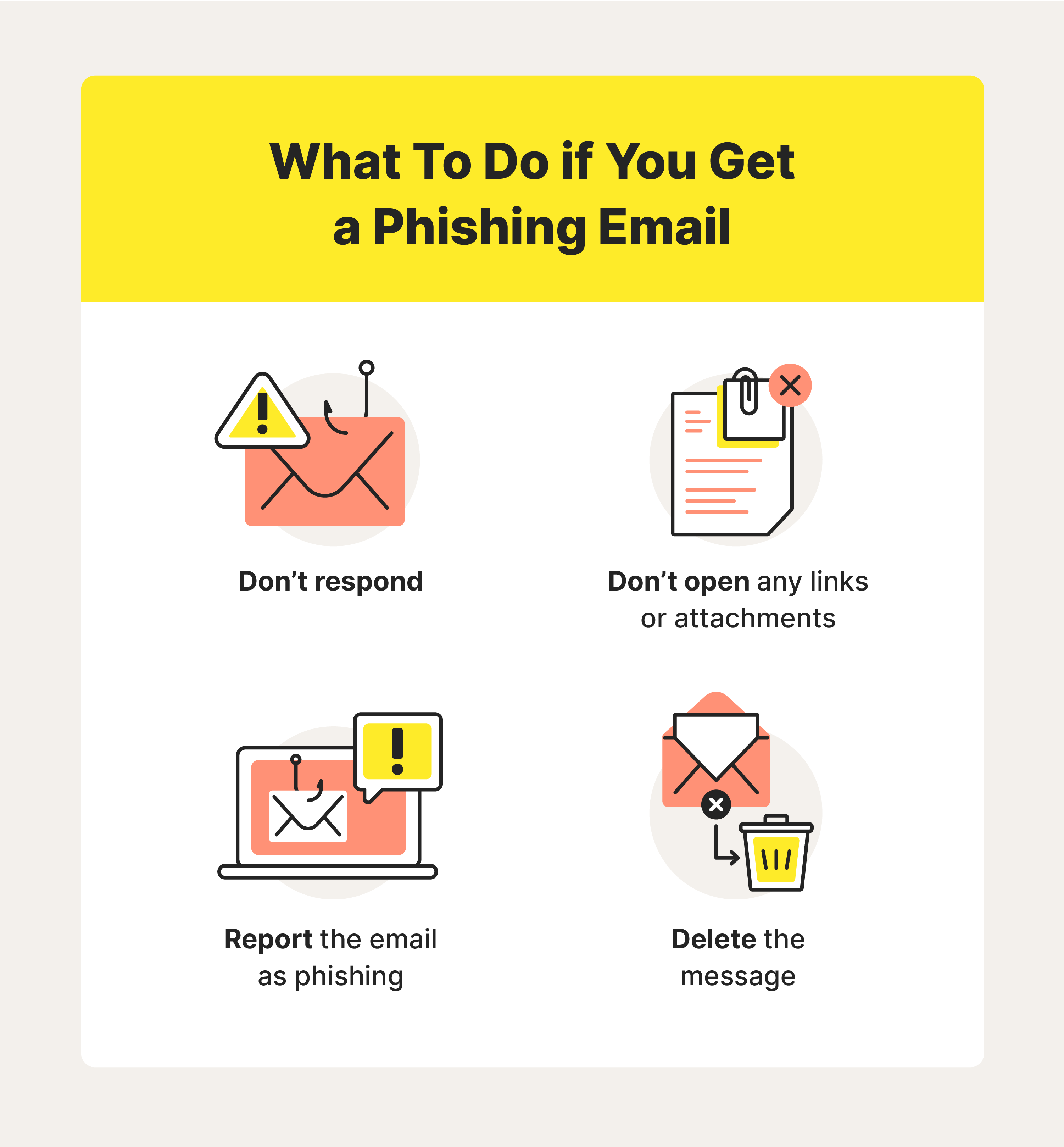
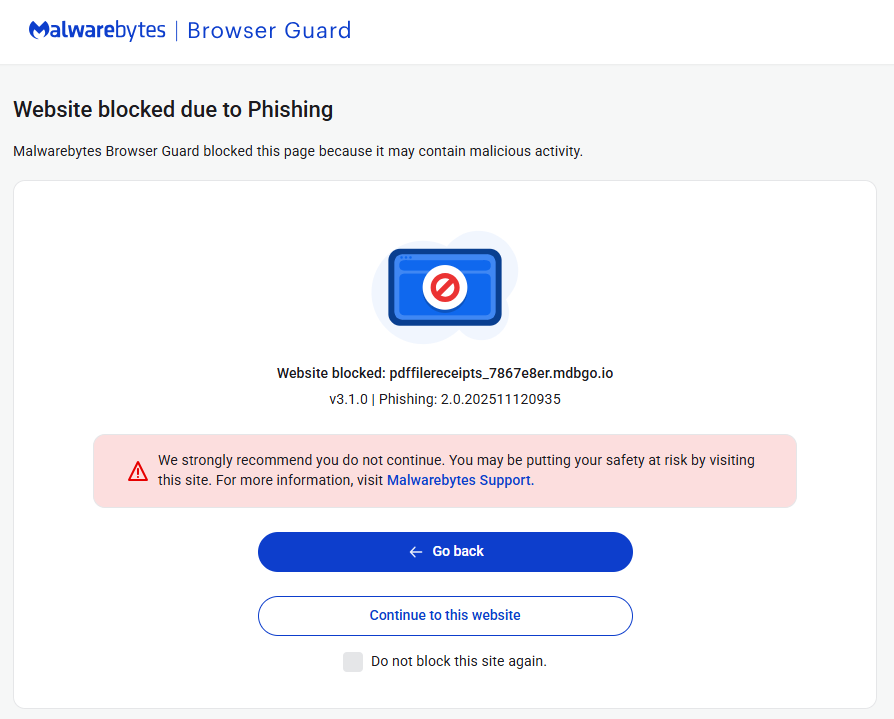
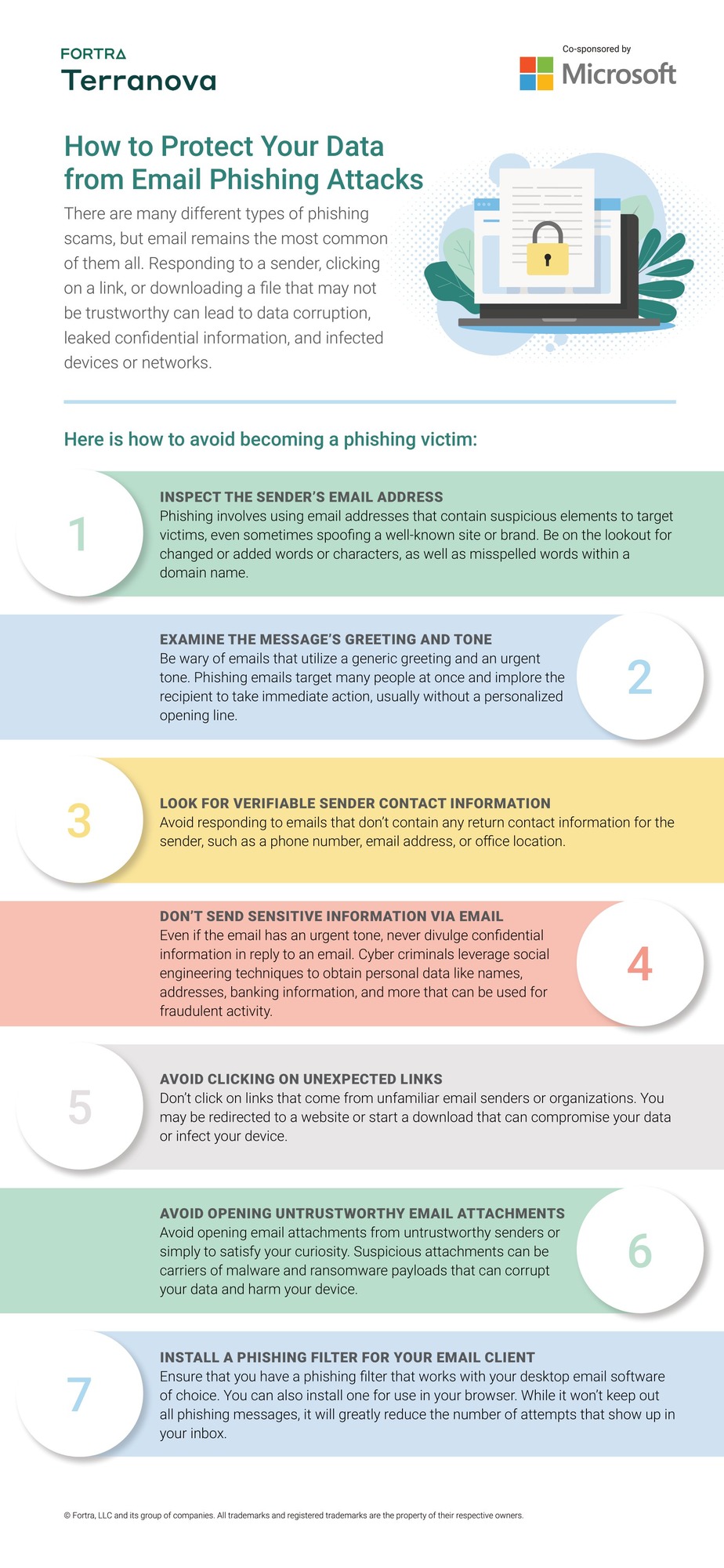
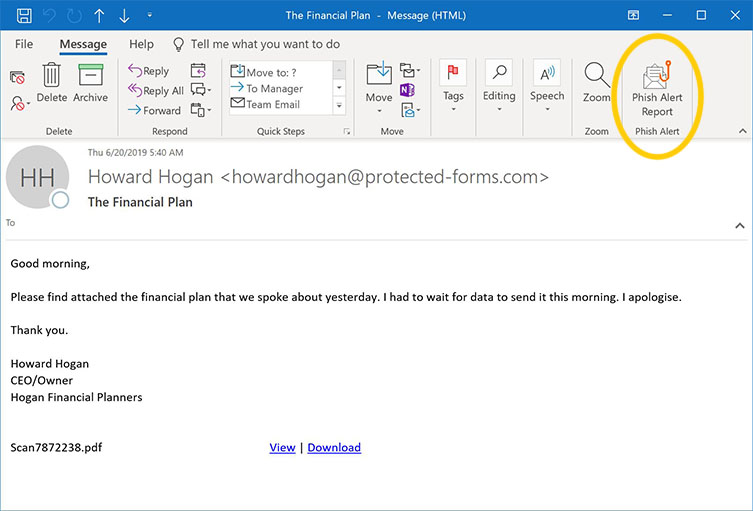
Key takeaways: Phishing emails attempt to steal personal data by tricking users with deceptive messages into clicking on suspicious links or downloading attachments. Most email providers, such as Outlook, Gmail, and Yahoo, use spam filters and authentication tools to block phishing emails.
This particular example perfectly highlights why Blocking Phishing Messages is so captivating.
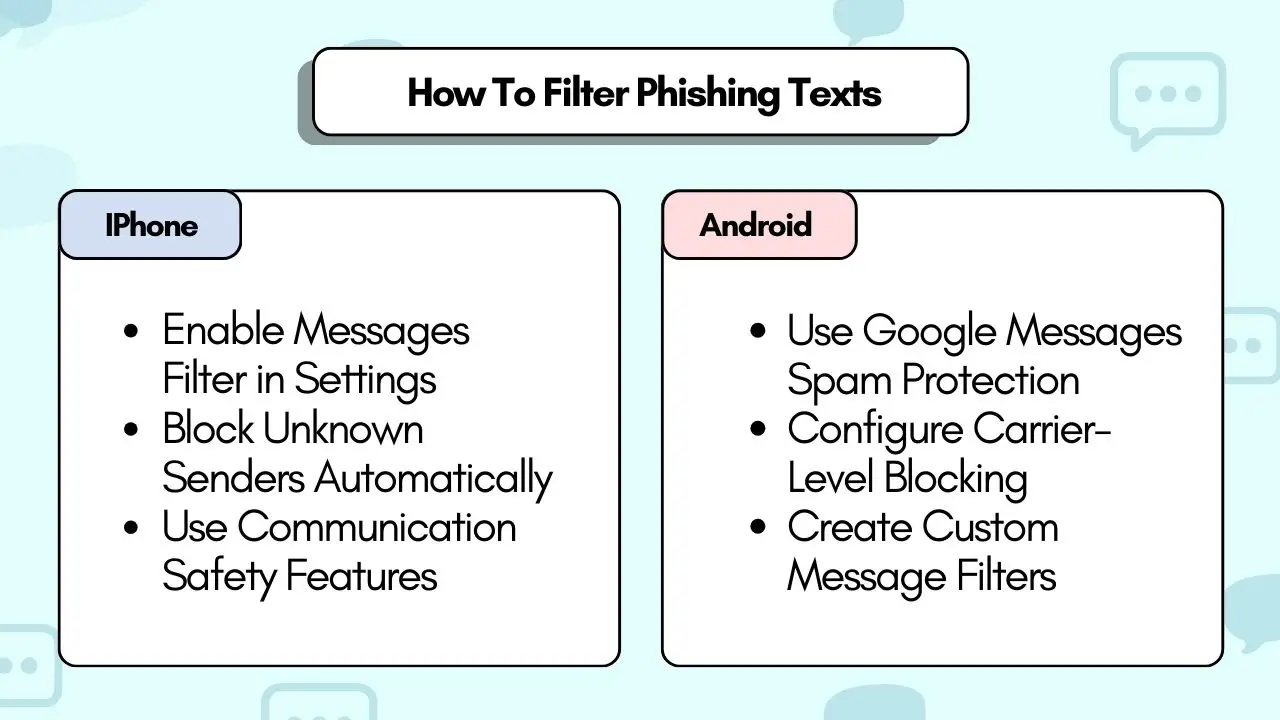
SMS scam filter blocking malicious SMS before they reach you
block the sender if they continue to send you unwanted marketing messages , using your email filters or your phone settings contact your telco provider for advice on spam filtering or phone blocking .

Stop Phishing
Understand common threats and how teams stop them. Explore Phishing Protect. Reduce downtime and risk with easy-to-manage security.
Additional Notes on Blocking Phishing Messages
Use These 5 Rules to Block Phishing Emails From Your Inbox. This note connects the source idea with the visuals in a simple, reader-friendly way.
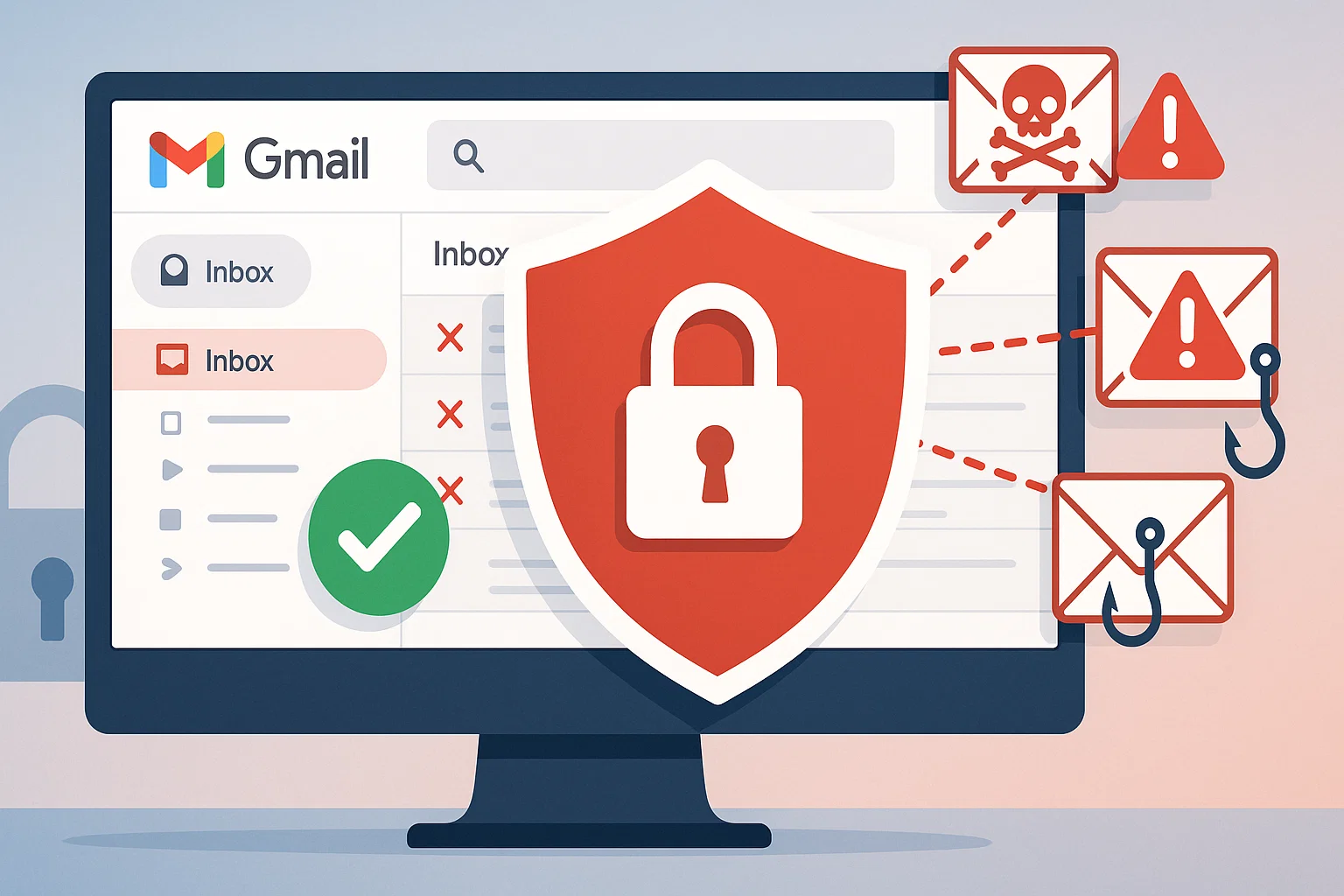
How to Block Phishing Emails in Gmail: A Complete Guide - TechMag. It gives the article a little more context before the image collection begins.
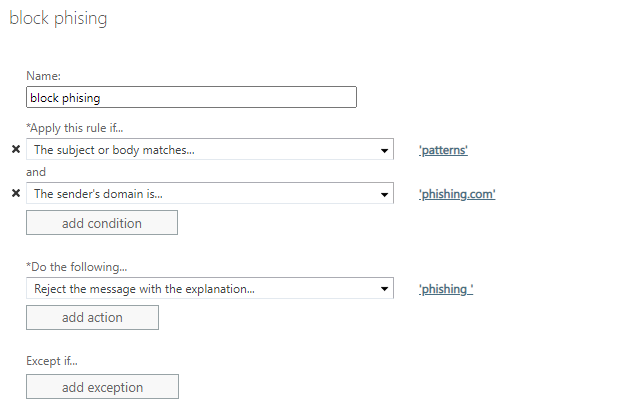
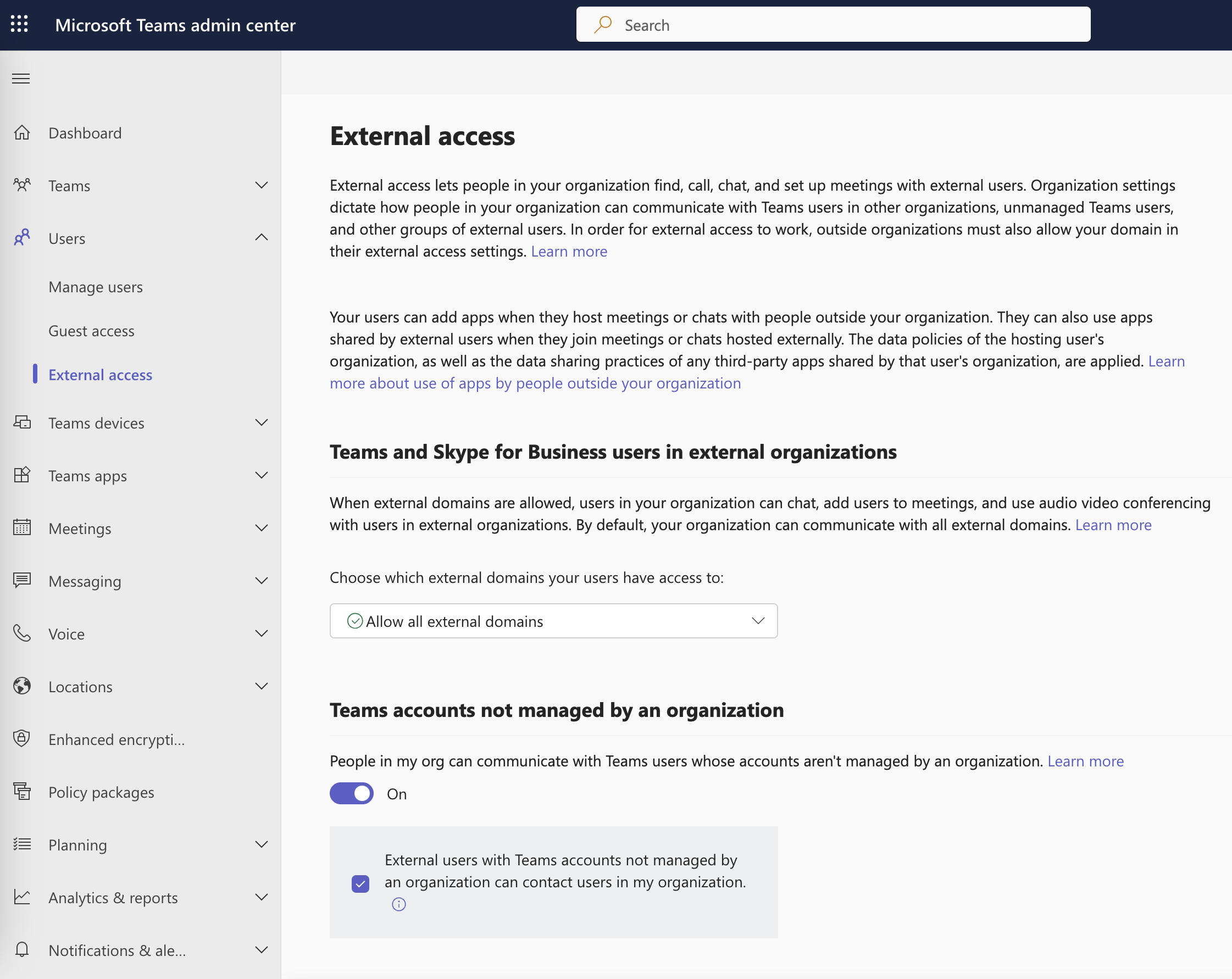
How To Block Phishing Emails In Office 365 Admin Portal - Printable. It works as a short bridge between the article summary and the gallery section.
Looking at multiple sources also helps separate the main idea from small decorative details.
These notes are added so the page offers more than images and gives each visitor a clearer reason to keep reading.