PDF Health, Safety & Wellbeing Reporting
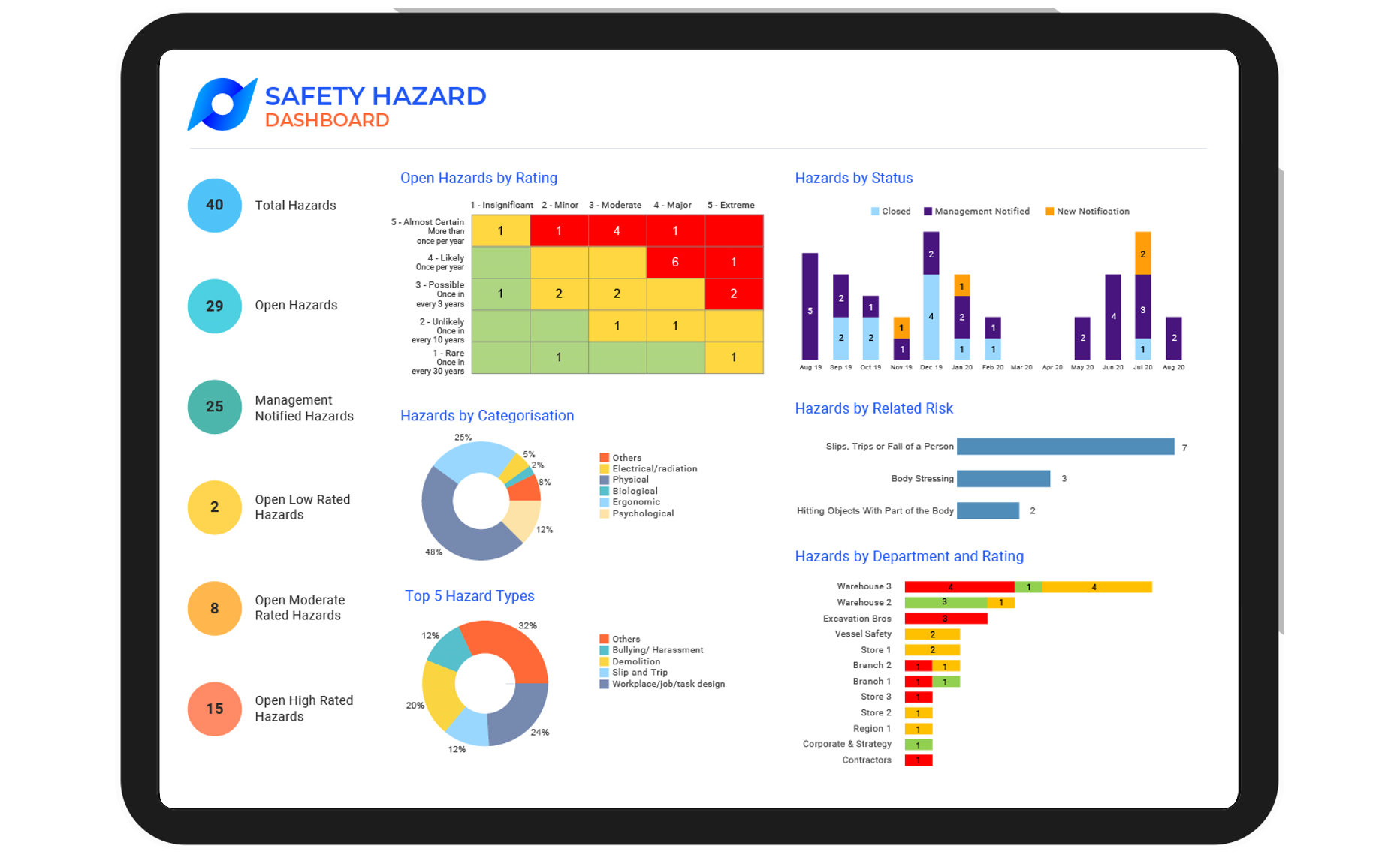
Health, safety & wellbeing ( HSW ) reporting supports open discussion, ensures risks and safety challenges are shared without limitation. The HSW system requires transparency, worker insights and learning as the keys to continued and sustainable improvement in HSW performance.

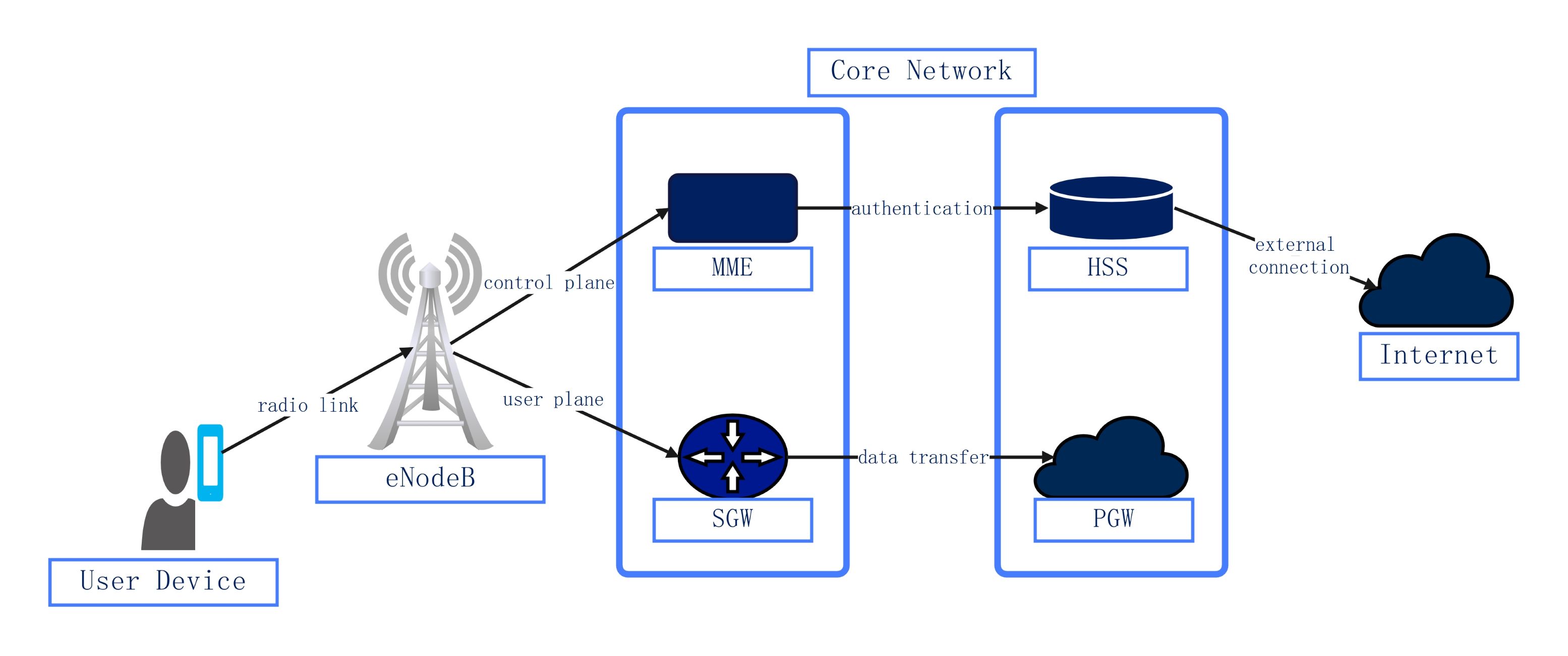
This particular example perfectly highlights why Configuring G Network For Hsw System Reporting is so captivating.
To use application partitions on the Luna Network HSM 7, you must first install Luna HSM Client on the client system . This section guides you through the client software installation procedure for your supported operating system , and provides information on configuring the client software for your organization's needs.

Such details provide a deeper understanding and appreciation for Configuring G Network For Hsw System Reporting.
Health, Safety and Wellness Division ( HSW Division) (34) The HSW Division will monitor and review health and safety risks across UQ and facilitate the ongoing effectiveness of the occupational health and safety management system . The HSW Division will be supported in this effort by management and the HSW network .

The system also allows for incident investigations, office inspections, HSW meeting documentation and workers compensation claims and injury management processes. Ahpra is committed to identifying, assessing and monitoring psychosocial hazards and is planning to undertake an enterprise-wide psychosocial risk assessment to achieve this.
PDF Microsoft Word
Configuring the Module onto the Ethernet Network The Ethernet module should be configured onto the Ethernet network from the Galaxy control panel. To configure the module enter the communications menu option 56 and select 4=Ethernet. Option 01 - Module Config allows for the following options to be programmed.
Understanding Configuring G Network For Hsw System Reporting Before the Gallery
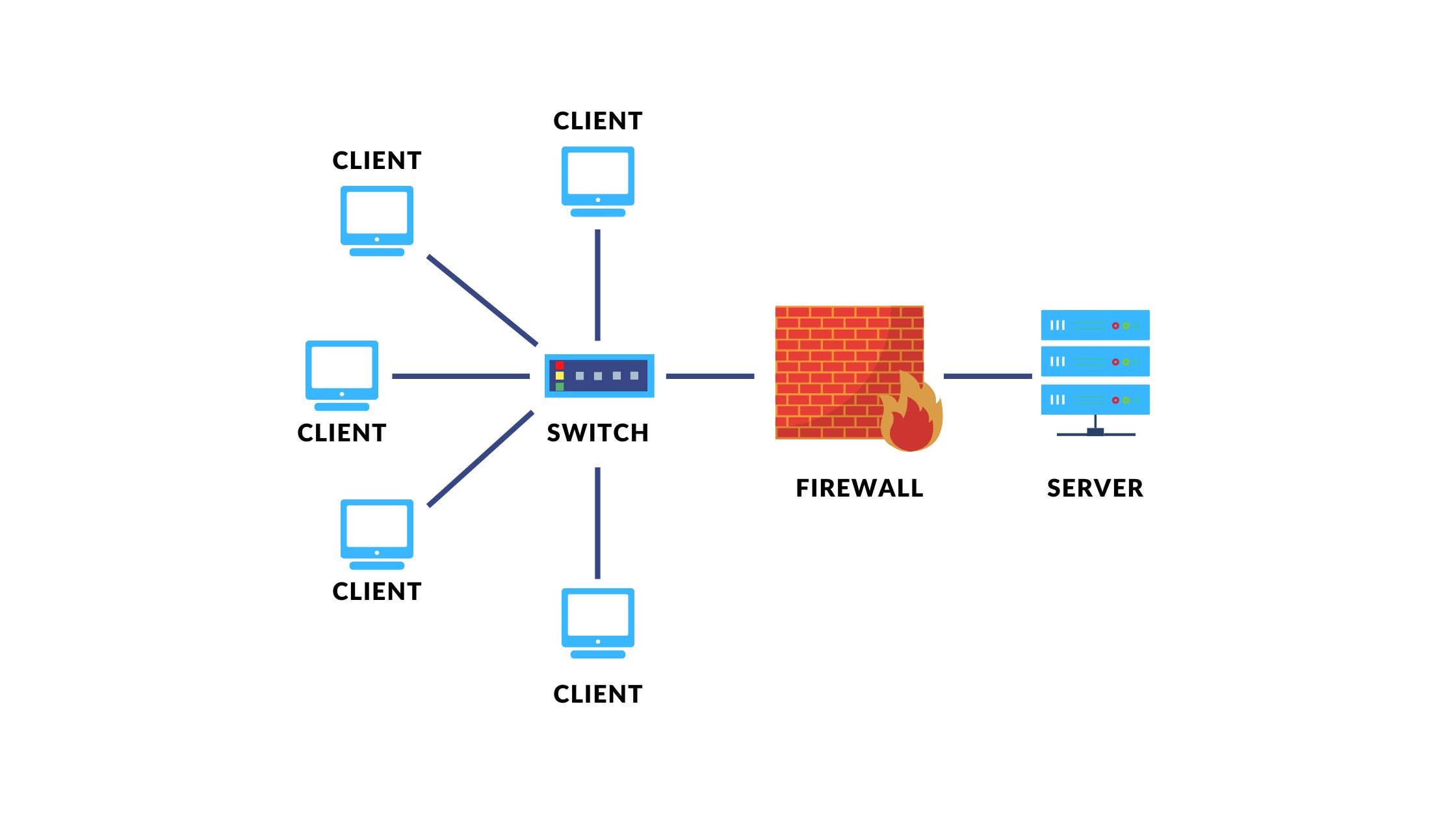
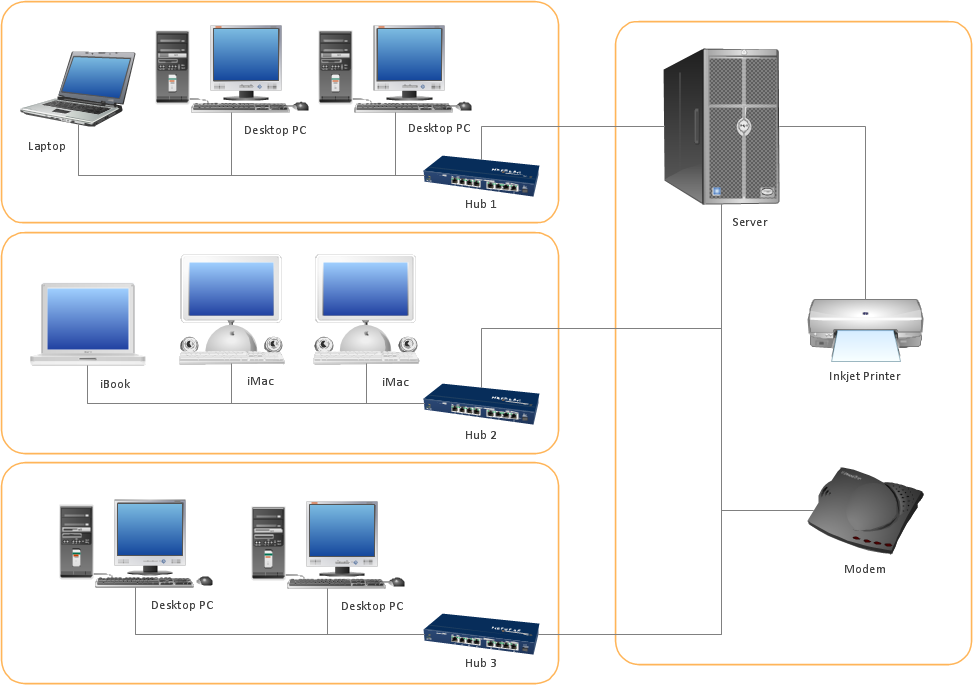
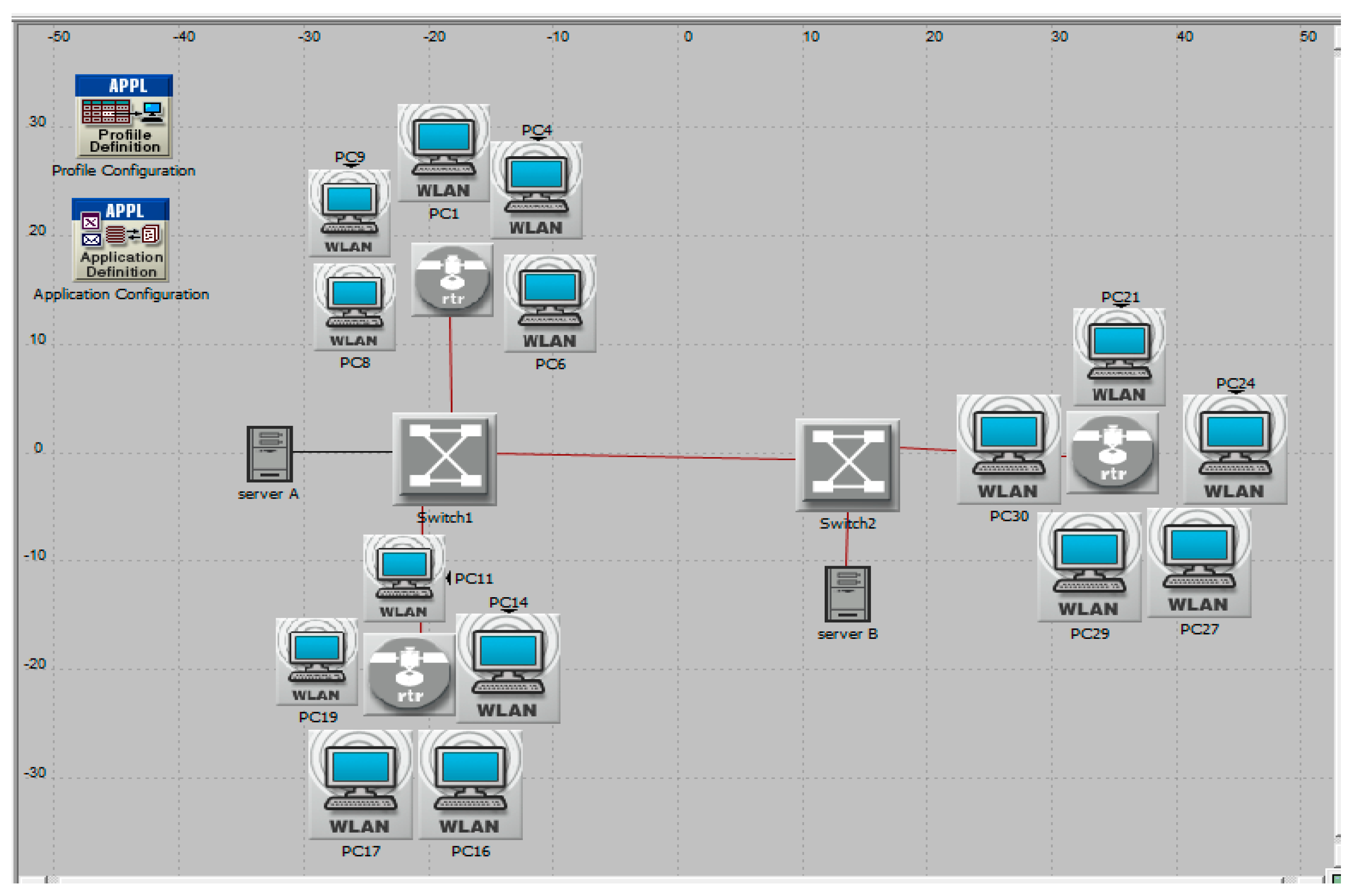
Configure Trunk Between Switch And Router at Matthew Elmore blog. For Configuring G Network For Hsw System Reporting, this point helps readers notice the most relevant visual details before moving into the gallery.
SOLUTION: Chapter 6 configure network operating system 2022 - Studypool. This note connects the source idea with the visuals in a simple, reader-friendly way.
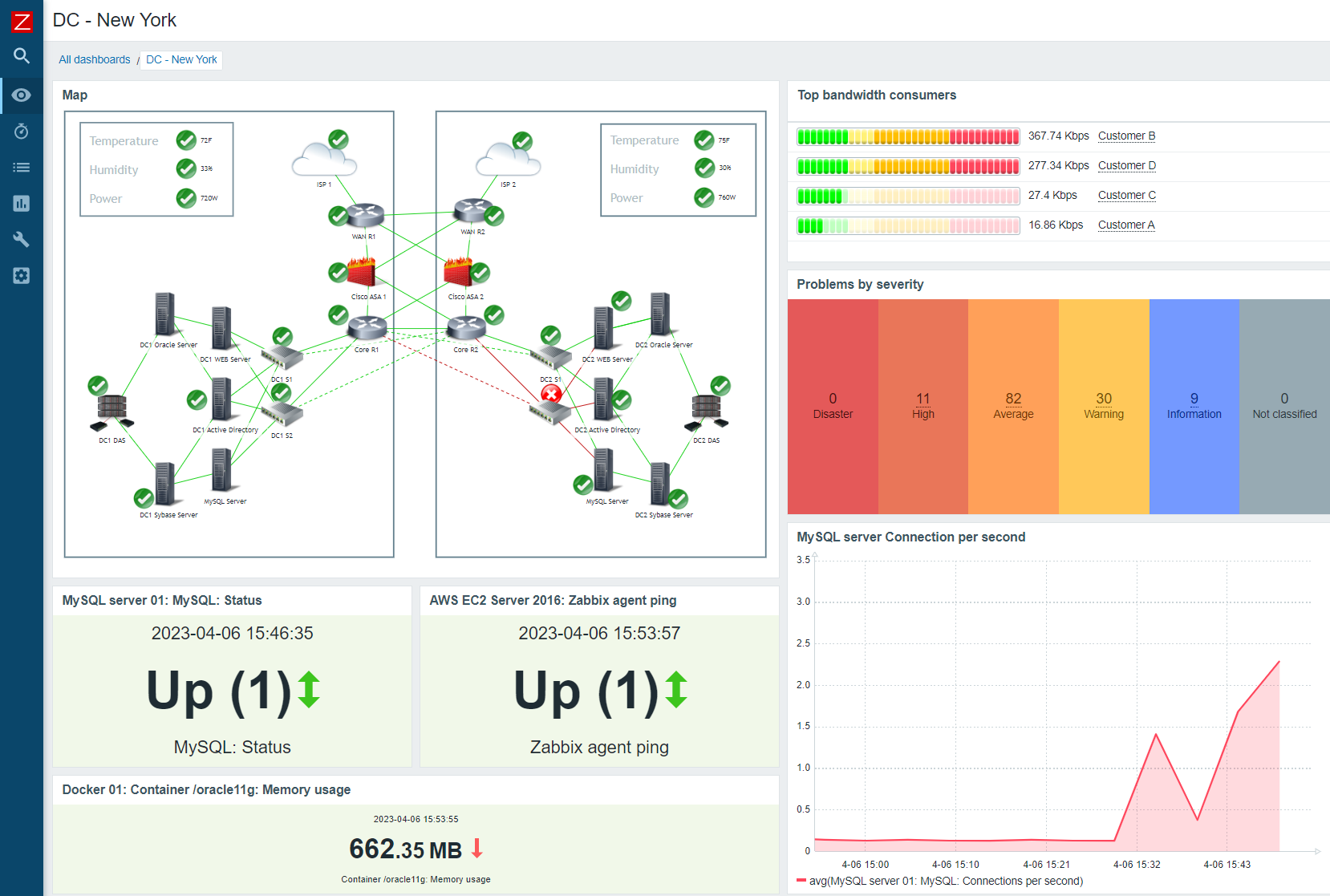
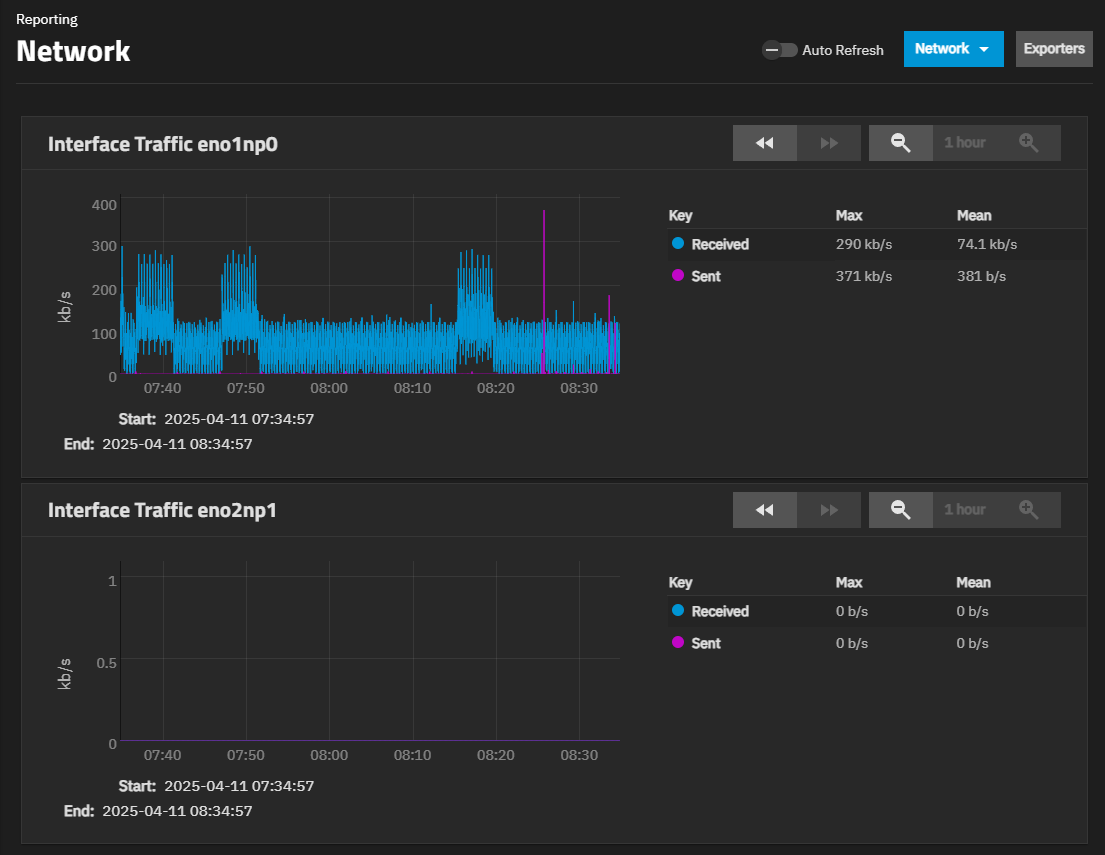
Configuring Network Plot Queues | PDF. It works as a short bridge between the article summary and the gallery section.
Looking at multiple sources also helps separate the main idea from small decorative details.
These notes are added so the page offers more than images and gives each visitor a clearer reason to keep reading.