Create and Use a Bootable Windows 1011 Recovery USB to Repair Startup
📎 AI Summary: The thread focuses on how to create and use a bootable Windows 10 /11 recovery USB to troubleshoot and repair a PC that won't start (e.g., boot loops or failed "Automatic Repair "), including when to use WinRE tools versus full installation media. The main guidance answers key questions about prerequisites (USB size, admin rights, boot key), choosing the right media ...
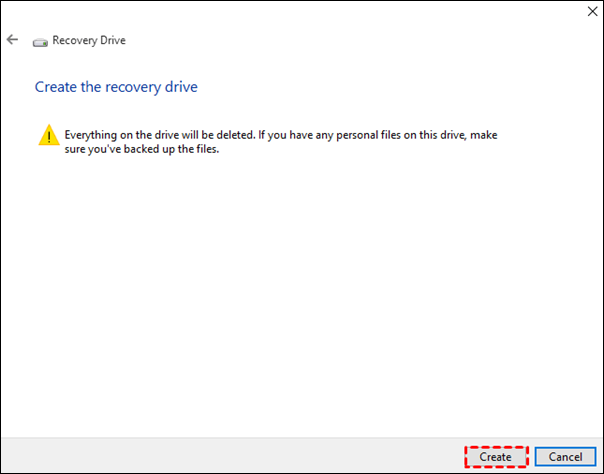
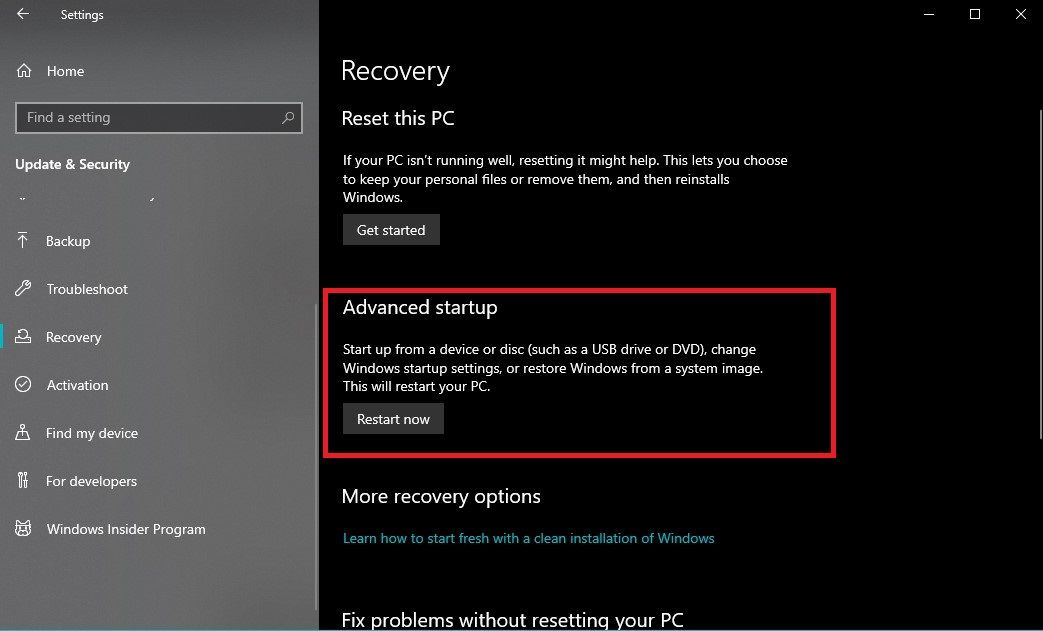
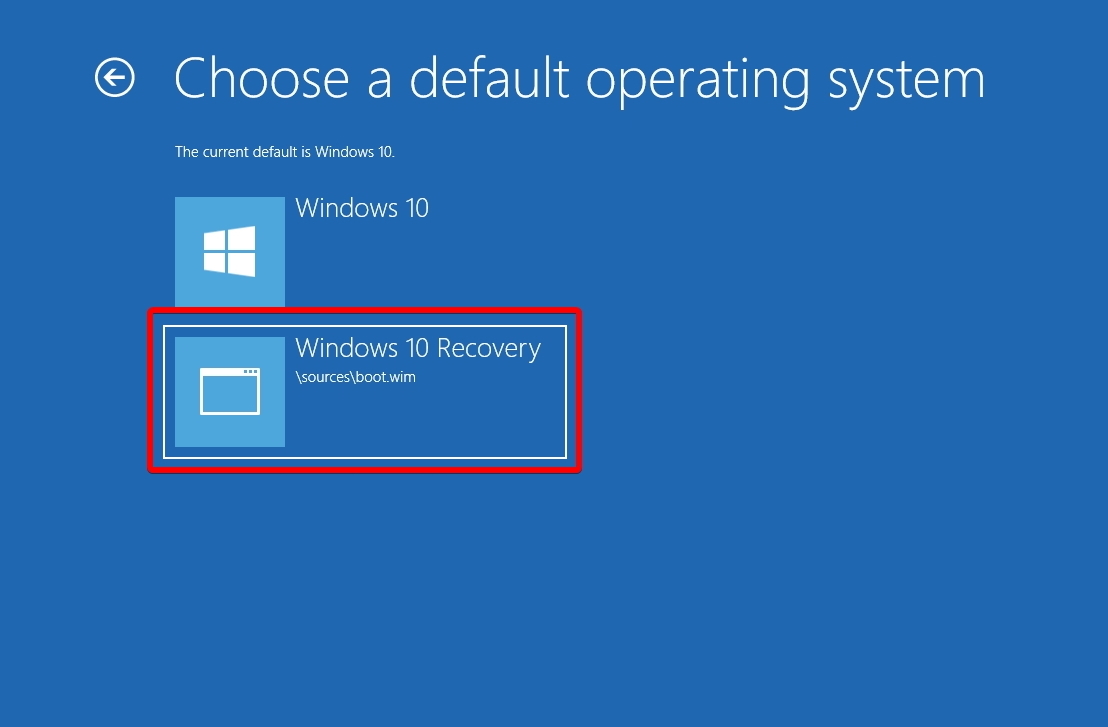
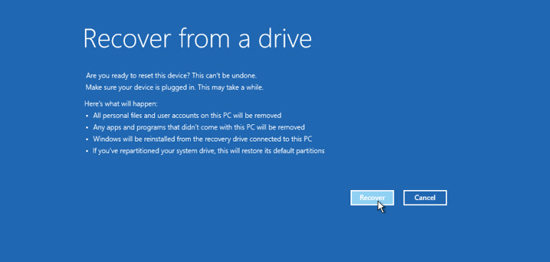
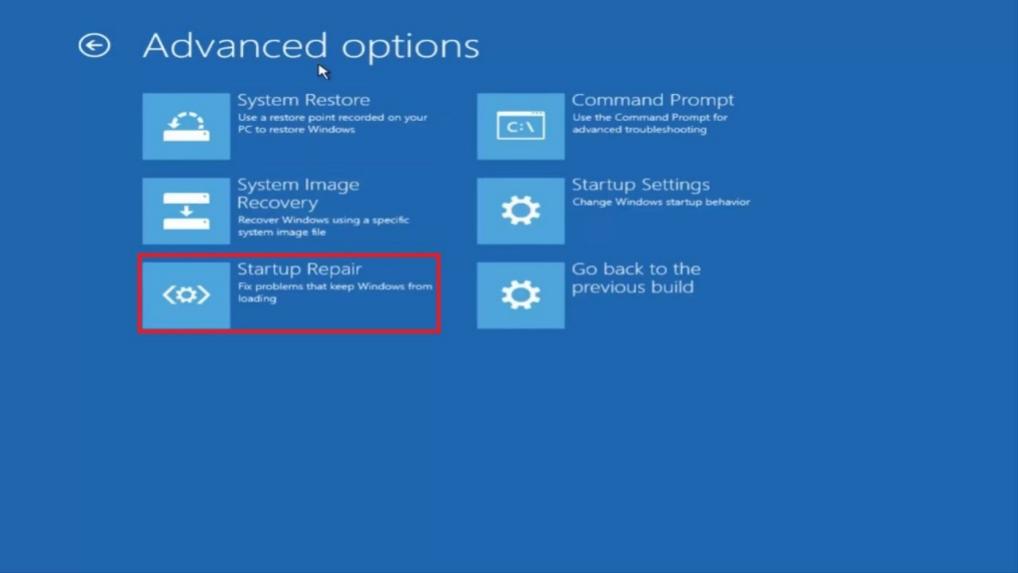
Furthermore, visual representations like the one above help us fully grasp the concept of Create Windows 10 Recovery S Boot And Repair.
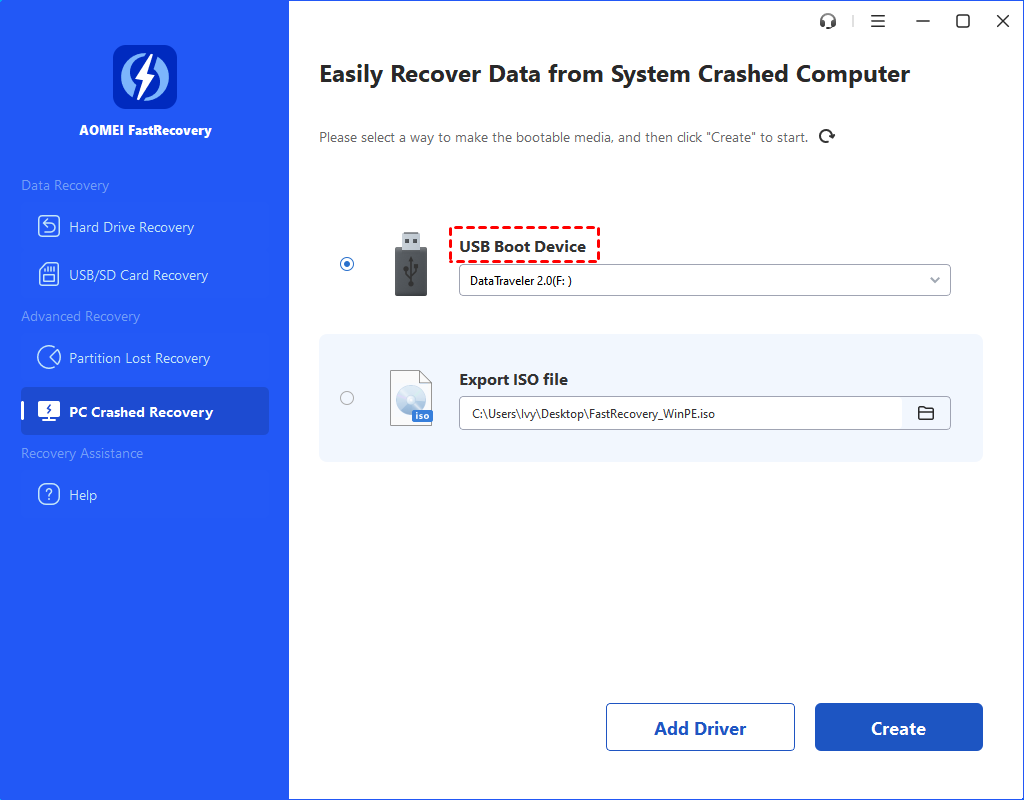
Create Windows 10 Repair USB for Another PC
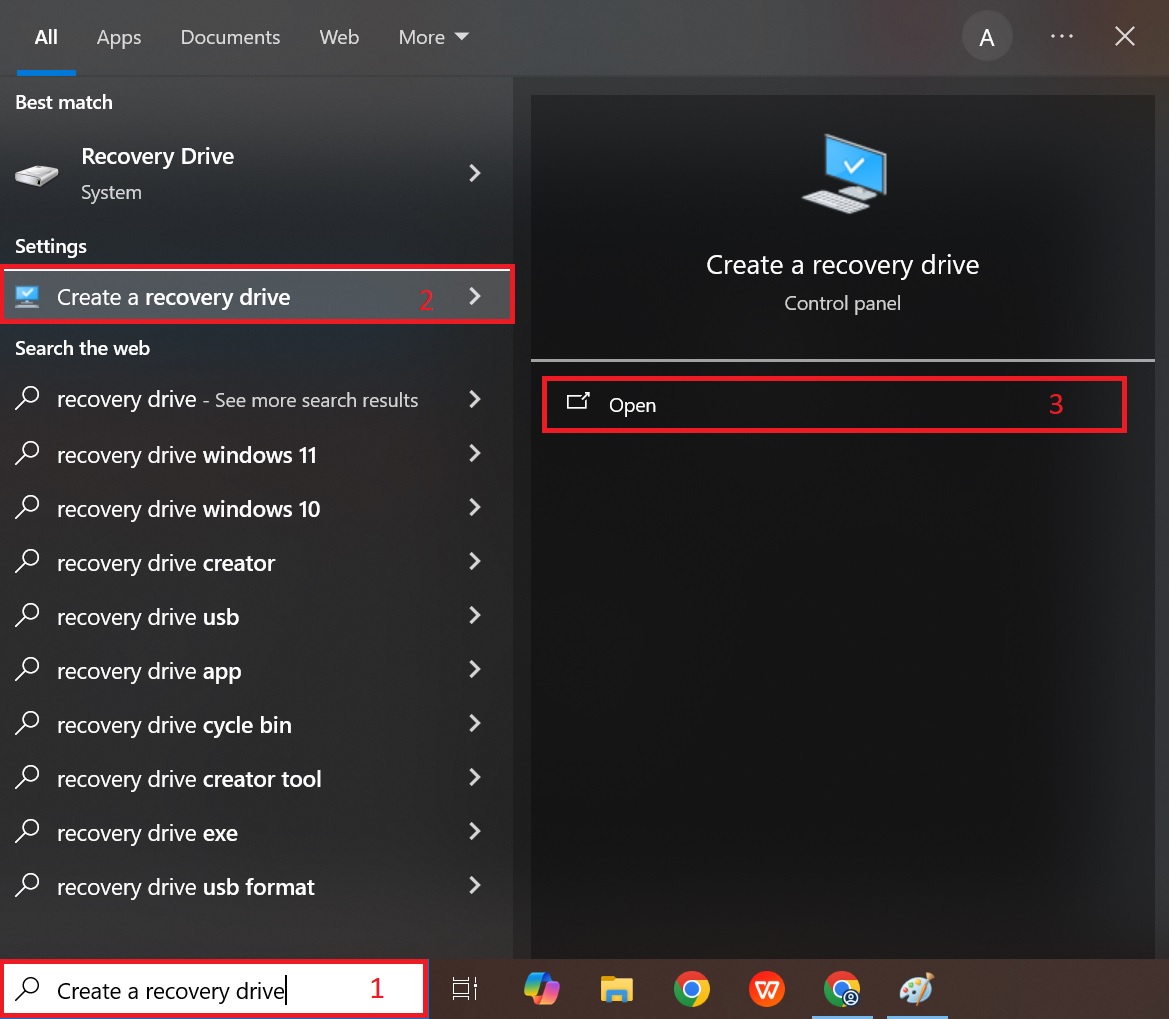
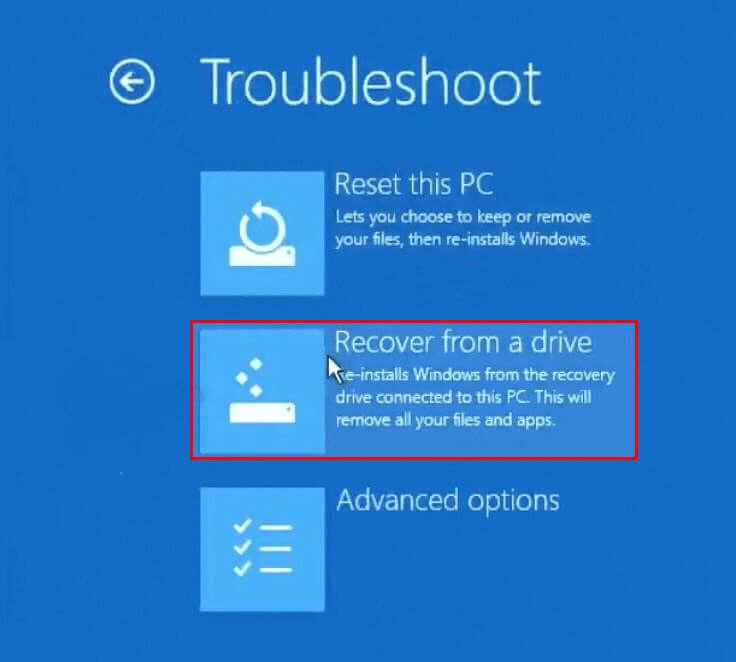
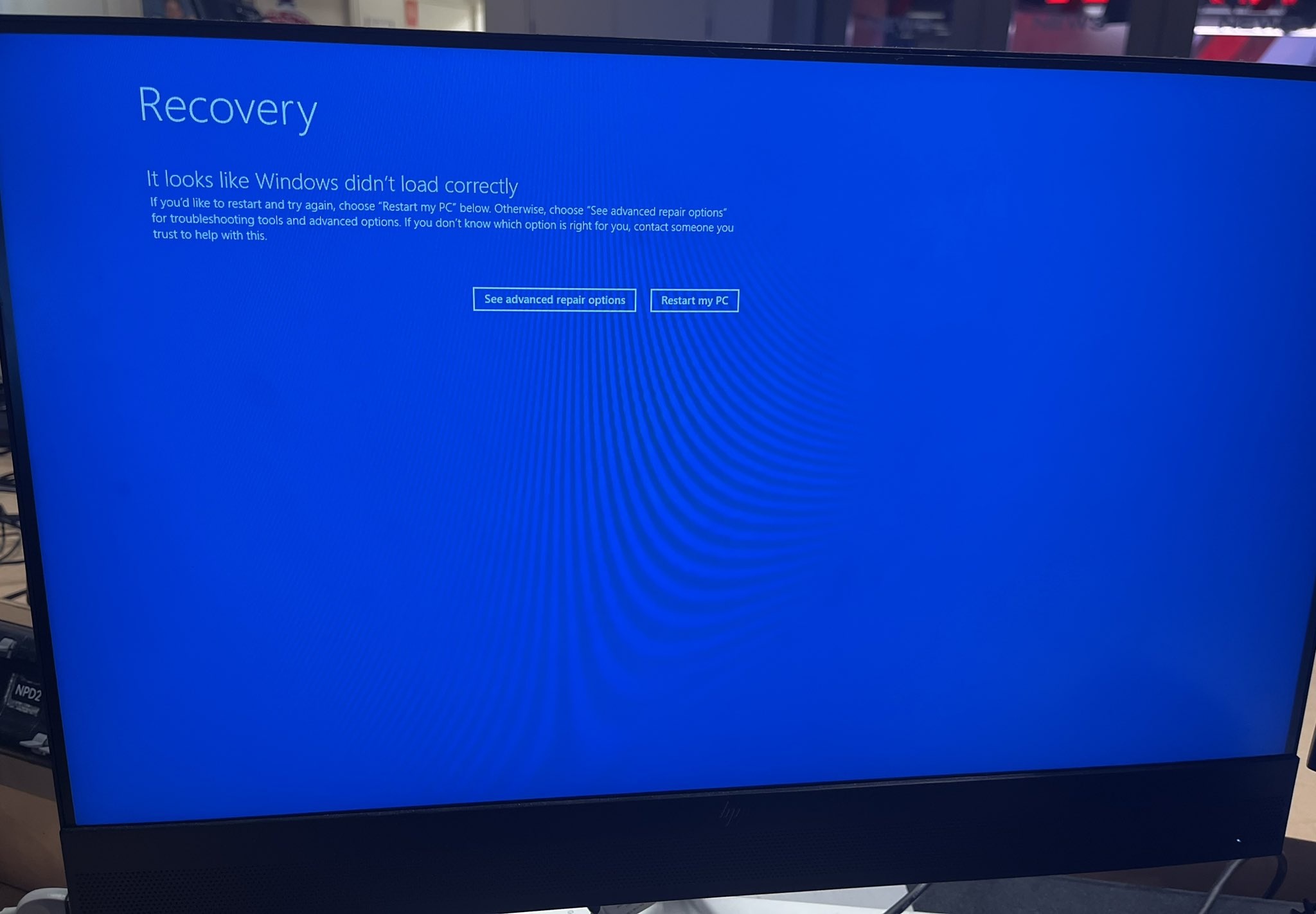
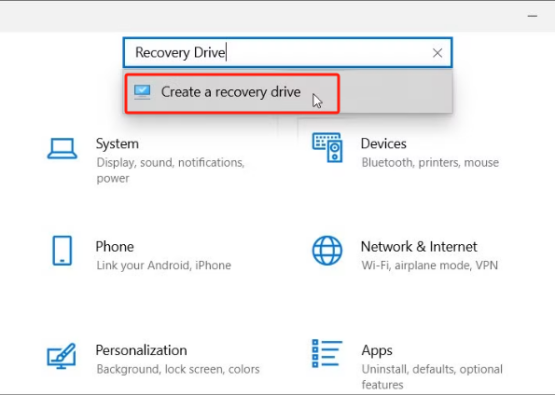
Create Windows 10 Repair USB for Another PC - 3 Ways Included If your computer fails to boot all of a sudden, you can create a recovery USB drive on another working computer and then use it to repair your current PC. Learn how to create a Windows 10 repair USB for another PC in detail below.

This particular example perfectly highlights why Create Windows 10 Recovery S Boot And Repair is so captivating.
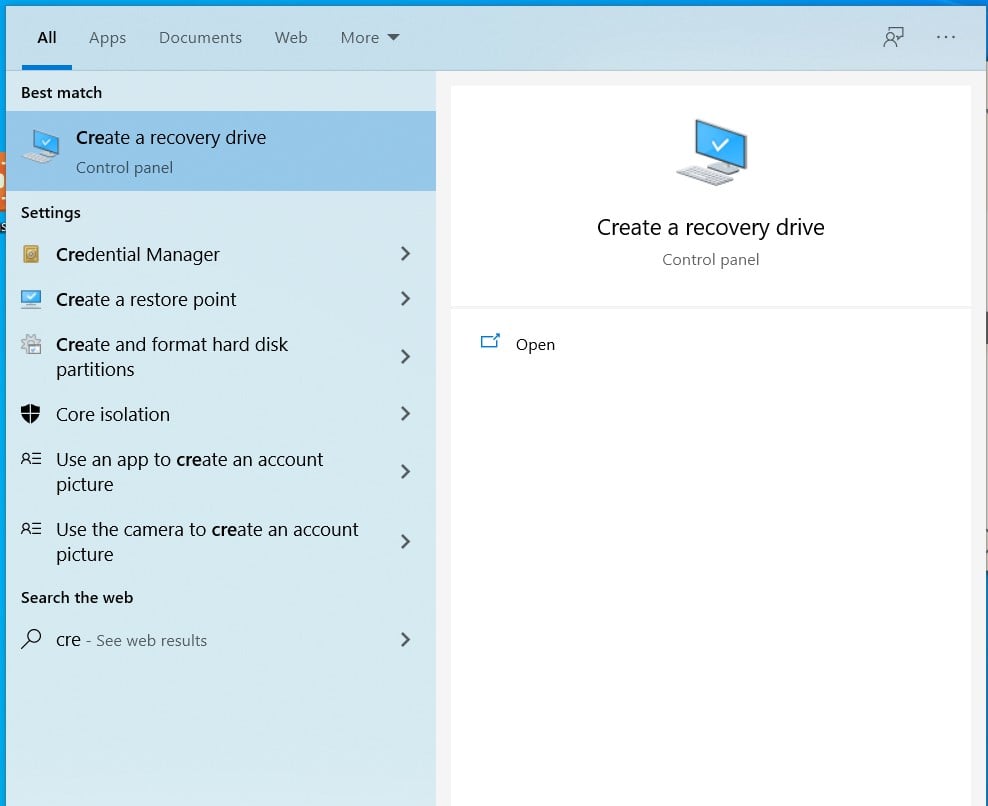
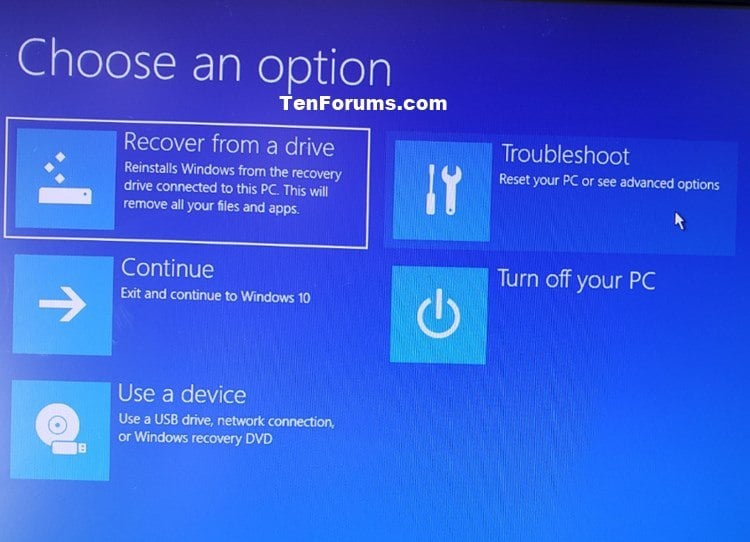
A created 32-bit USB recovery drive can only be created in a 32-bit Windows 10 and used to repair a 32-bit Windows 10 . A created 64-bit USB recovery drive can only be created in a 64-bit Windows 10 and used to repair a 64-bit Windows 10 . If you have Windows booted in Safe Mode, then you will not be able to create a recovery drive.
Create a Windows 10 Recovery Disk for Another PC
Learn how to use Windows' built-in tools and recovery software to create a Windows 10 recovery disk for another PC, ensuring the recovery disk works for fixing boot issues, system crashes, or restoring the other PC. Perfect for beginners to get it done easily.
Additional Notes on Create Windows 10 Recovery S Boot And Repair
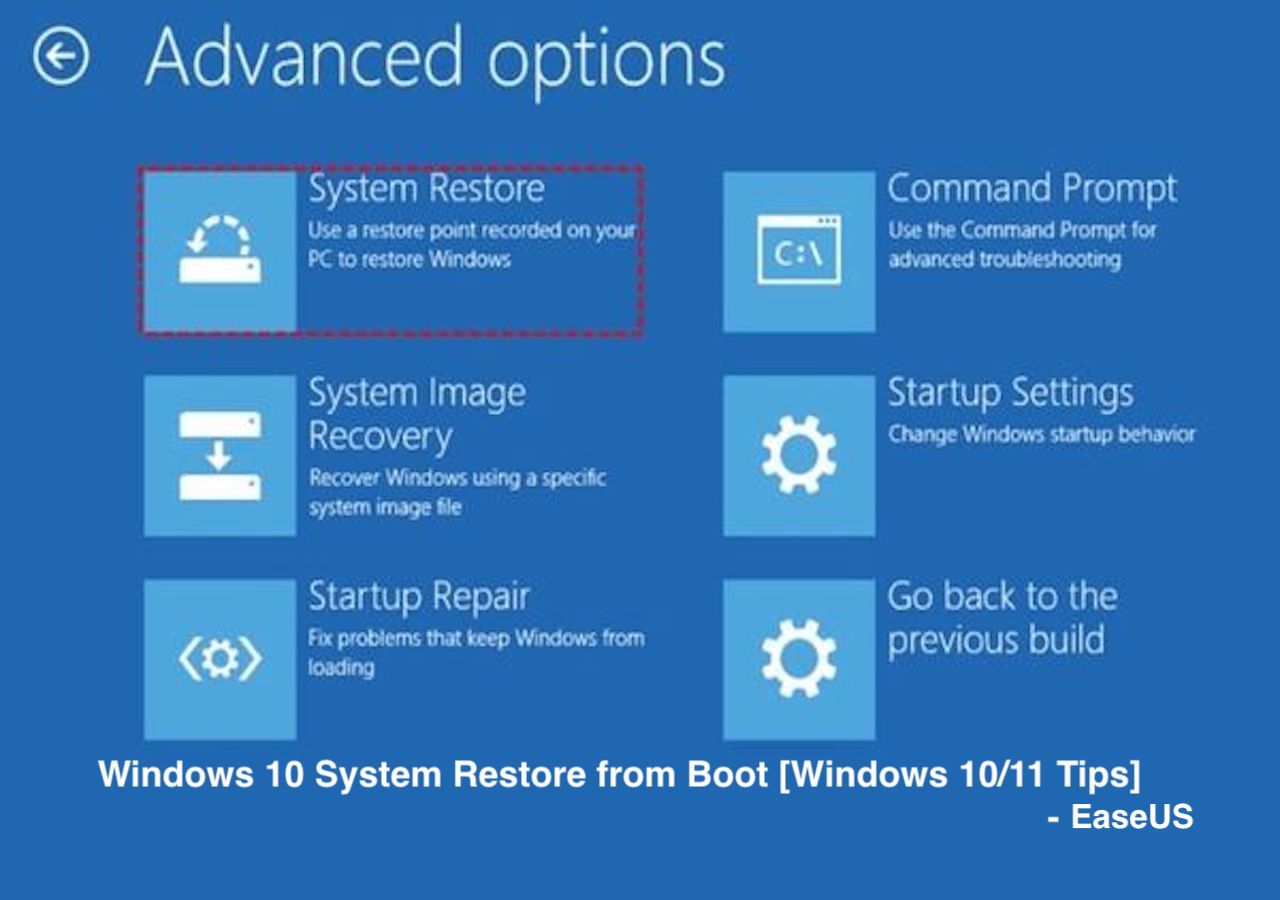
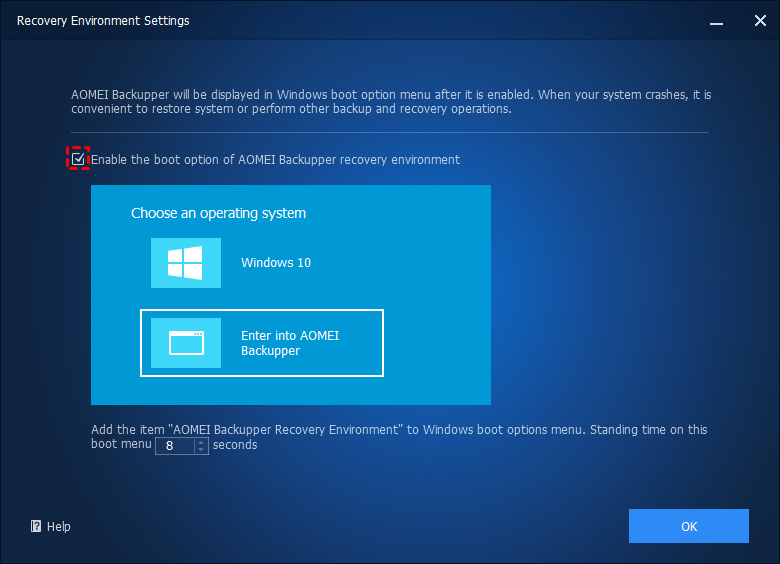
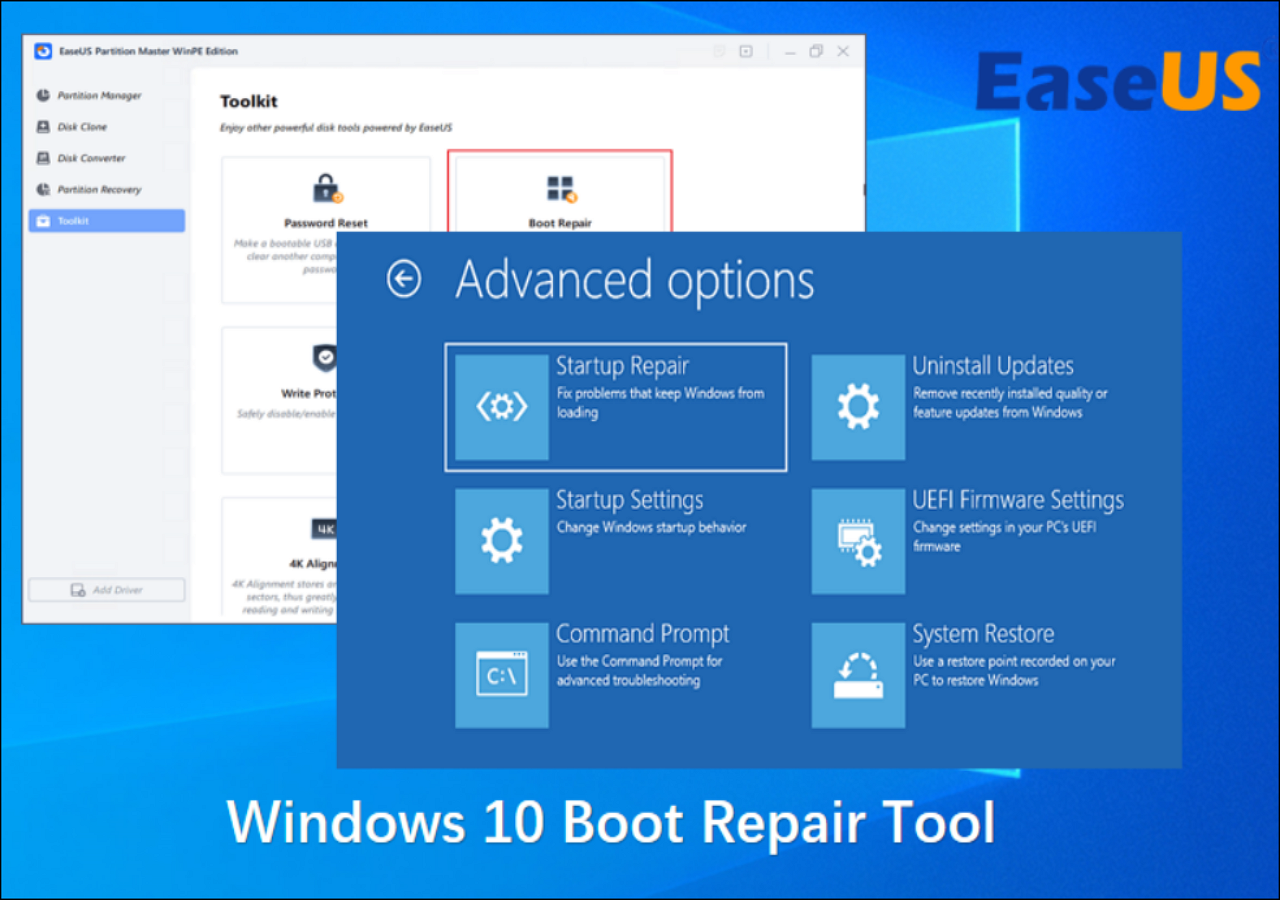
Windows Boot Manager Restore at Thomas Mould blog. For Create Windows 10 Recovery S Boot And Repair, this point helps readers notice the most relevant visual details before moving into the gallery.
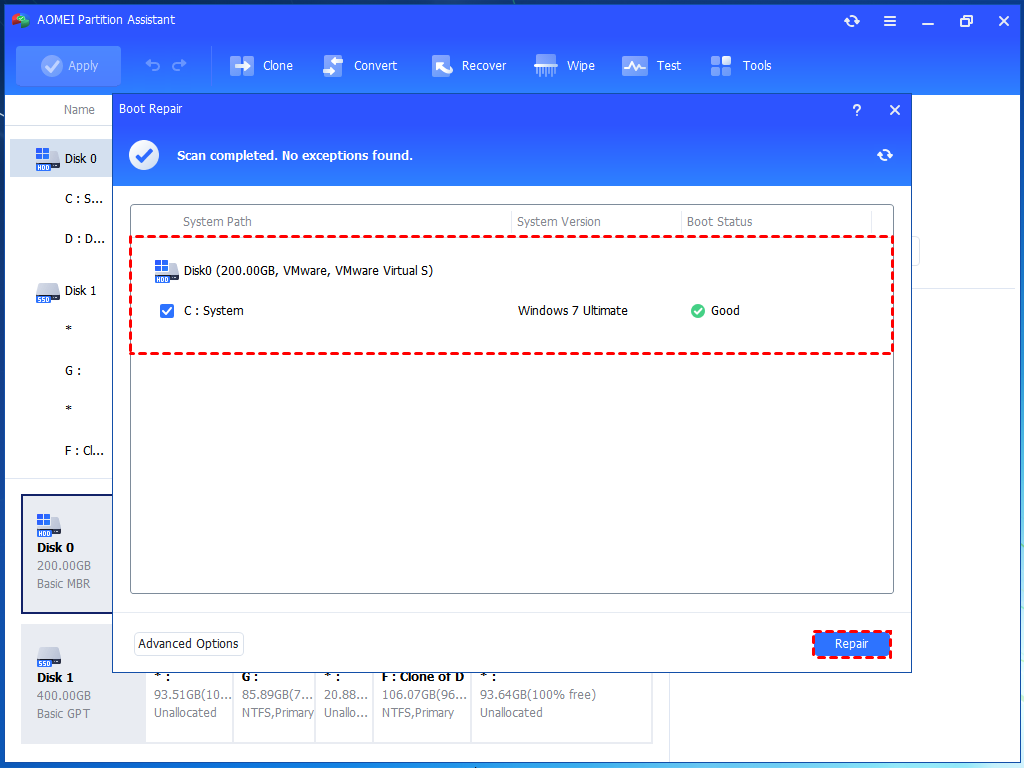
Windows Boot Manager Repair Tool at Steven Brothers blog. It gives the article a little more context before the image collection begins.
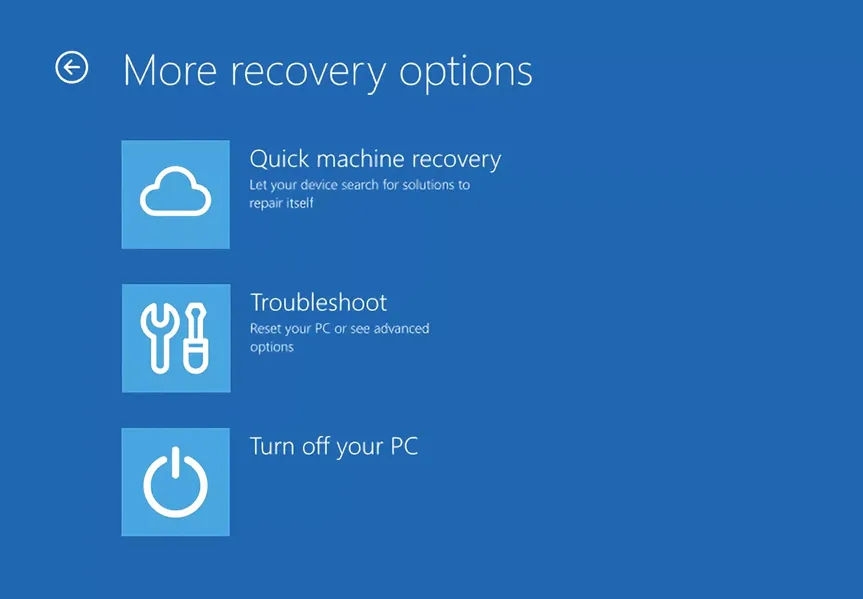
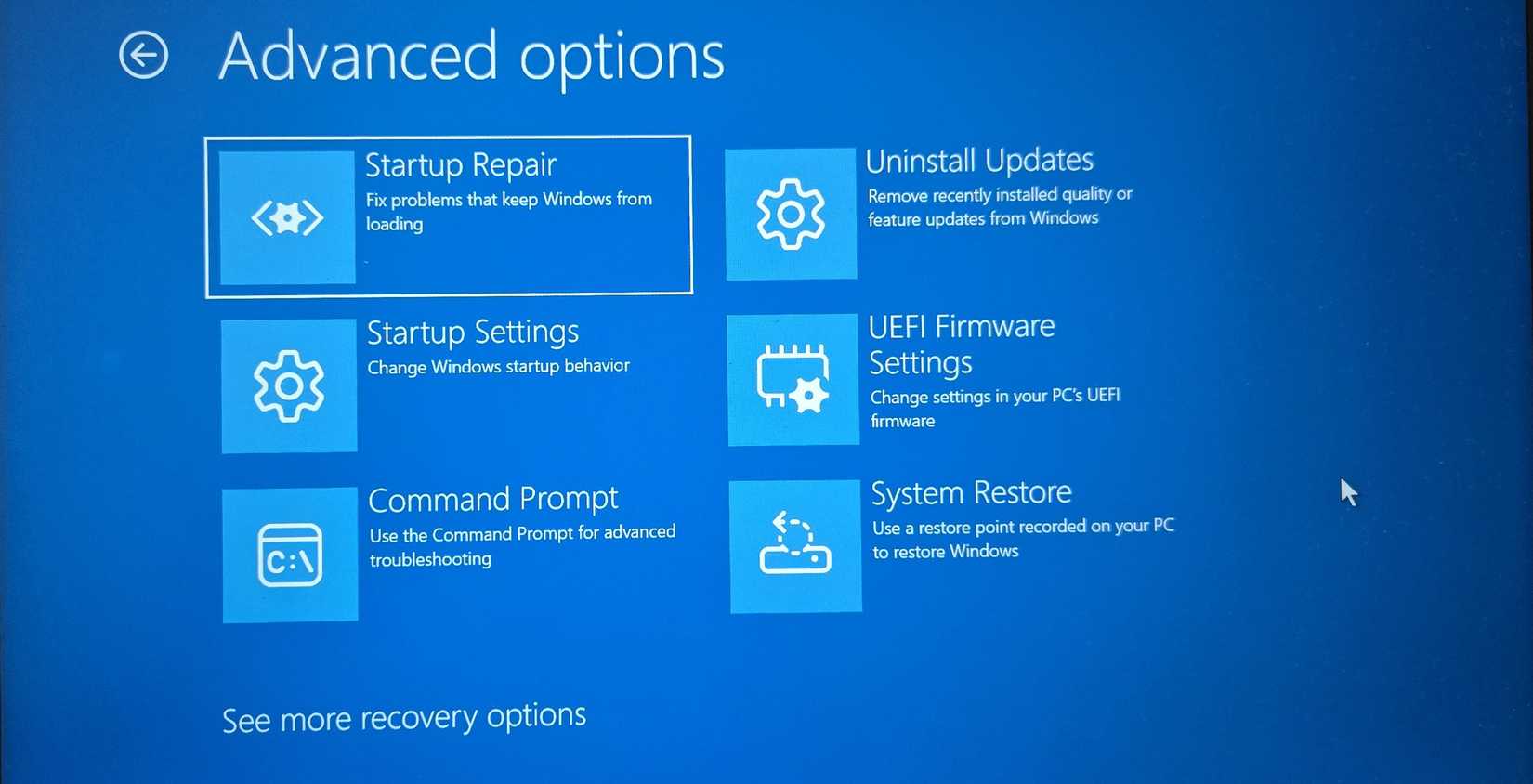
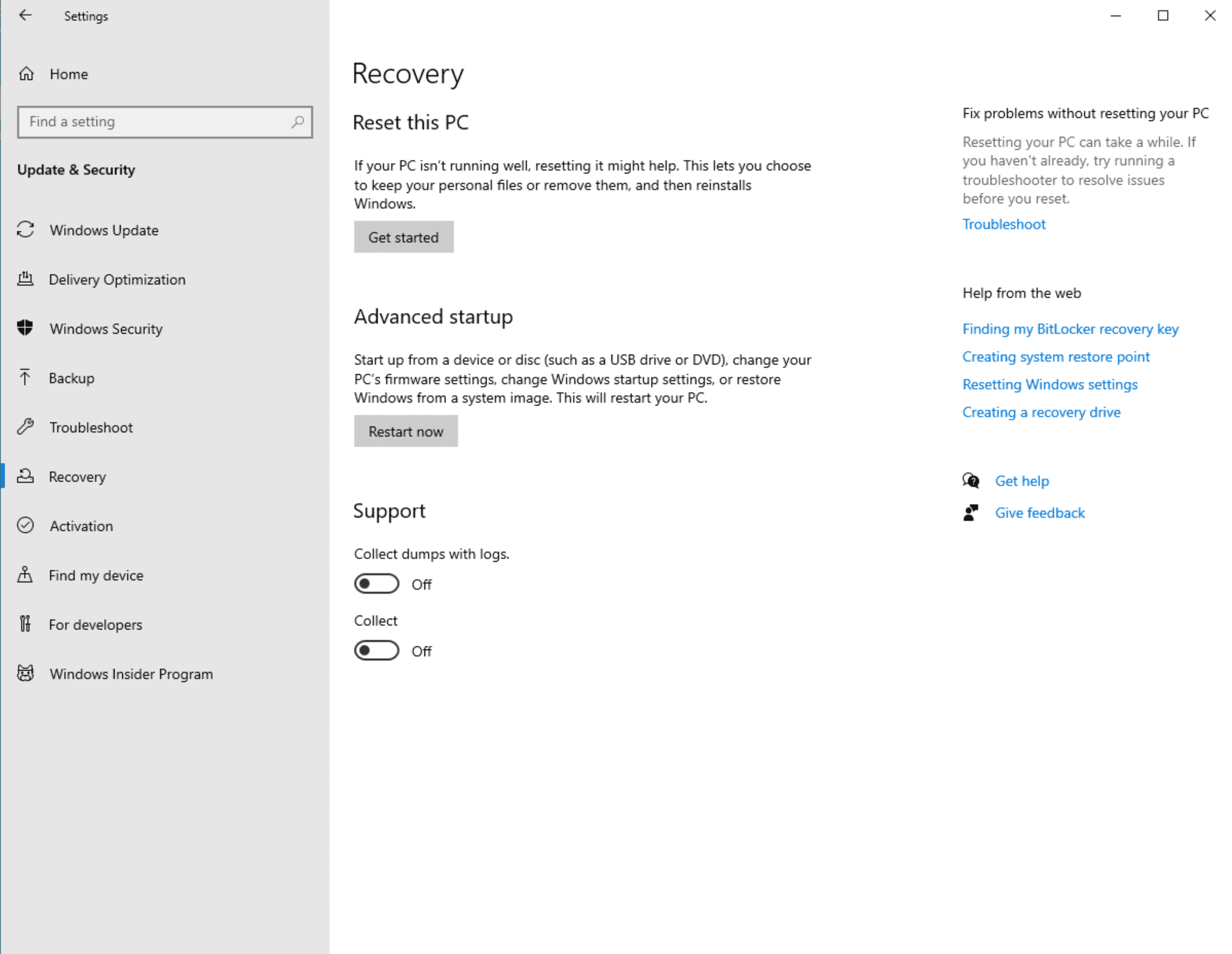
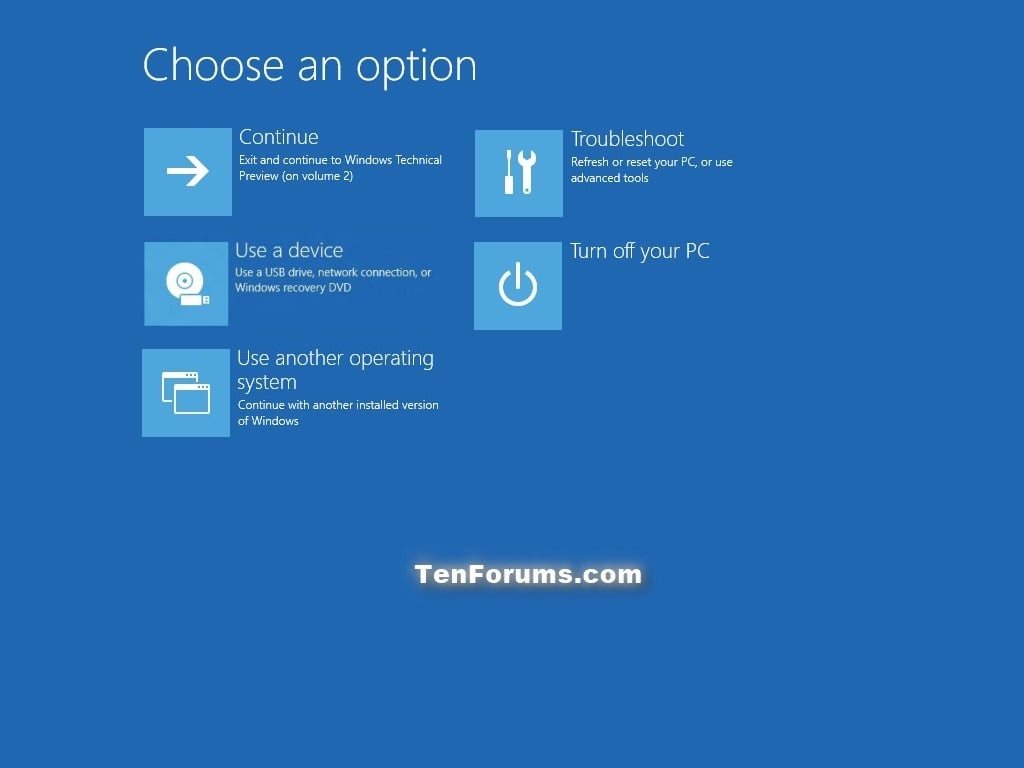
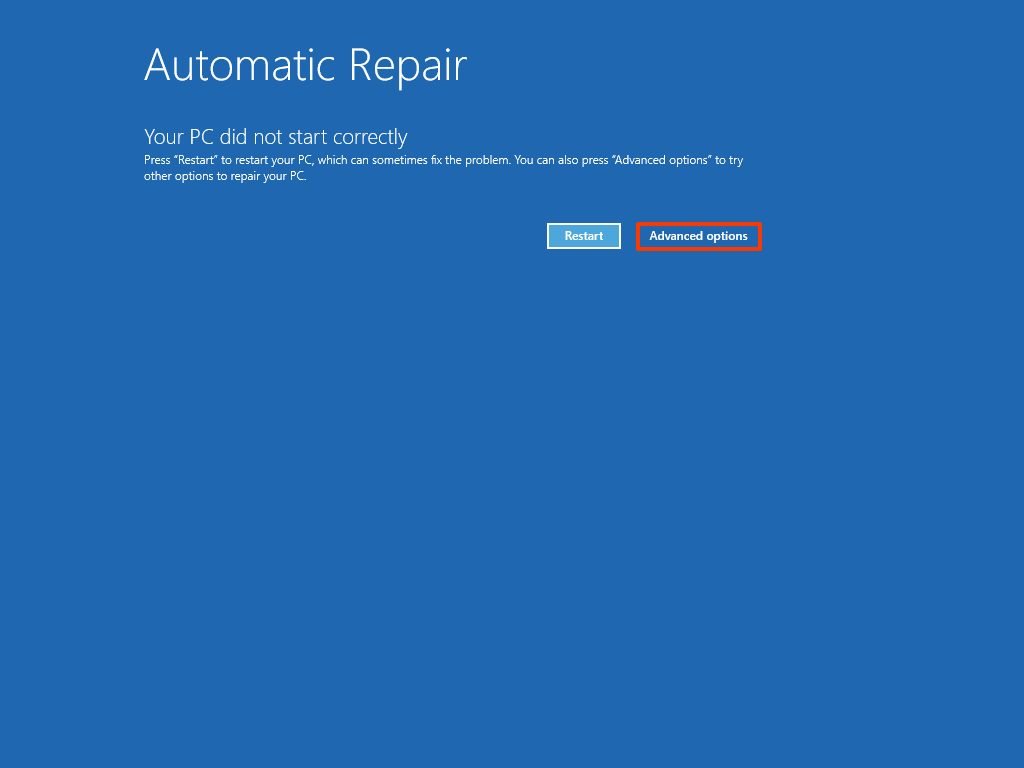
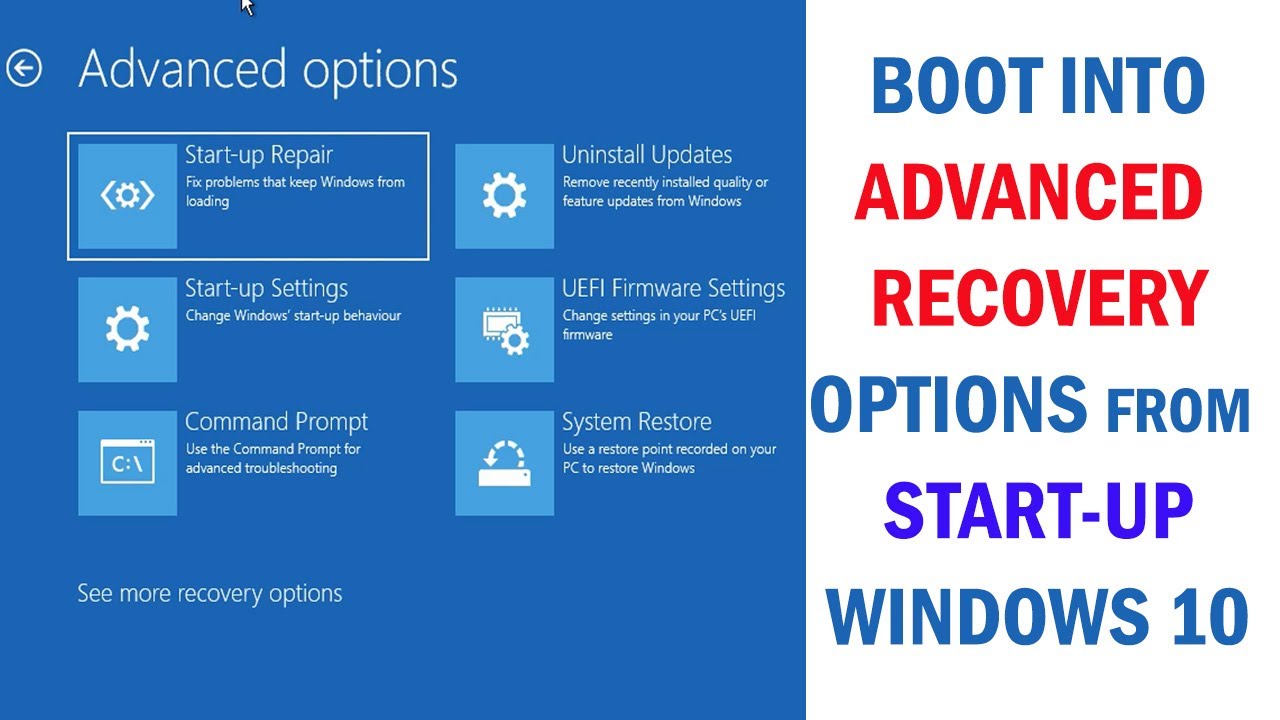
How to boot into Automatic repair or recovery on Windows 10 - YouTube. This note connects the source idea with the visuals in a simple, reader-friendly way.
Looking at multiple sources also helps separate the main idea from small decorative details.
These notes are added so the page offers more than images and gives each visitor a clearer reason to keep reading.