Connecting to a WAN Using a Dynamic IP Address
Networking Requirements Users need to connect to a WAN using dynamic IP addresses. In Figure 1-512, an enterprise automatically obtains an IP address from a carrier and connects to the Internet through the router . The internal network gateway IP address , namely, the IP address of VLANIF 1, is 10.137.32.1/24.
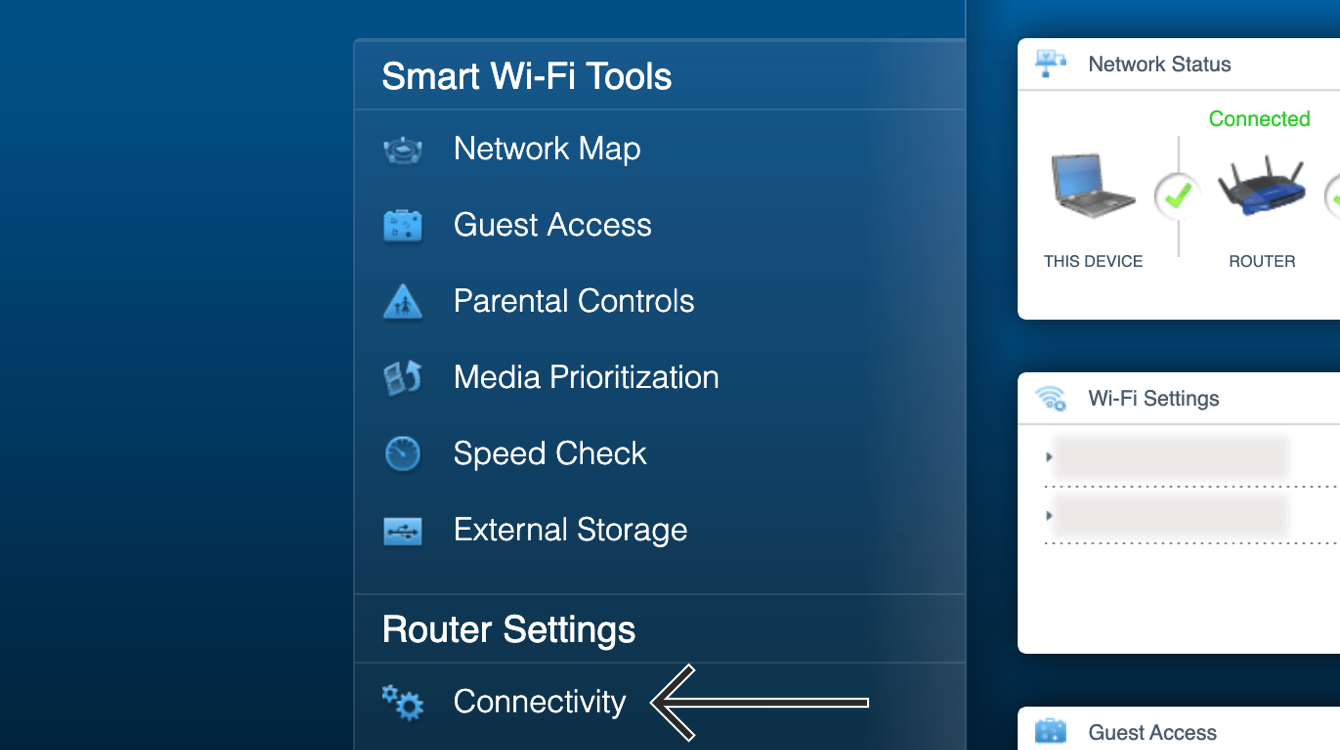
As we can see from the illustration, Dynamic Ip Wan Address On Router has many fascinating aspects to explore.
D-Link Router Setup for Dynamic IP Address Unplug the power to the DSL modem and shut down the computer Take the cable out of the existing computer and plug it into the WAN port on the router . Take the cable that came with your router and plug it into the computer and one of the LAN ports (numbered) of the router .

This particular example perfectly highlights why Dynamic Ip Wan Address On Router is so captivating.
LAN For LAN configuration, you can configure the LAN IP address and DHCP ( Dynamic Host Configuration Protocol) server. With its DHCP server enabled, the router can automatically assign IP addresses to hosts in the LAN. IPTV IPTV services is based on the Internet protocol, rather than through traditional satellite signal or cable transmission.

As we can see from the illustration, Dynamic Ip Wan Address On Router has many fascinating aspects to explore.
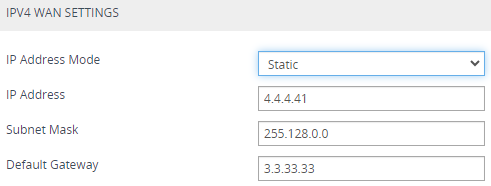
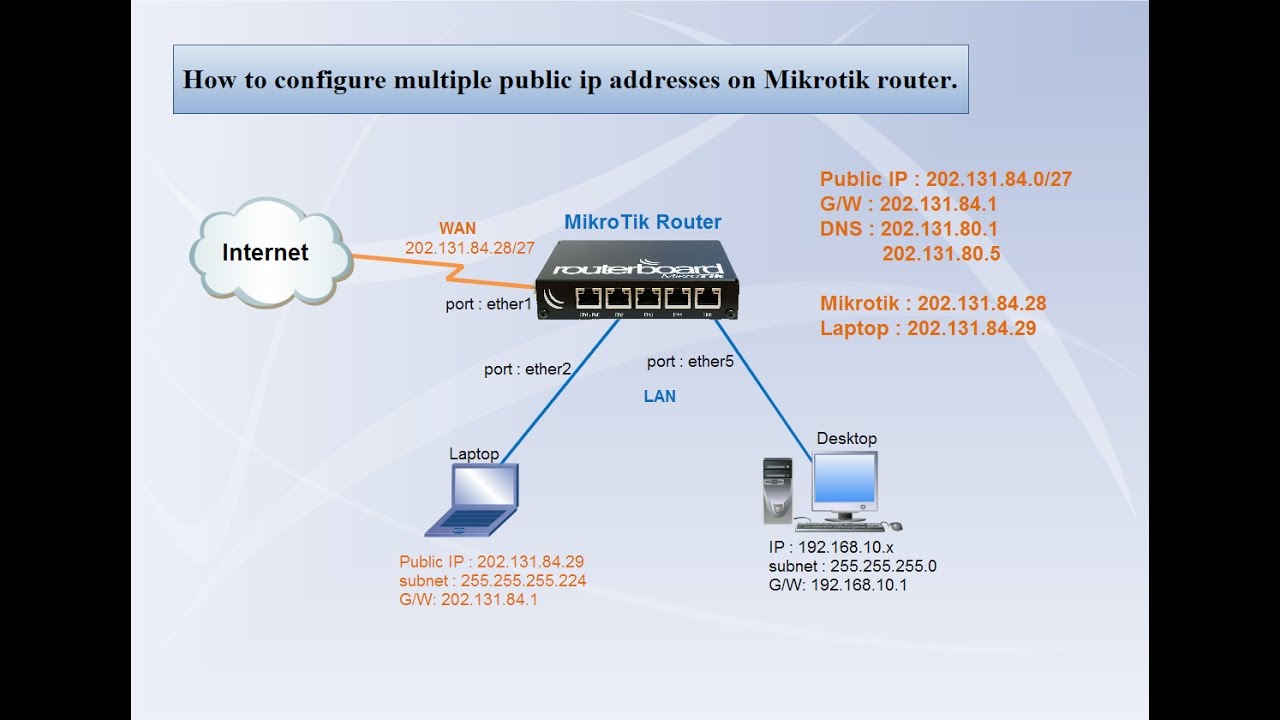
The exception is for any device that has the TCP/ IP settings manually configured with an "assignable" WAN IP address from your block. The Public LAN Subnet option tells the modem to assign all devices on the network an assignable WAN IP address from your block of leased addresses. Complete the steps above for dynamic or single static IP .
My ISP Gave me DYNAMIC IP how to set on WAN interface
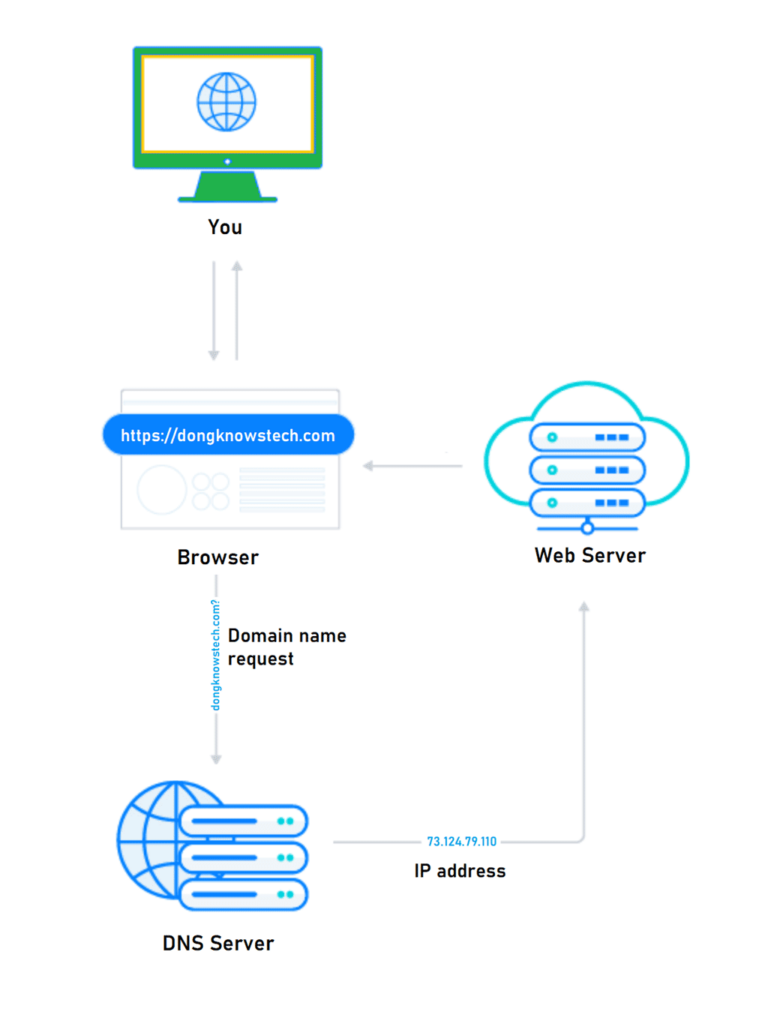
On the WAN side, you want your router to be a DHCP Client (it asks for an IP from your ISP). On the LAN side, you want your router to be a DHCP Server (it gives out IPs to the clients that ask for them - your computers, phones, etc).
Understanding Dynamic Ip Wan Address On Router Before the Gallery
Dynamic IP Addresses in Business Broadband | Explained. This note connects the source idea with the visuals in a simple, reader-friendly way.
Why my TP-Link Router gets a WAN IP from the modem but no internet access?. It gives the article a little more context before the image collection begins.
How do I install a TP-Link router to work with a DSL modem (Dynamic IP)?. This note connects the source idea with the visuals in a simple, reader-friendly way.


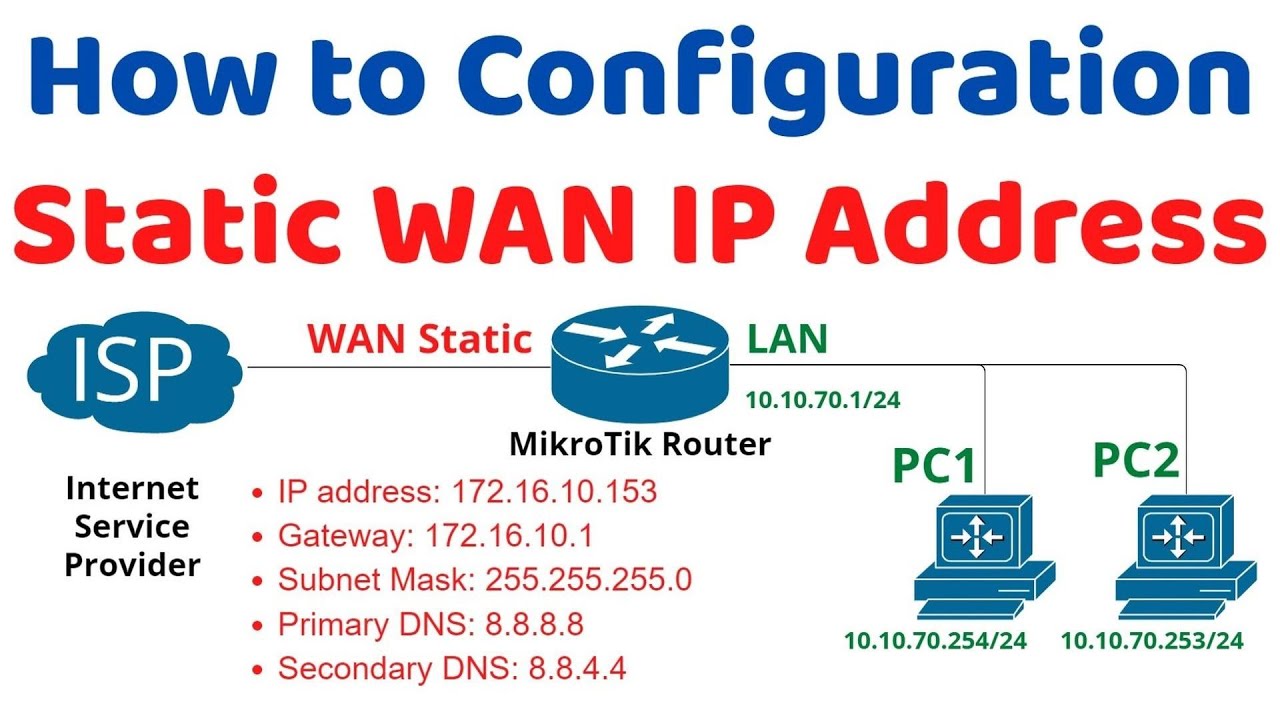



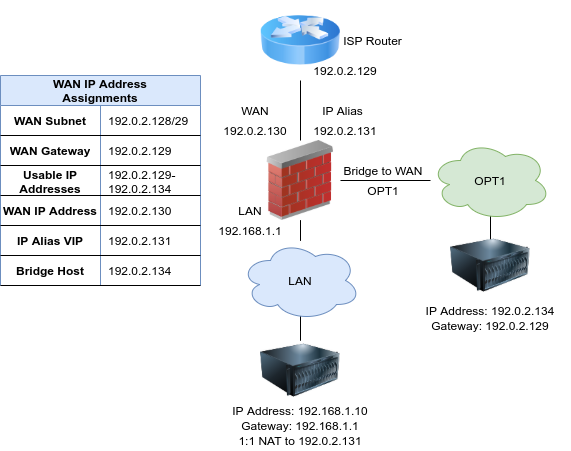

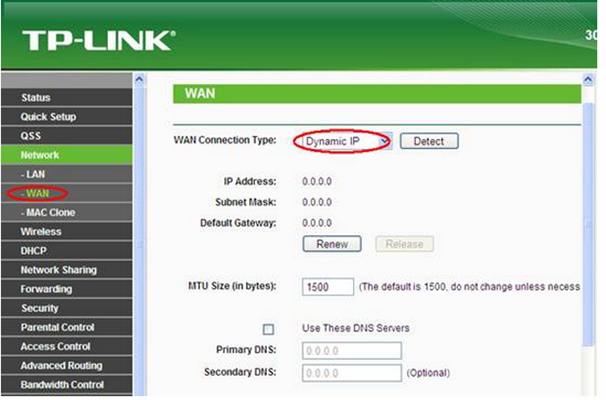
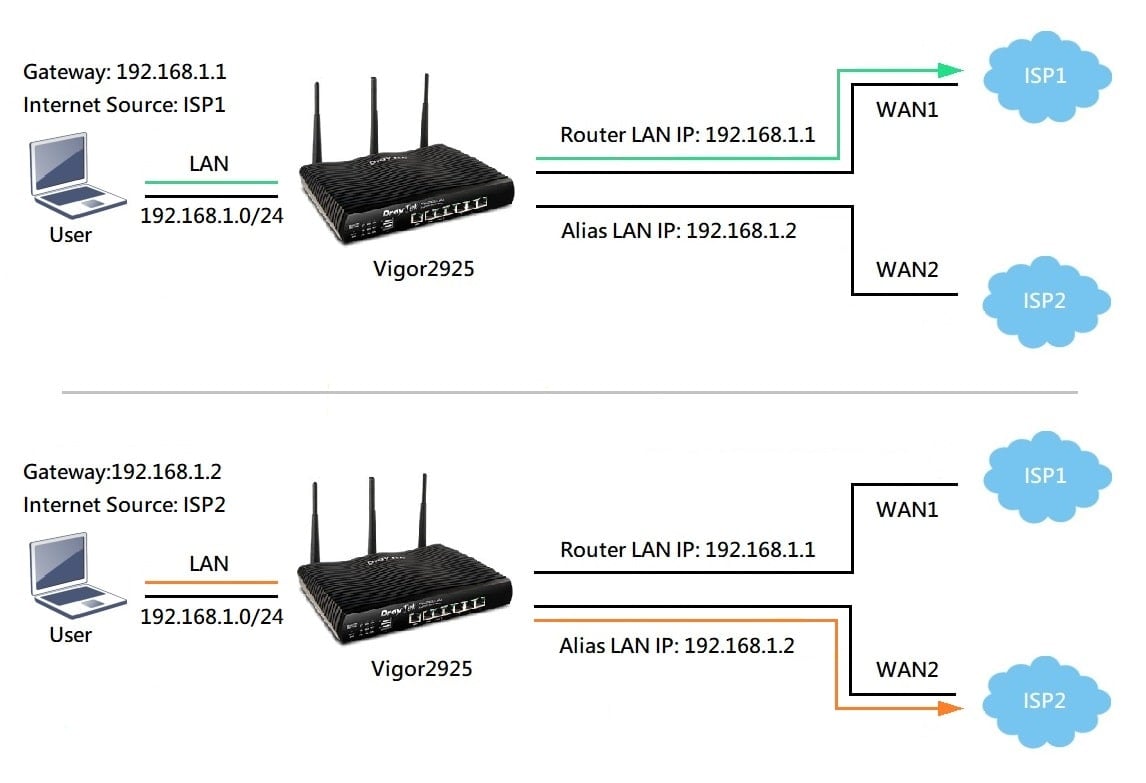
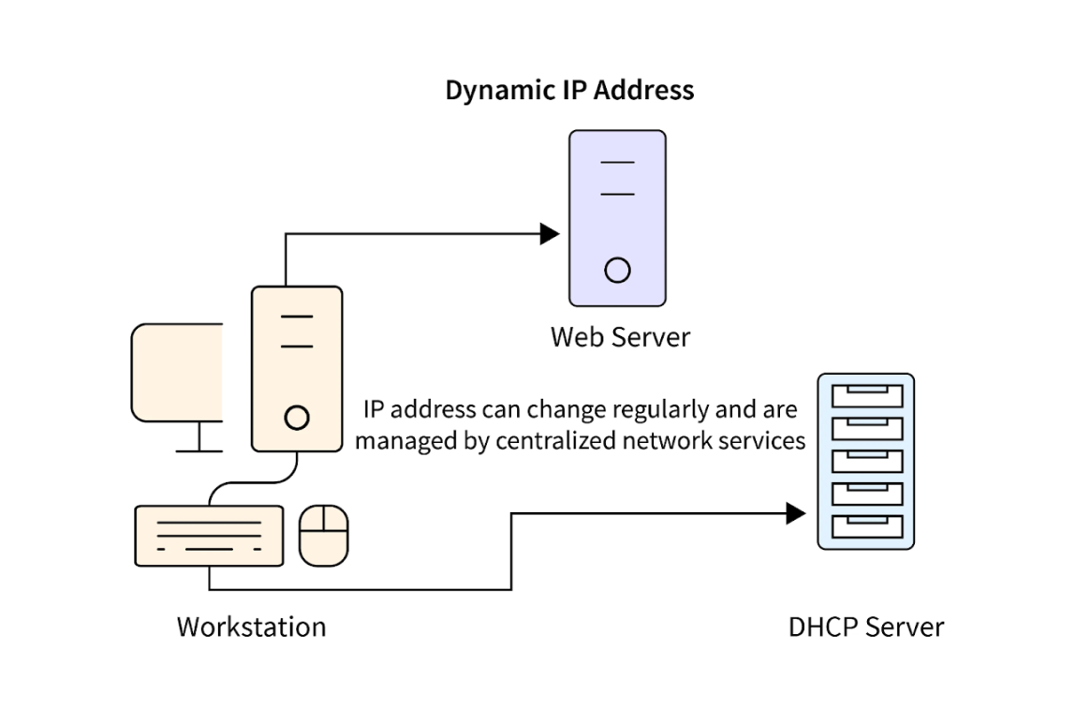


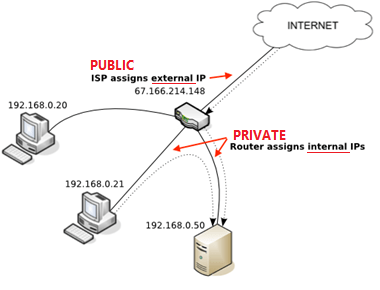
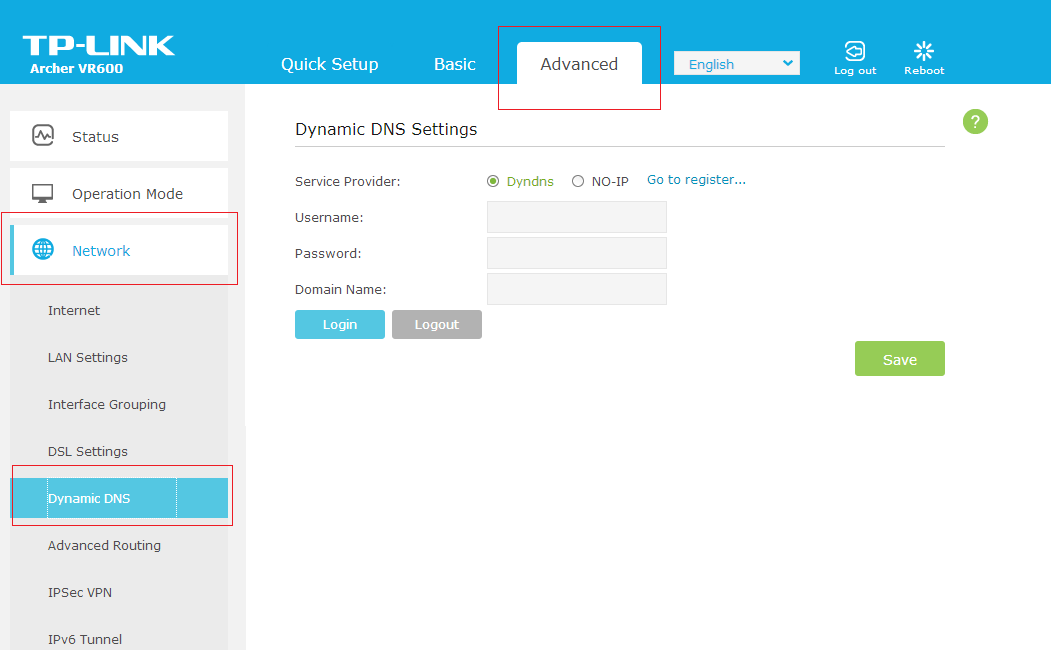
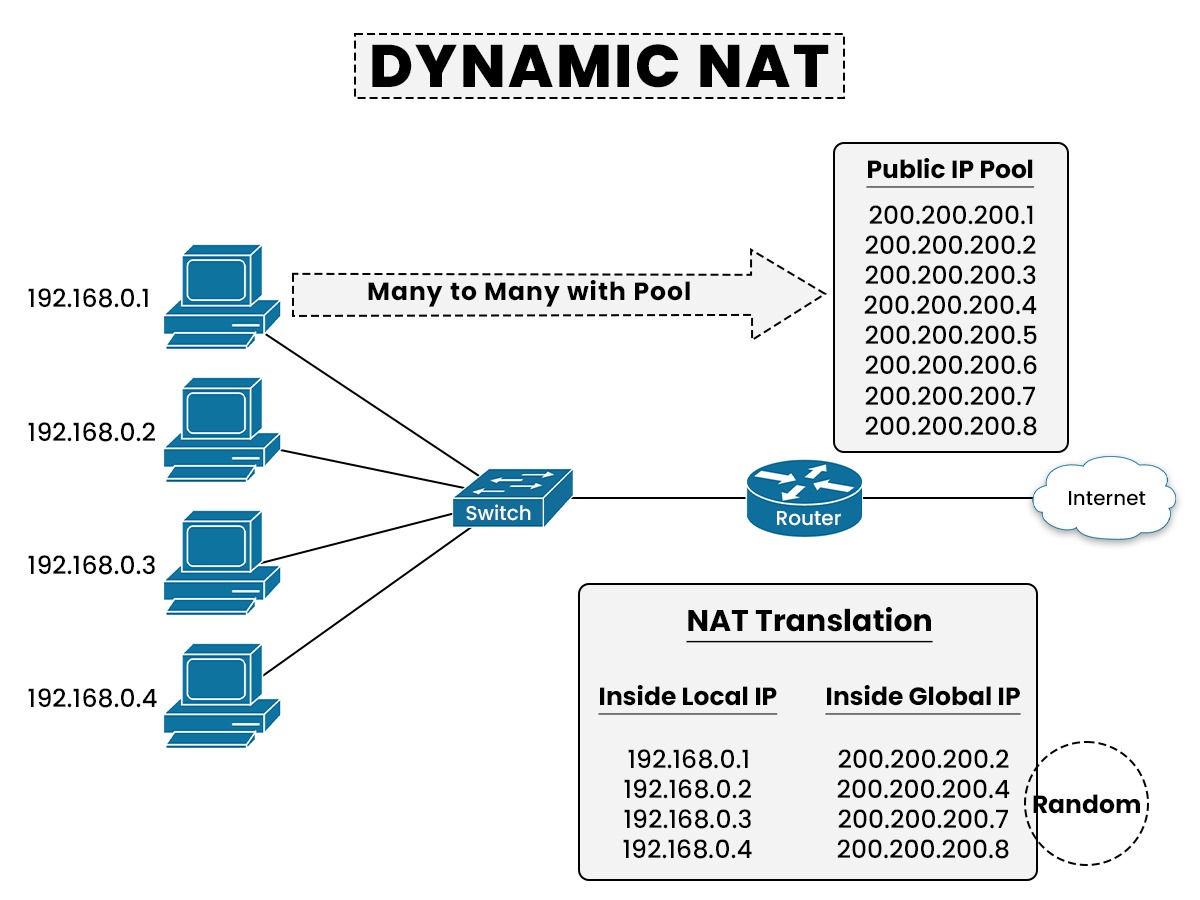
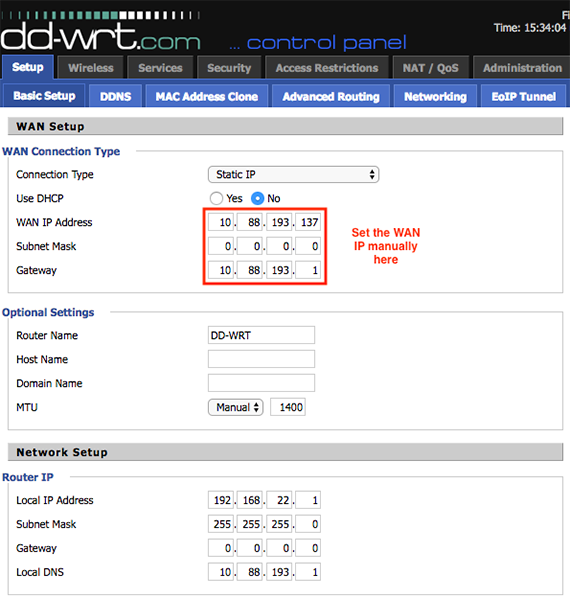


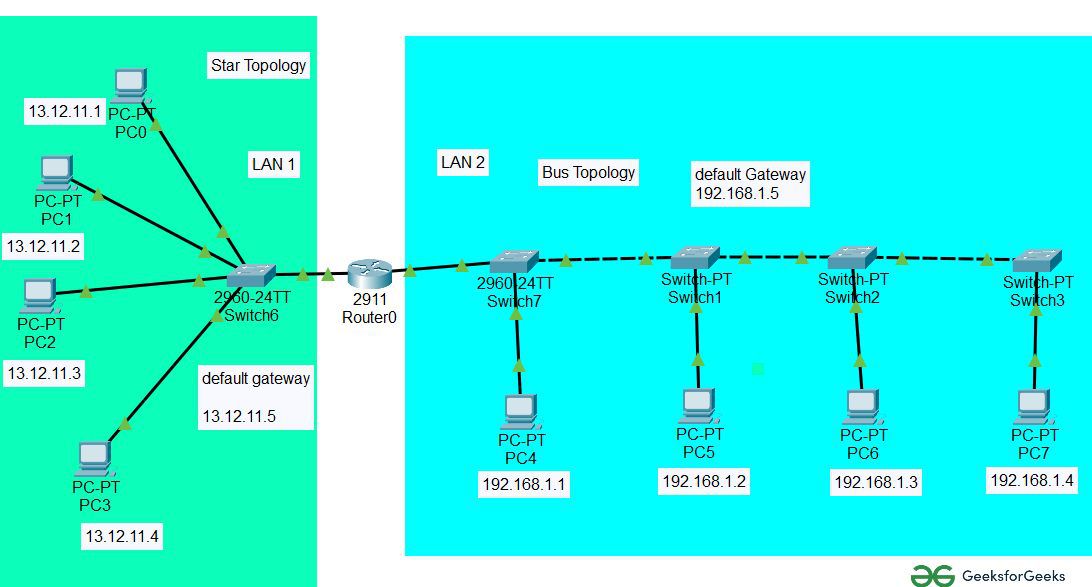
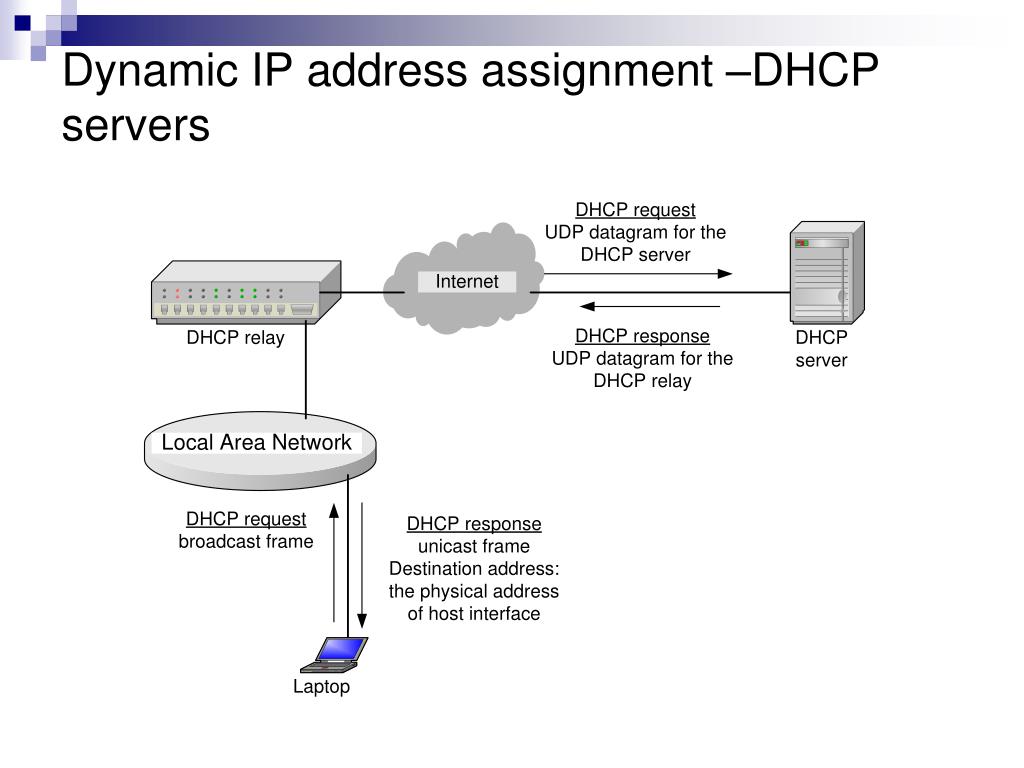
image005.png "Dynamic Ip Wan Address On Router Reference: Настройка Роутера Tp Link При Статическом Ip Posetke")

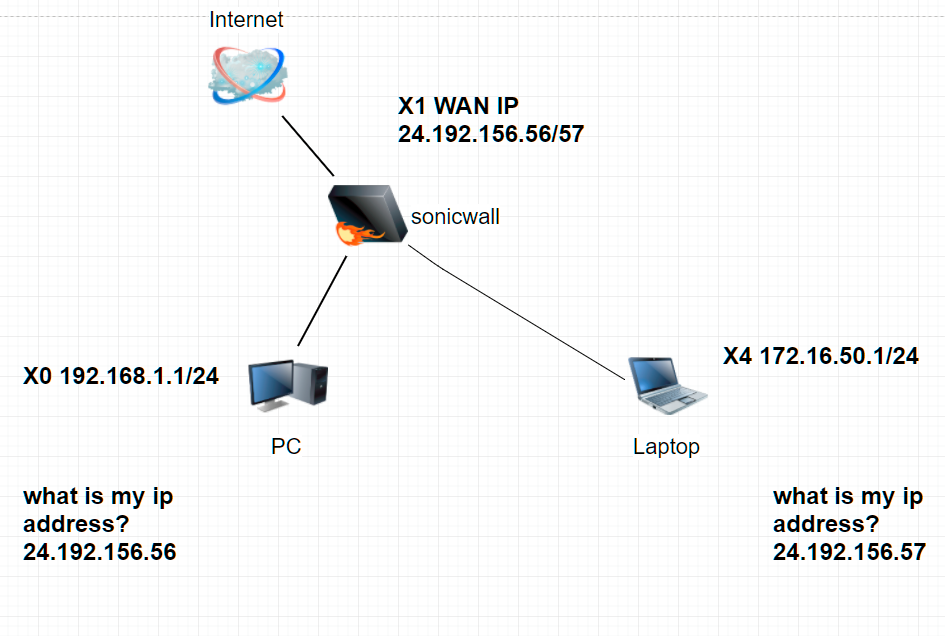
image003.png "Dynamic Ip Wan Address On Router Reference: Get 26 Tp Link WiFi Extender Dynamic Ip Failed")
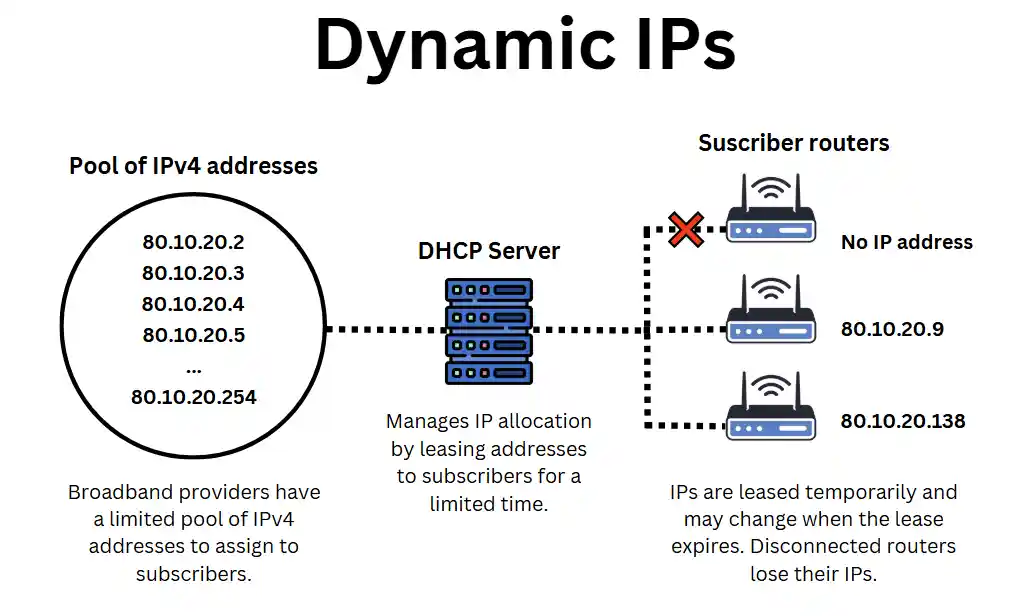
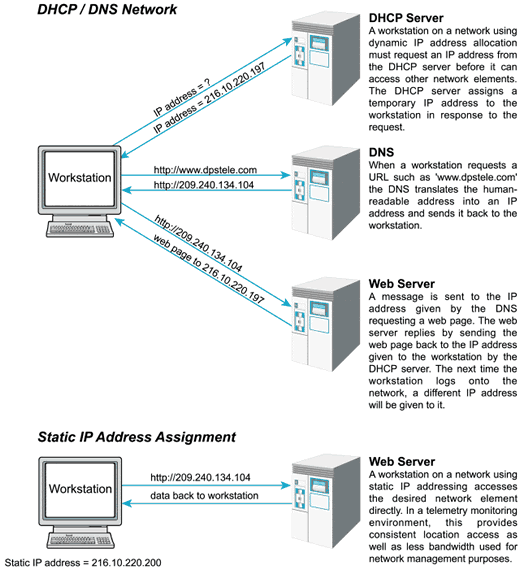
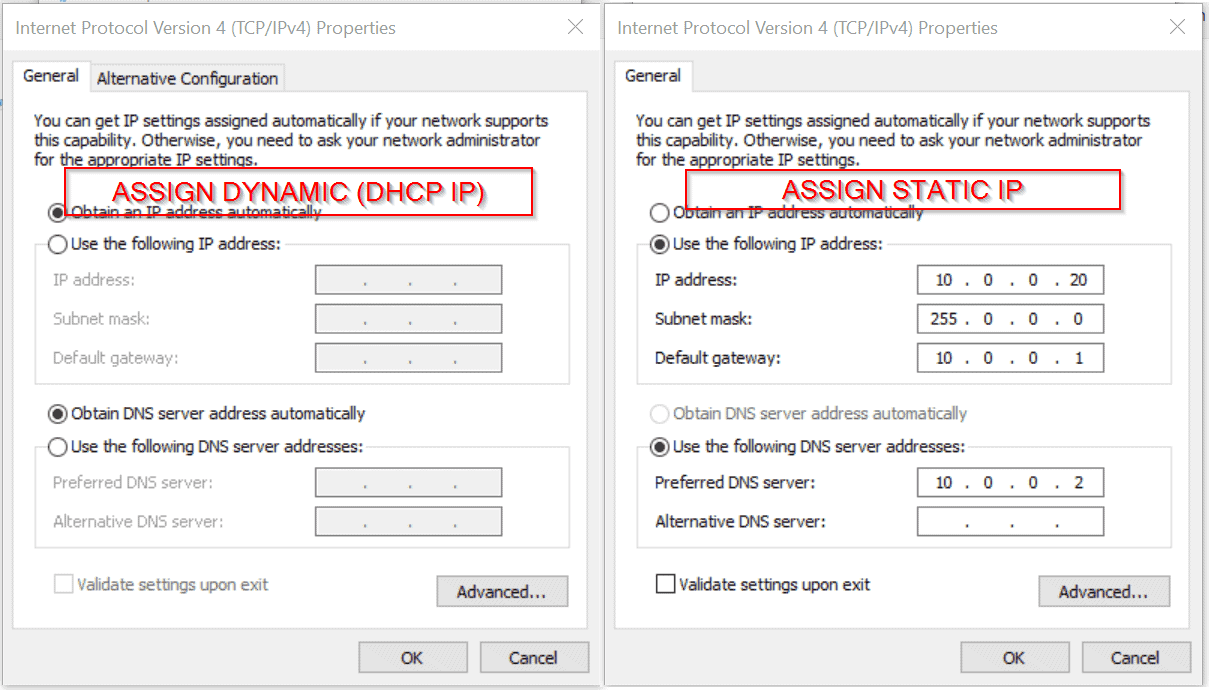


image009.png "Get 26 Tp Link WiFi Extender Dynamic Ip Failed Photo Inspiration")