5 Fixes for Hulu Not Working on Firestick Full Guide
Common Reasons for Hulu Not Working on Firestick Many Hulu users experience issues like the app failing to launch, frequent buffering, freezing while watching, or unexpected crashes.

As we can see from the illustration, Firestick Hulu Sign In Not Working has many fascinating aspects to explore.
If you are having issues with the Hulu not working on firestick , you are not alone. Here are some troubleshooting tips to help you get it working .

As we can see from the illustration, Firestick Hulu Sign In Not Working has many fascinating aspects to explore.
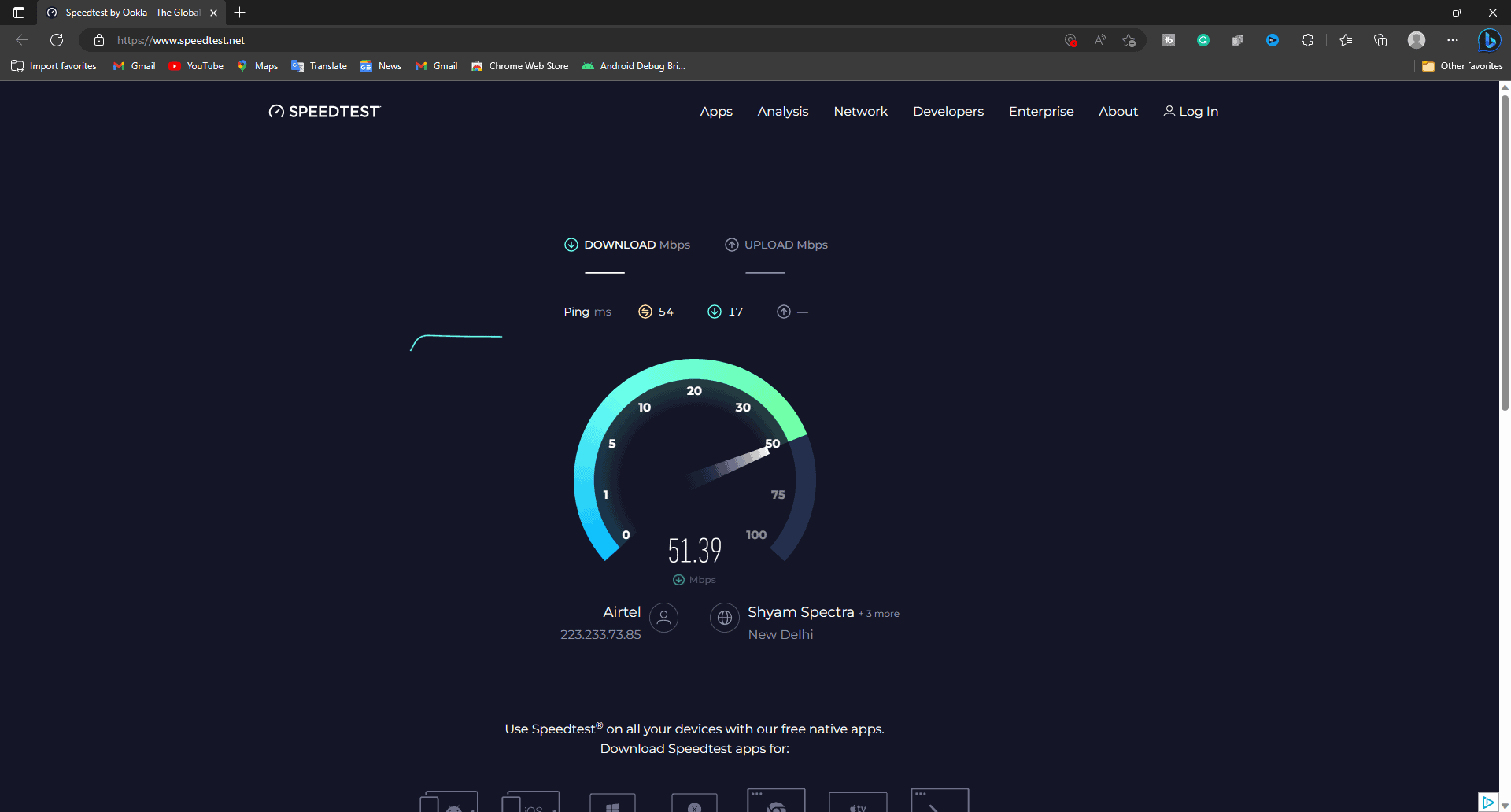
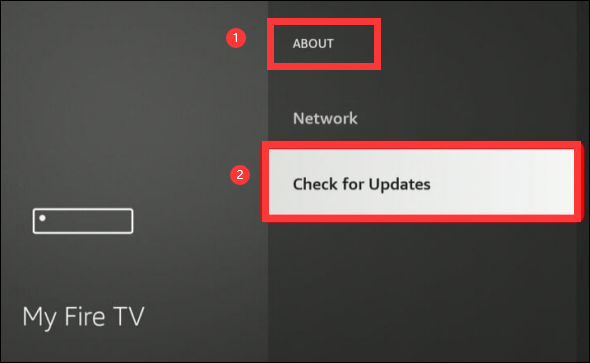
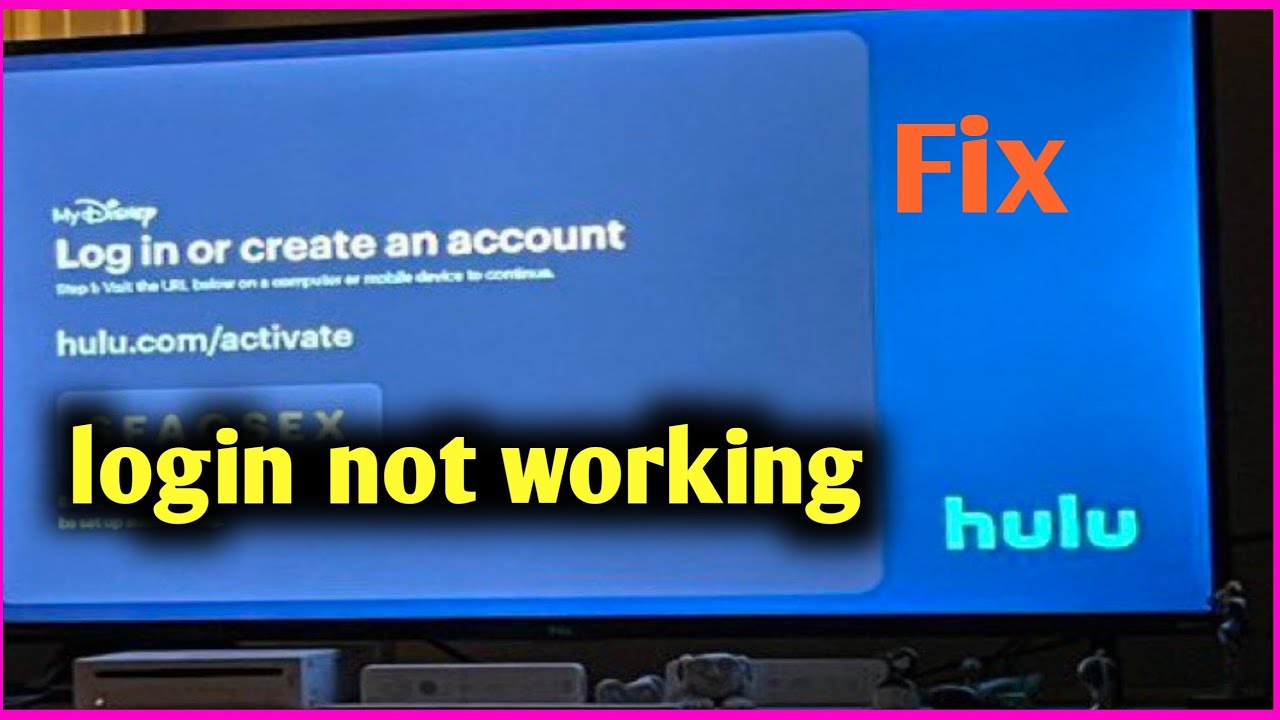
If Hulu repeatedly asks you to sign in on your Fire Stick, clear the app cache via Settings > Applications. Ensure the Fire Stick firmware and Hulu app are updated. Restart the device to refresh system processes. Check your internet connection stability, as interruptions can cause login failures. If issues persist, uninstall and reinstall Hulu . This resolves corrupted data or outdated app ...
Many Hulu users on Fire Stick complain about Hulu not working on firestick or the app crashing often. If Hulu is not working on firestick , resetting the app or Fire Stick should fix the problem. To restart the Hulu app, go to Settings > Applications > Manage Installed Applications > Hulu , then select Restart.
Understanding Firestick Hulu Sign In Not Working Before the Gallery
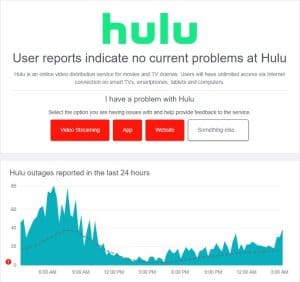
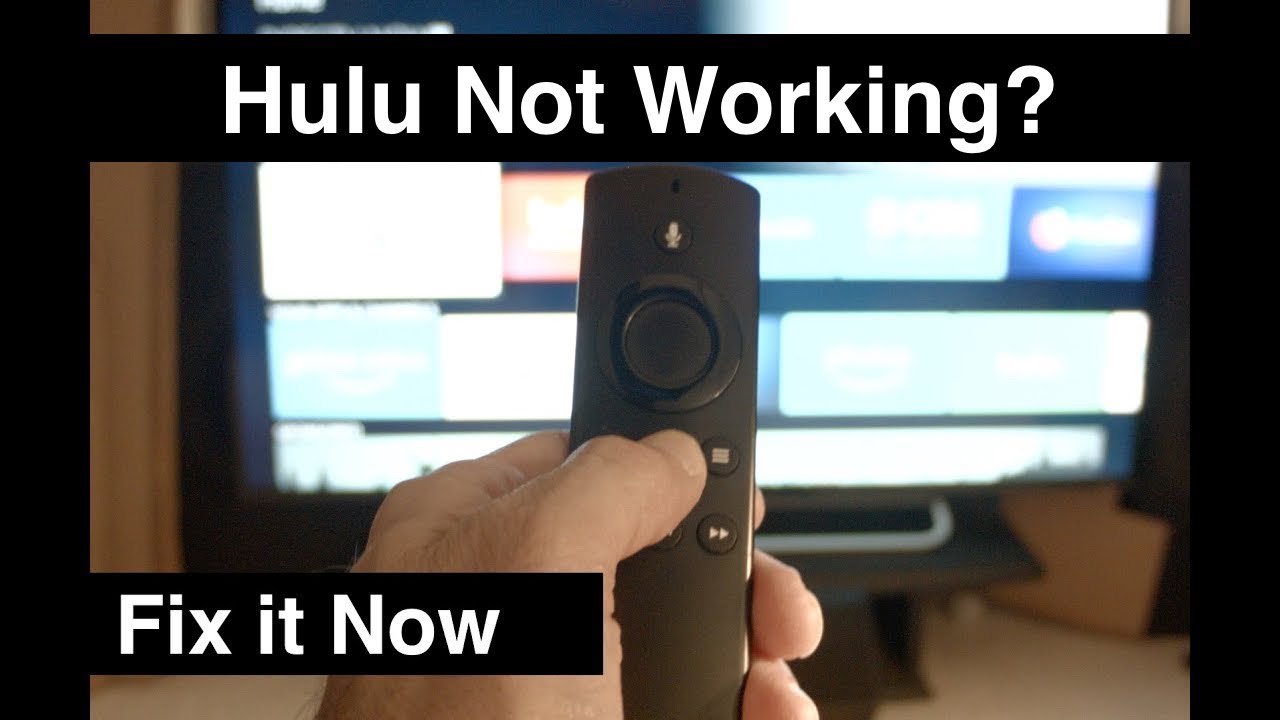
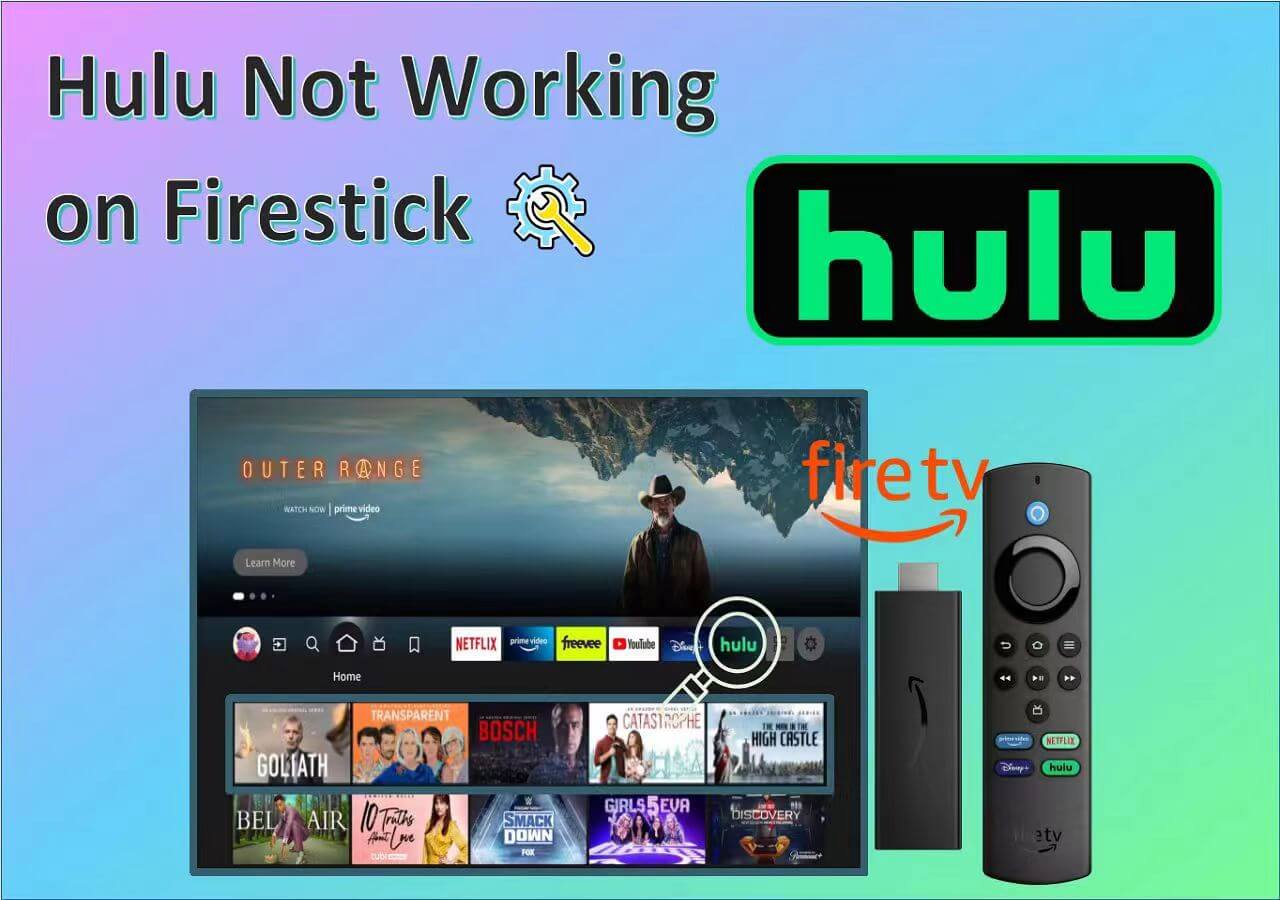
How To Fix Hulu Not Working On Firestick?. For Firestick Hulu Sign In Not Working, this point helps readers notice the most relevant visual details before moving into the gallery.
Top 7 Ways to Fix Hulu Not Working on FireStick (2024). This note connects the source idea with the visuals in a simple, reader-friendly way.
How to Fix Hulu App Not Working on Firestick TV - YouTube. The extra context helps the page feel more useful without forcing the same phrase repeatedly.
Looking at multiple sources also helps separate the main idea from small decorative details.
These notes are added so the page offers more than images and gives each visitor a clearer reason to keep reading.