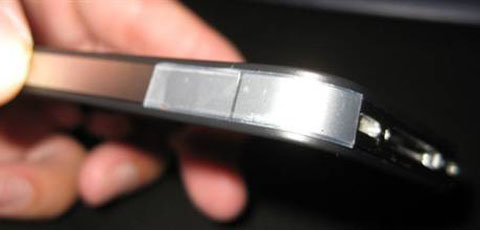
Troubleshooting a Bad Antenna on the iPhone
Having trouble with your iPhone's antenna ? Don't let poor signal strength ruin your day! Here's a quick guide to troubleshooting a bad antenna on your iPhone . By following a few simple steps, you can diagnose and fix the issue, ensuring that you stay connected to your network and can make calls, send texts, and use data without interruption. After completing the troubleshooting steps ...
Fix iPhone signal issues now. From software resets to internal antenna flex replacement, follow our expert guide to restore cellular and Wi-Fi reception.

This particular example perfectly highlights why Fixing Iphone Antenna Problems is so captivating.
How to resolve poor cell phone reception
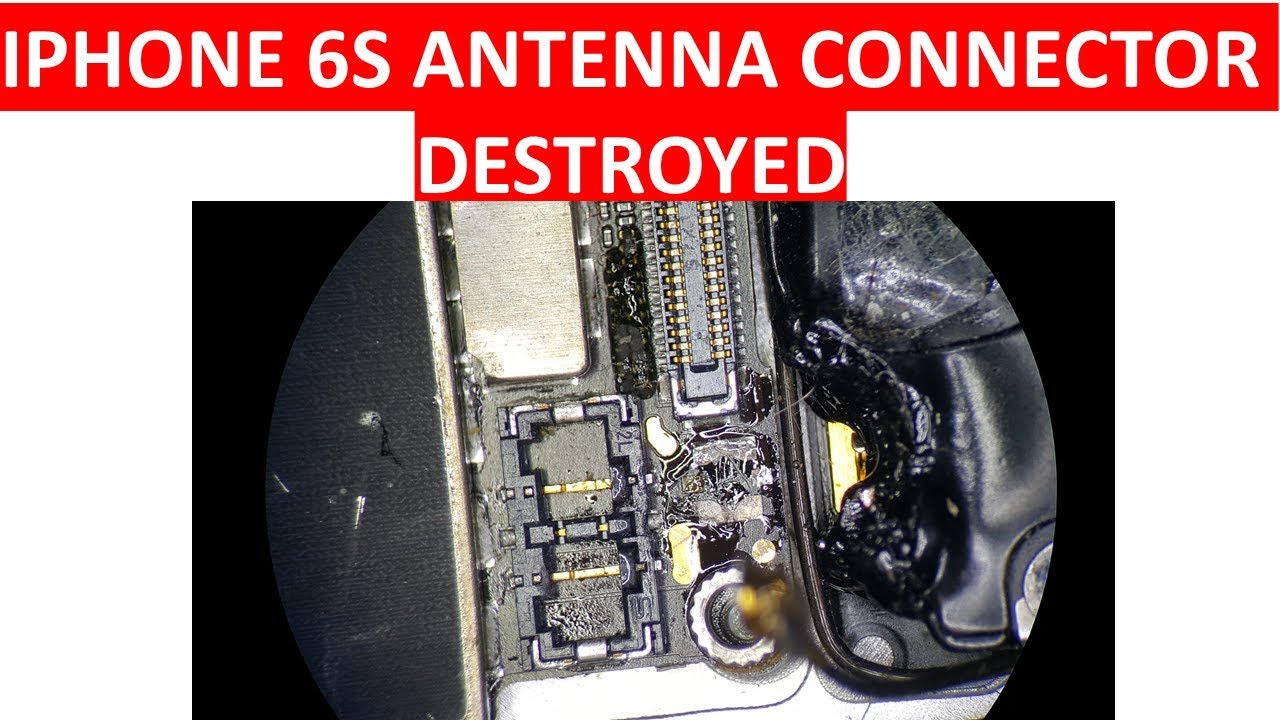
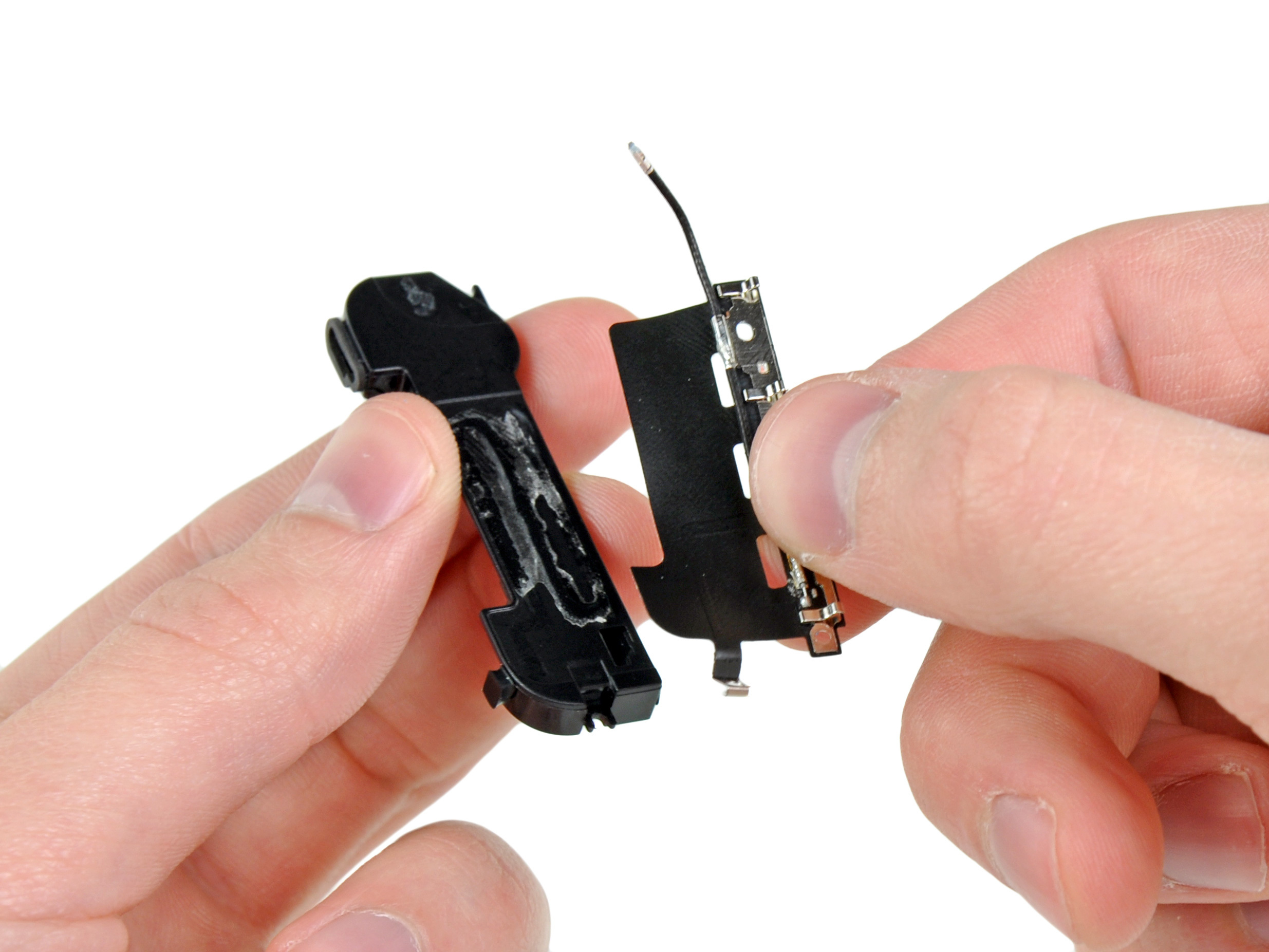
In such cases, having your iPhone inspected and repaired by an authorized service provider is the only solution that could restore proper signal strength. A damaged antenna can significantly impair your ability to connect to cellular networks, leading to dropped calls, slow data speeds, and limited coverage.
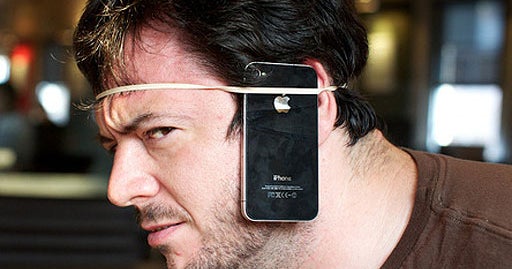
Troubleshooting a Bad Antenna on the iPhone
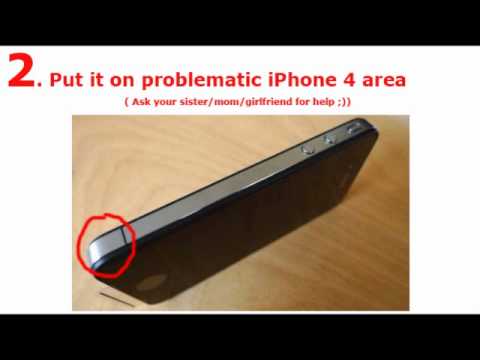
Troubleshooting a Bad Antenna on the iPhone . Poor reception on an iPhone can be the result of any number of software and hardware-related malfunctioning. In order to physically troubleshoot a ...
More Context About Fixing Iphone Antenna Problems
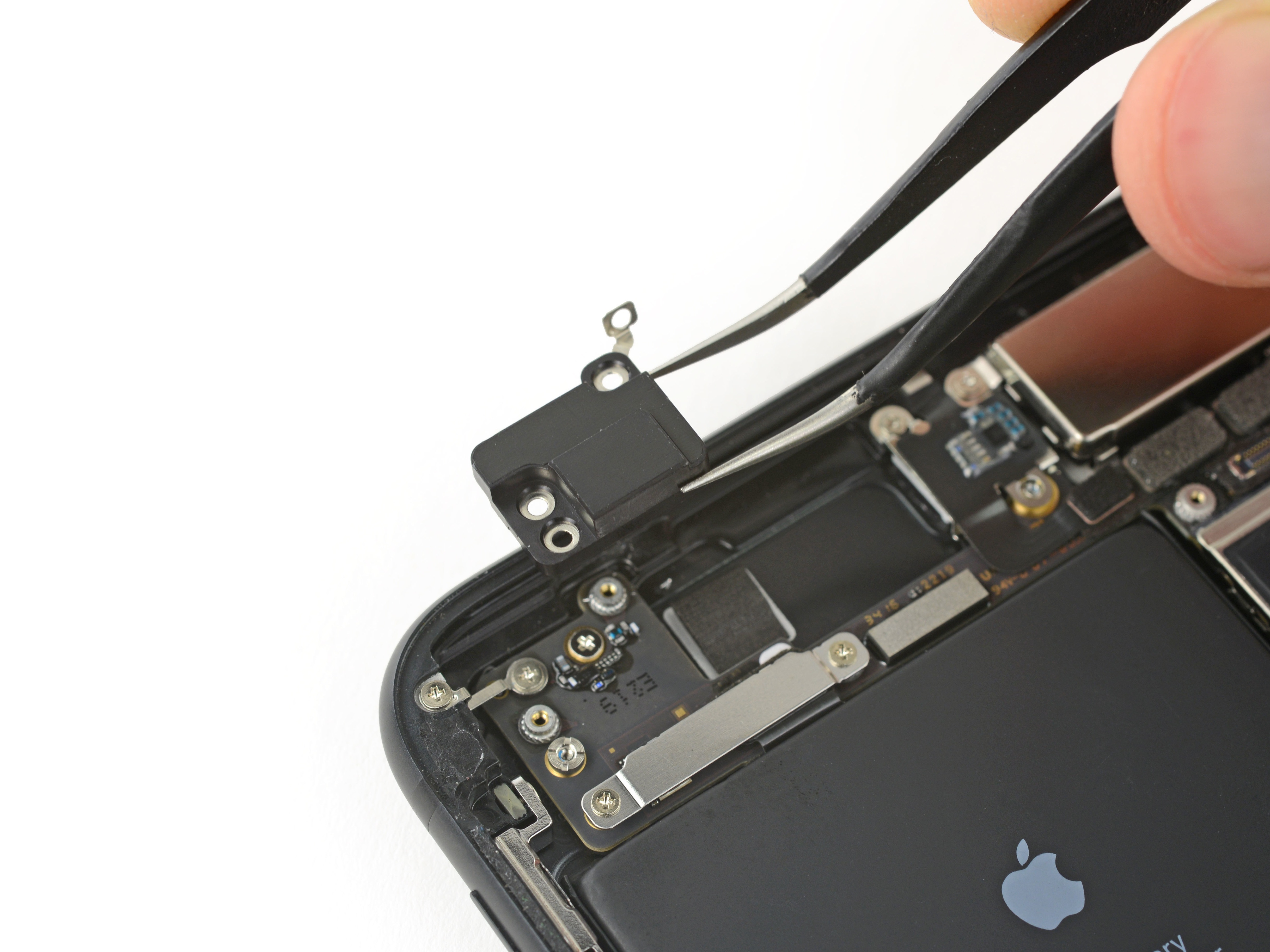
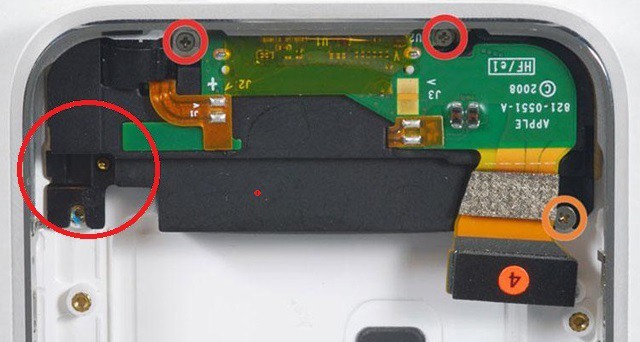
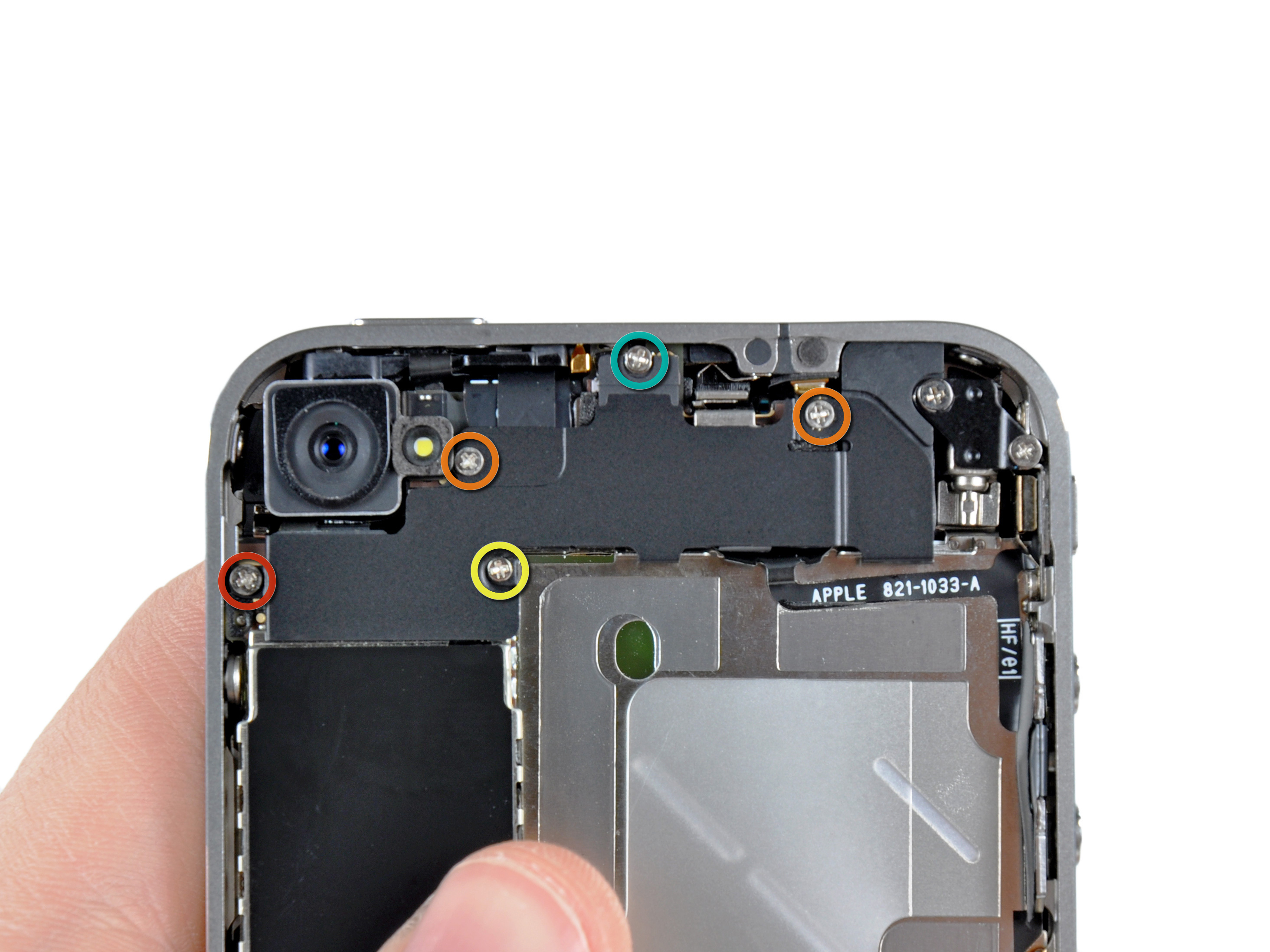
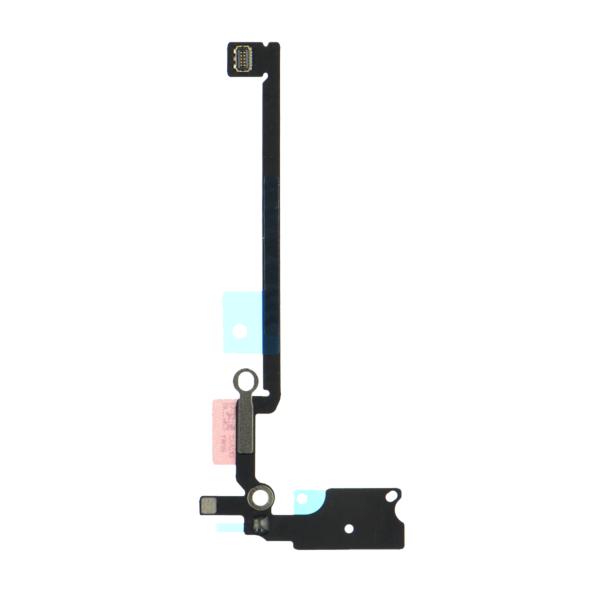
iPhone 8 Plus Wi-Fi Diversity Antenna Flex - iFixit Repair Guide. This note connects the source idea with the visuals in a simple, reader-friendly way.
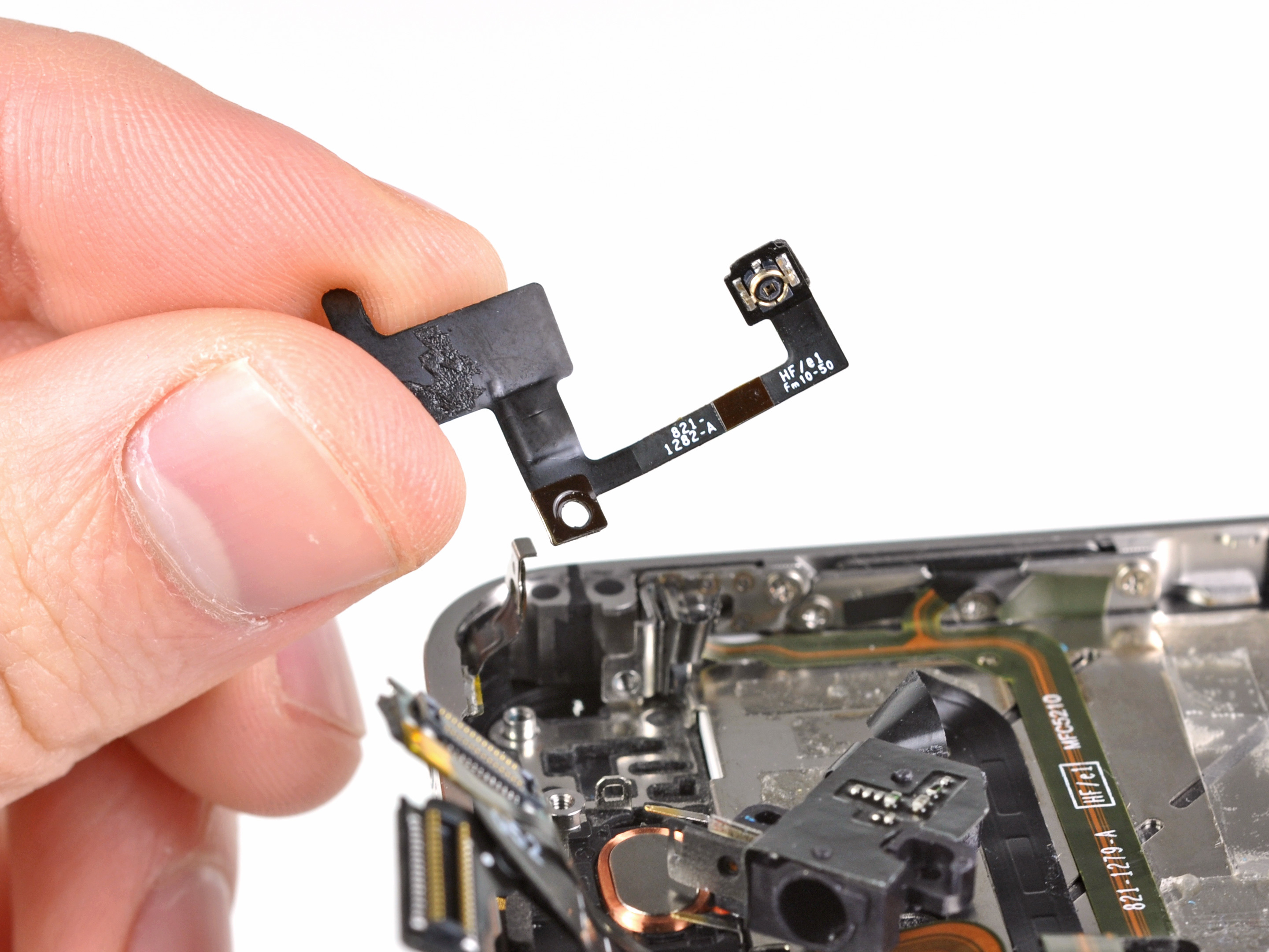
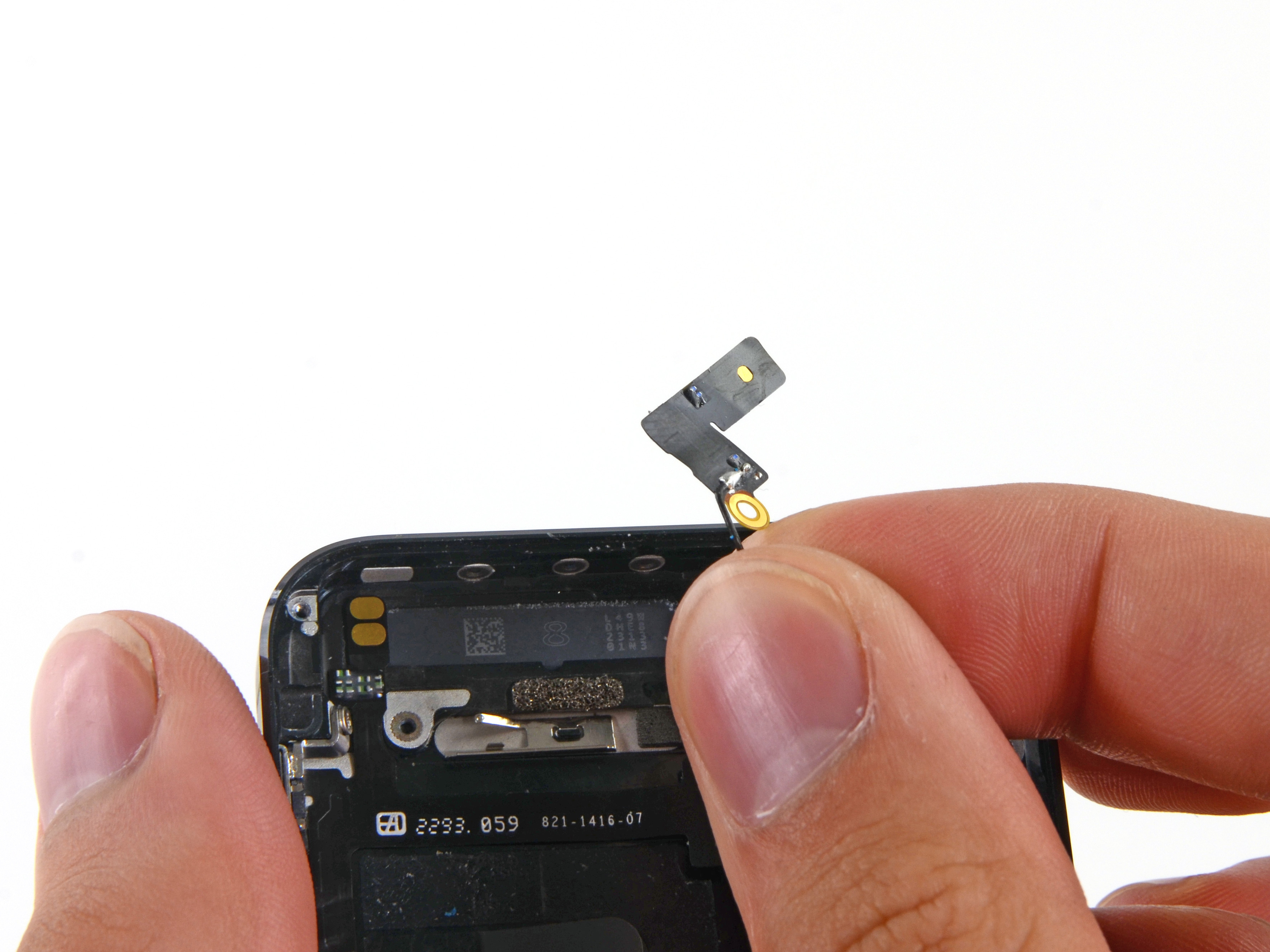
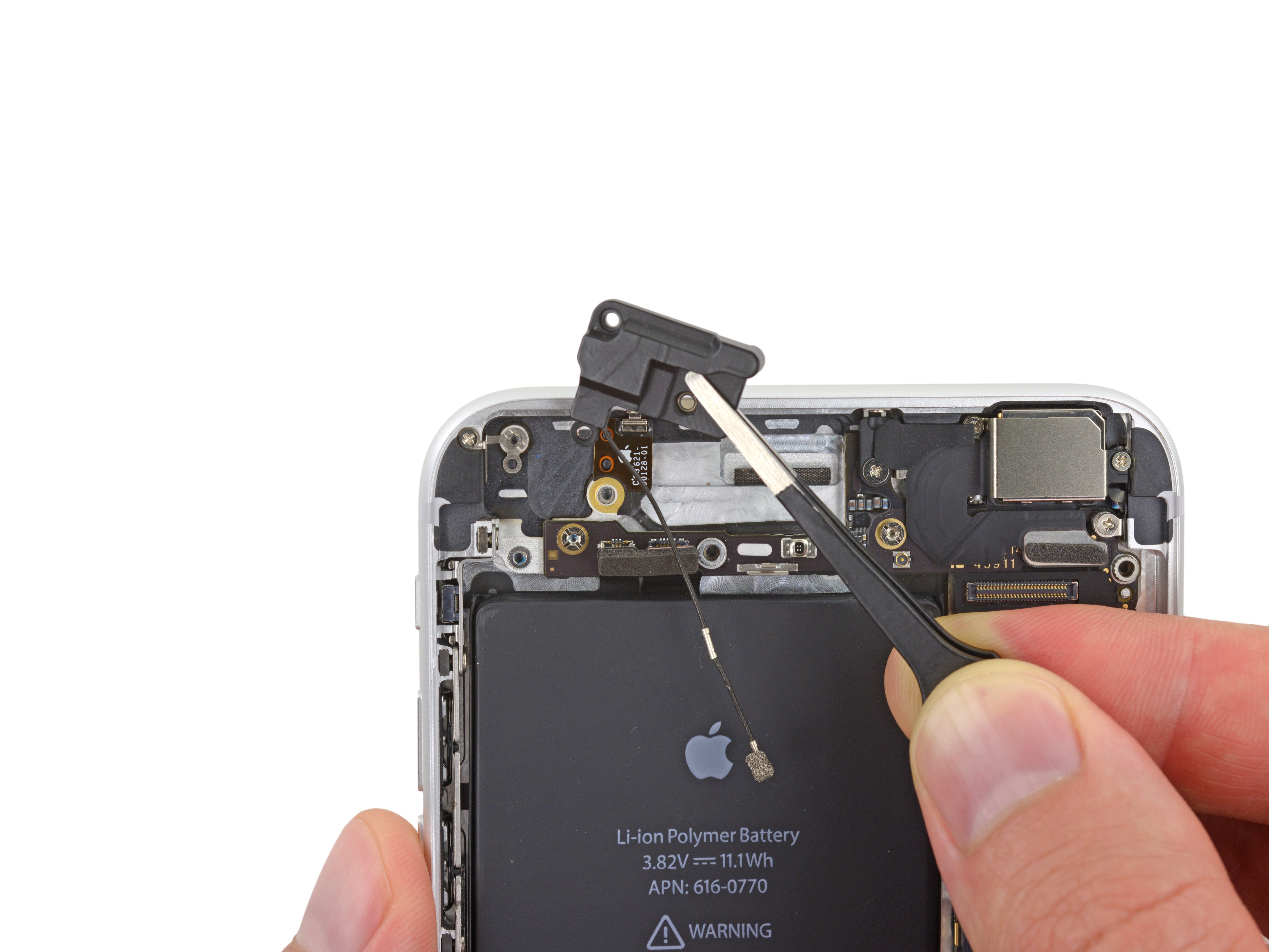
iPhone 6 Wi-Fi Antenna Replacement - iFixit Repair Guide. It works as a short bridge between the article summary and the gallery section.
Iphone 8 Plus Network Antenna Jumper at Madeleine Frayne blog. It works as a short bridge between the article summary and the gallery section.
Looking at multiple sources also helps separate the main idea from small decorative details.
These notes are added so the page offers more than images and gives each visitor a clearer reason to keep reading.