How Do I Connect My Wireless Printer After Changing the Router
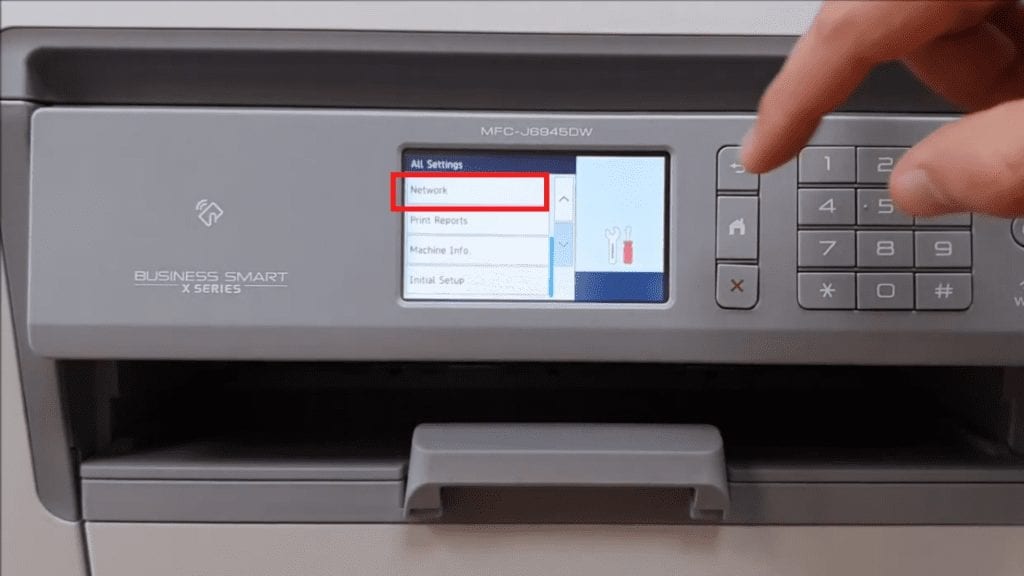
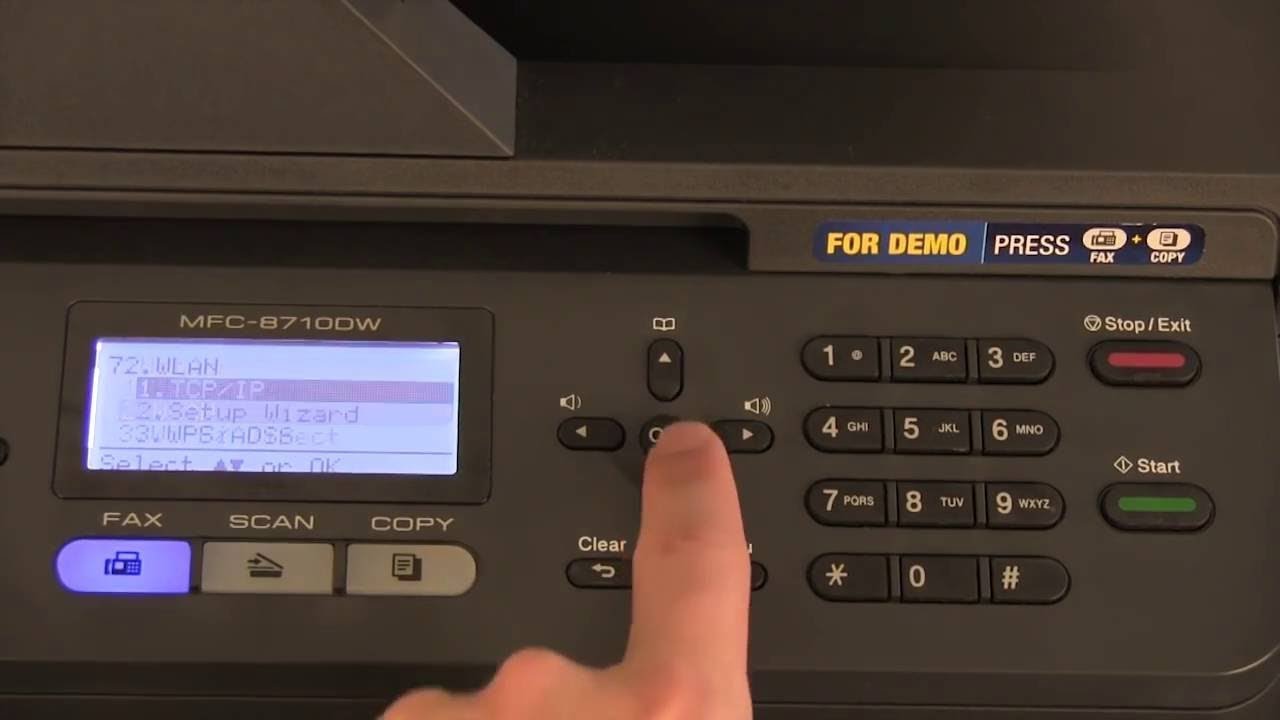
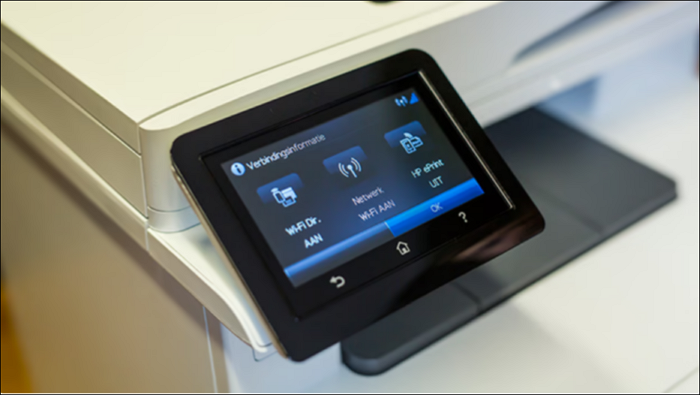
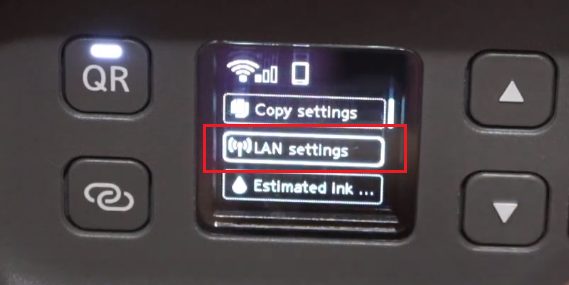
Open the printer's network settings using its built-in menus or a paired smartphone app. Find the network section of the printer and scan for the new wireless router. Select the network name and enter the Wi-Fi password to connect the printer to the new router.

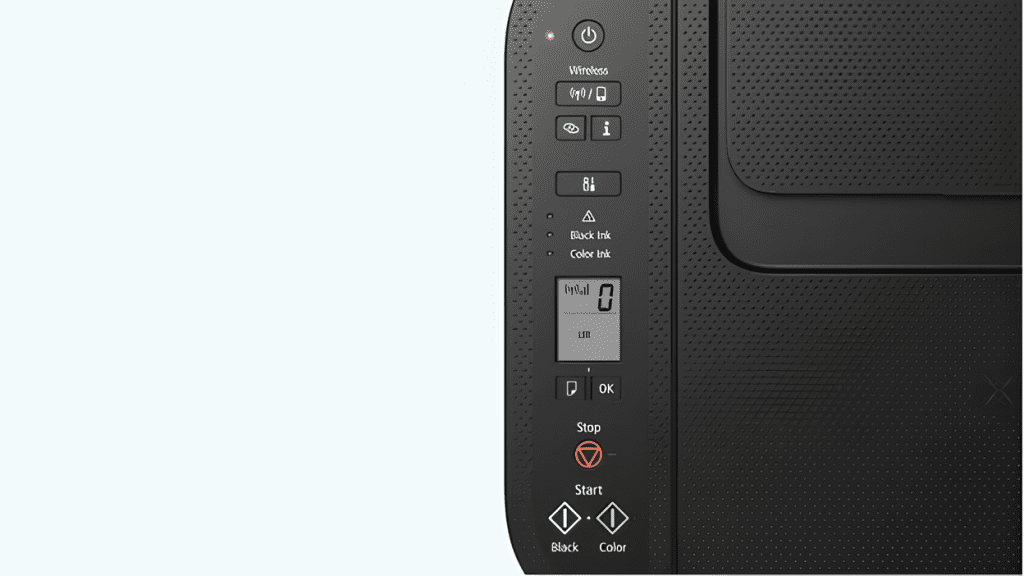
Printing Network Settings Use the operation panel to print the printer's current network settings . Important The network settings printout contains important information about your network . Handle it with care. Make sure printer is turned on. Load two sheets of A4 or Letter-sized plain paper. Press Setup button. The Setup menu screen appears.
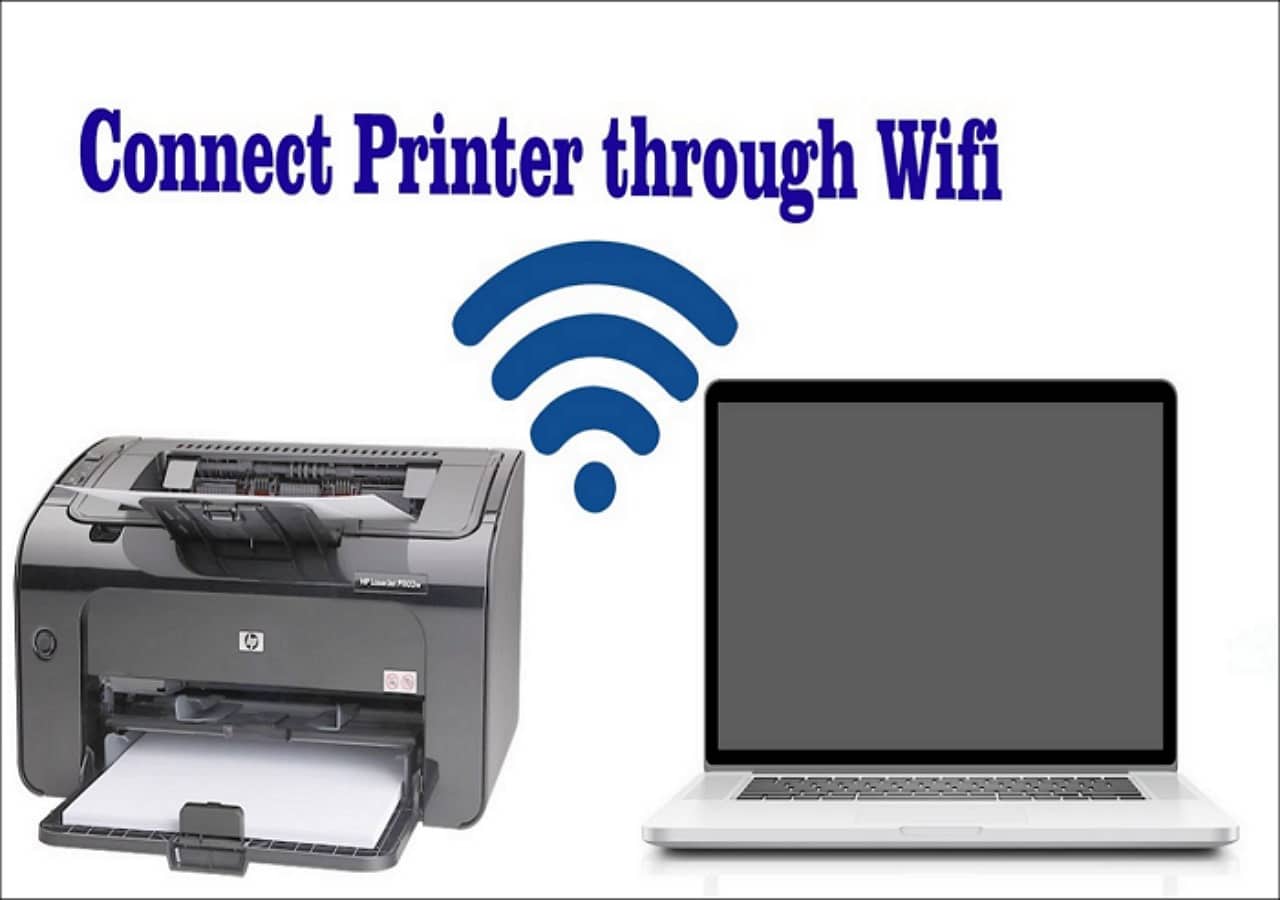
This article will guide you through the process of connecting your printer to your wireless (Wi-Fi) network using the Manual Connect (Password Entry) Method.

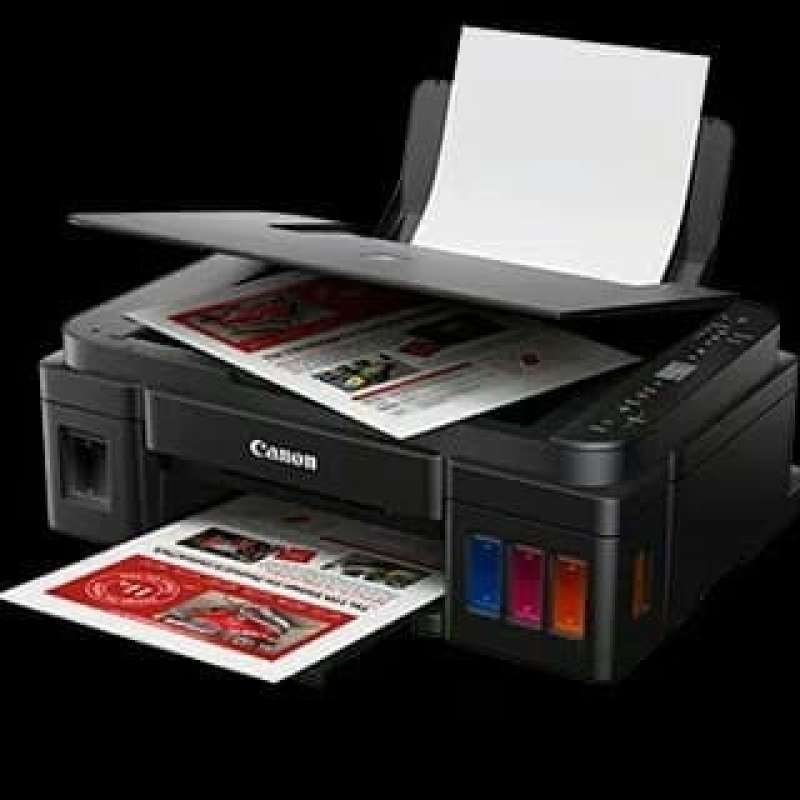
This particular example perfectly highlights why G Network Wireless Printer Soap Settings is so captivating.
How To Connect Printer To Wi
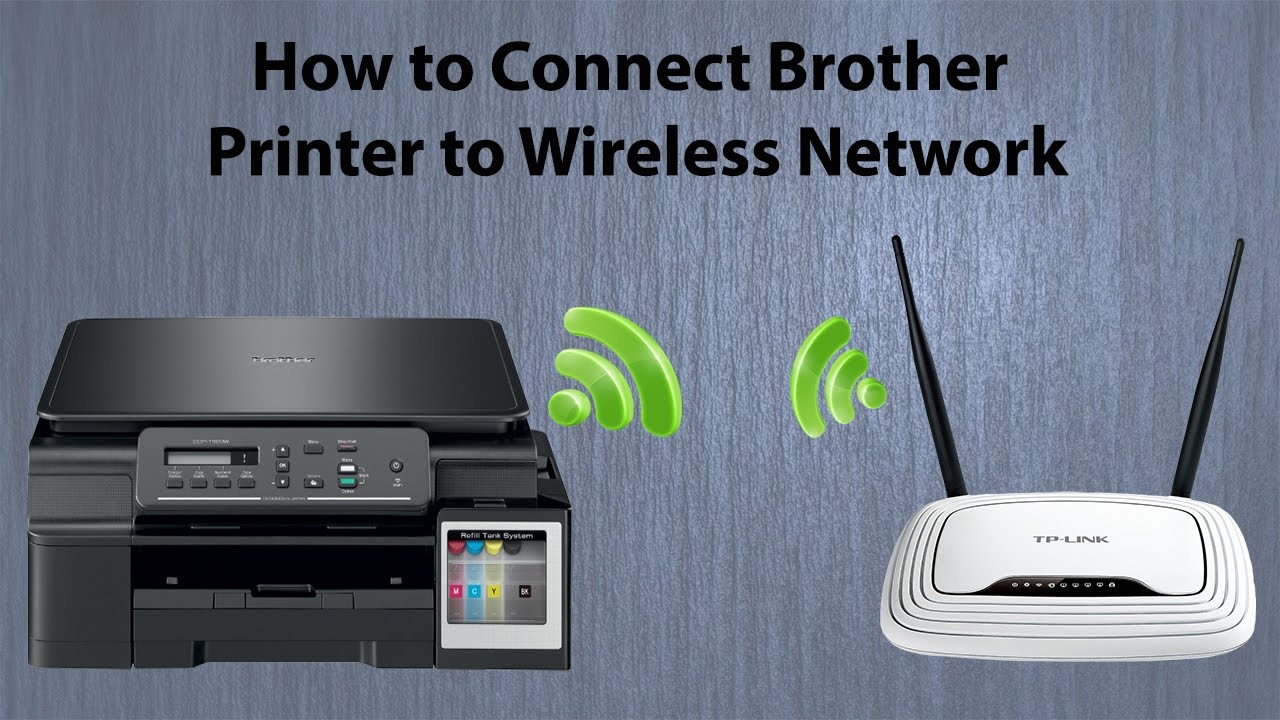
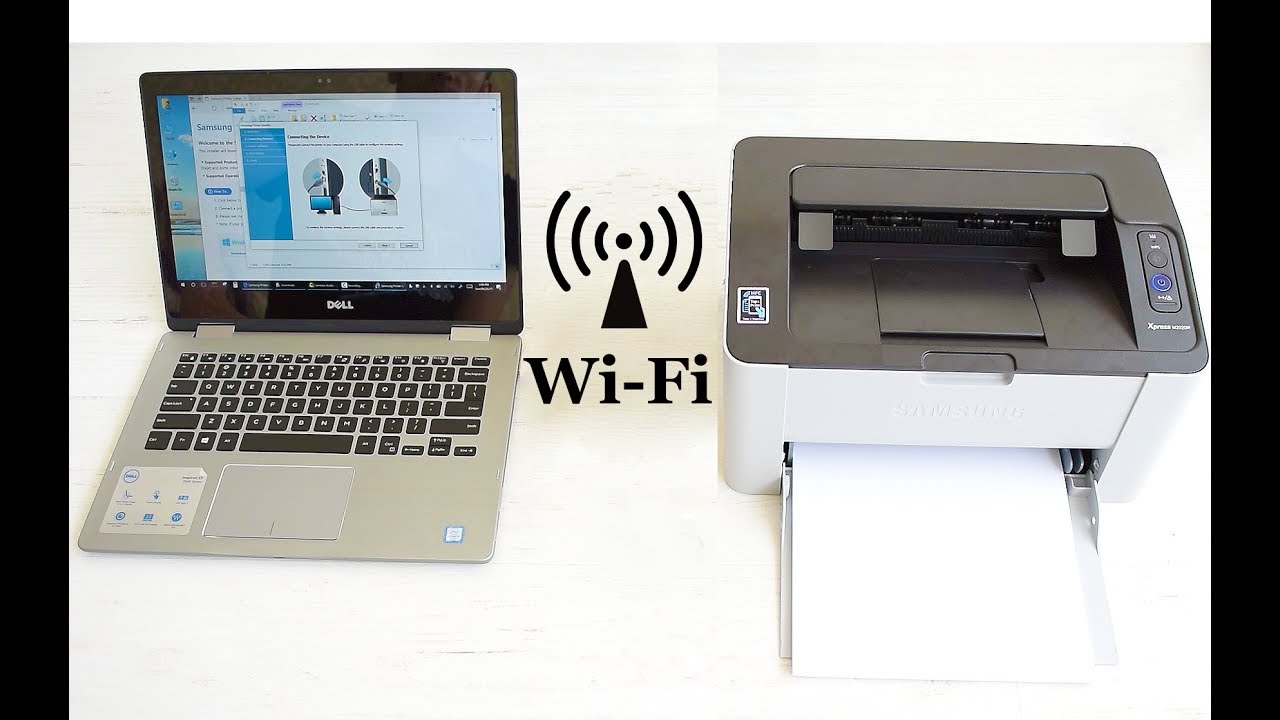
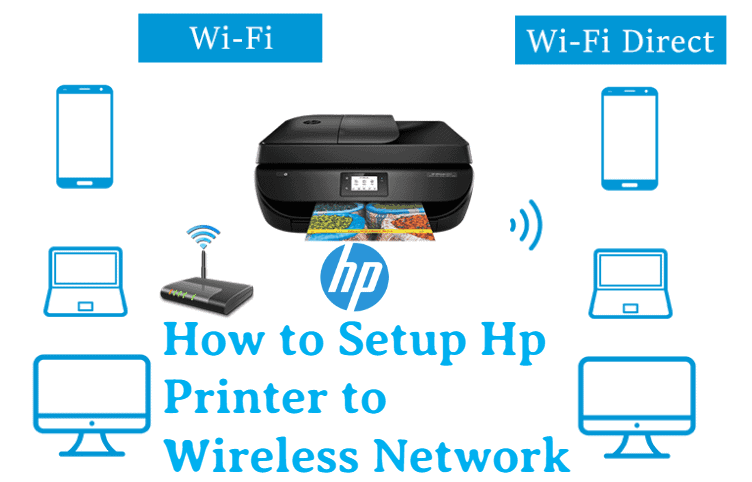
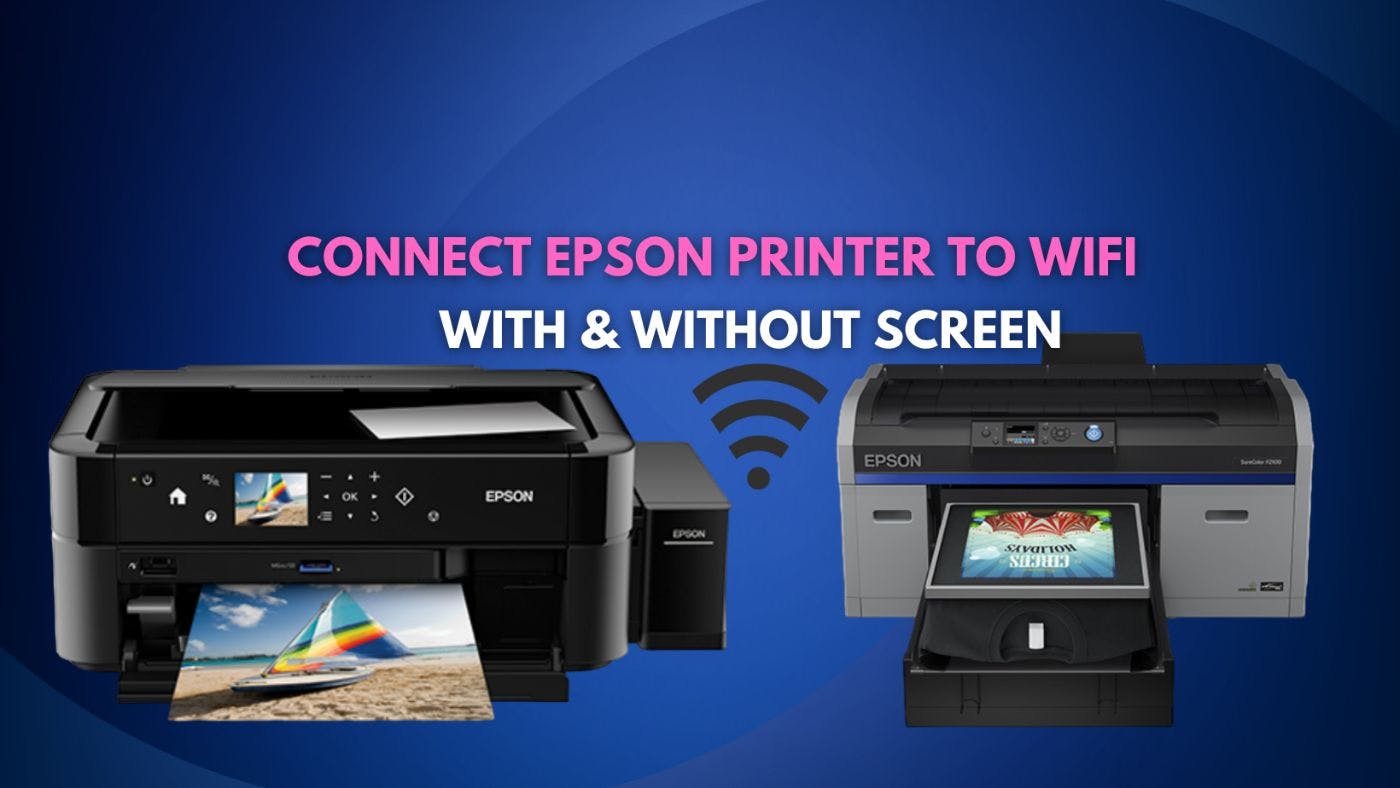
Trying to connect your printer to Wi-Fi? Whether you're using an HP, Canon, Epson, or Brother device, connecting your printer to a wireless network is essential for hassle-free printing in modern setups. In this guide, we'll walk you through how to connect your printer to Wi-Fi using simple methods that work on most printer models.
Do you need to connect a wireless printer to your Wi-Fi network ? Wireless printers are very easy to set up on any PC or Mac, and, depending on the printer , you can even print wirelessly from your Android, iPhone, or iPad! This wikiHow guide will walk you through adding your printer to your wireless network so you can print photos and documents without pesky cords.
More Context About G Network Wireless Printer Soap Settings
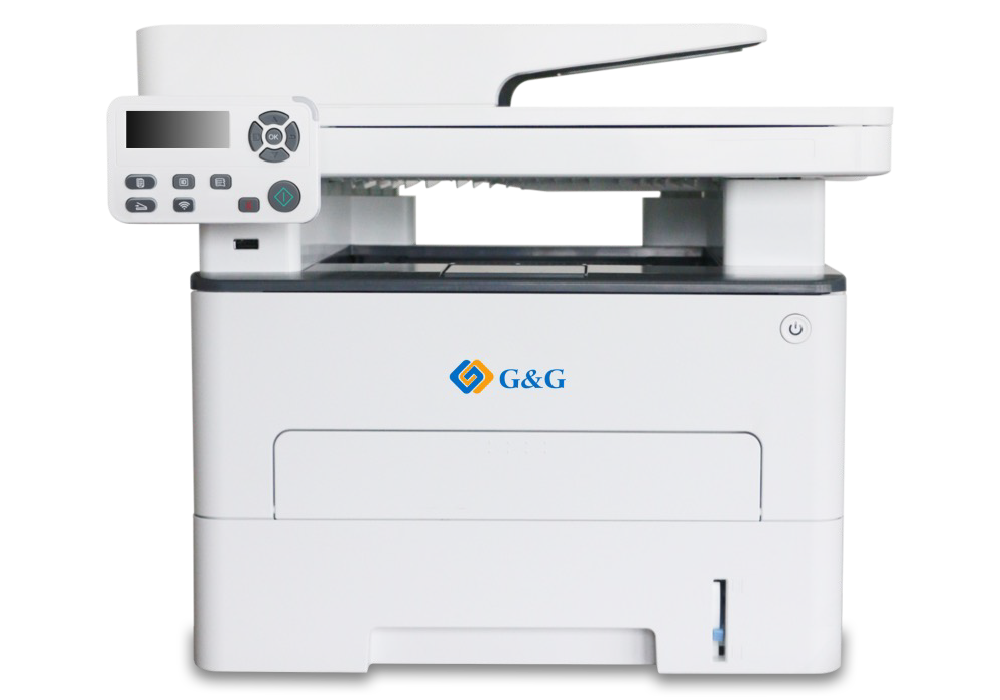
G&G P2022W Compact Monochrome Laser Printer, Wireless Networking, Home. This note connects the source idea with the visuals in a simple, reader-friendly way.
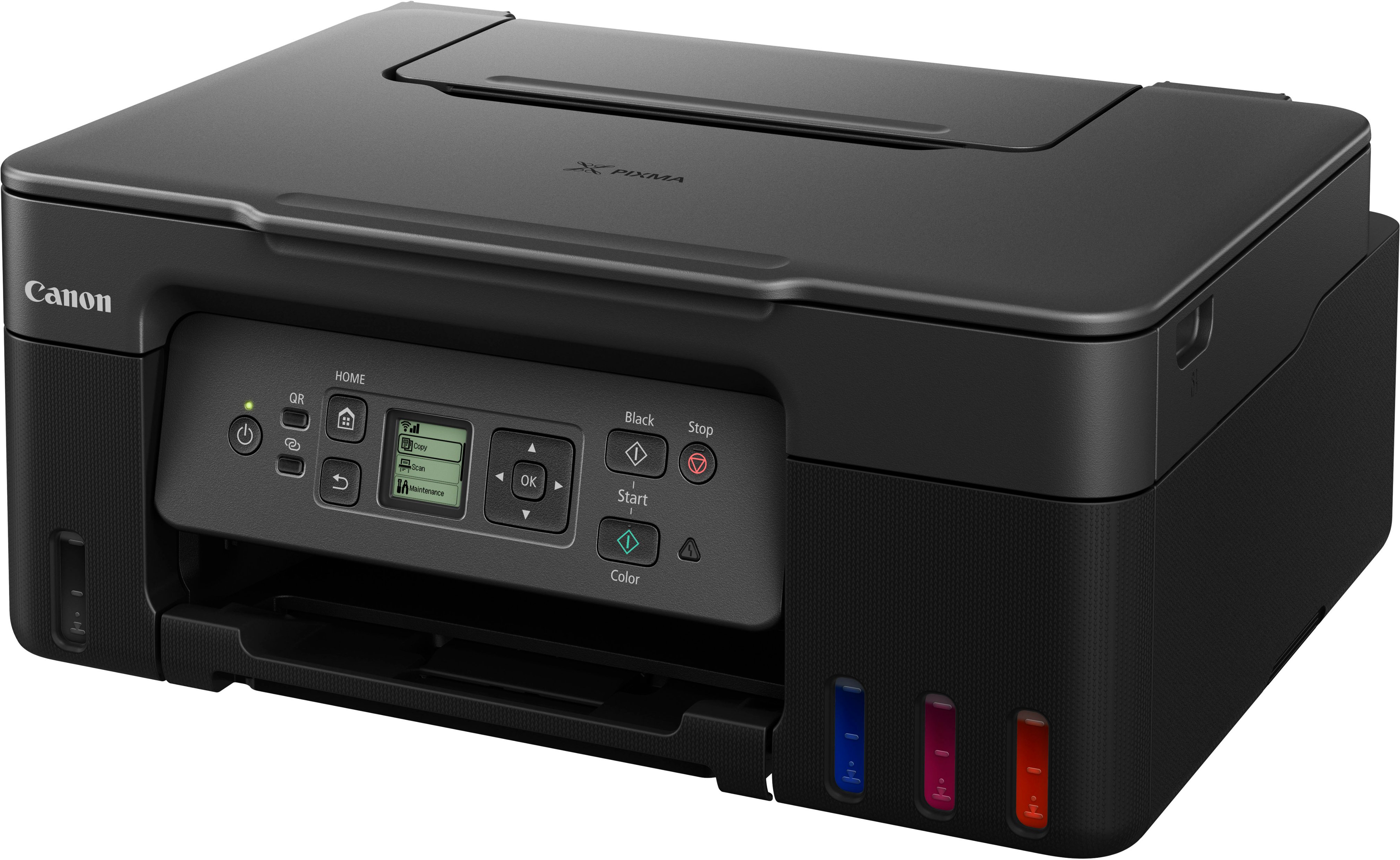
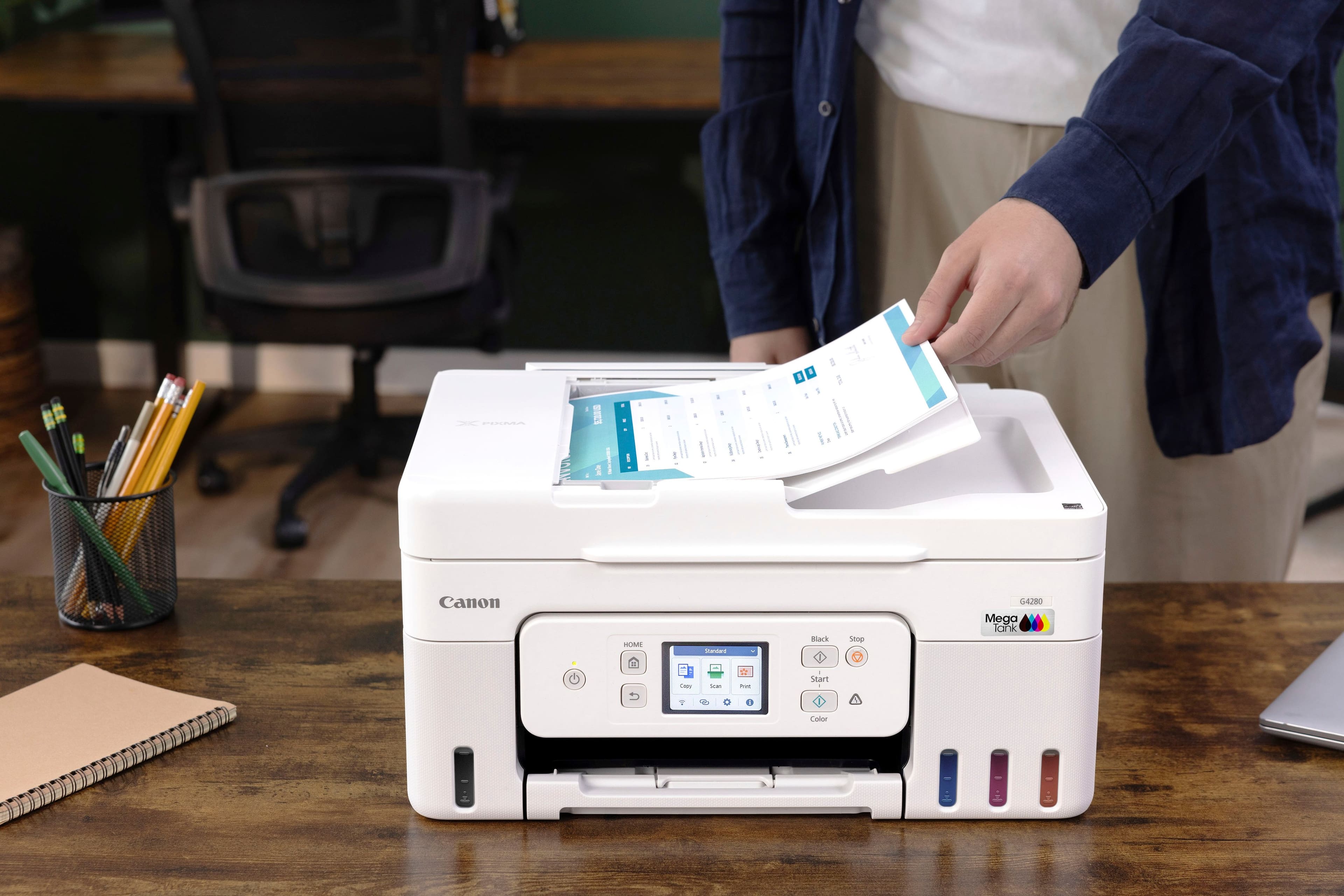
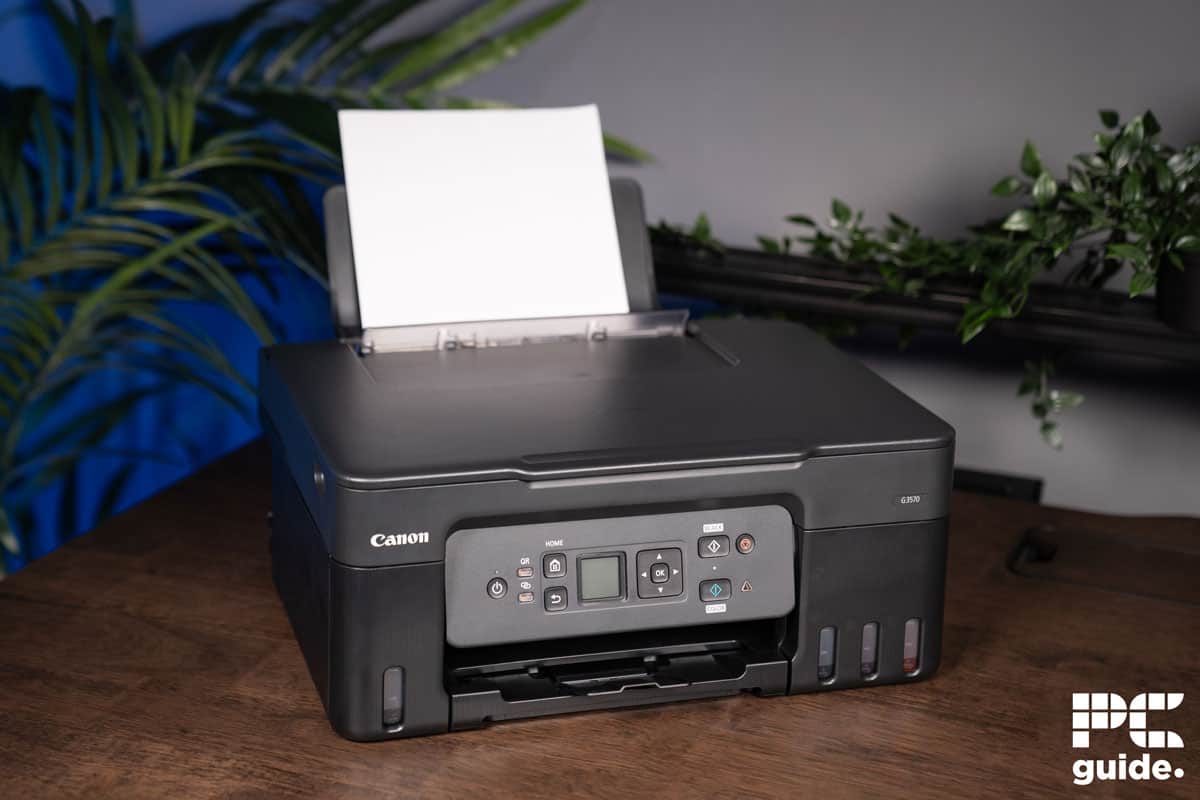
How to Set up Canon Pixma Printer To Wireless Network and Print | Print. It works as a short bridge between the article summary and the gallery section.
How To Setup Wifi On Canon Printer | Detroit Chinatown. The extra context helps the page feel more useful without forcing the same phrase repeatedly.
Looking at multiple sources also helps separate the main idea from small decorative details.
These notes are added so the page offers more than images and gives each visitor a clearer reason to keep reading.