This Is How 6GHz Wi
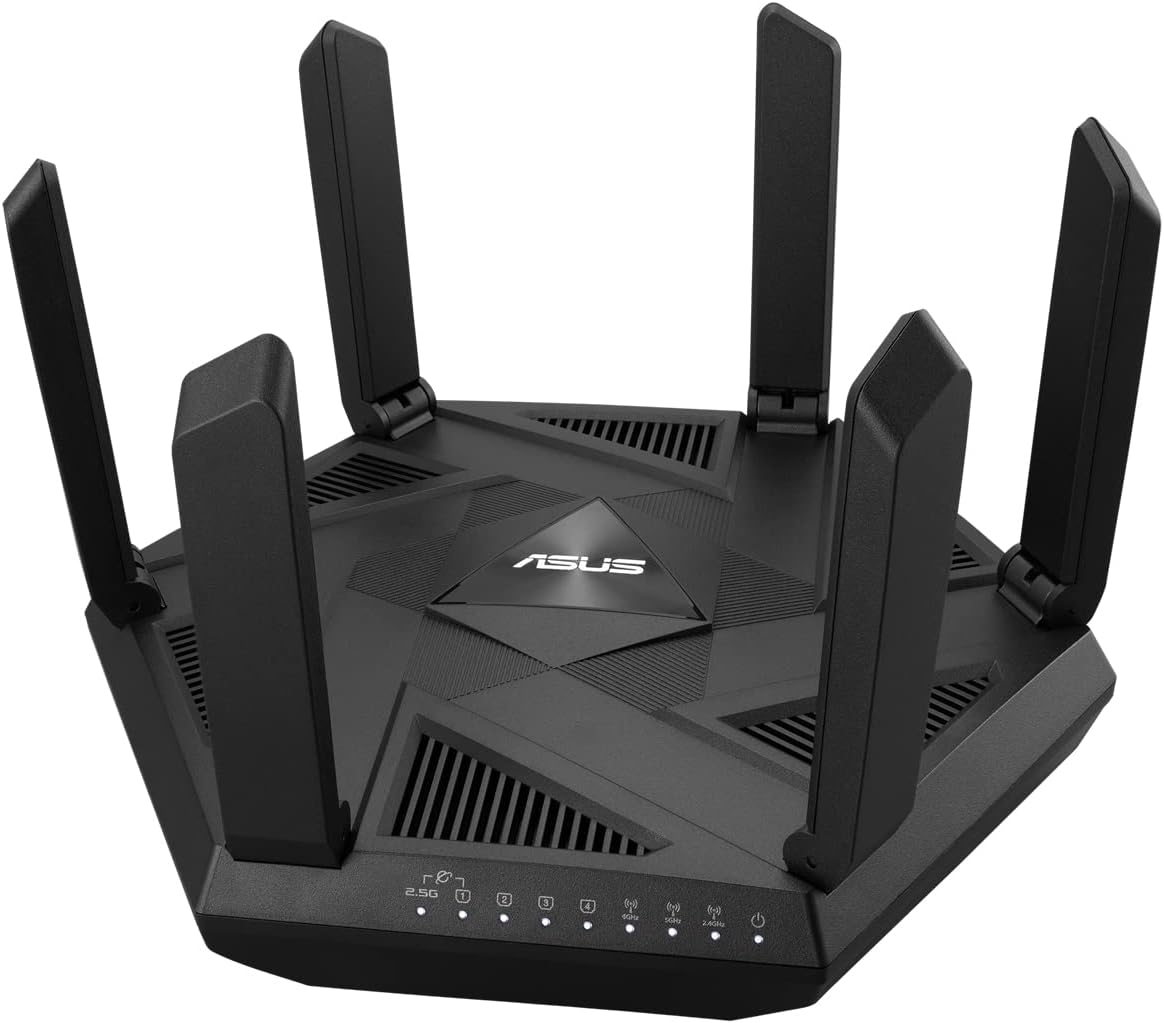
The second router could function as a Wi-Fi mesh station, but I didn't need two mesh units so close to each other, so I set it up in ASUS's Media Bridge Mode. This converts the router to a simple access point for Ethernet clients, without broadcasting an additional wireless network. The setup process allowed me to force a 6 GHz connection, so I don't have to worry about it randomly ...
Why can't my device detect the 6 GHz wireless band

The 6 GHz wireless band was introduced with the WiFi 6E standard and is exclusive to devices that support WiFi 6E and newer standards, including WiFi 7 and successive future WiFi versions. To use the 6 GHz wireless band, you must have a router , mesh system, or access point that supports 6 GHz WiFi, like a Nighthawk Tri-Band WiFi 7 Router , Orbi Quad-band WiFi 6E Mesh System, or Cloud Managed ...
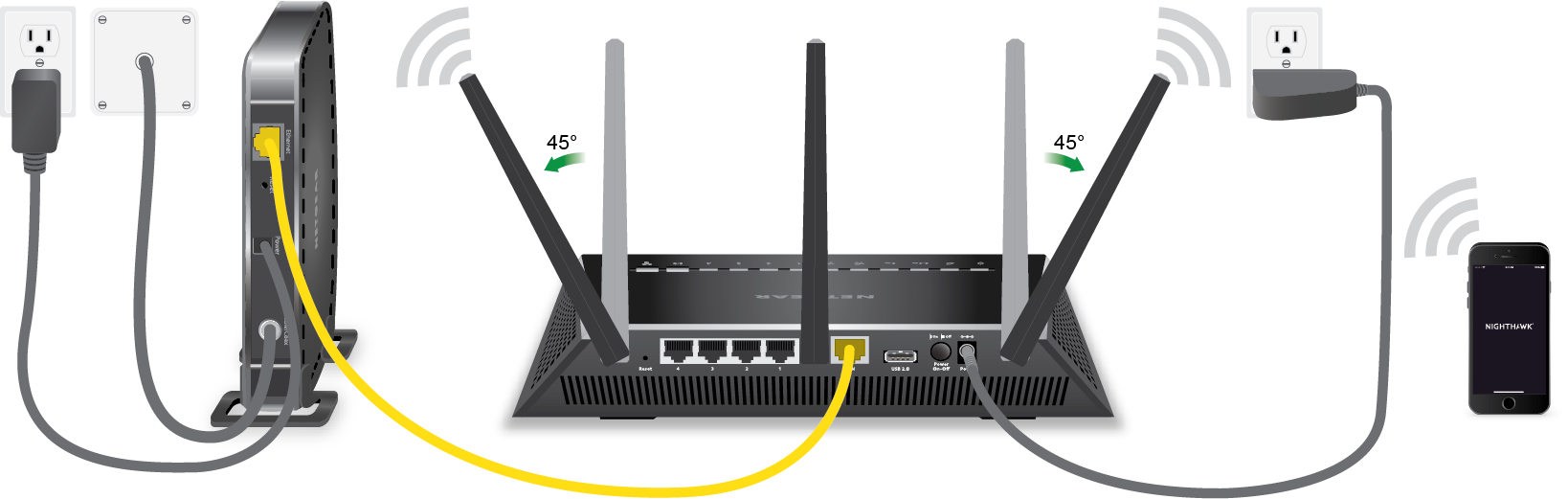
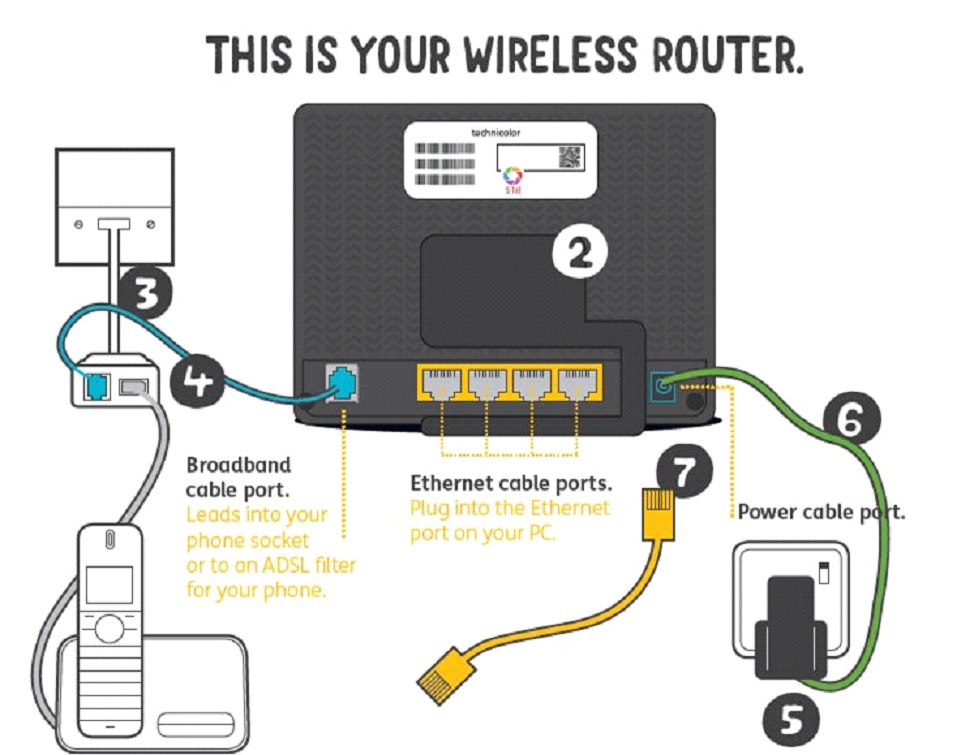
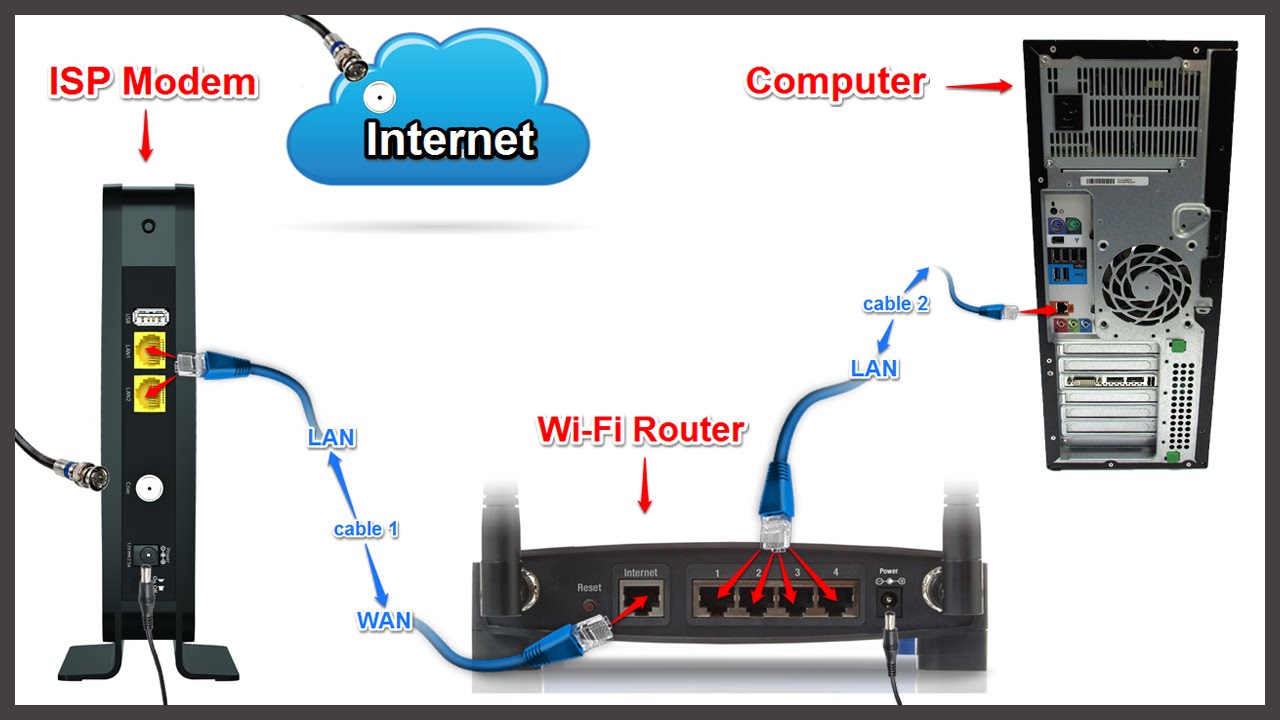
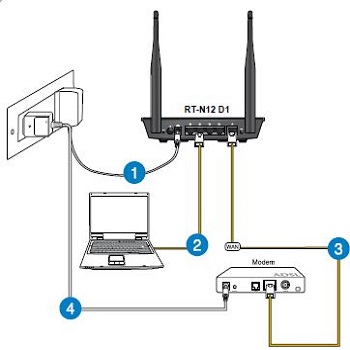
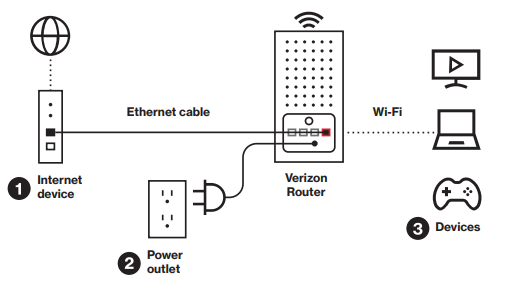
Setup your Wi-Fi in just a few minutes. Simply download the AQUILA PRO AI app, plug your router into your modem and power source, then follow the app's on-screen instructions to enjoy whole home Wi-Fi in no time.

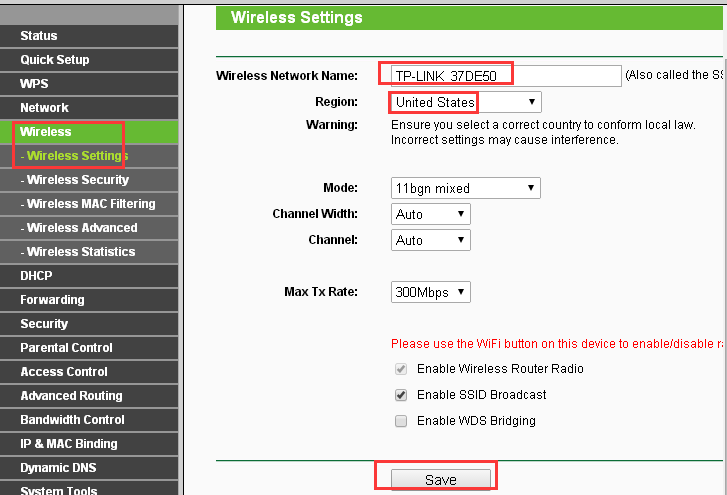
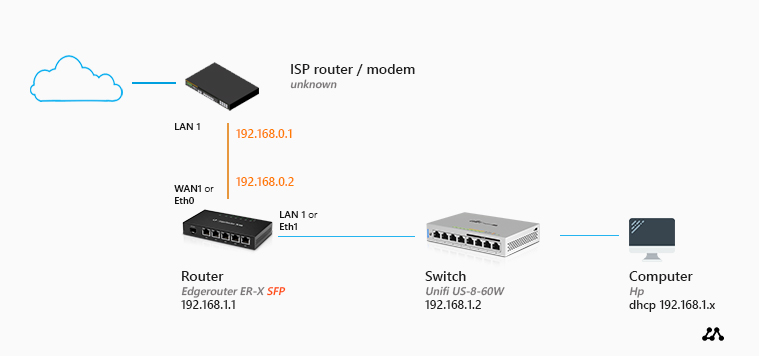
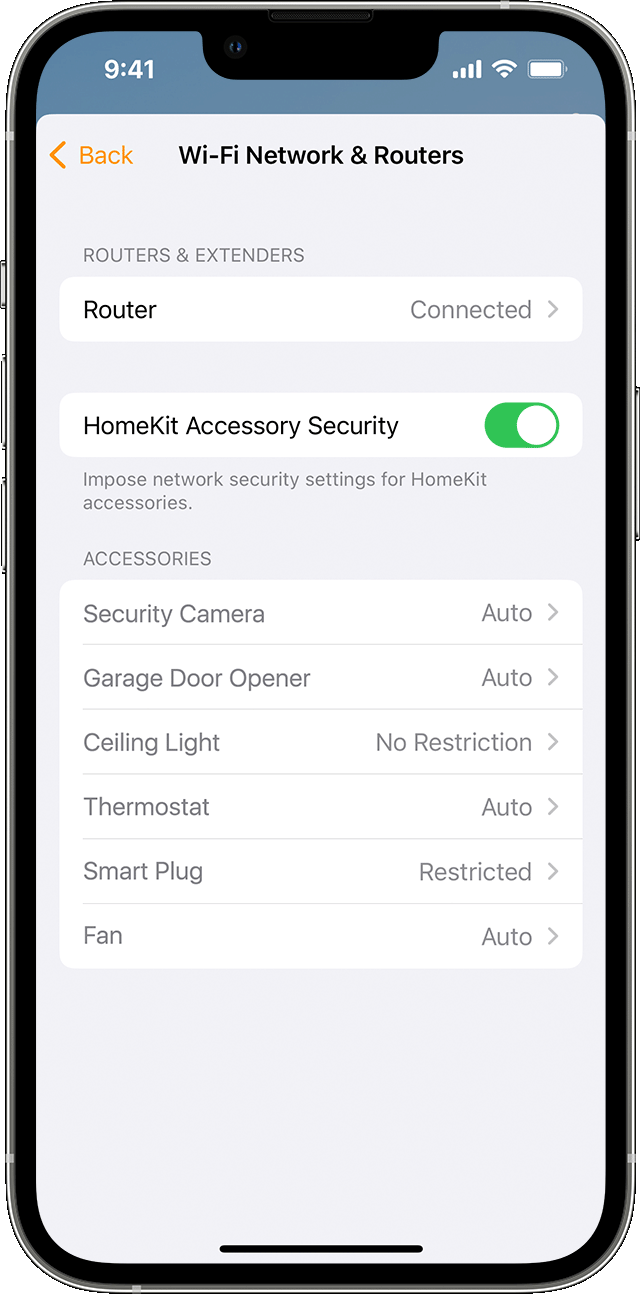
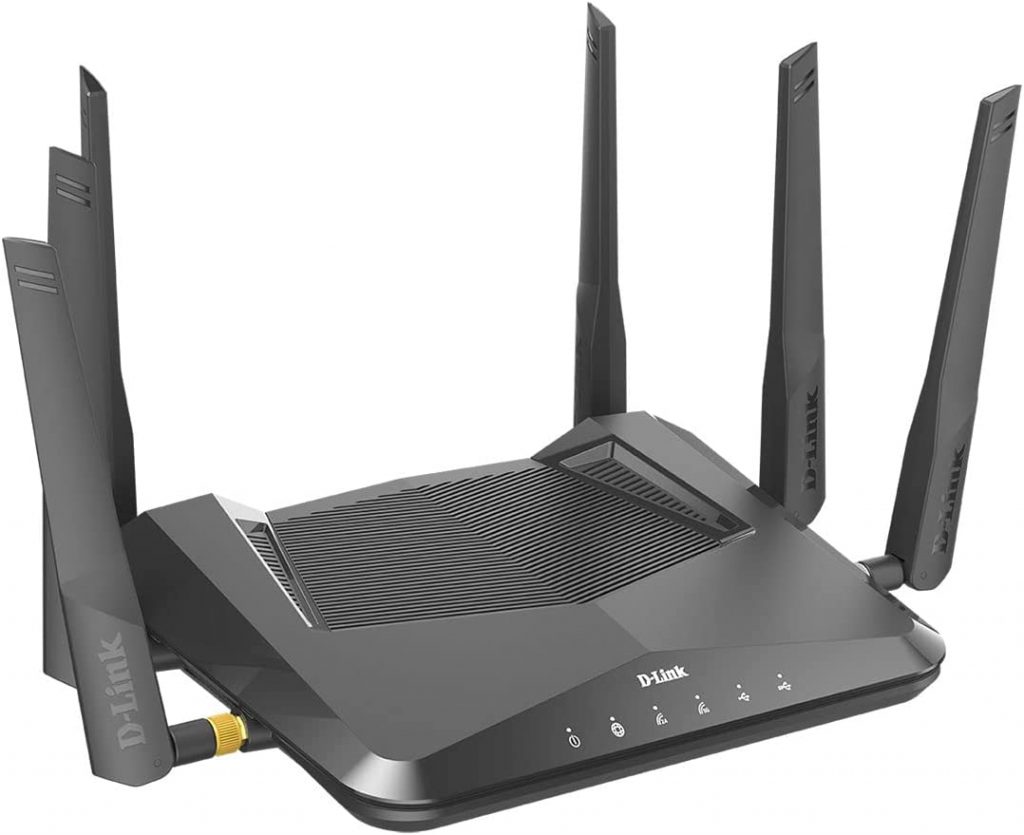
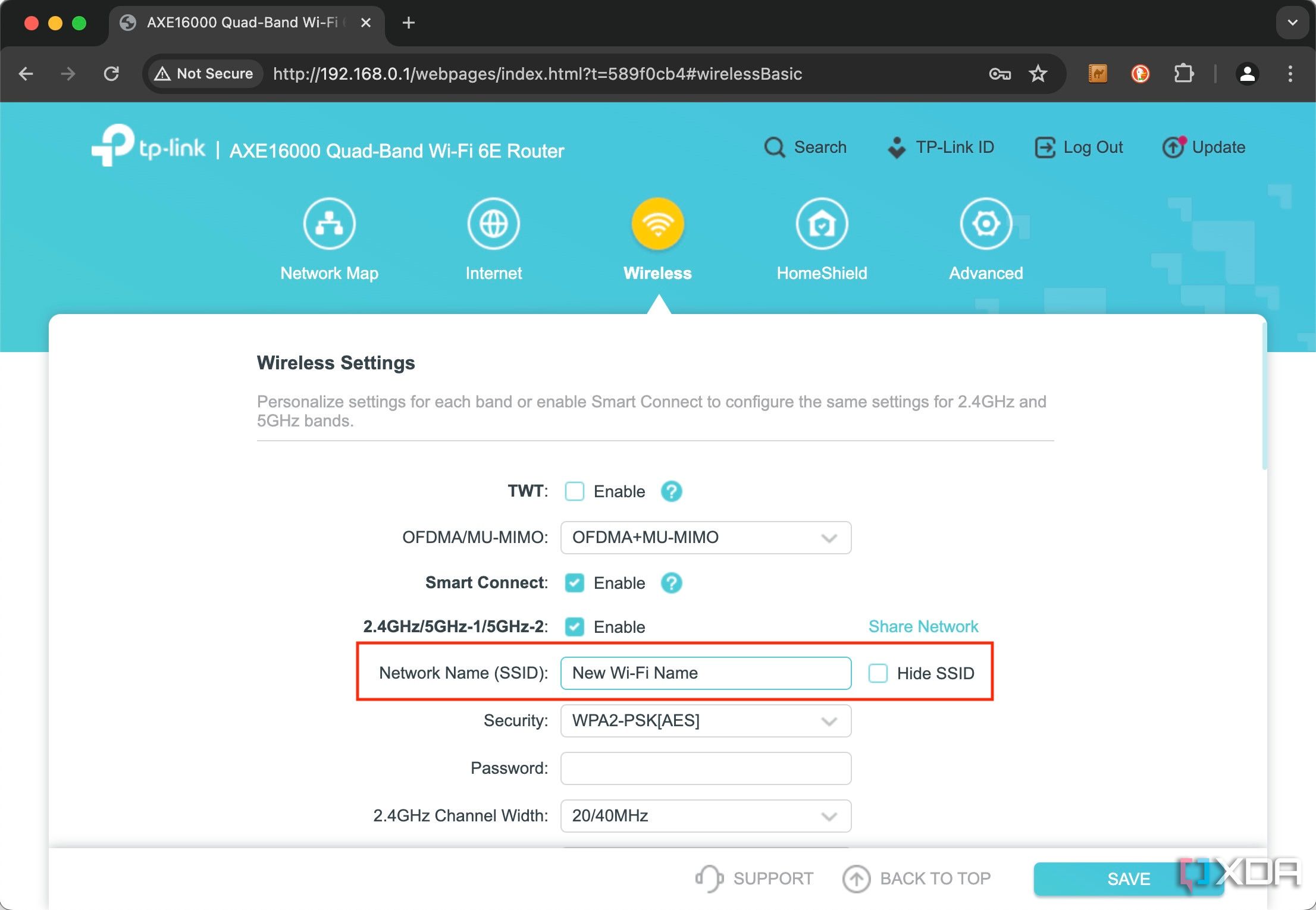
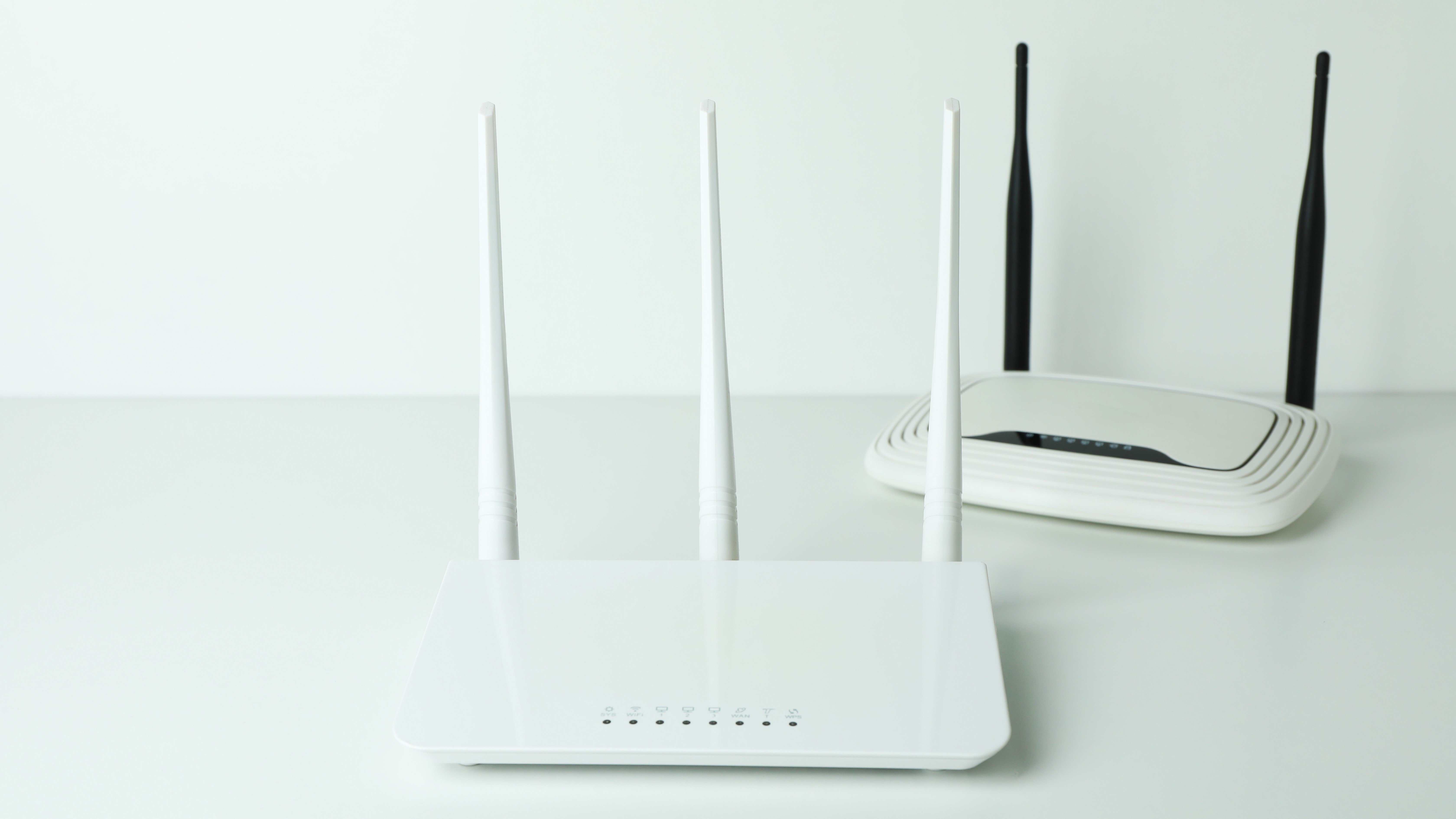
As we can see from the illustration, Home Router Setup With 6G Wireless Support has many fascinating aspects to explore.
How Wi-Fi bands affect some smart home devices Devices such as Nest Wifi Pro, Nest Wifi and Google Wifi routers support most smart home devices that use a Wi-Fi connection. However, some smart home devices can only use the 2.4 Ghz band and do not support 5 and 6 Ghz.
More Context About Home Router Setup With 6G Wireless Support
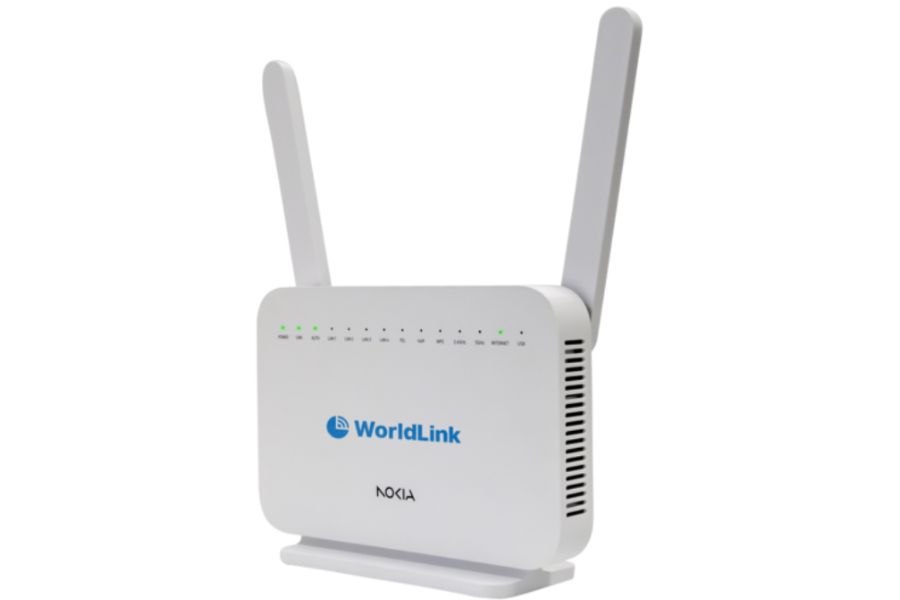
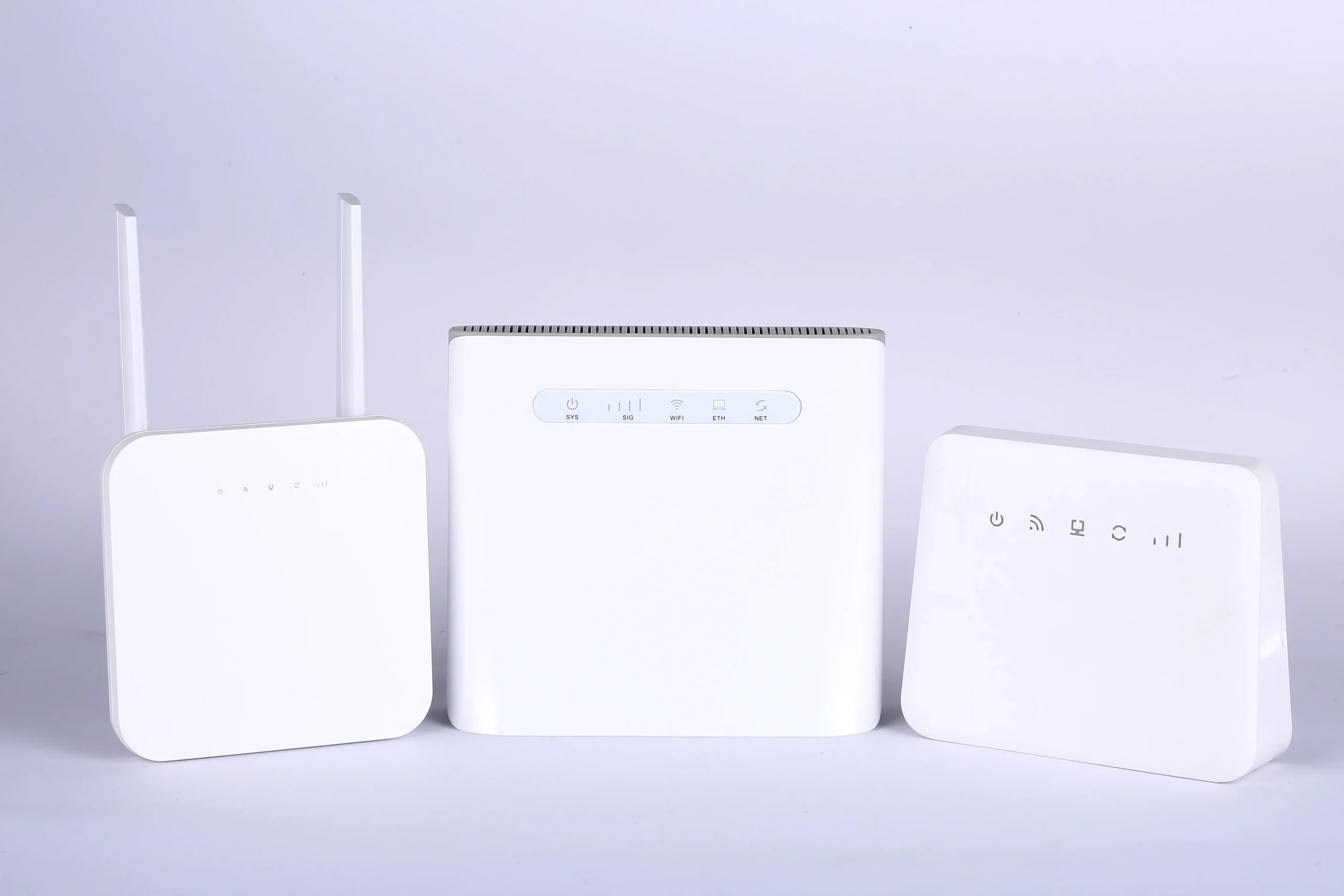
Karbor 4G RJ11 Wifi Modem Wireless Sim Card Router 2.4G/6G Support QoS. For Home Router Setup With 6G Wireless Support, this point helps readers notice the most relevant visual details before moving into the gallery.
Step-By-Step on a Proper Home Wi-Fi Router Setup - Dong Knows Tech. It works as a short bridge between the article summary and the gallery section.
10 Crucial Features to Use in Your Wireless Router Setup at Home. It works as a short bridge between the article summary and the gallery section.
Looking at multiple sources also helps separate the main idea from small decorative details.
These notes are added so the page offers more than images and gives each visitor a clearer reason to keep reading.