Connect Alexa to Wi
Learn how to connect Alexa to a new Wi-Fi network or change existing settings. Follow our guide to update Wi-Fi connections on your Echo devices.
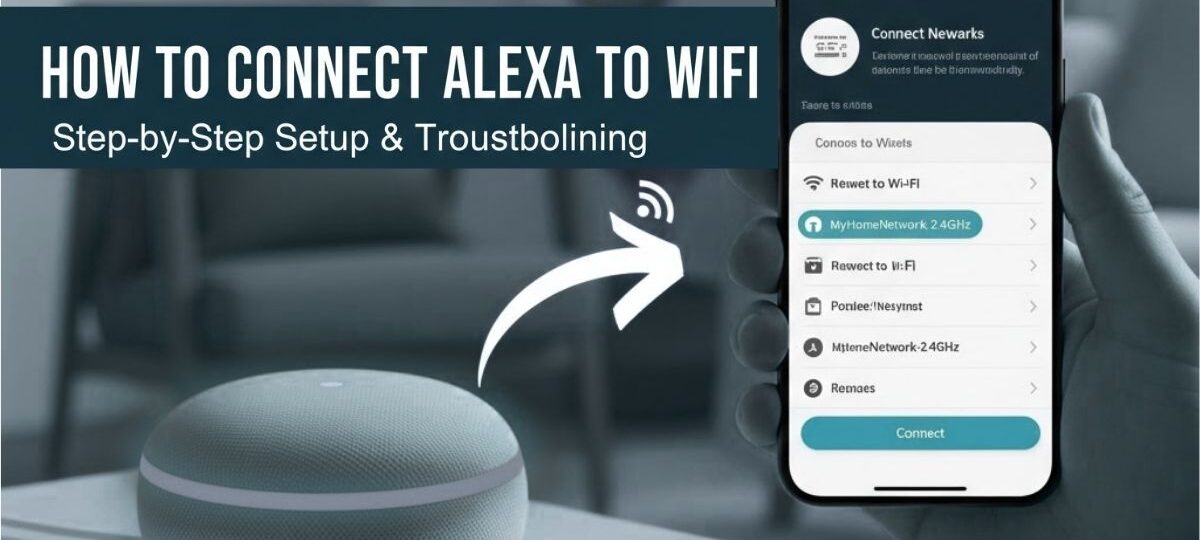
As we can see from the illustration, How To Add Alexa To Existing Network has many fascinating aspects to explore.
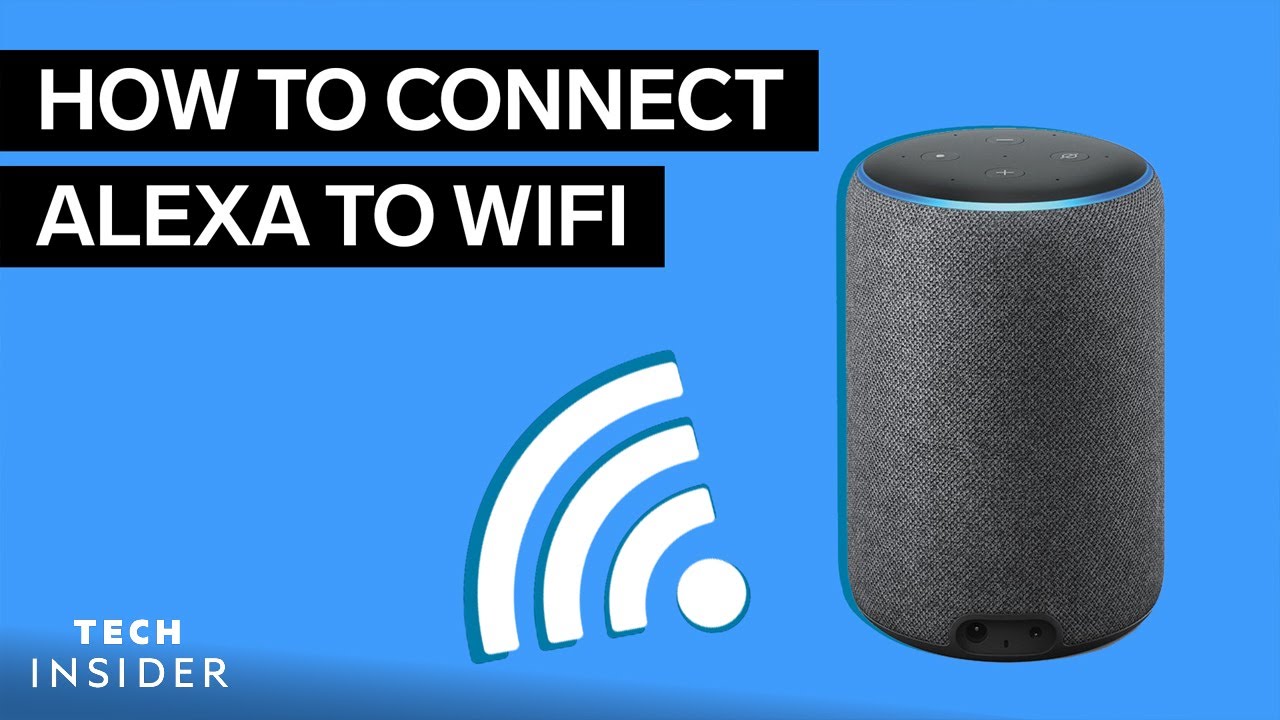
How To Connect Alexa To WiFi Easy Step

Moving forward, it's essential to keep these visual contexts in mind when discussing How To Add Alexa To Existing Network.
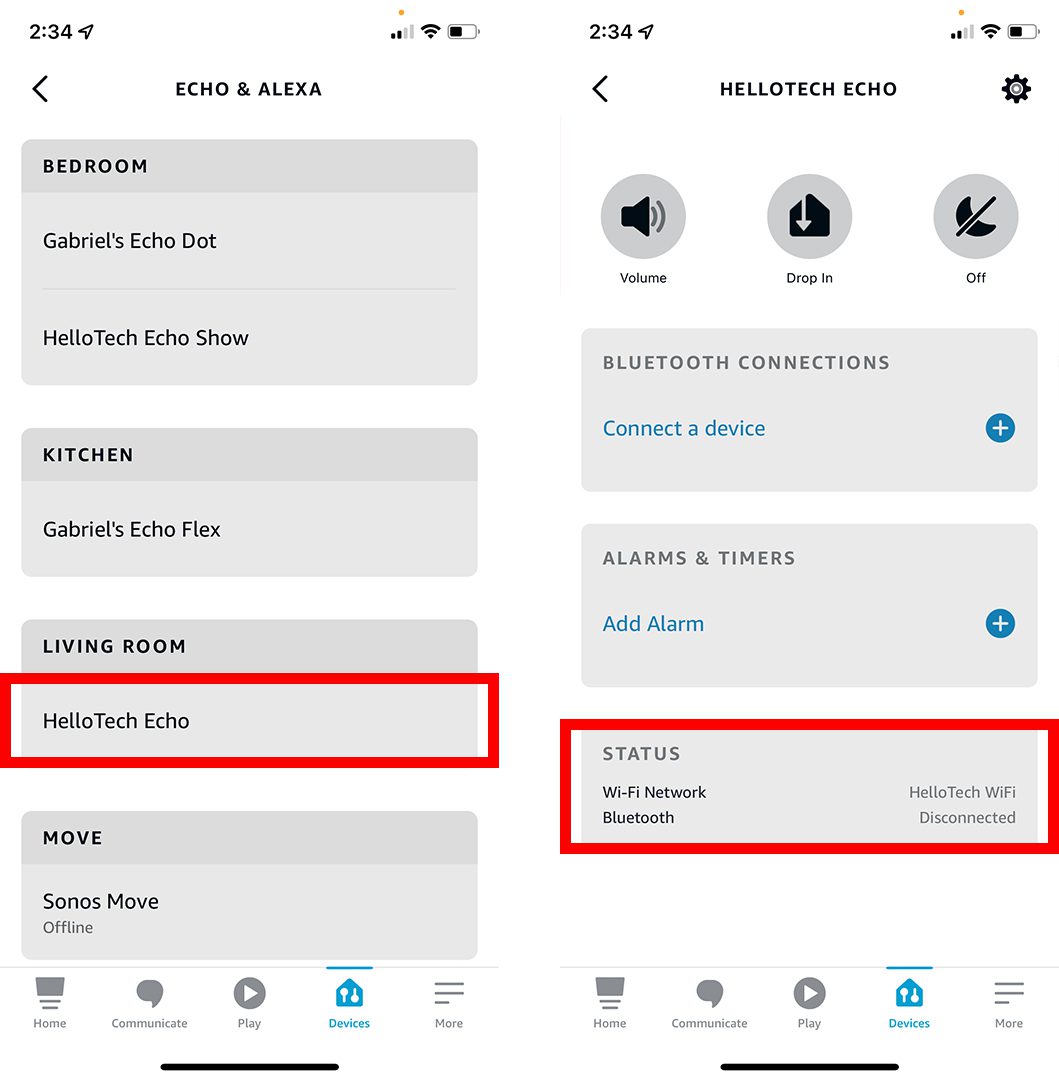
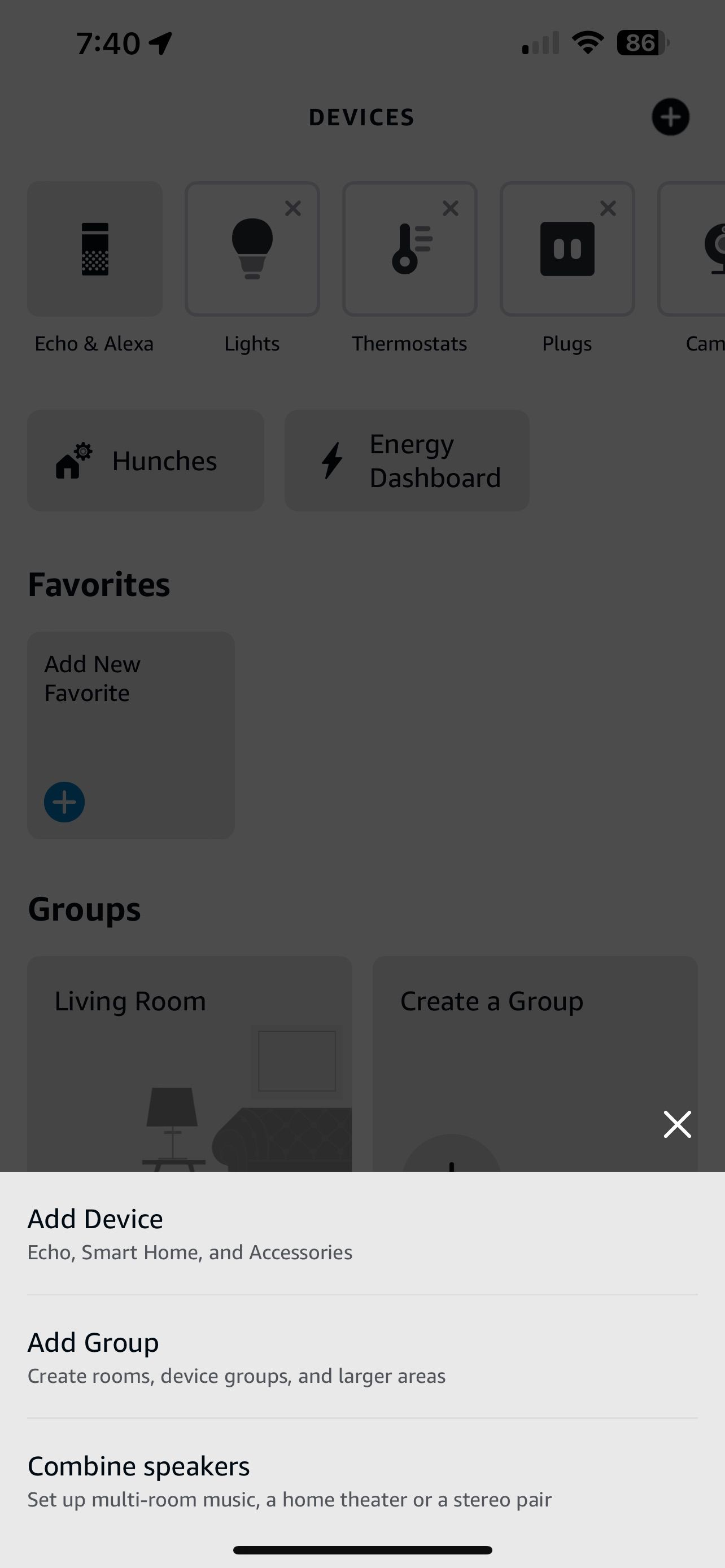
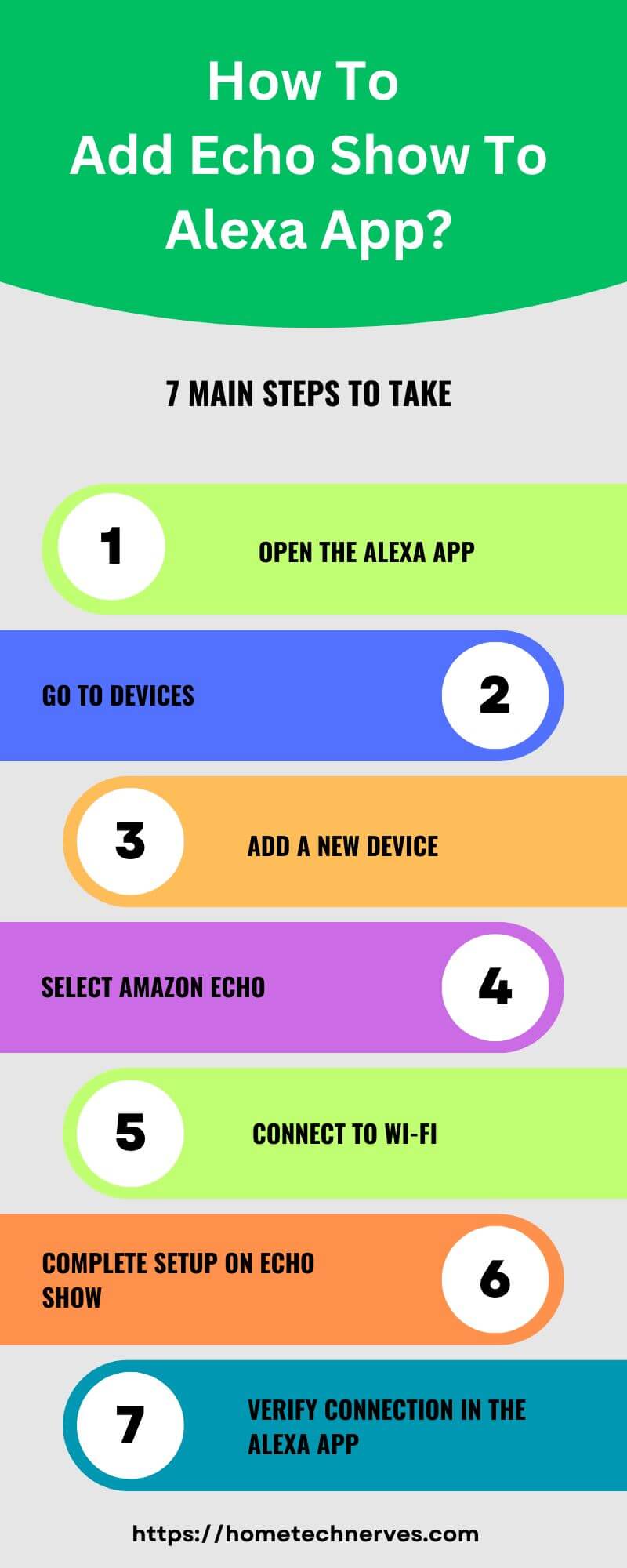
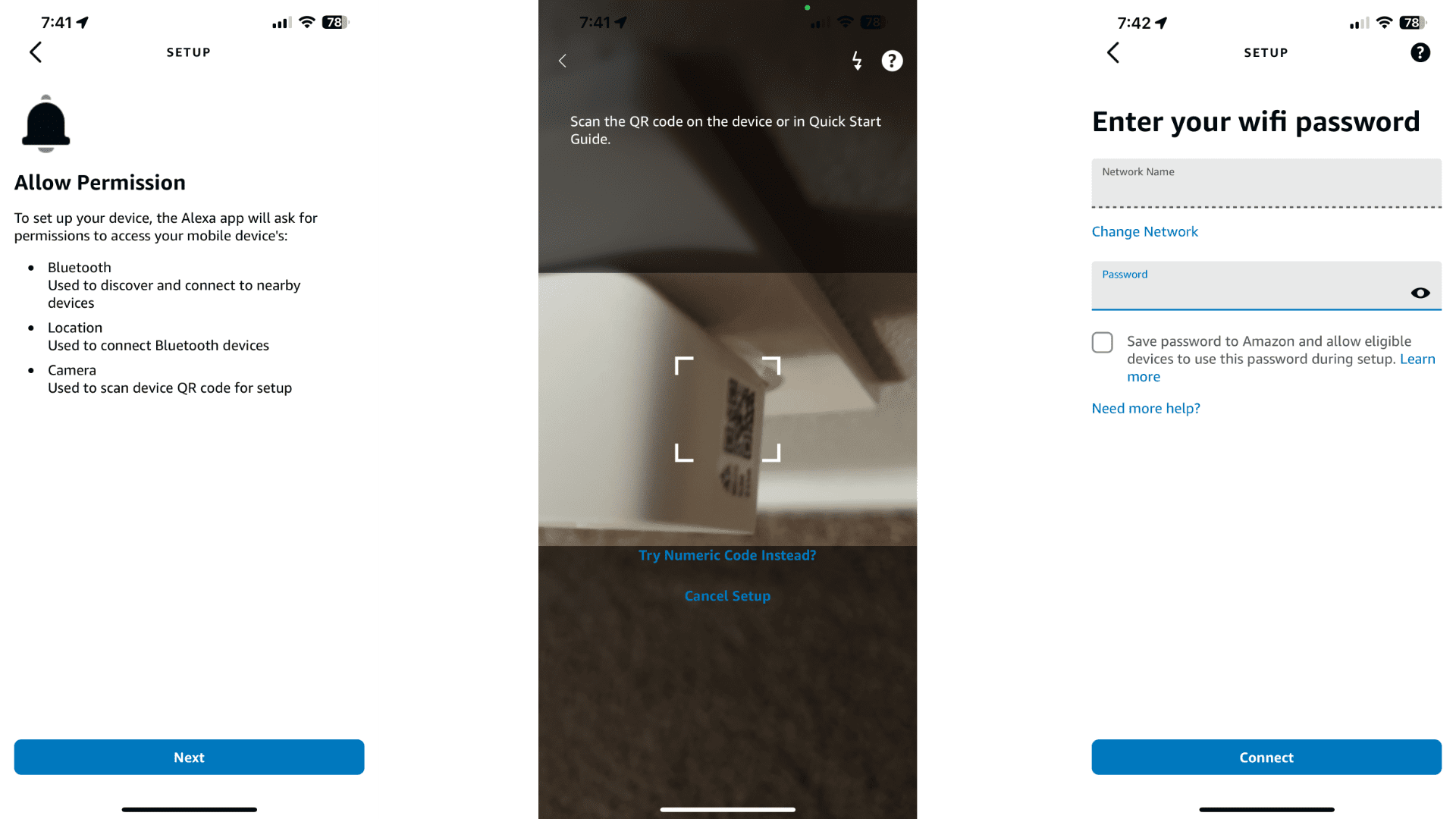
Quick Answer: To connect Alexa to WiFi, open the Amazon Alexa app, go to Devices, tap your Echo, then select Status > Change next to WiFi network . Choose your new network , enter the password, and Alexa will reconnect within about 60 seconds.

Understanding How To Add Alexa To Existing Network Before the Gallery
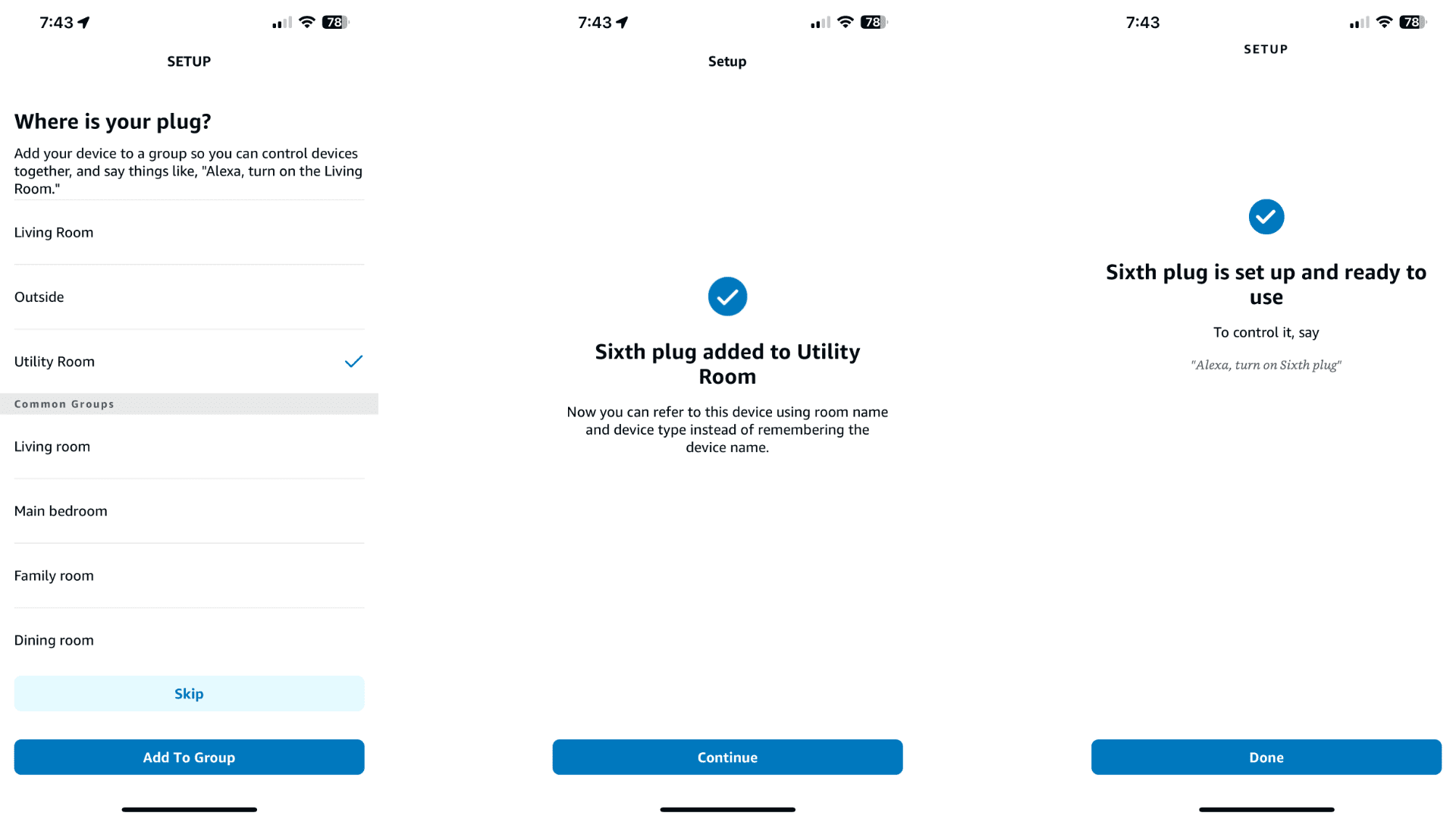
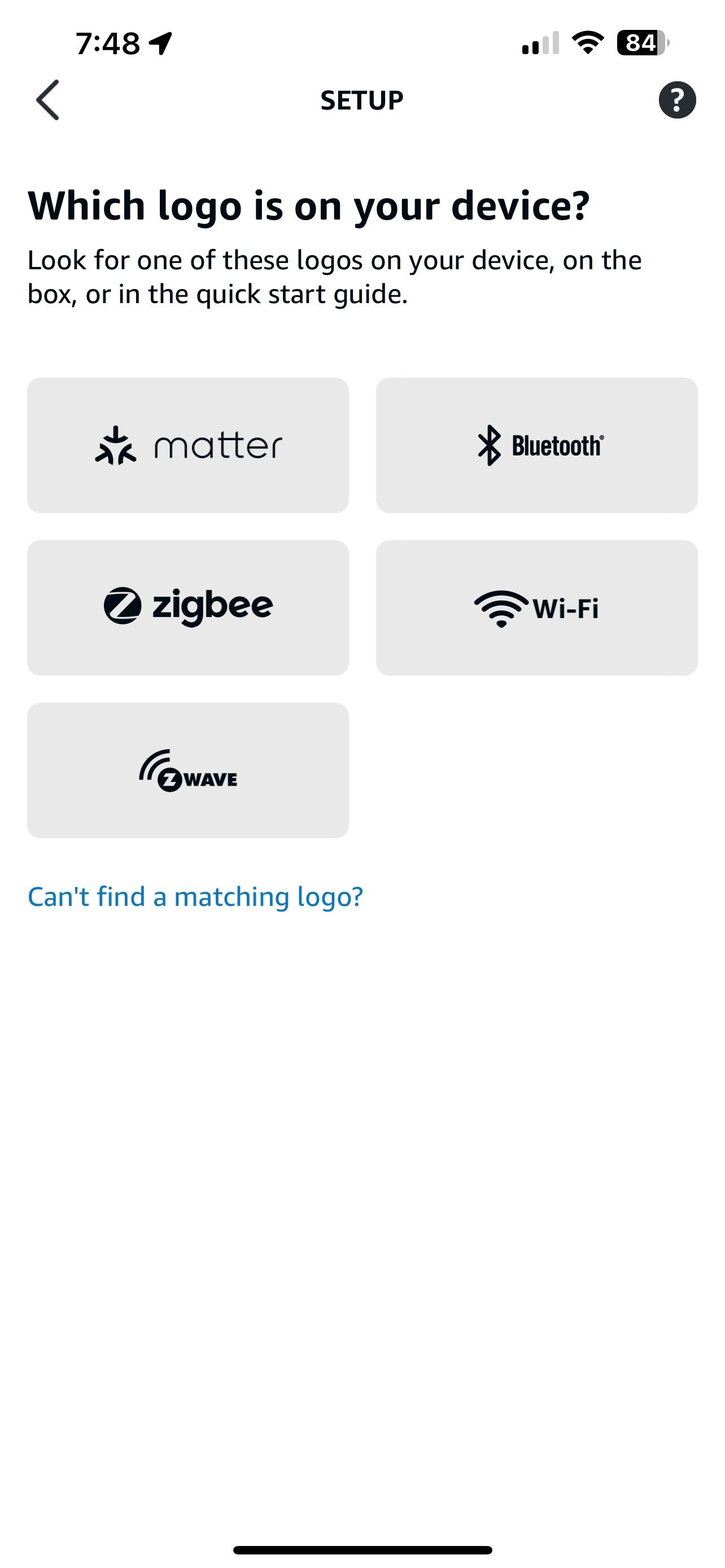
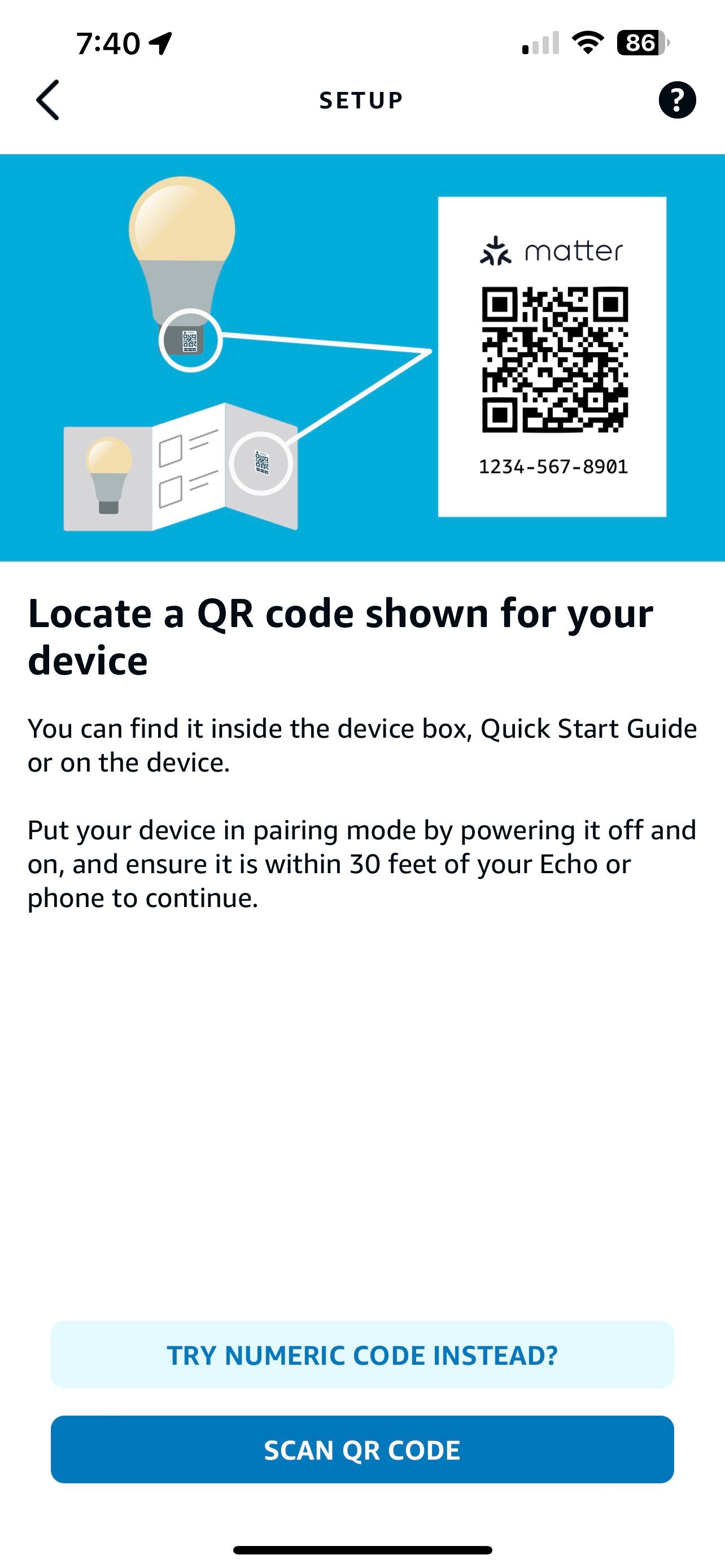
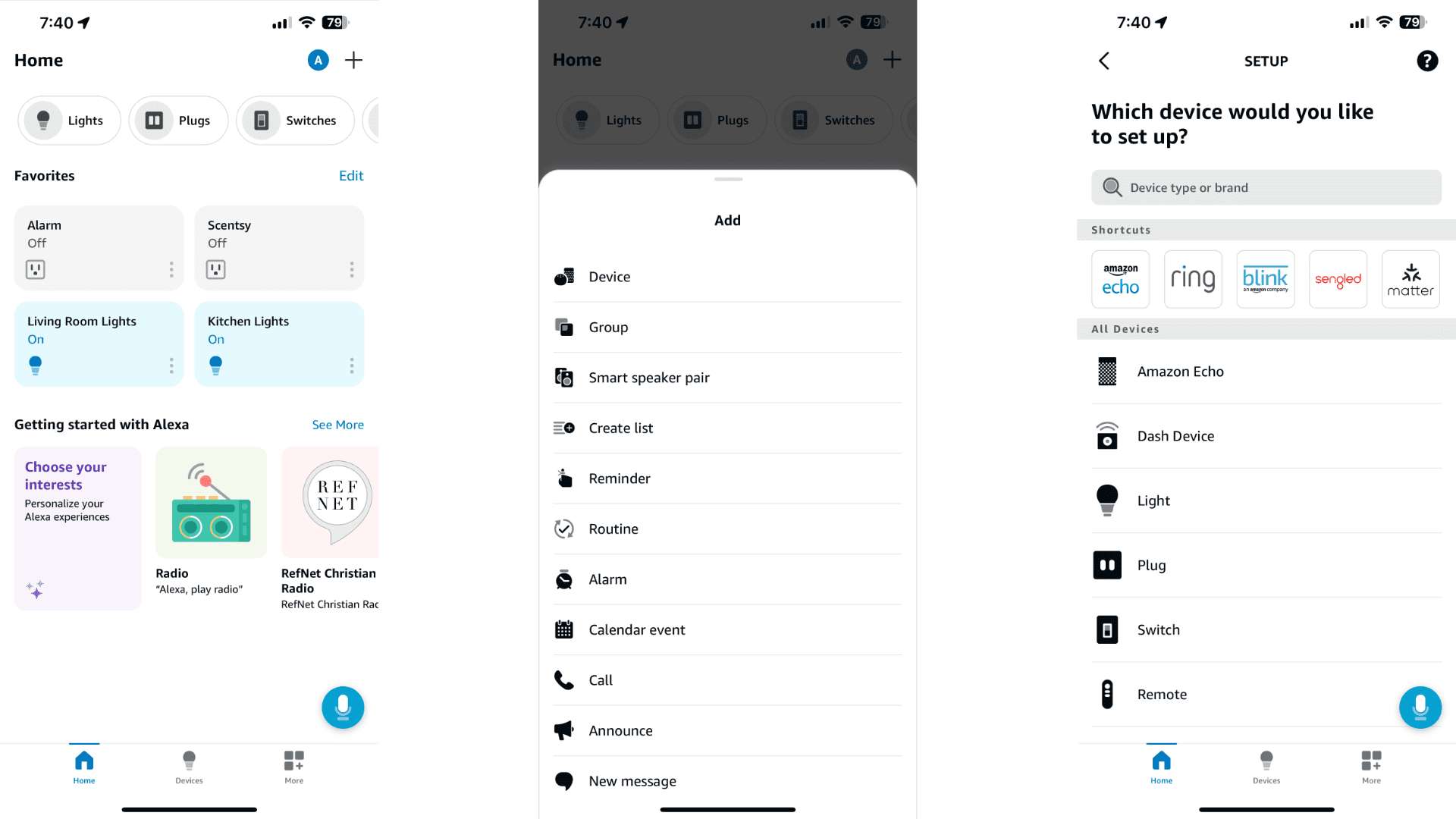
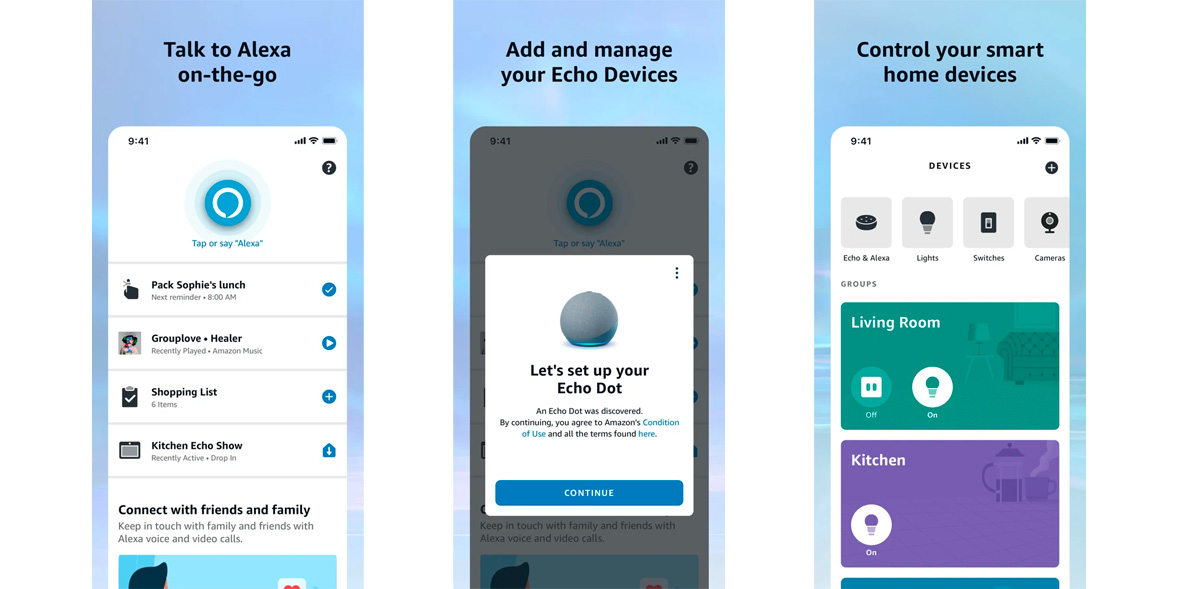
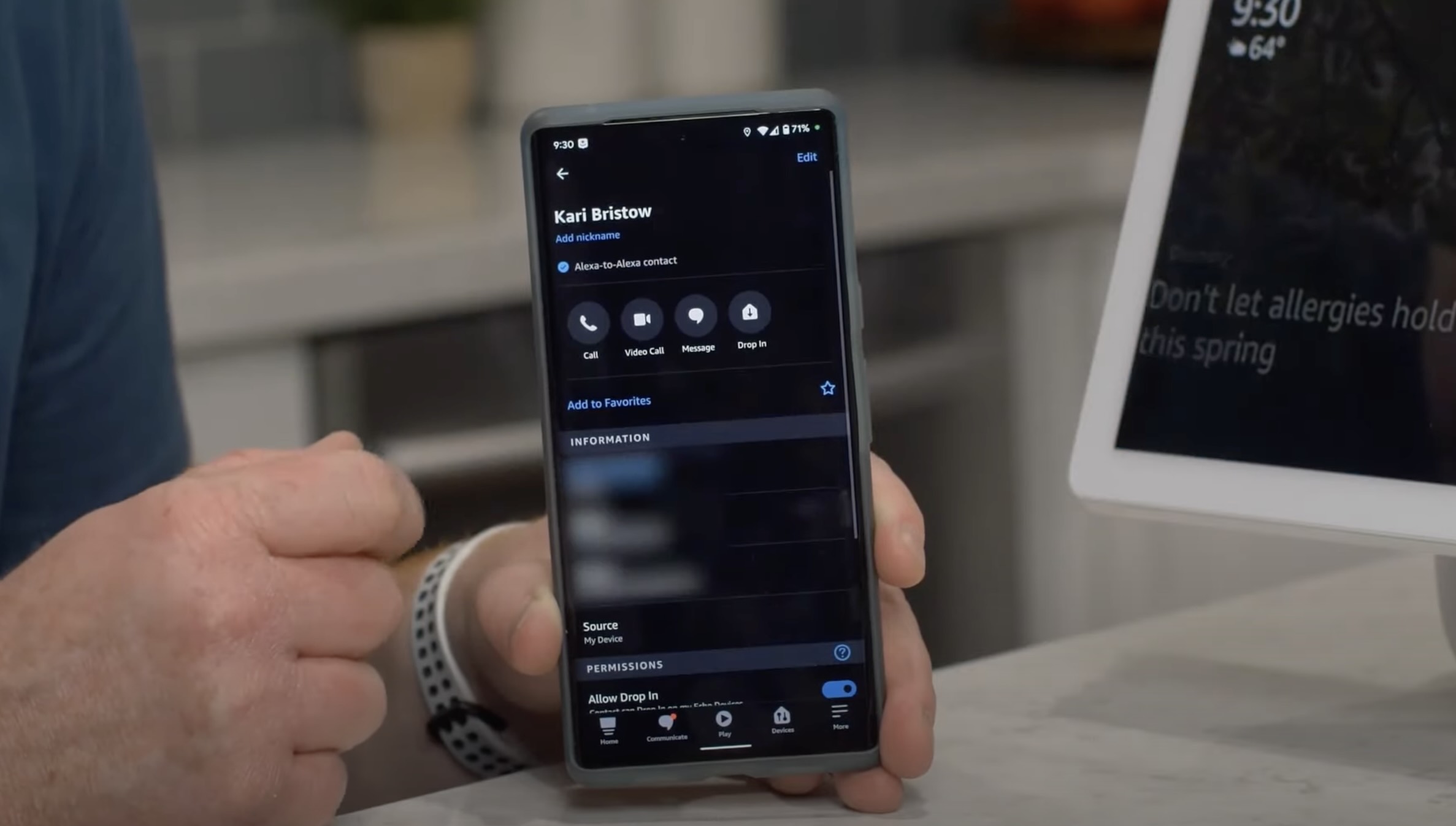
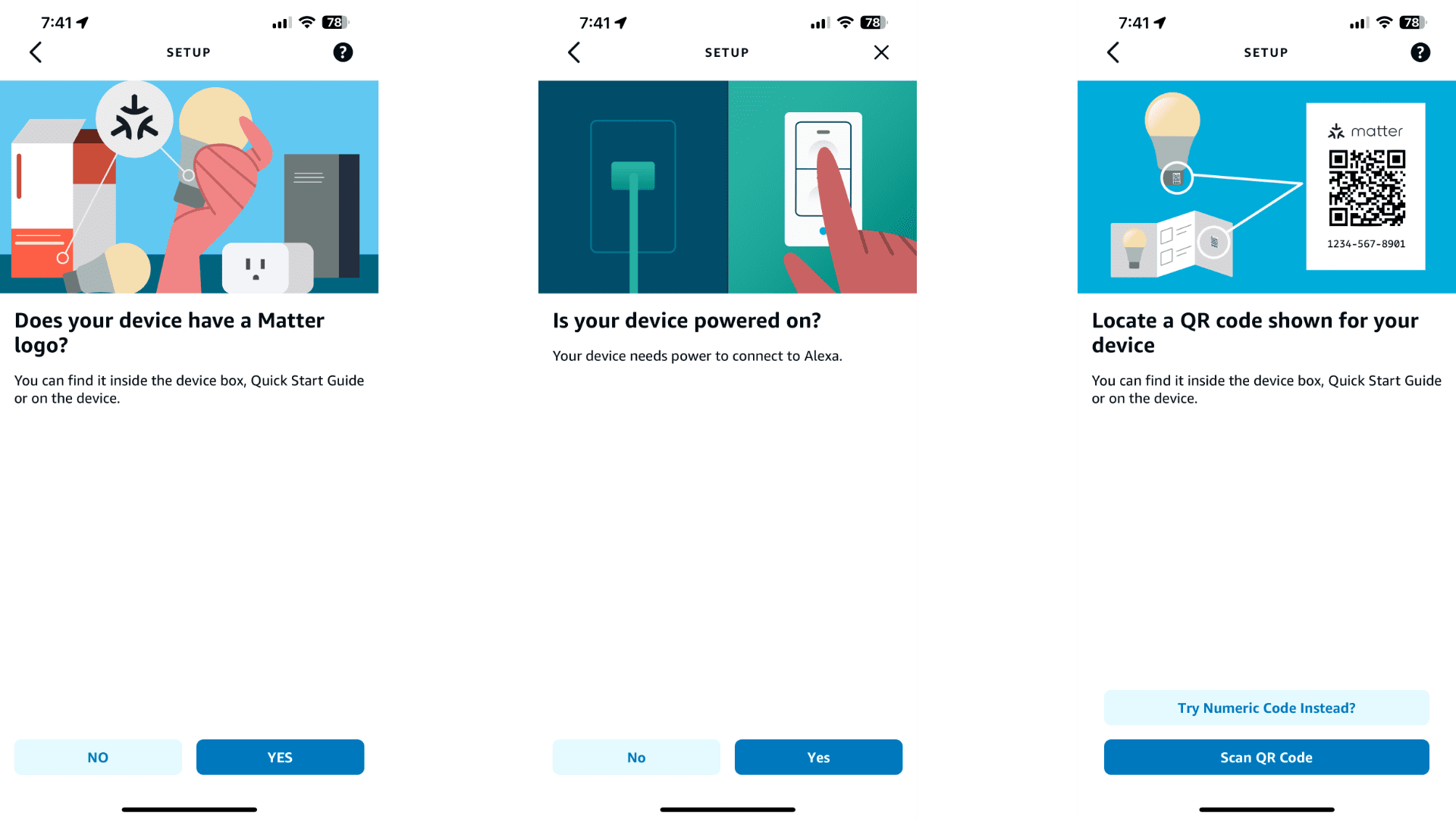
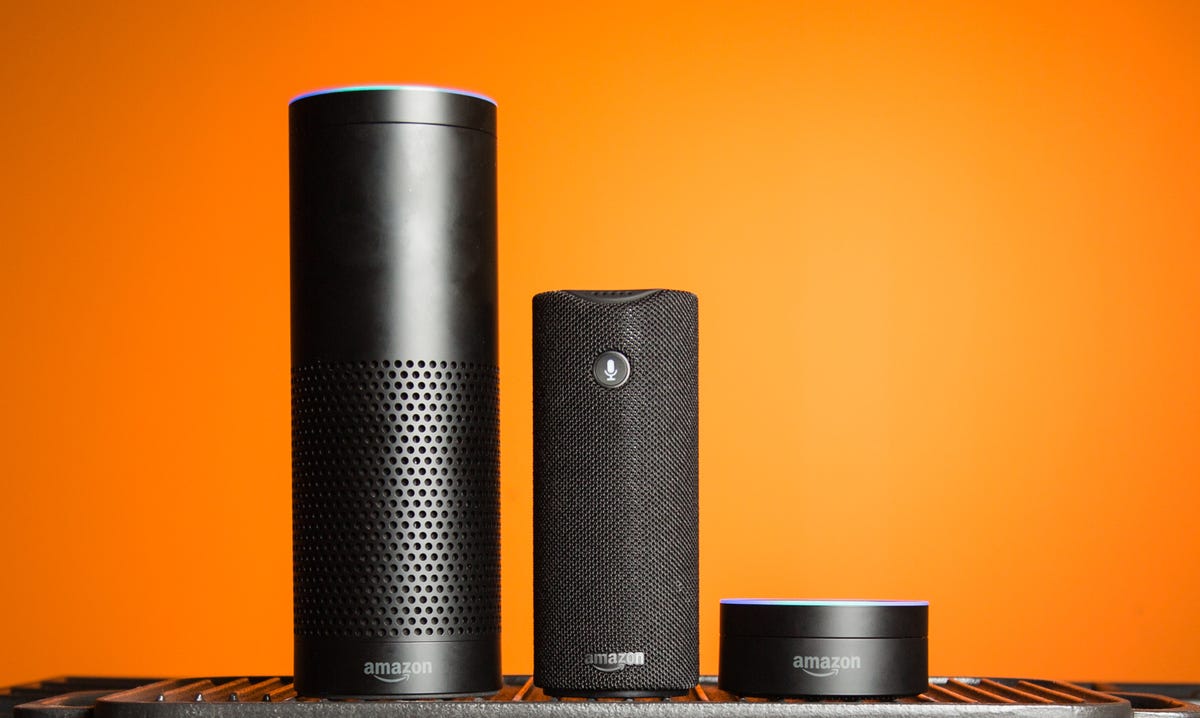
How to Connect Echo and Alexa to Wi-Fi. For How To Add Alexa To Existing Network, this point helps readers notice the most relevant visual details before moving into the gallery.
How to Connect Alexa to WiFi: Setup & Troubleshooting Guide. It works as a short bridge between the article summary and the gallery section.
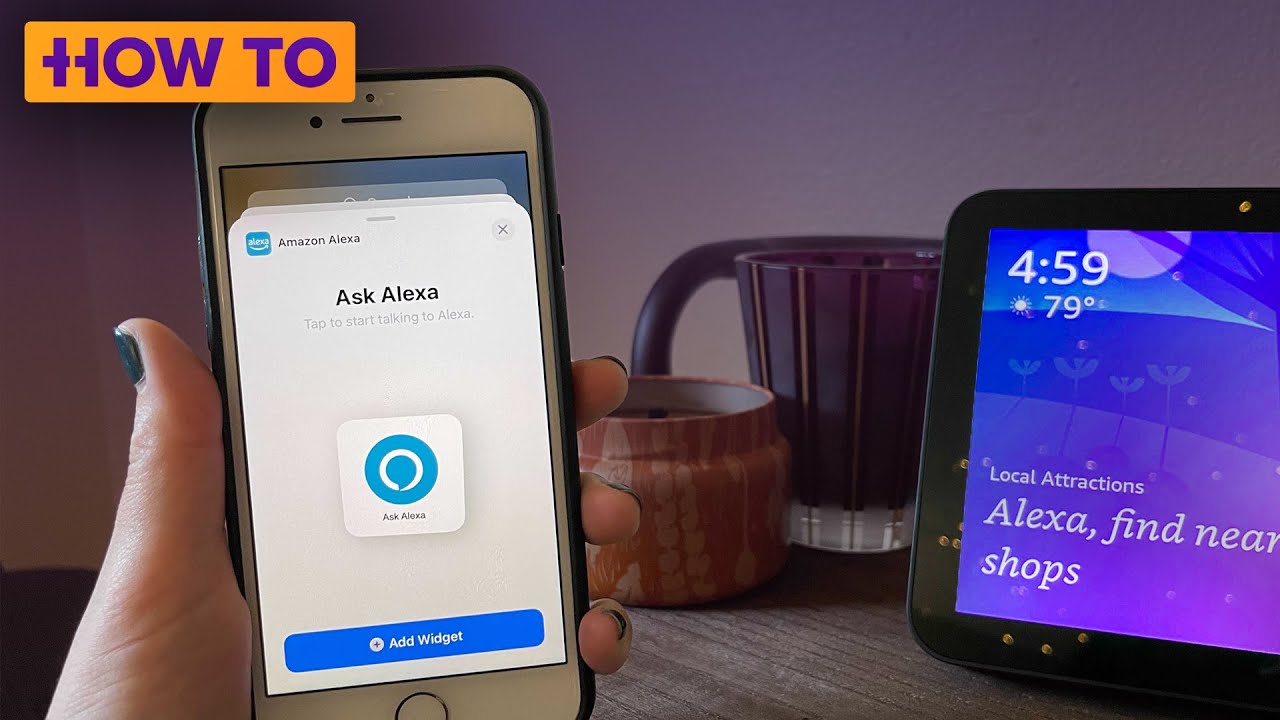
How To Connect Alexa To Wifi Network Without App - Dibujos Cute Para. The extra context helps the page feel more useful without forcing the same phrase repeatedly.
Looking at multiple sources also helps separate the main idea from small decorative details.
These notes are added so the page offers more than images and gives each visitor a clearer reason to keep reading.