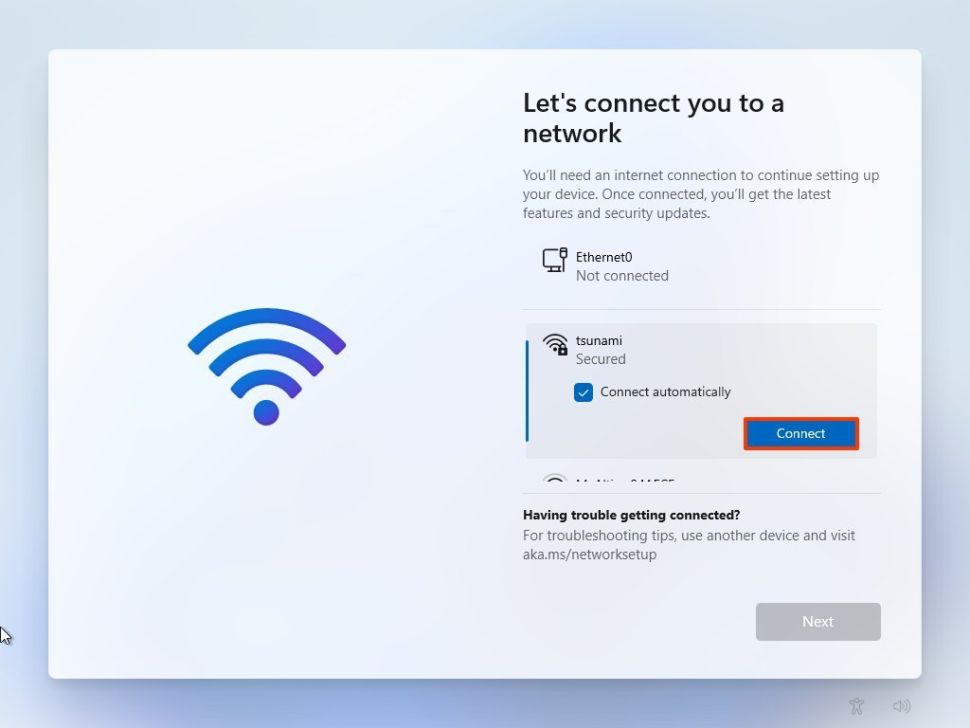
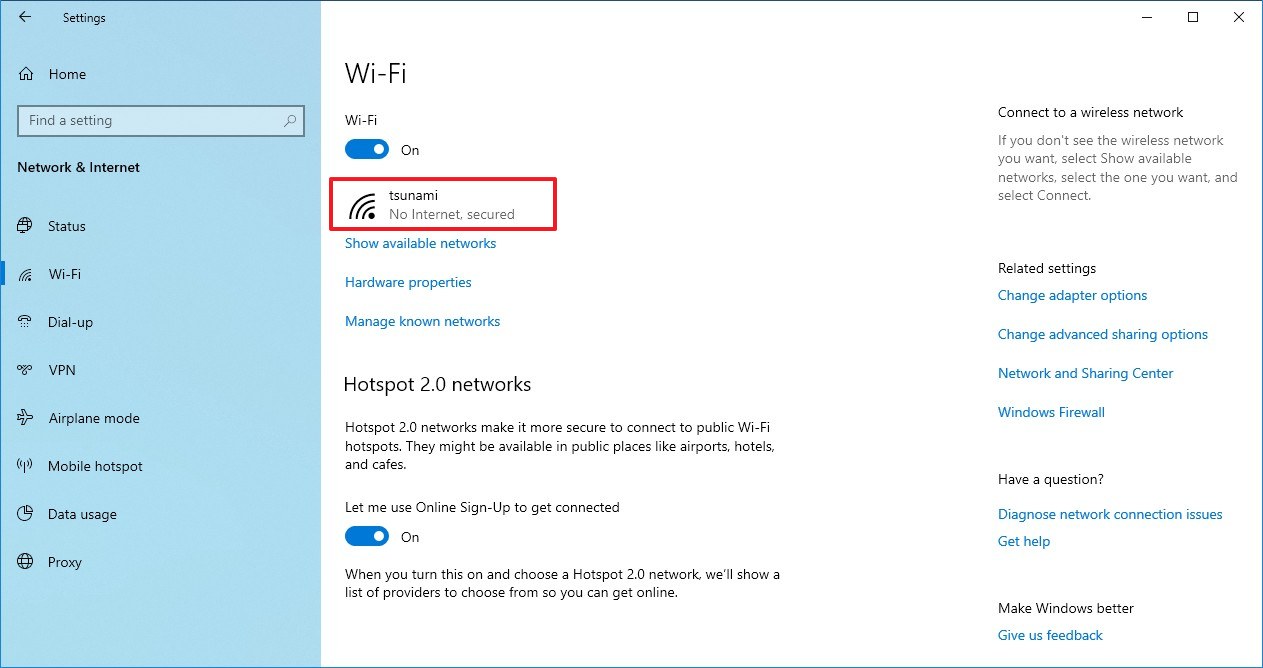
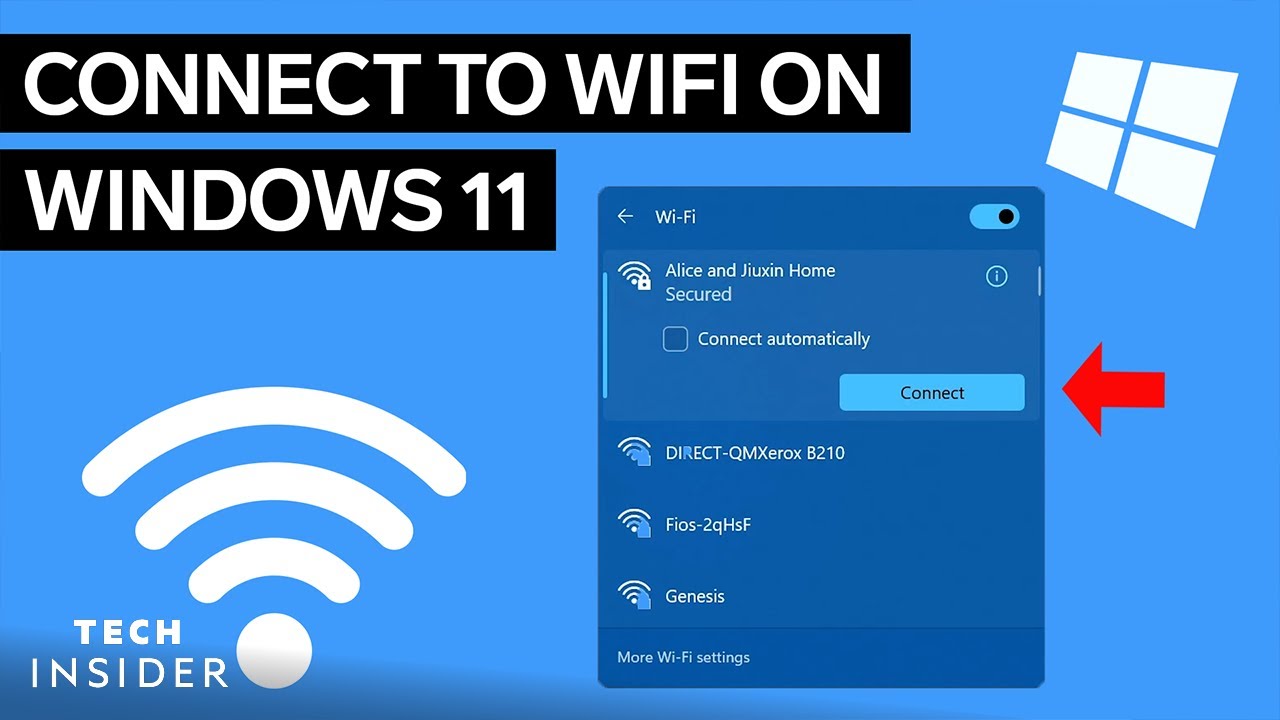
Connect to a Wi
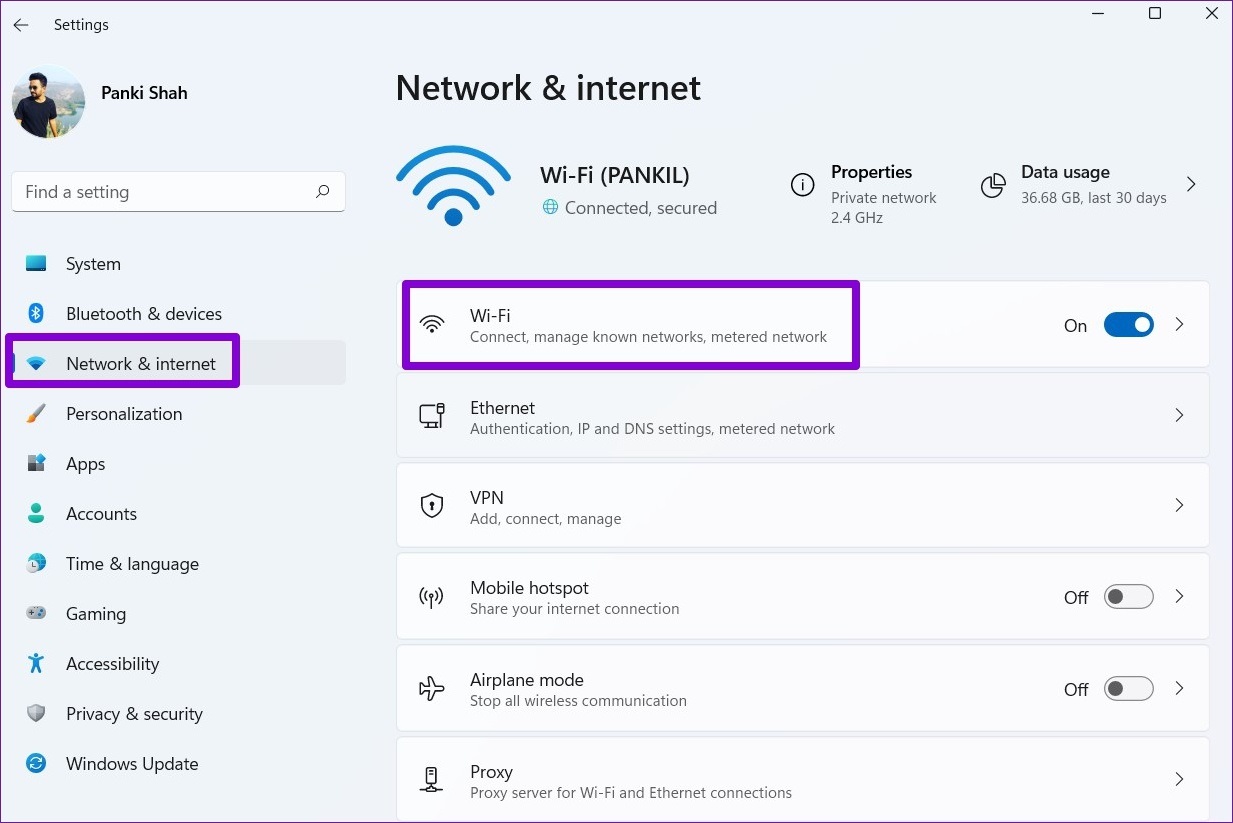
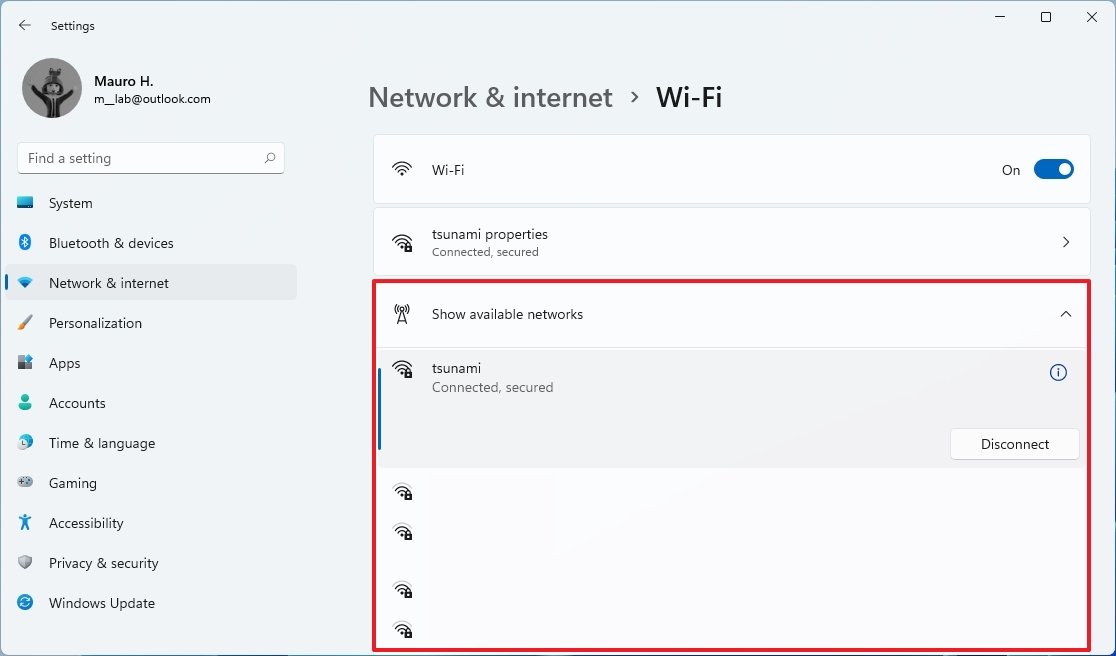
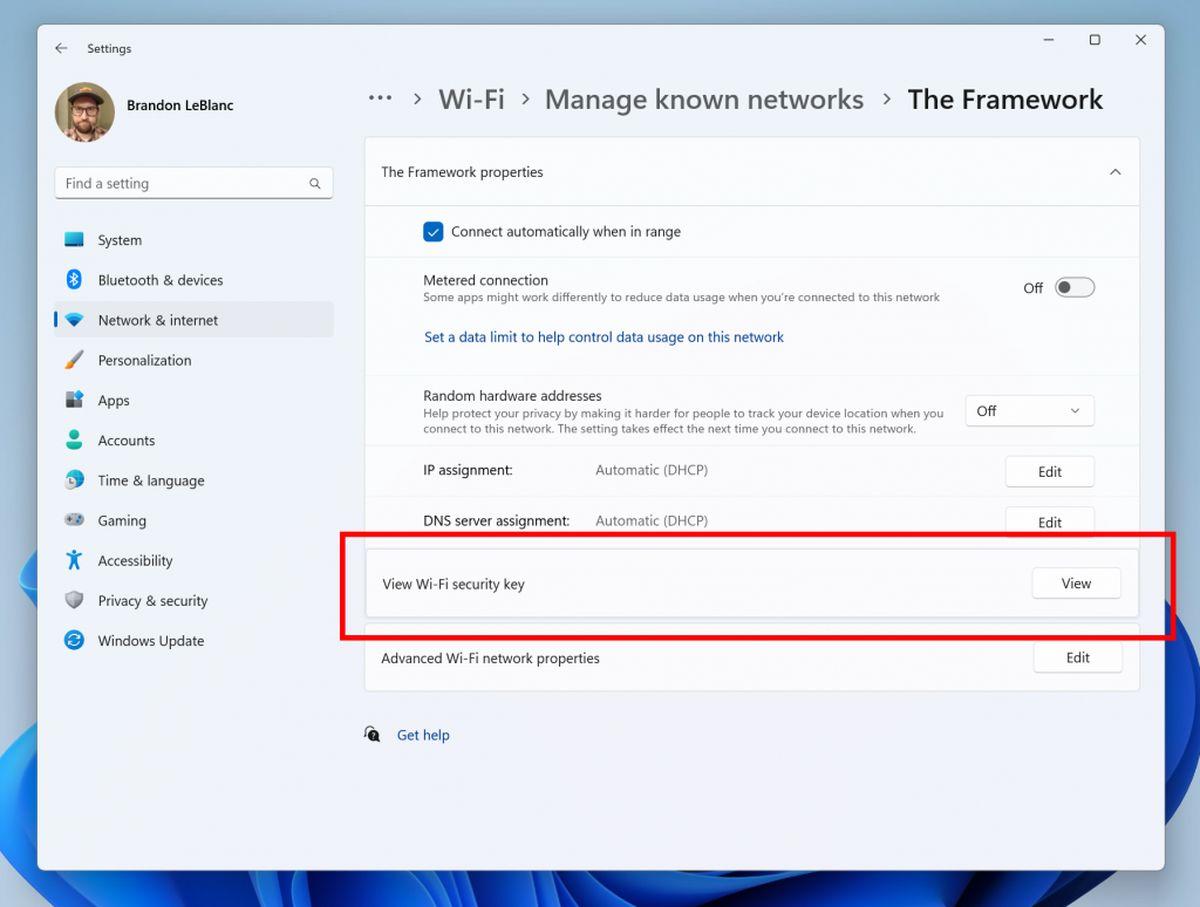
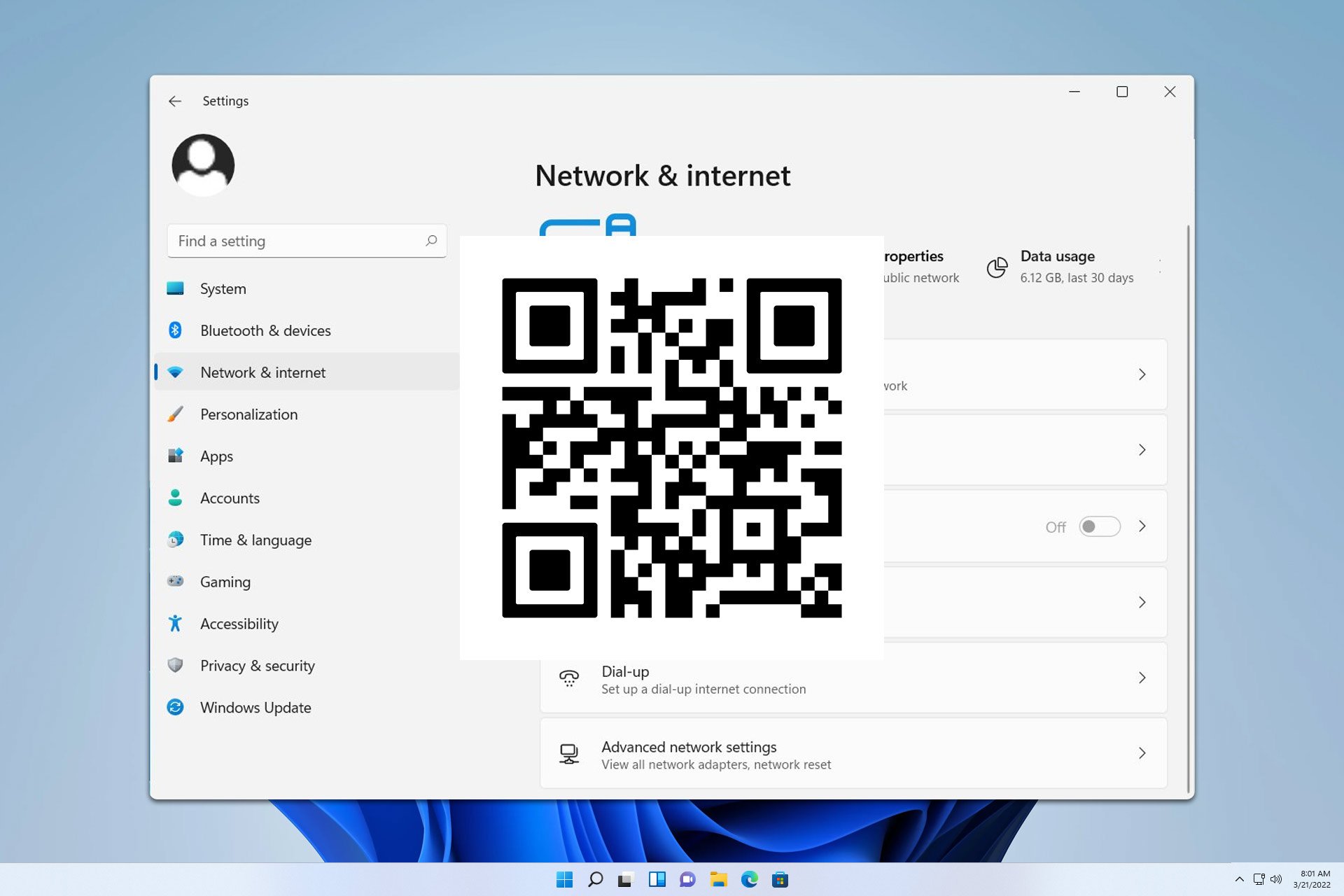
After you find your password, you can use it on another PC or device to connect to your Wi-Fi network by scanning the QR code or entering the network details. In the Settings app on your Windows device, select Network & internet > Properties , then, next to Wi-Fi network password, select Show.
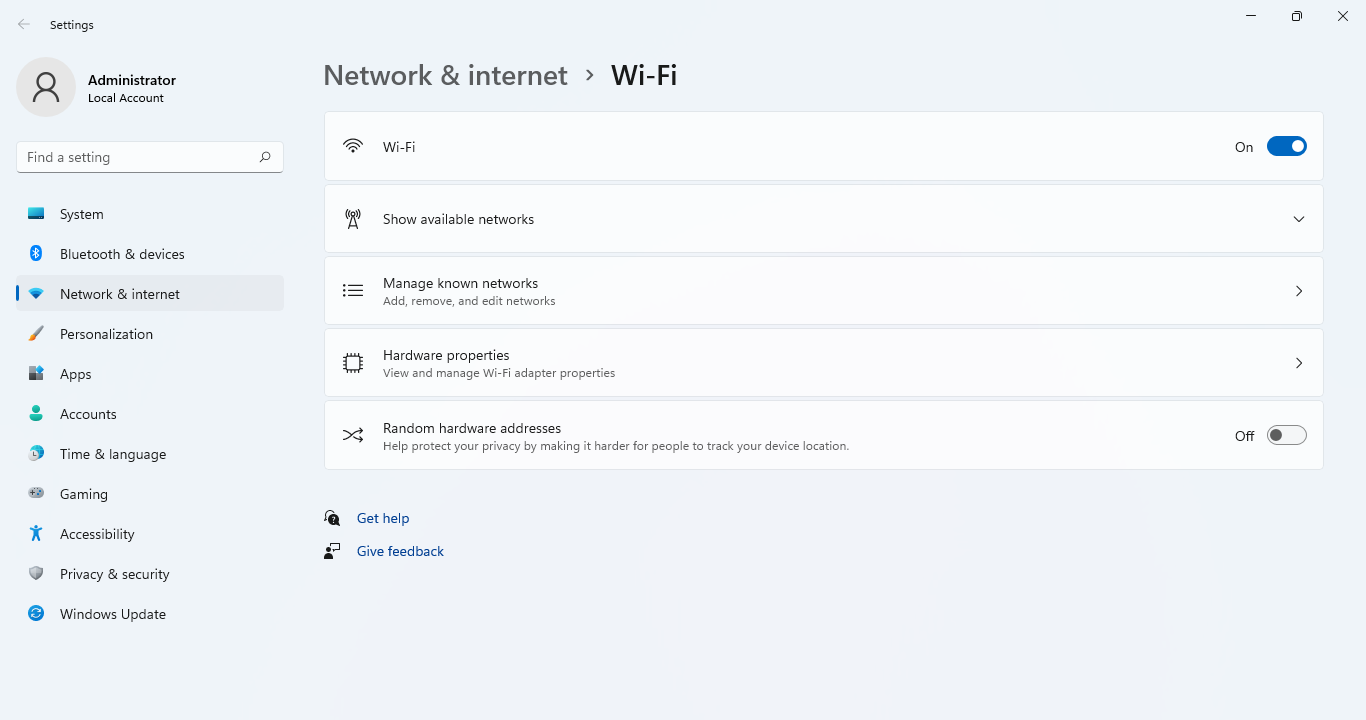
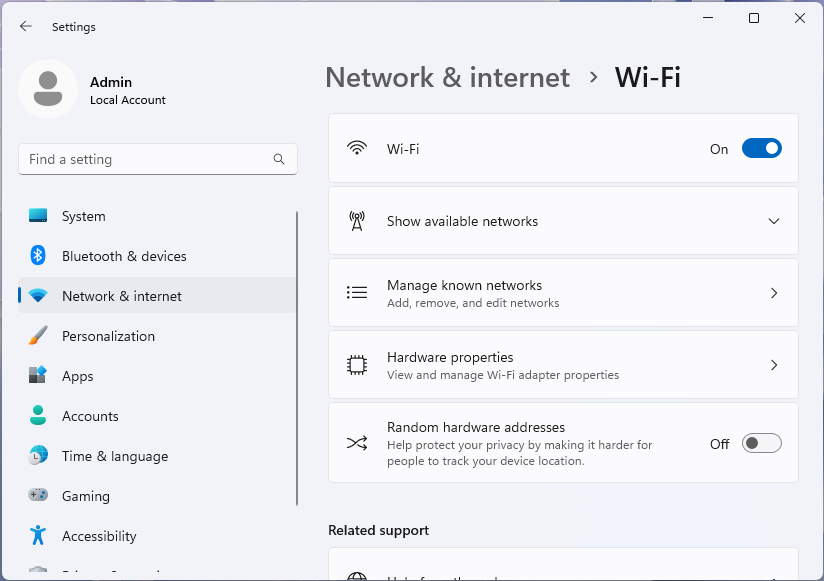
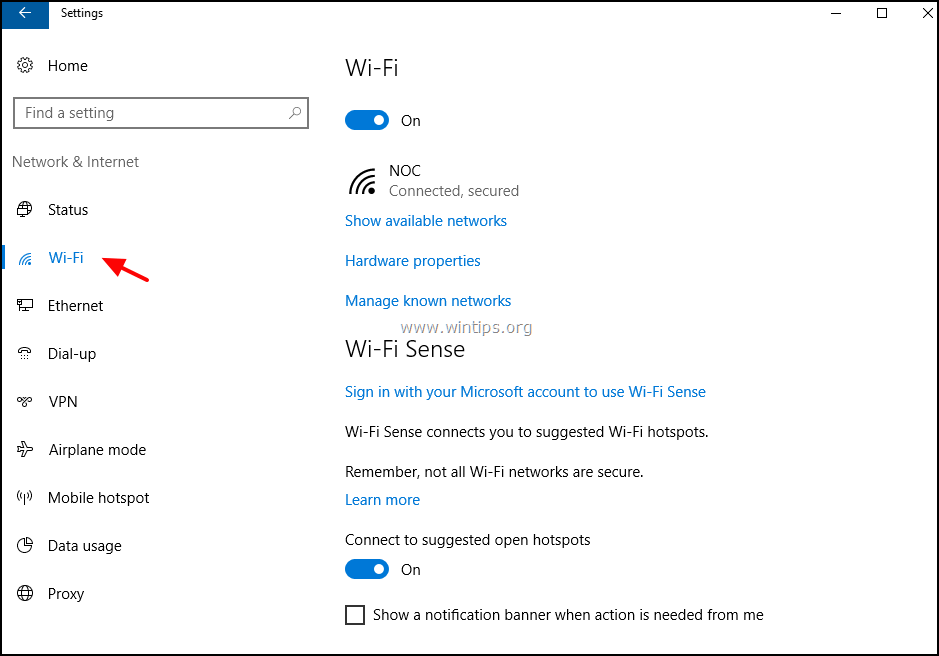
This tutorial will show you how to change the connection and security settings of an existing known Wi-Fi network profile in Windows 11 . Wi-Fi is a wireless local area network (WLAN) technology and standard that uses high-frequency radio waves to provide wireless Internet and network connections to your Windows device.

This particular example perfectly highlights why How To Configure Wi Fi Settings On Windows 11 is so captivating.
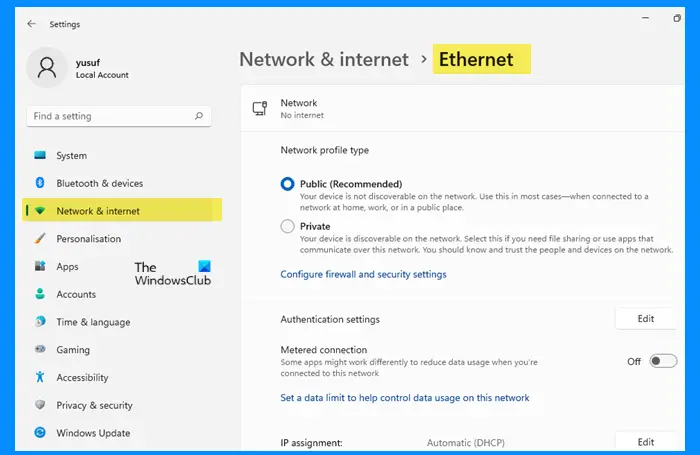
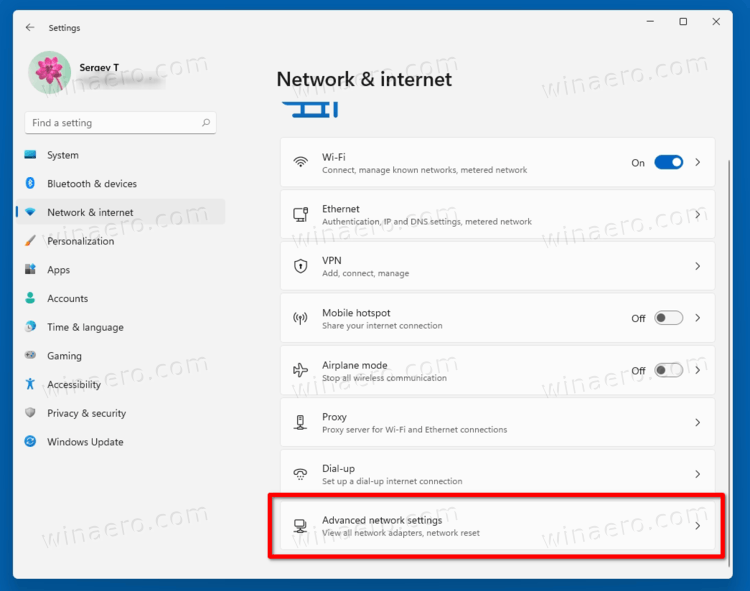
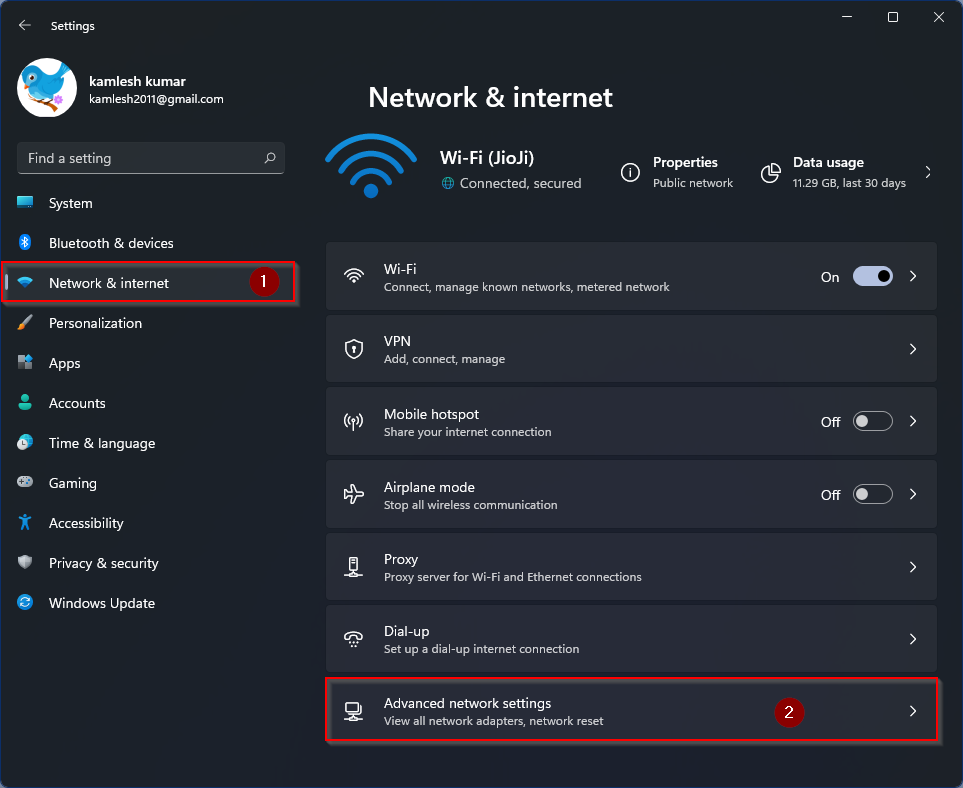
Network & Internet Settings in Windows 11
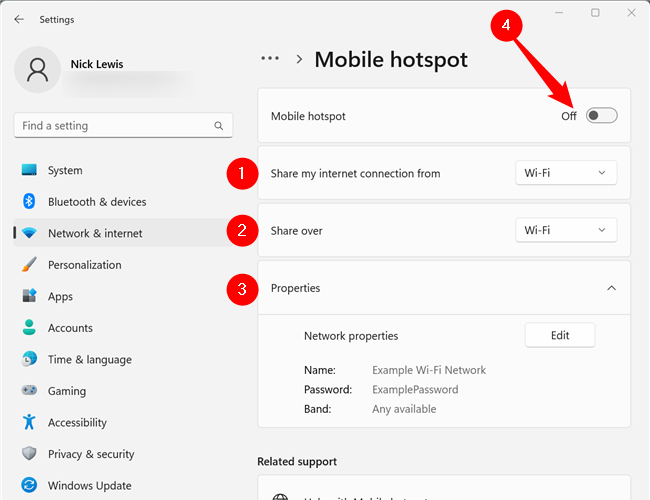
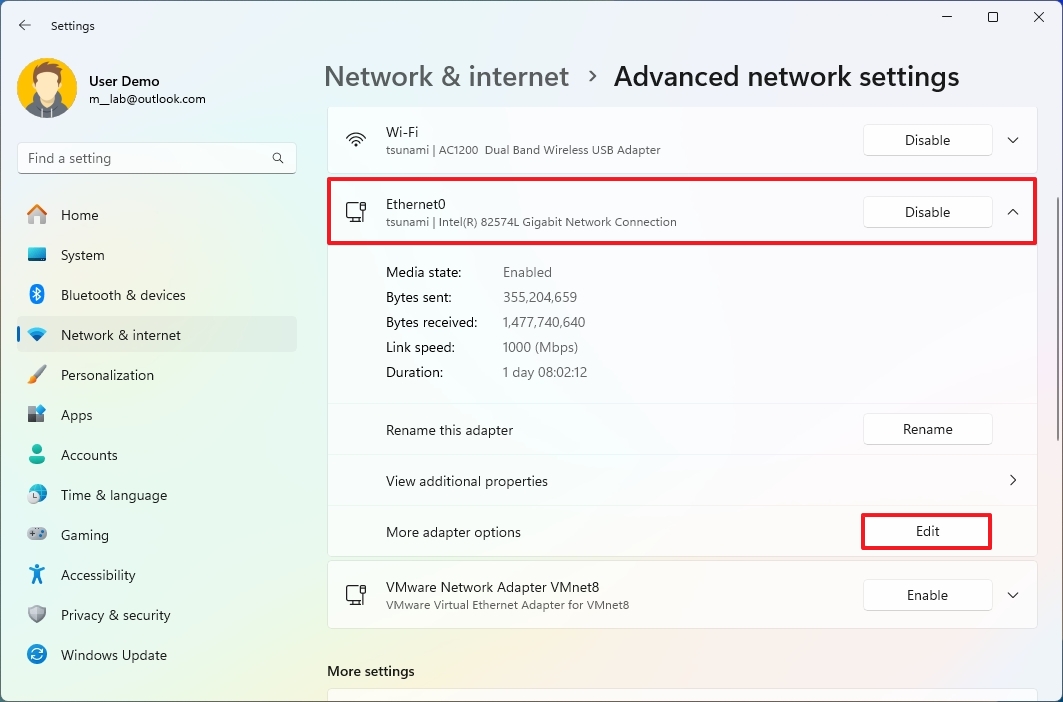
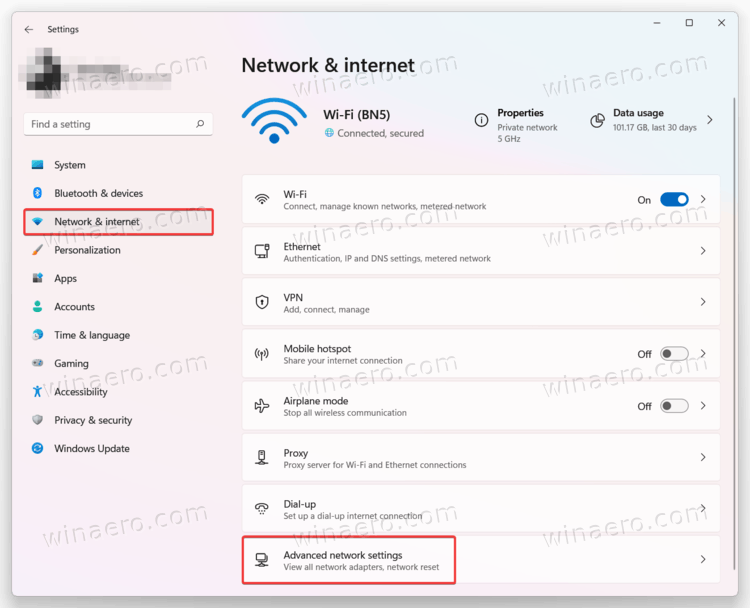
This is a complete guide to the Network & Internet Settings in Windows 11 . With the help of this article, you will be able to control your Wi-Fi and other network.

This particular example perfectly highlights why How To Configure Wi Fi Settings On Windows 11 is so captivating.
Conclusion Windows 11 provides a surprisingly powerful set of tools for inspecting and controlling your Wi-Fi adapter — from basic connection status to advanced hardware diagnostics. Once you know where to look and what each value means, fixing wireless problems becomes faster, easier, and far less frustrating. Instead of guessing why your connection isn't working, you can now verify it ...
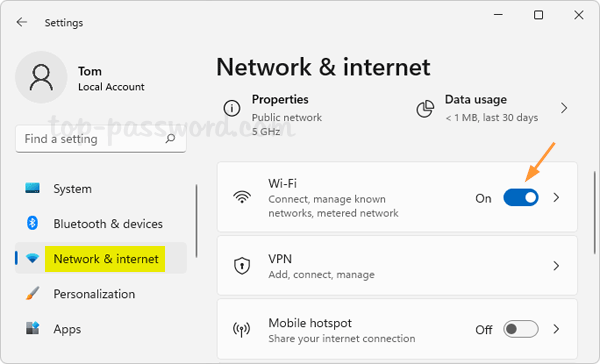
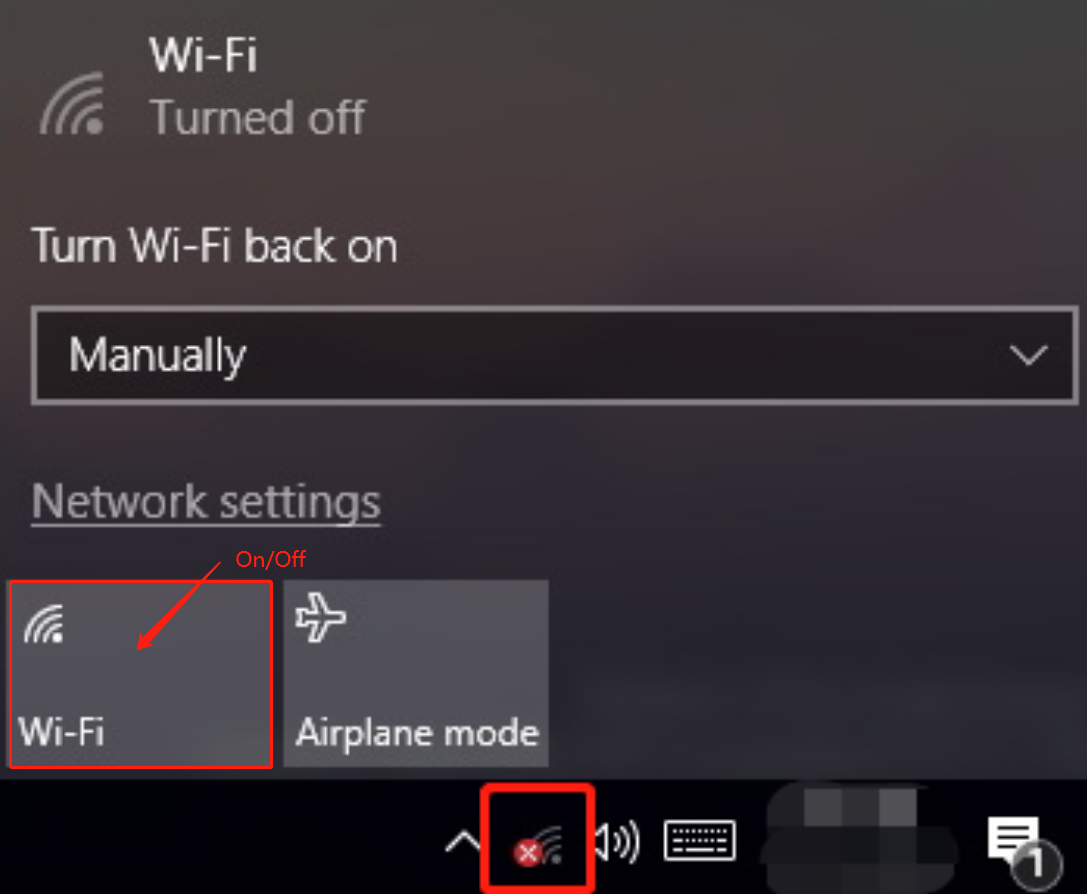
How to Enable or Disable Wi
Additional Notes on How To Configure Wi Fi Settings On Windows 11
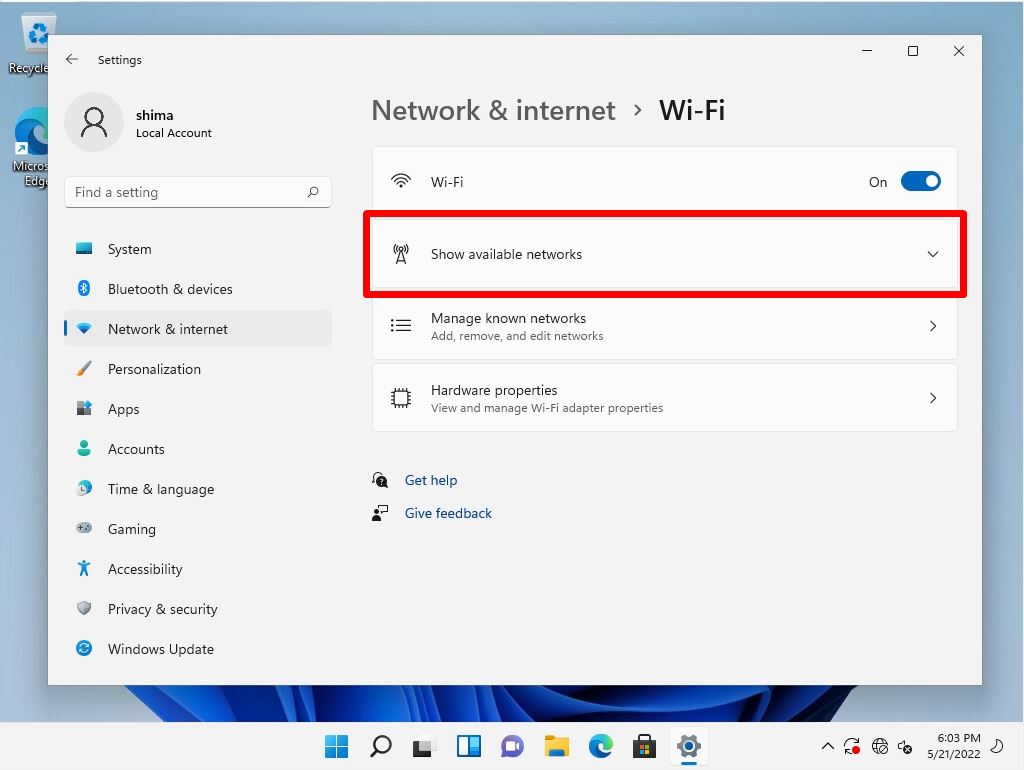
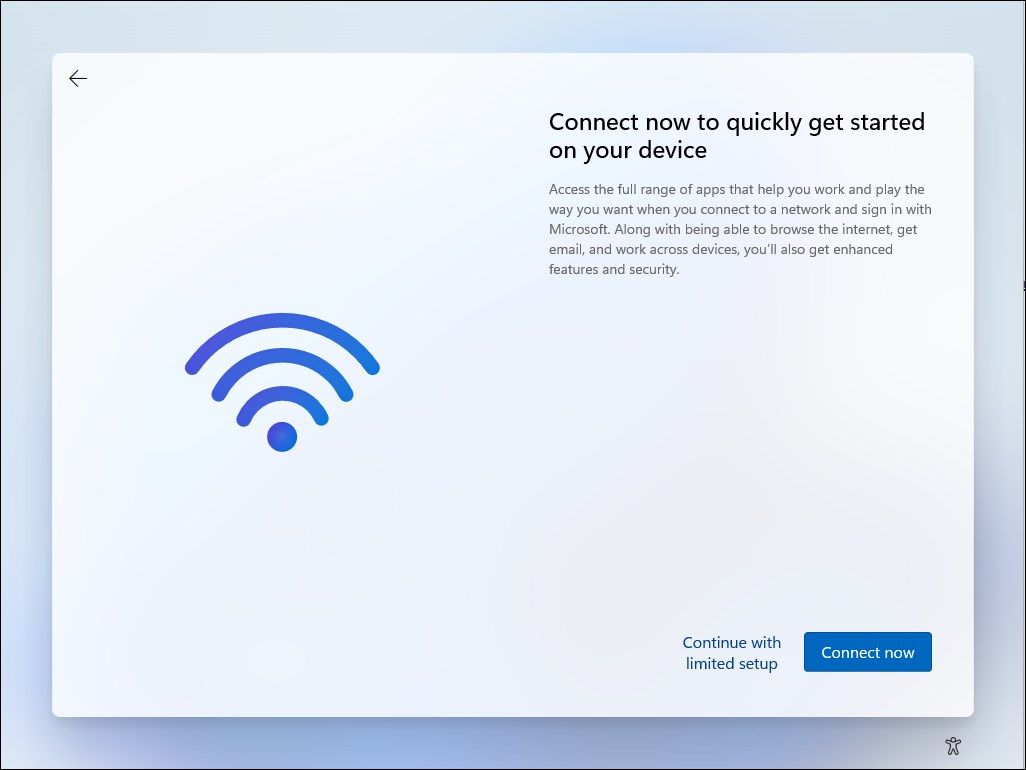
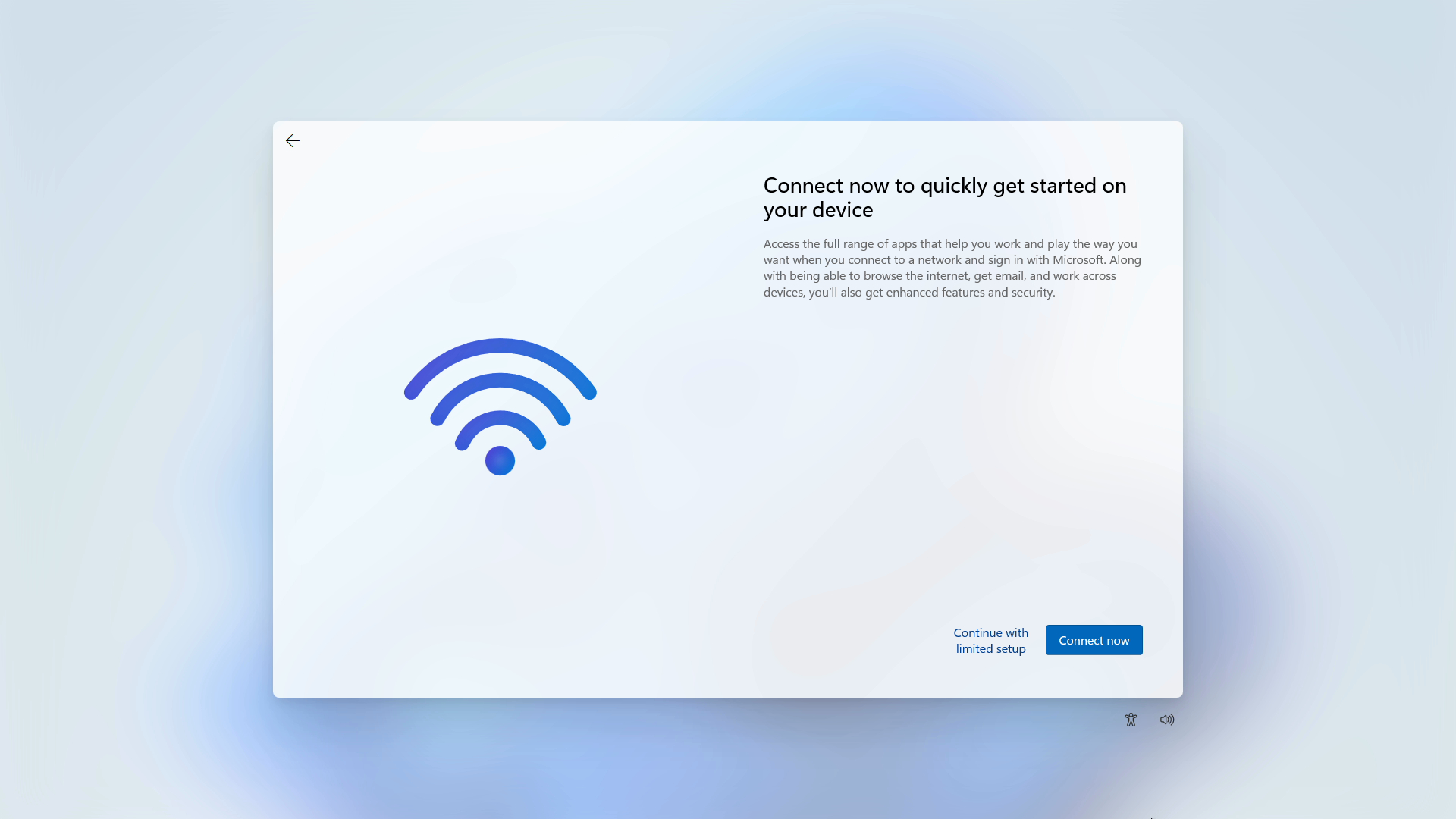
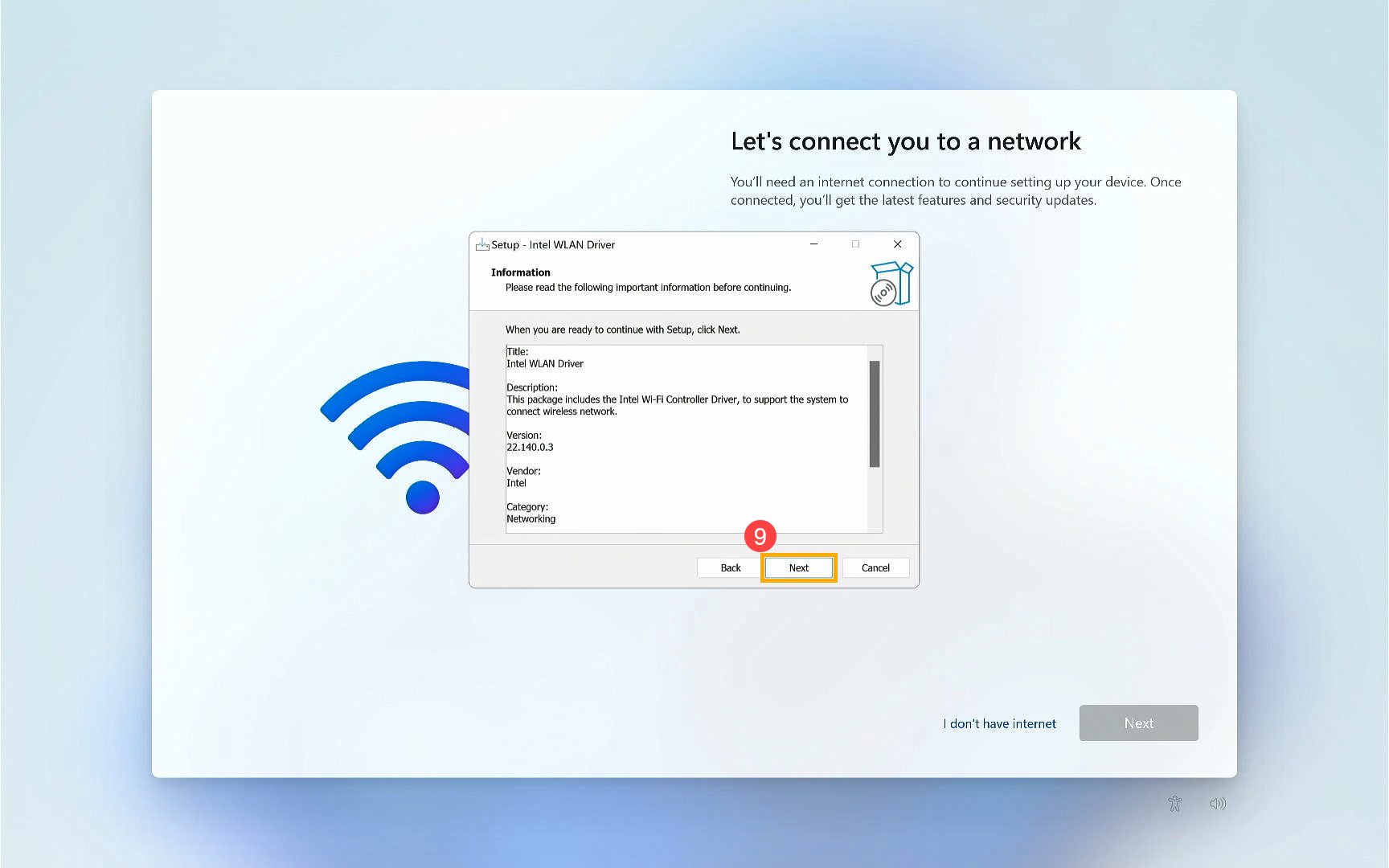
Windows 11 PC: Wi-Fi (Wireless LAN) Connection Procedure | Shima System. For How To Configure Wi Fi Settings On Windows 11, this point helps readers notice the most relevant visual details before moving into the gallery.
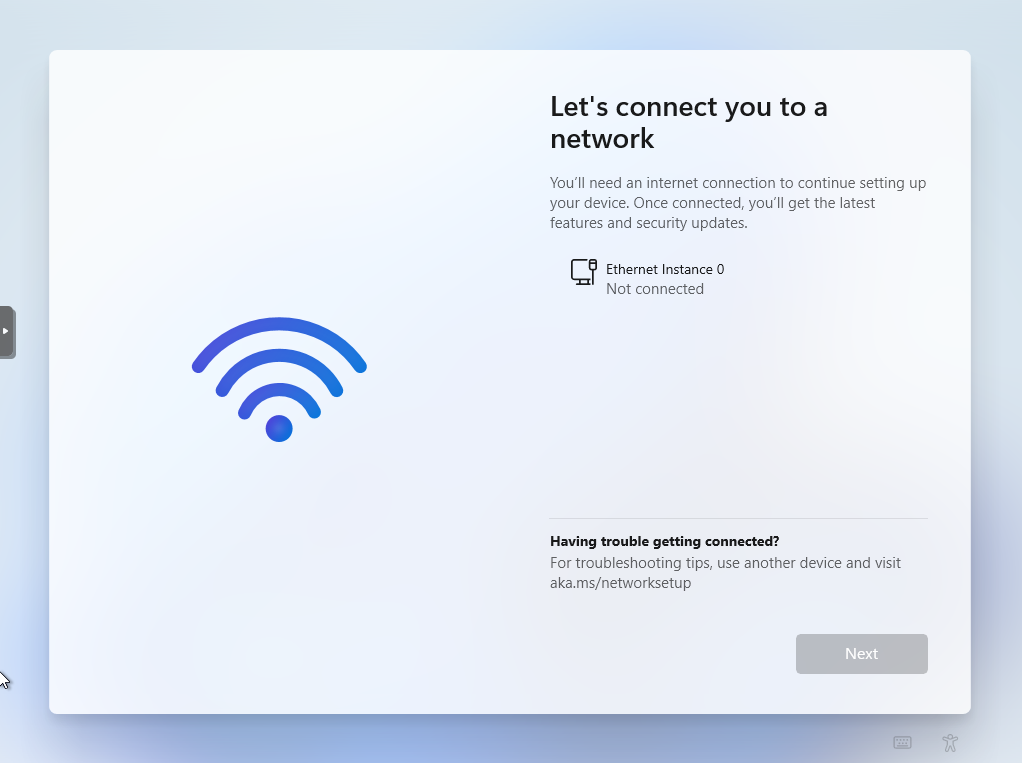
Enable Wifi Adapter Windows 11: Wireless Adapter Windows 11 - EICQN. It gives the article a little more context before the image collection begins.
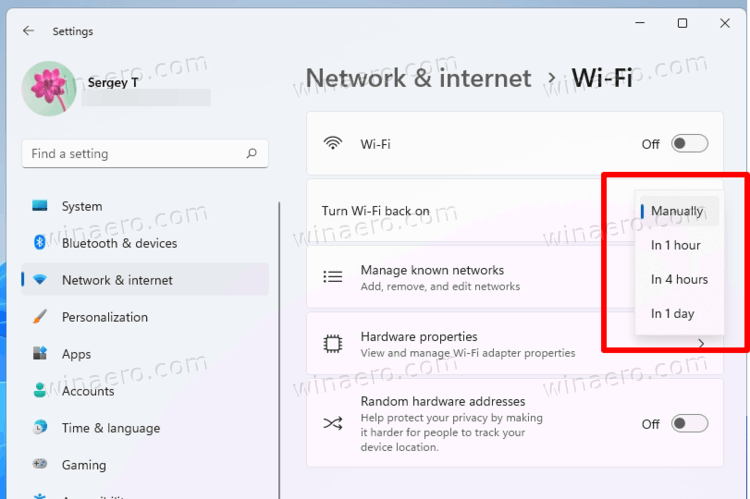
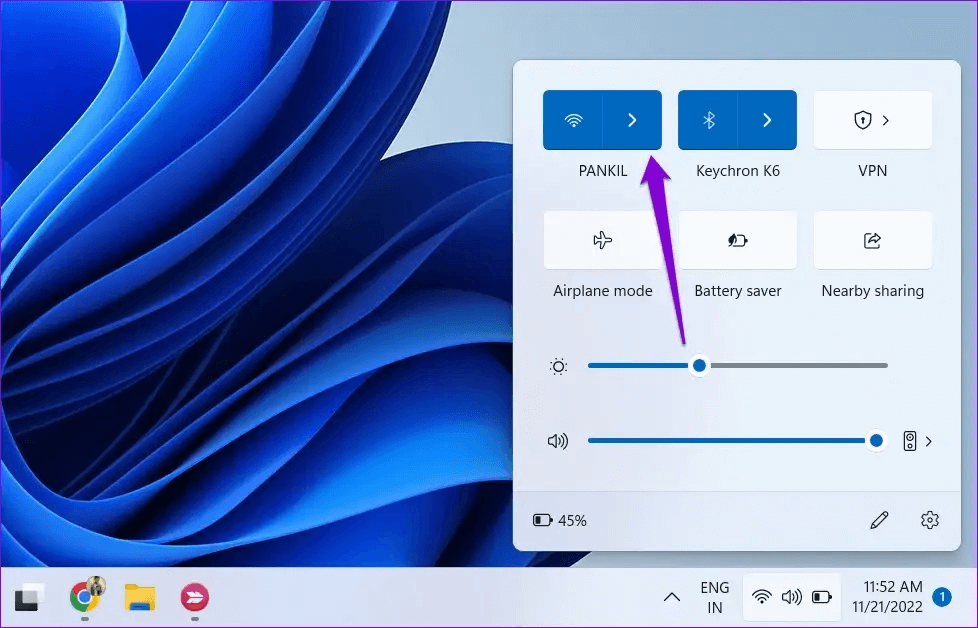
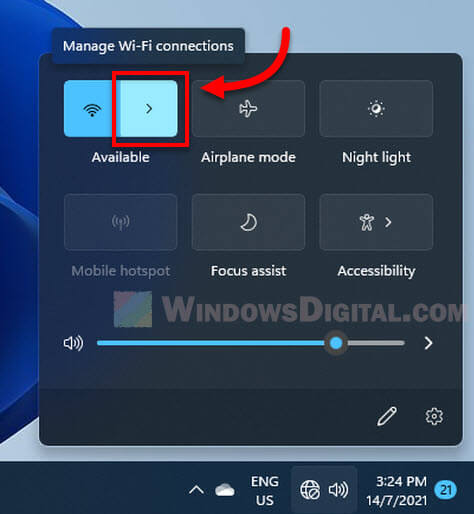
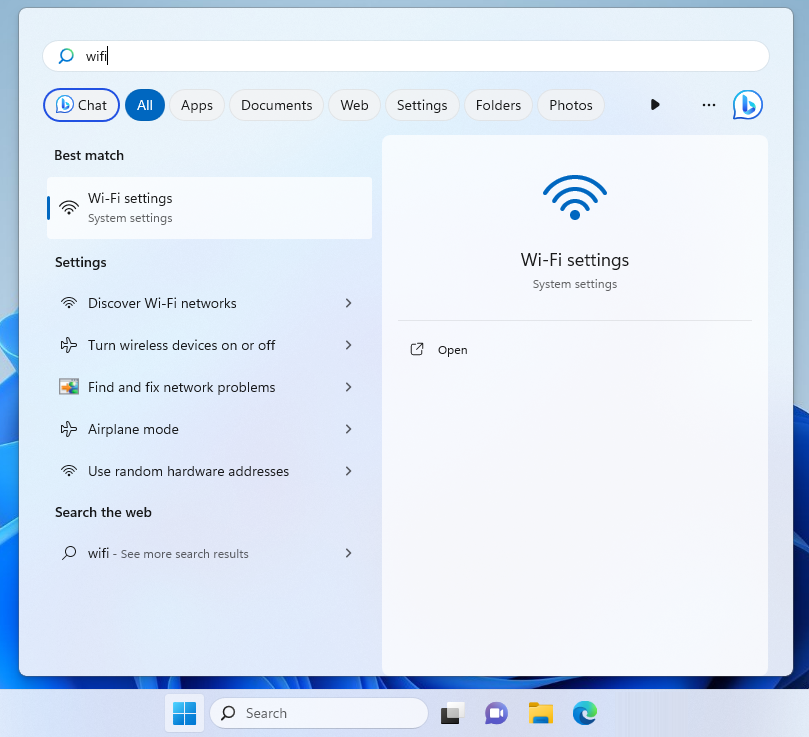
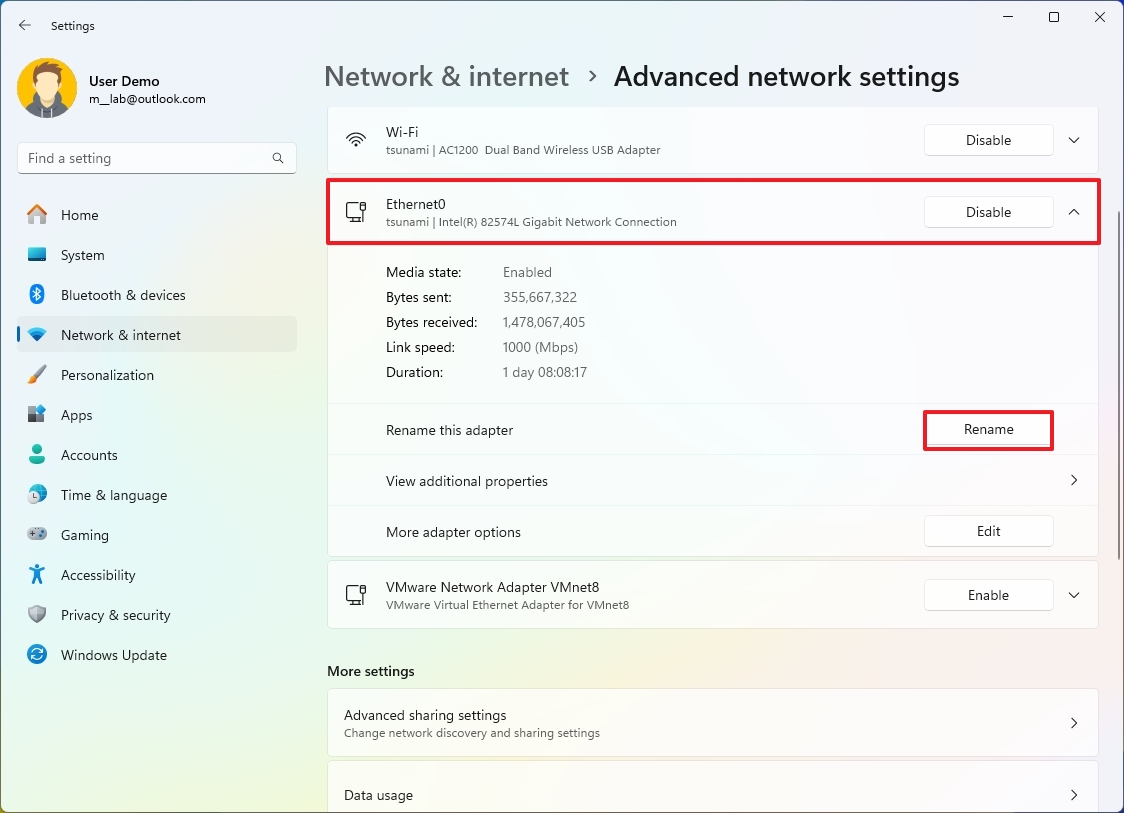
How to Enable or Disable Wi-Fi in Windows 11. This note connects the source idea with the visuals in a simple, reader-friendly way.
Looking at multiple sources also helps separate the main idea from small decorative details.
These notes are added so the page offers more than images and gives each visitor a clearer reason to keep reading.