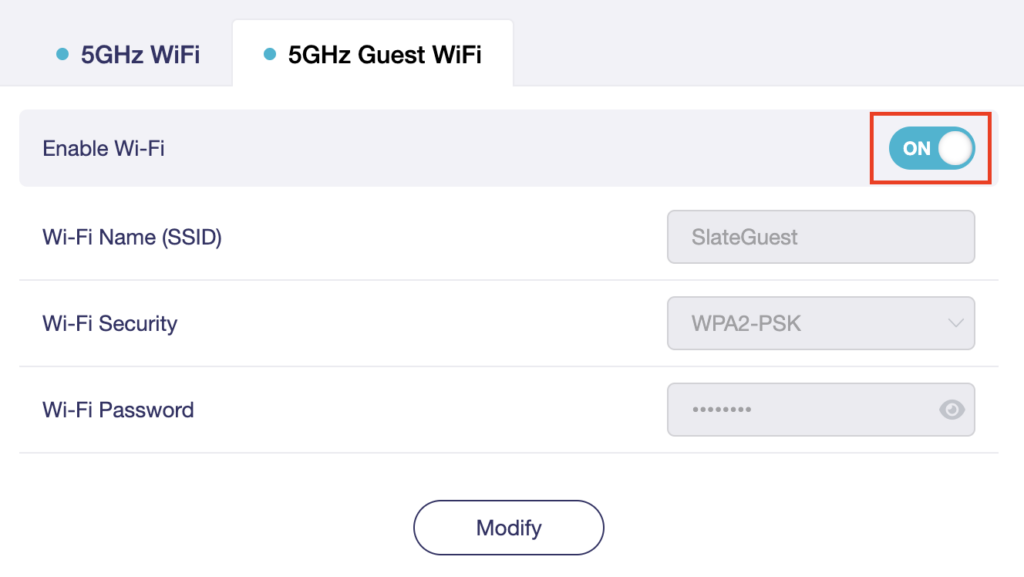
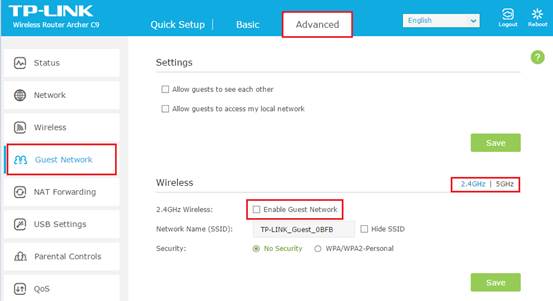
Guest WiFi IPv6 firewall weirdness SOLVED
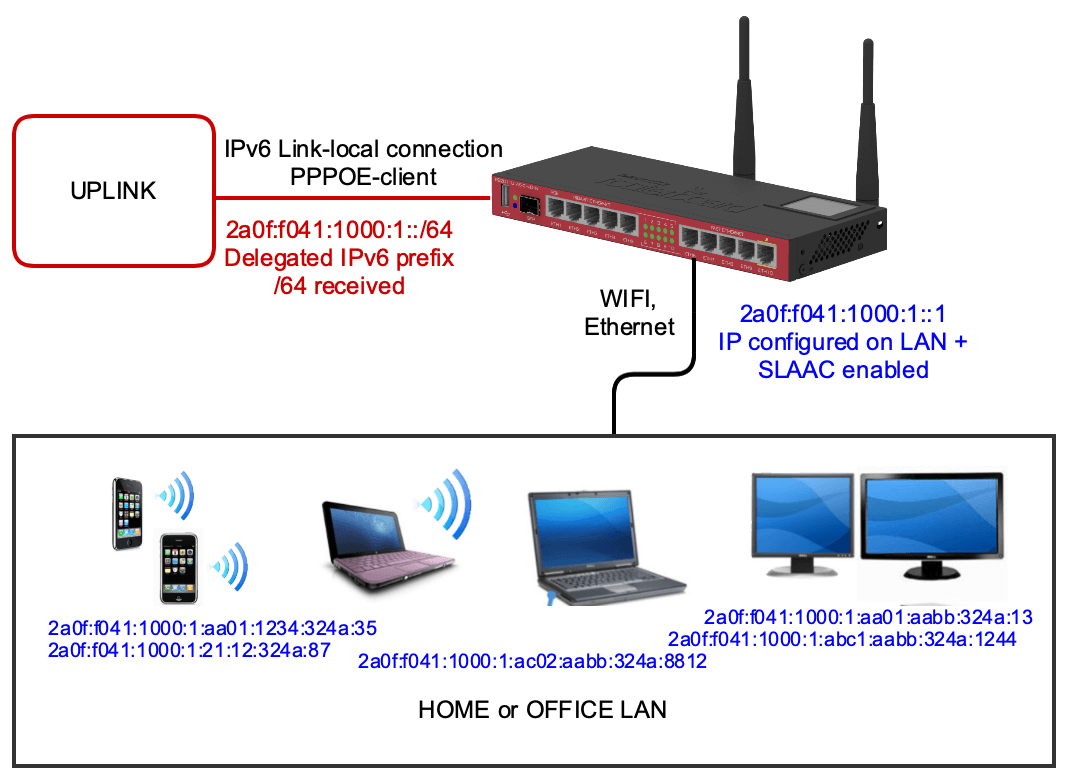
How to configure a MikroTik (RouterBoard) router to accept IPv6
Great news! By default, most MikroTik routers should support IPv6 - however, the IPv6 package is not enabled by default on many RouterOS systems. Before you begin, you will need to enable the IPv6 ...

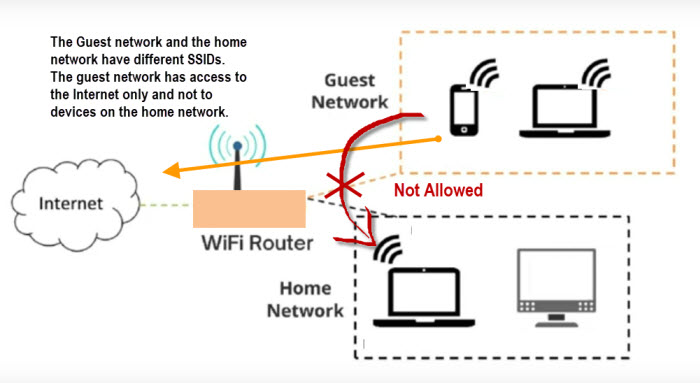
As we can see from the illustration, How To Enable Guest Access On Mikrotik Router With Ipv6 has many fascinating aspects to explore.
MikroTik 6to4 Tunnel Setup | Fast, Simple IPv6 Connection (Full Guide) In this complete step-by-step tutorial, you'll learn how to enable full IPv6 connectivity on your MikroTik router using a ...
How to Configure IPv6 on MikroTik RouterOS
Configure IPv6 on MikroTik RouterOS including address assignment, DHCPv6 prefix delegation, firewall rules, and address lists for a complete IPv6 deployment.
IPv6 is the modern internet protocol that provides a virtually unlimited pool of addresses, replacing the increasingly scarce IPv4 space. If you're a Neptune Internet customer using a MikroTik router , enabling IPv6 is straightforward. It only takes a handful of commands. This guide walks you through each step, from requesting an IPv6 prefix via DHCPv6 to assigning addresses to devices on your ...
More Context About How To Enable Guest Access On Mikrotik Router With Ipv6
MyVPN - How to configure a VPN on MikroTik Routers. This note connects the source idea with the visuals in a simple, reader-friendly way.
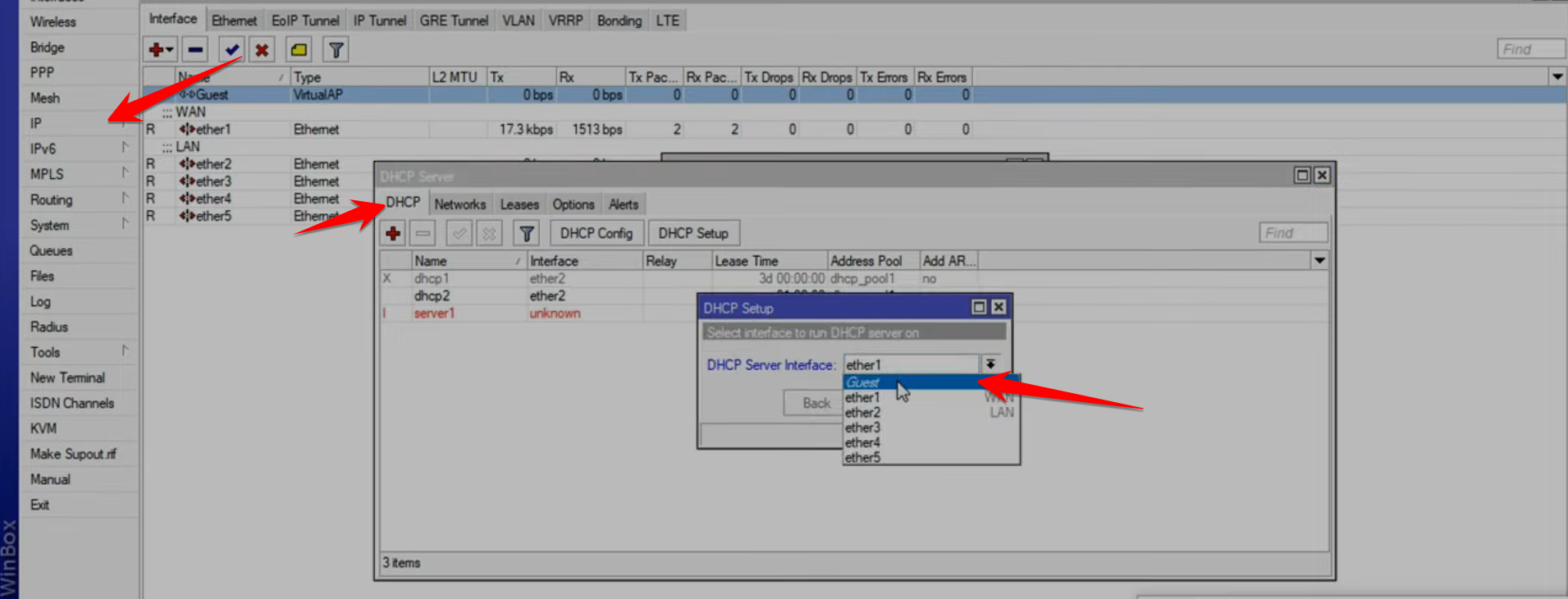
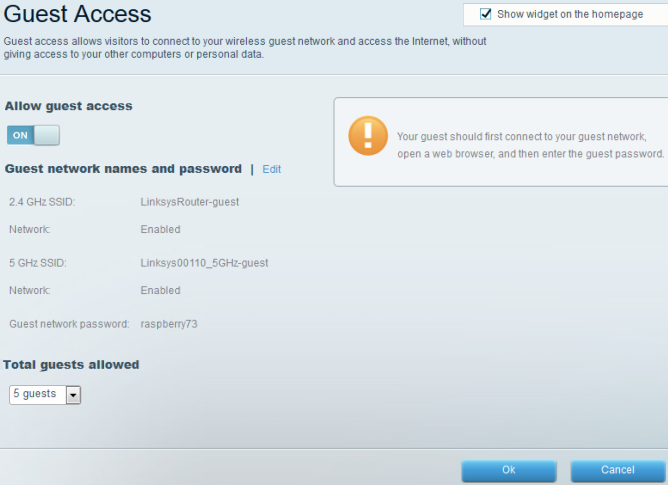
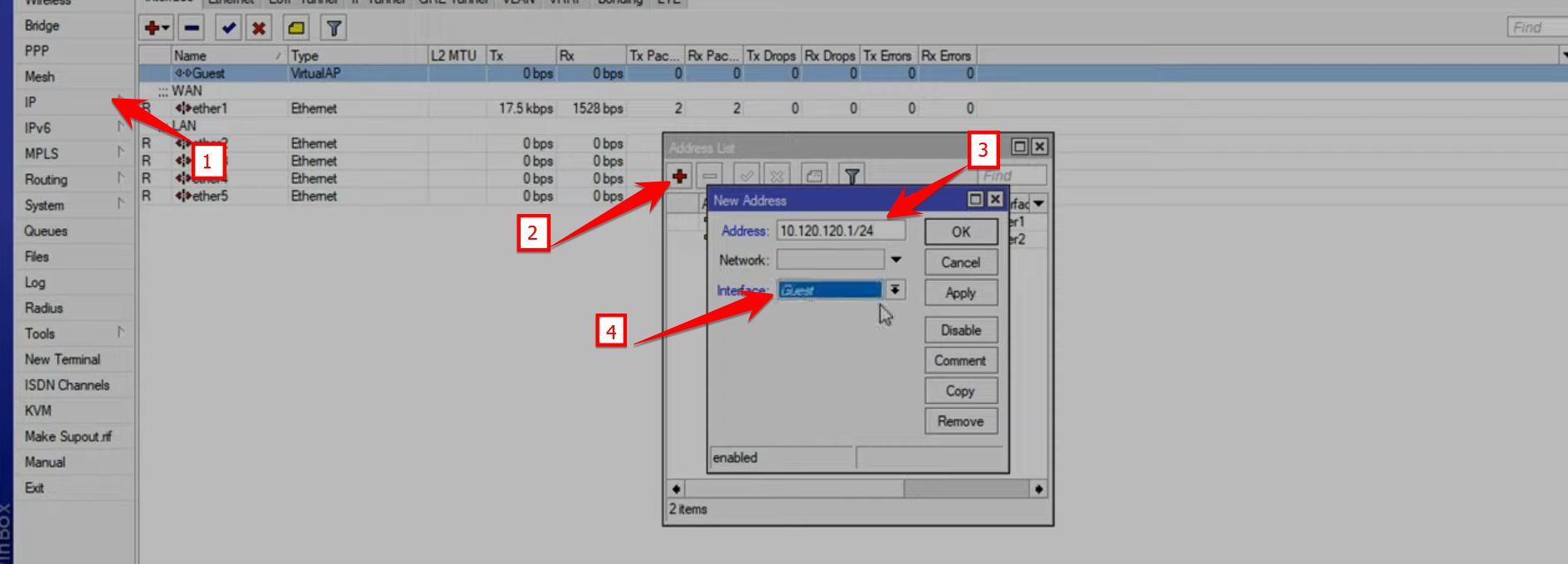
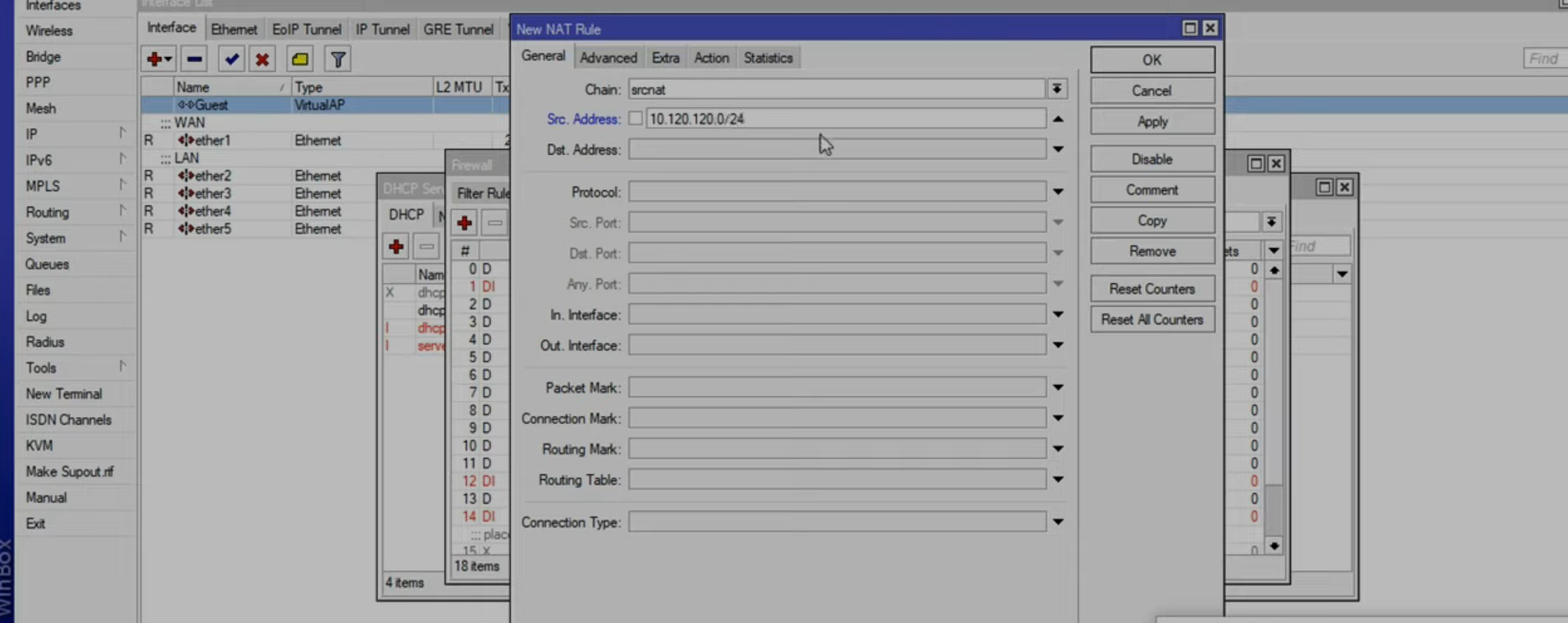
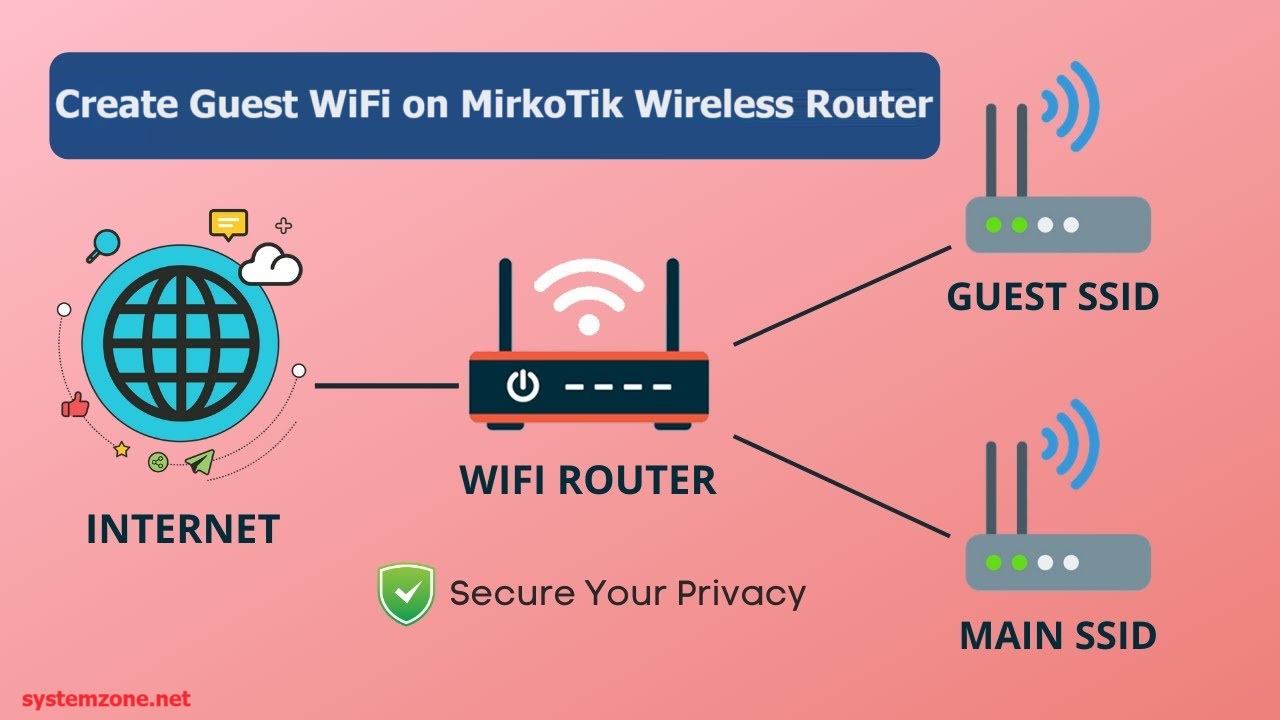
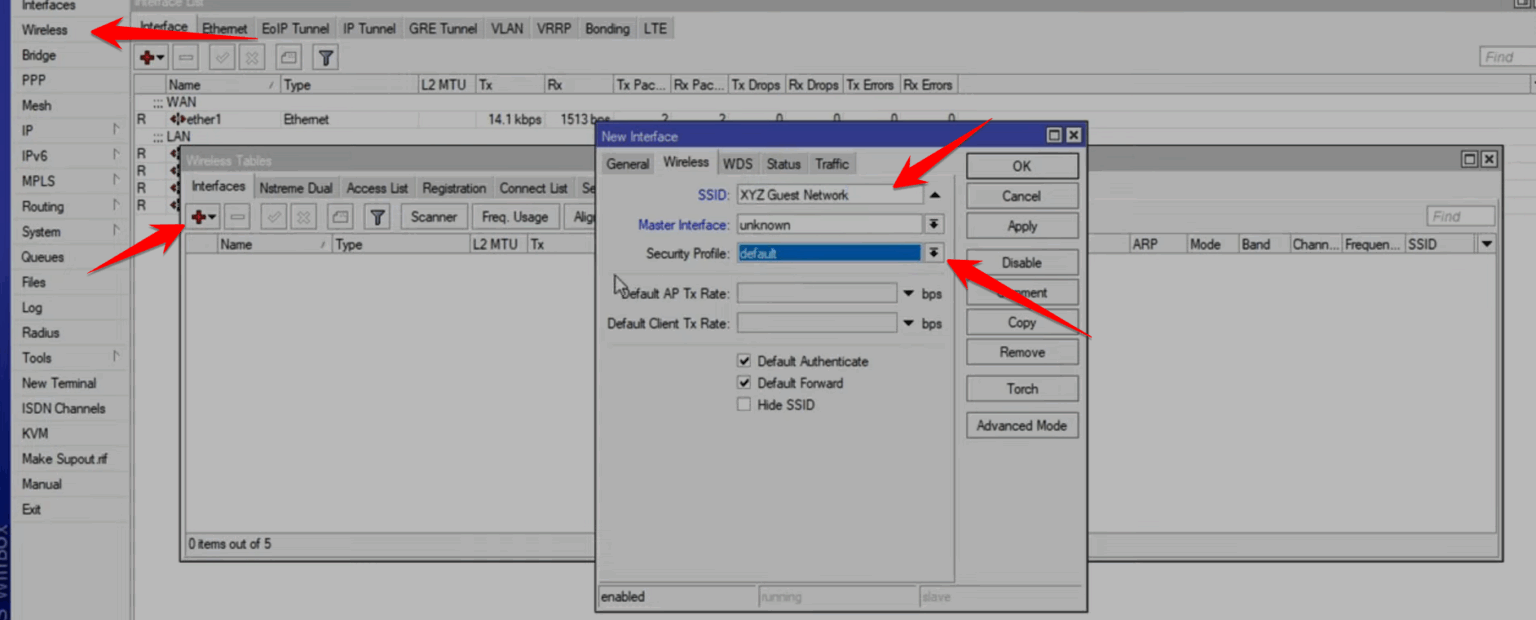
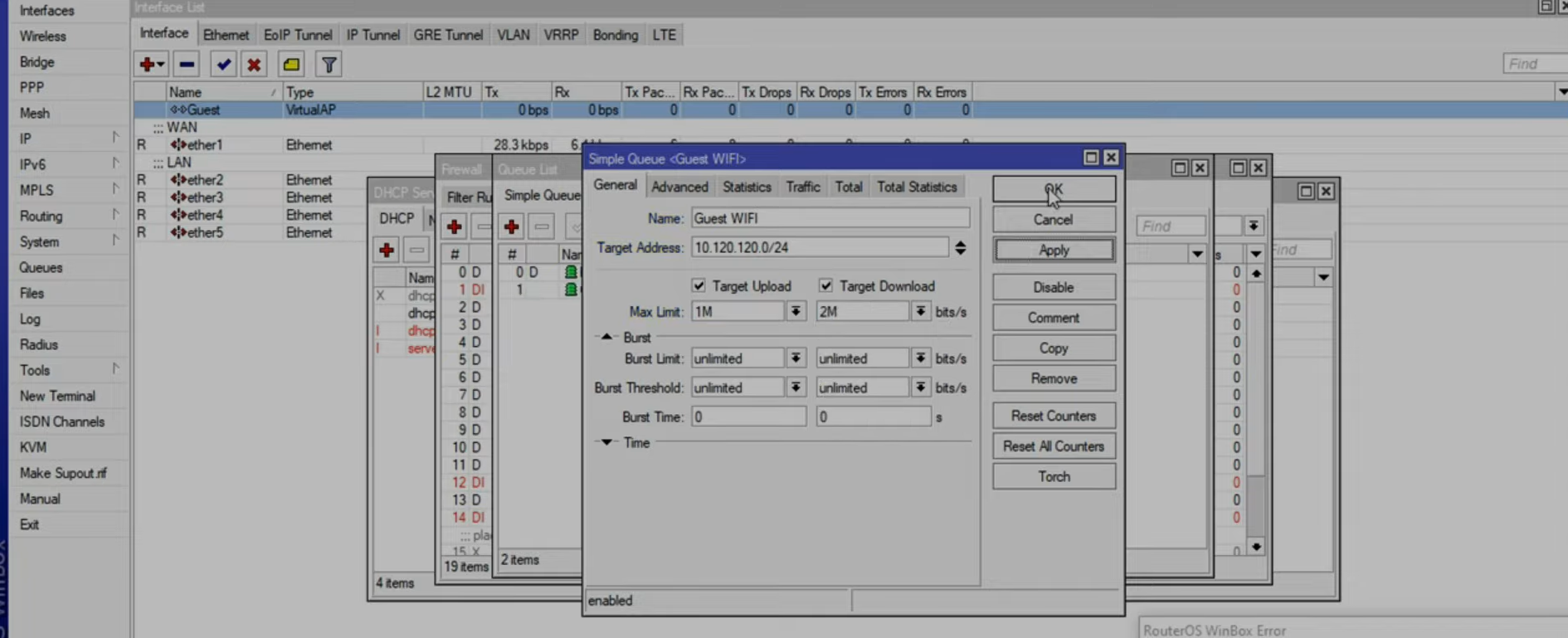
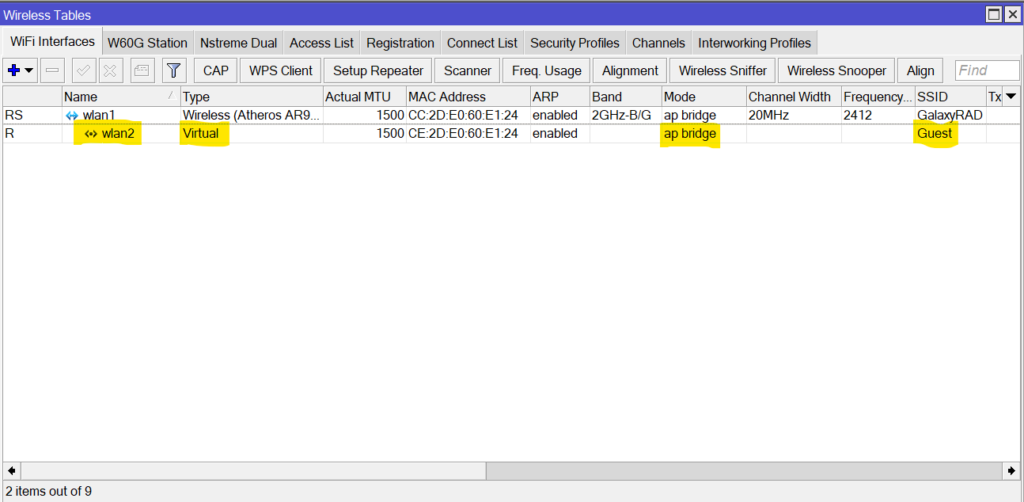
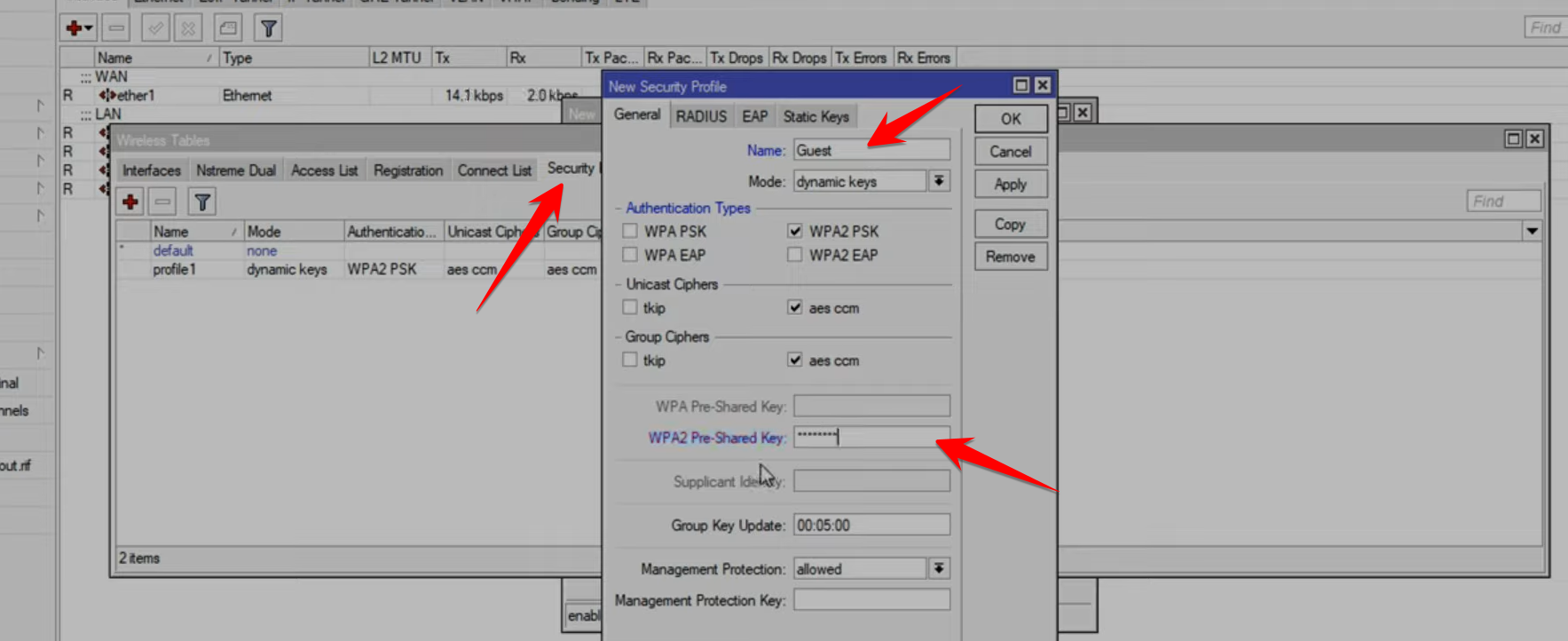
Guest WiFi - How to Setup on MikroTik AP - System Zone. It gives the article a little more context before the image collection begins.
How To Configure Simple Guest WIFI In Mikrotik Router - YouTube. This note connects the source idea with the visuals in a simple, reader-friendly way.
Looking at multiple sources also helps separate the main idea from small decorative details.
These notes are added so the page offers more than images and gives each visitor a clearer reason to keep reading.