How to setup a local network minecraft server
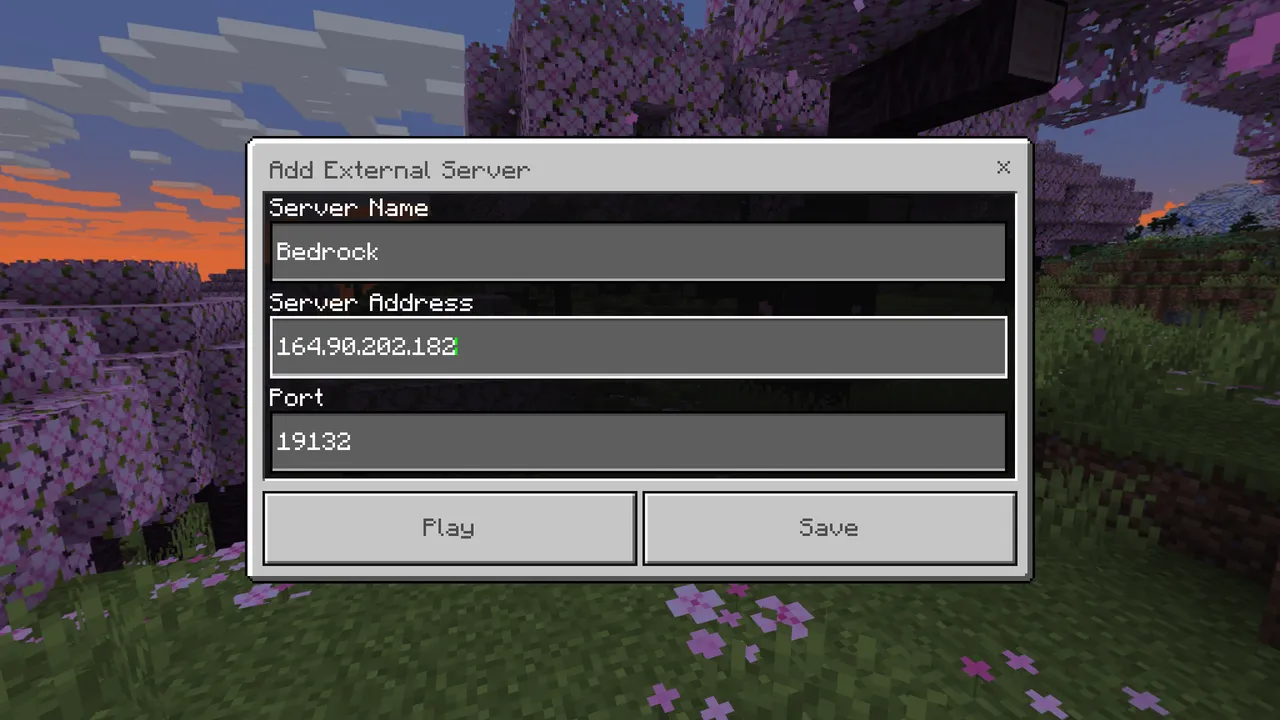
A Minecraft server provides a game environment for players to play multiplayer with others connected through the Internet or a local area network (LAN). Players are connected to a server using the Minecraft client software, and the server hosted using the server software. This tutorial is meant to show and explain the basics and recommendations of setting up a Minecraft server , from installing ...

TutorialsSetting up a server
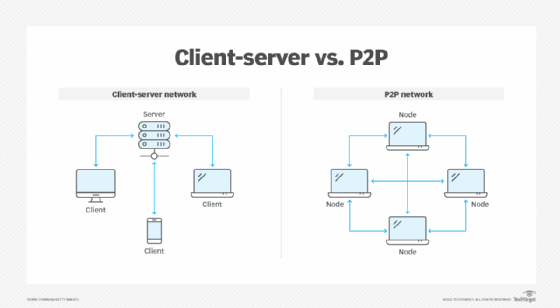
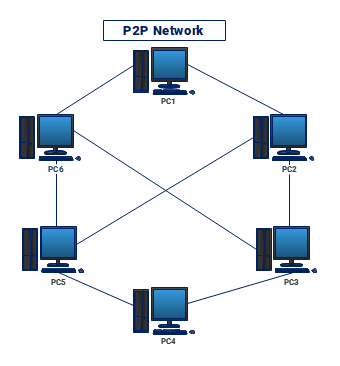
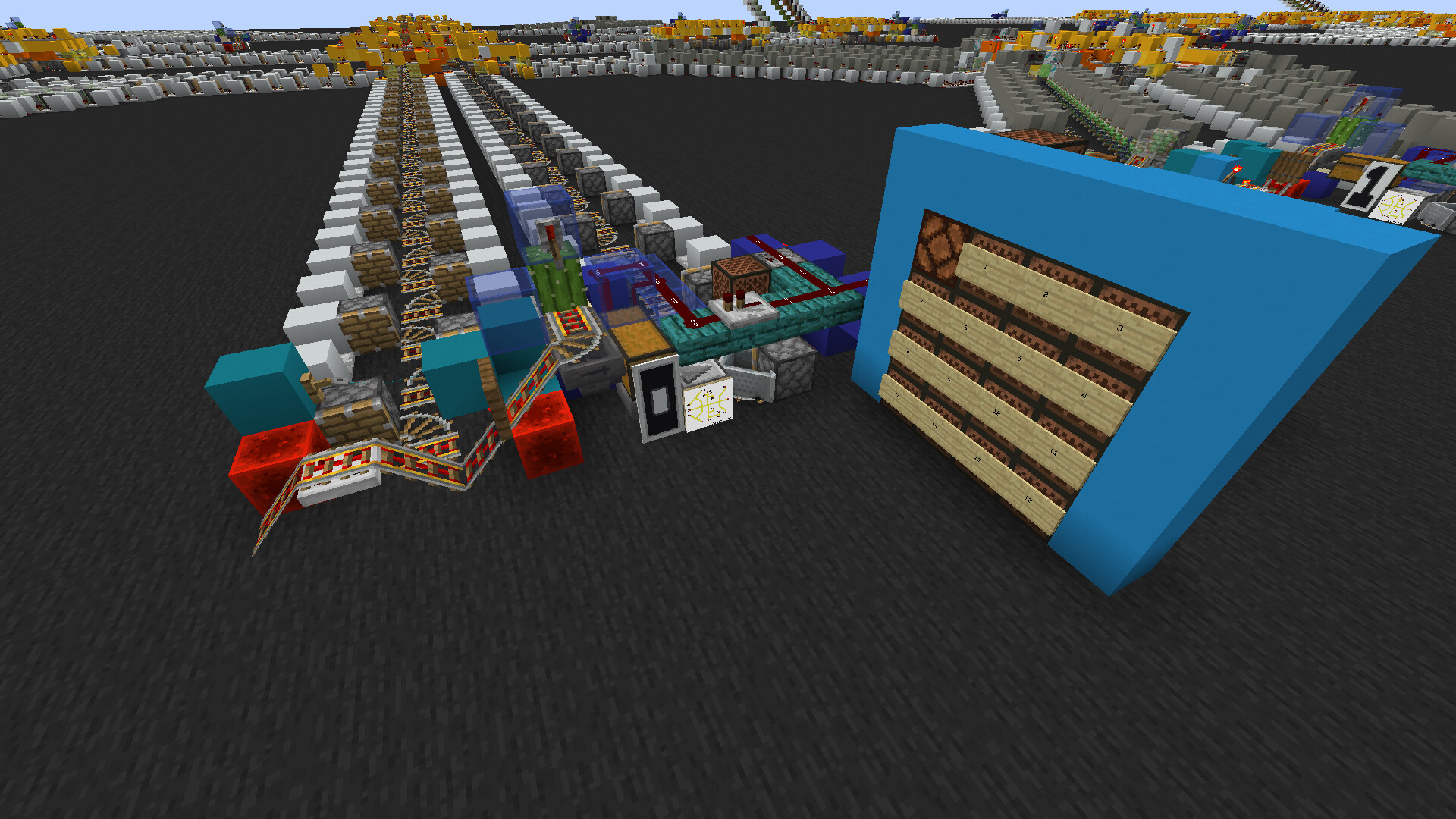
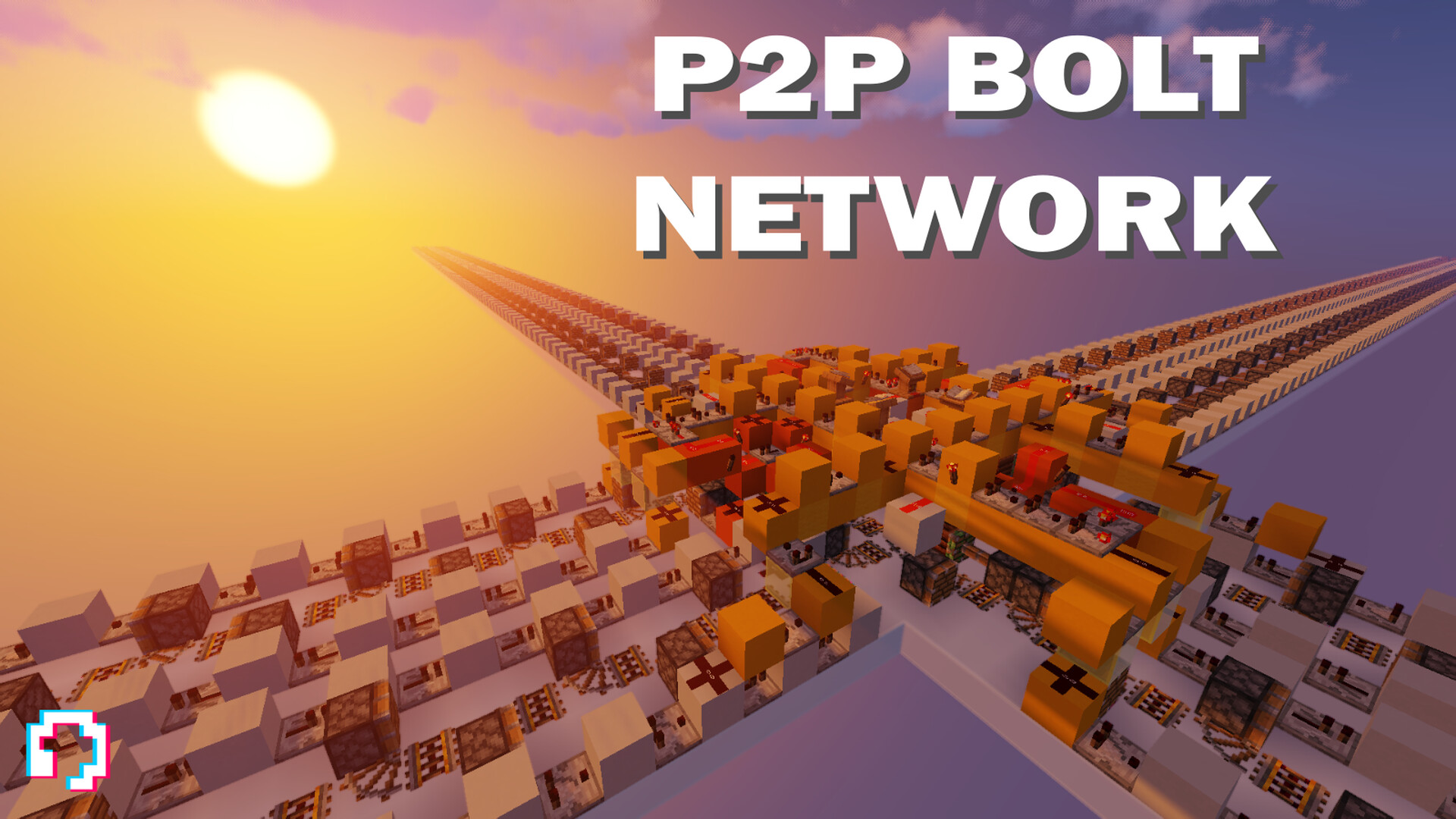
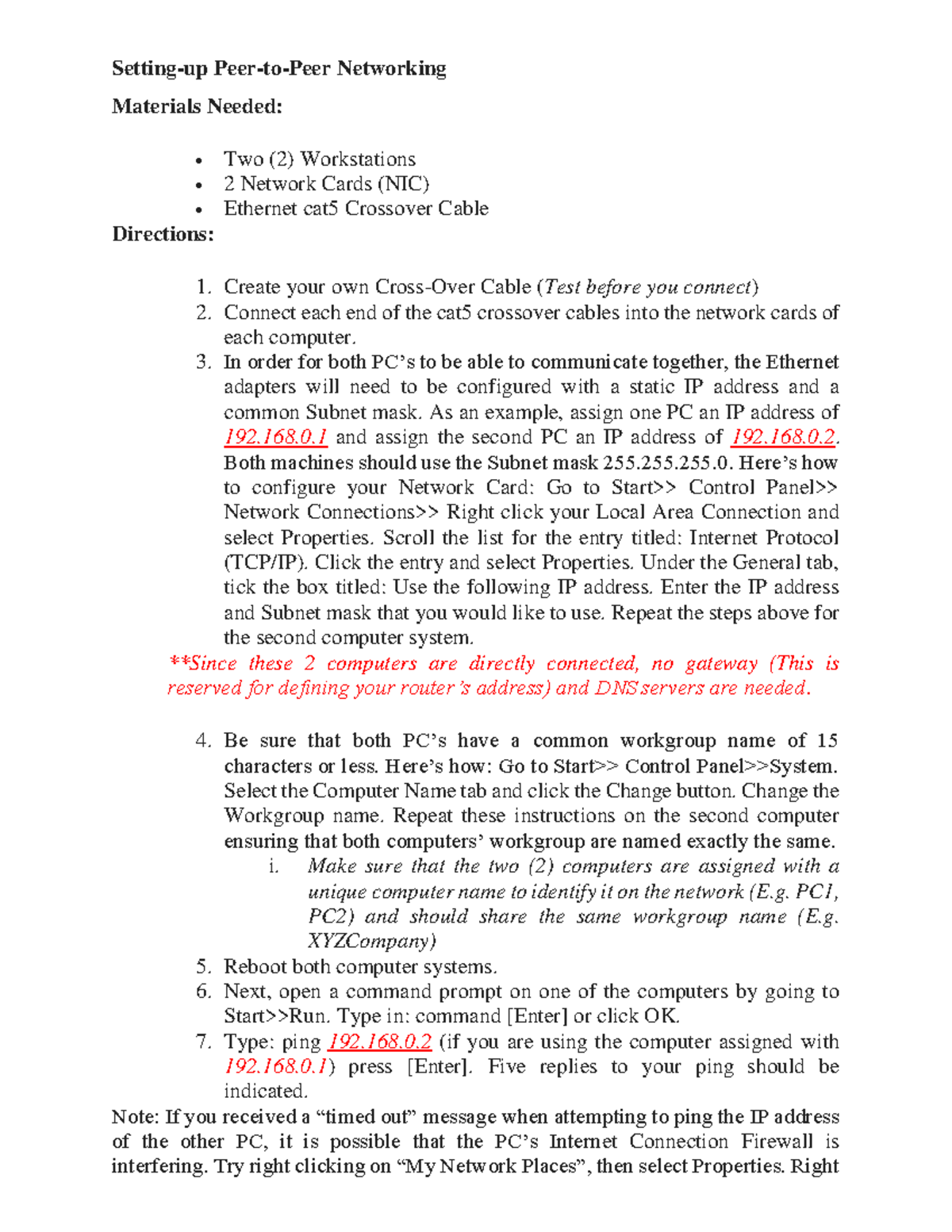
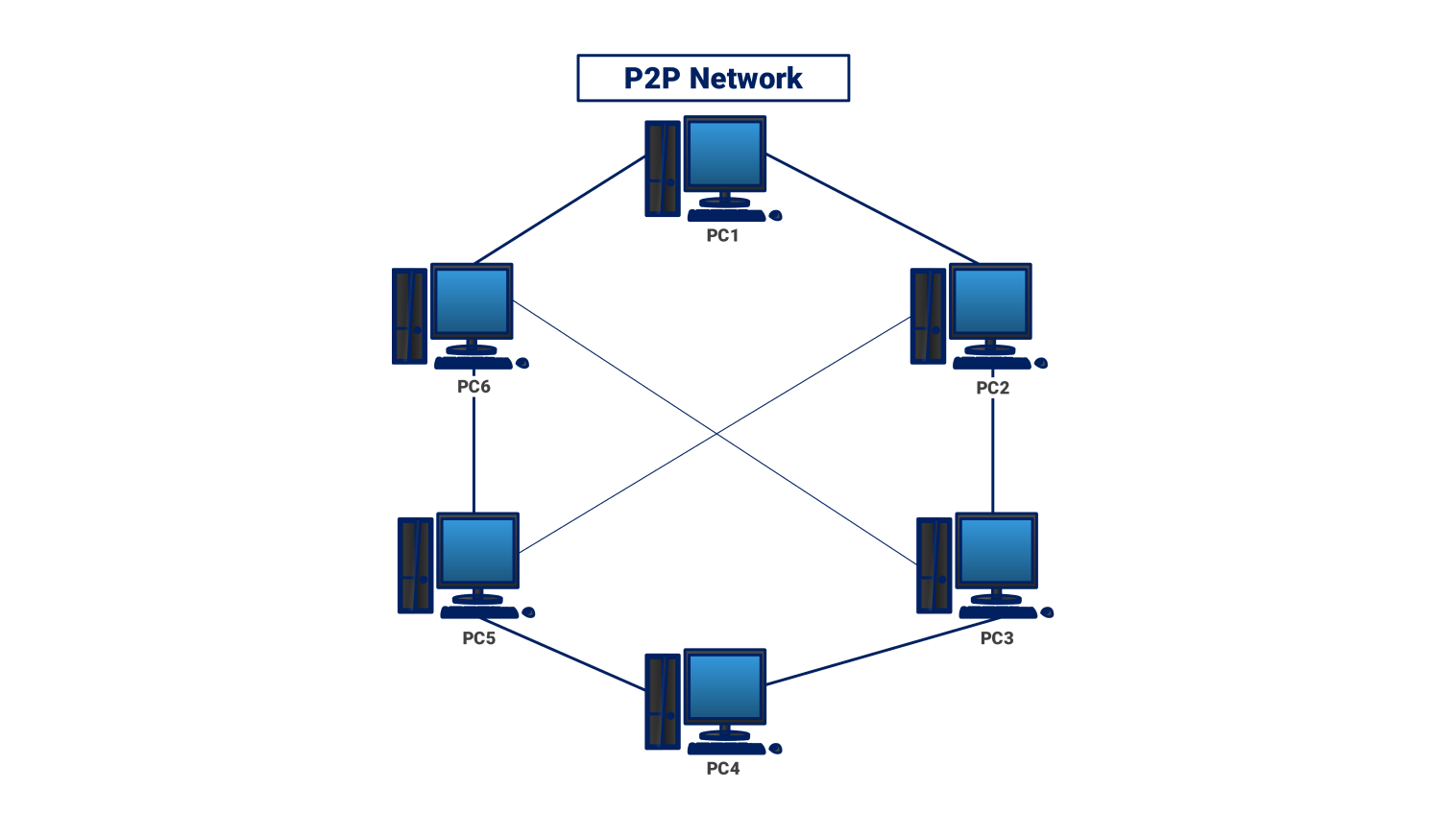
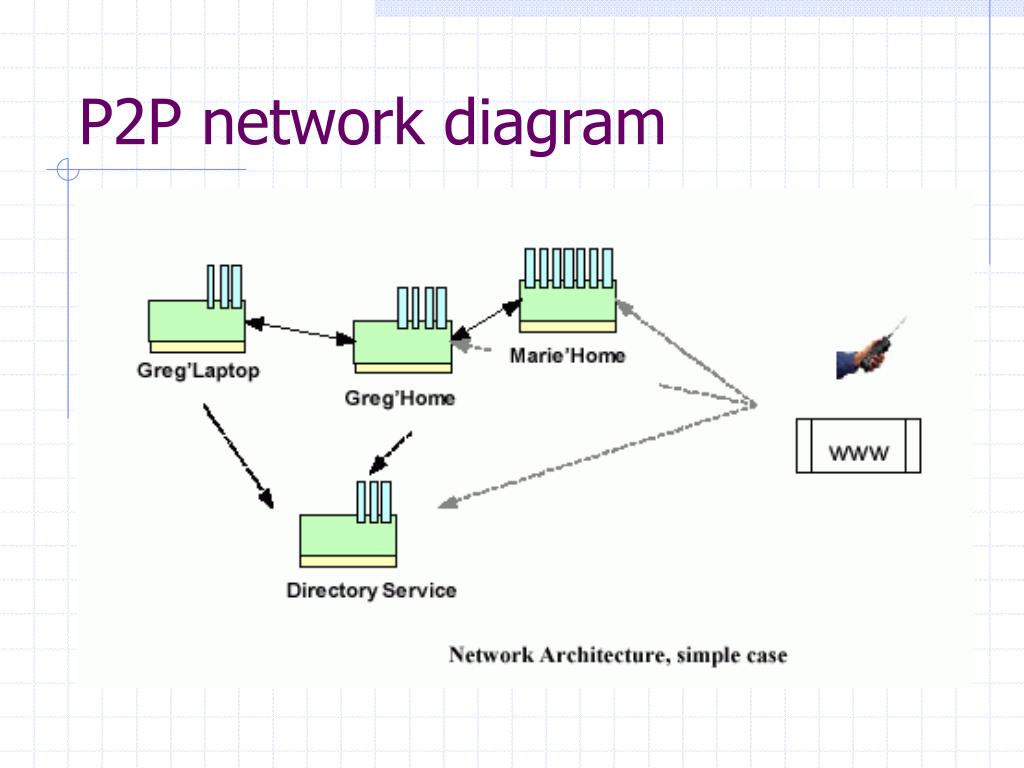
Furthermore, visual representations like the one above help us fully grasp the concept of How To Set Up A P2P Minecraft Server On A Network Drive.
This tutorial takes you through the steps of setting up your own Java Edition server using the default server software that Mojang Studios distributes free of charge. The software may be installed on most operating systems, including Windows, macOS, GNU/Linux and BSD. For more tutorials, see the bottom of this page or the Tutorials page. For more information on Minecraft servers , see the ...
Understanding How To Set Up A P2P Minecraft Server On A Network Drive Before the Gallery
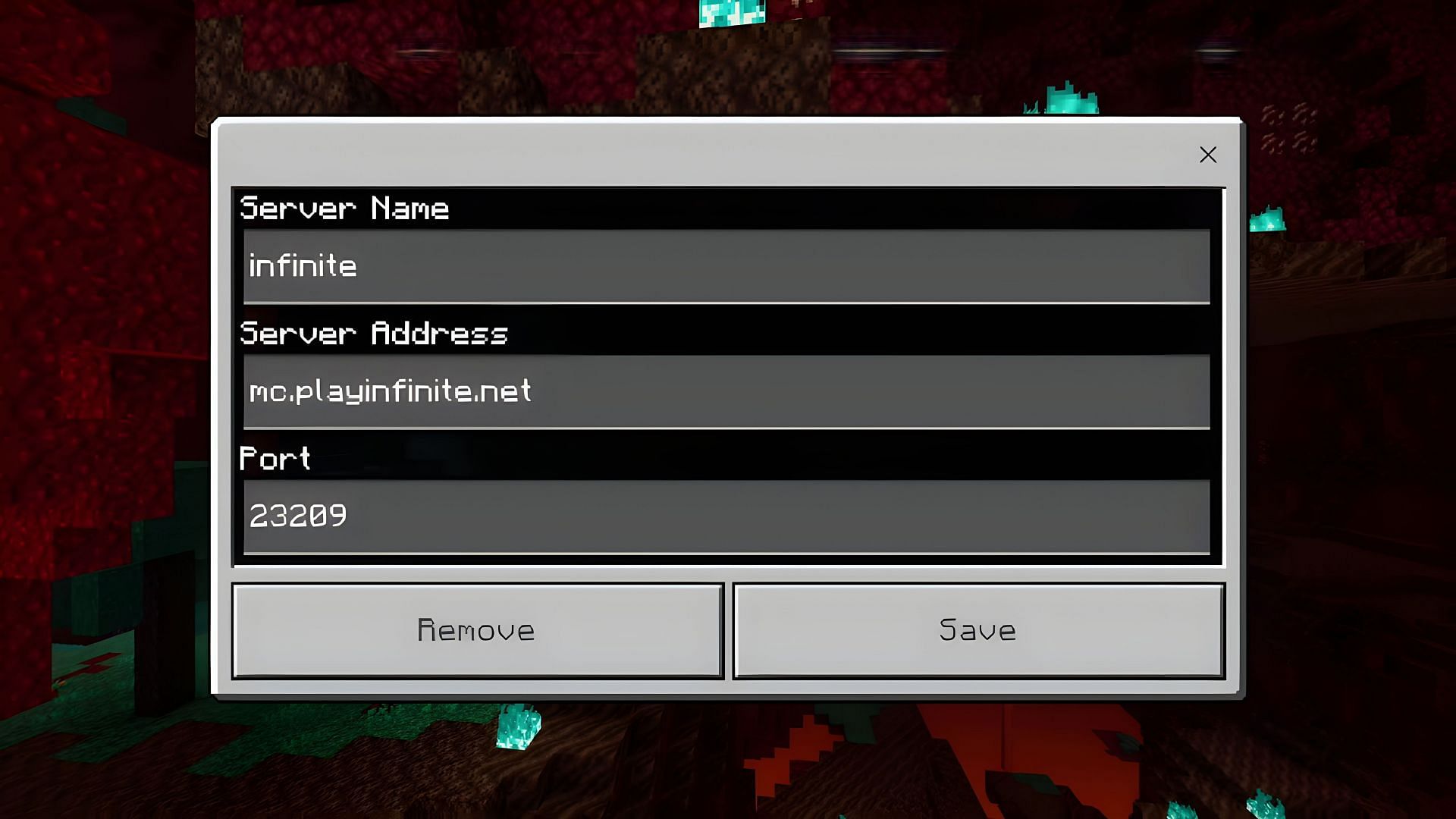
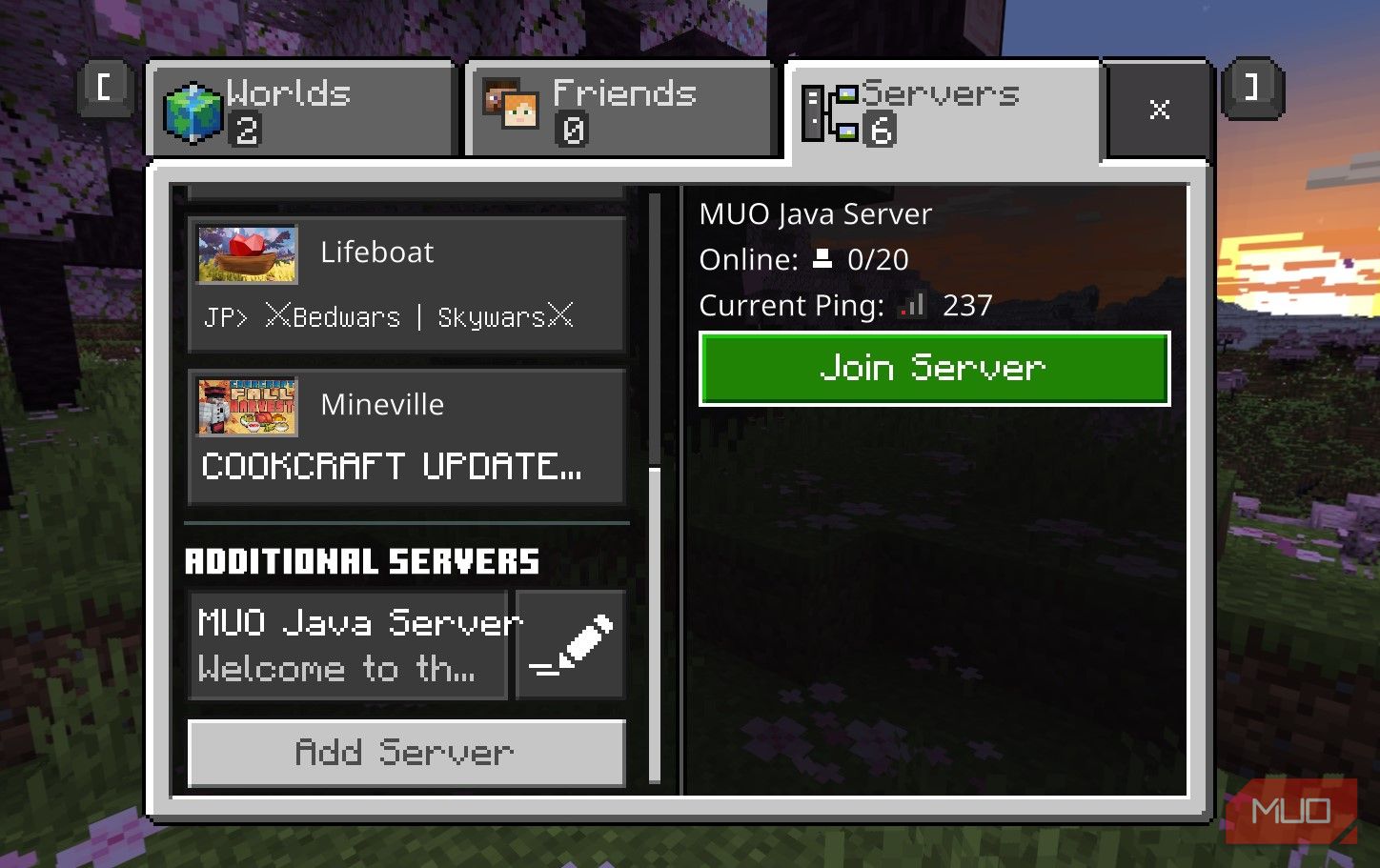
How To Play On Server Minecraft - EICQN. It gives the article a little more context before the image collection begins.
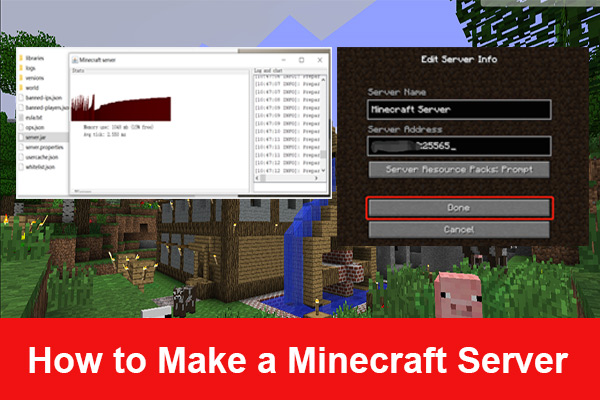
[Full Guide] How to Make a Minecraft Server Java on Windows 10/11. This note connects the source idea with the visuals in a simple, reader-friendly way.
GitHub - LocalMiner/Installer: 🏠Host Minecraft Servers Locally With. It works as a short bridge between the article summary and the gallery section.
Looking at multiple sources also helps separate the main idea from small decorative details.
These notes are added so the page offers more than images and gives each visitor a clearer reason to keep reading.