Sideload Apps on FireStick
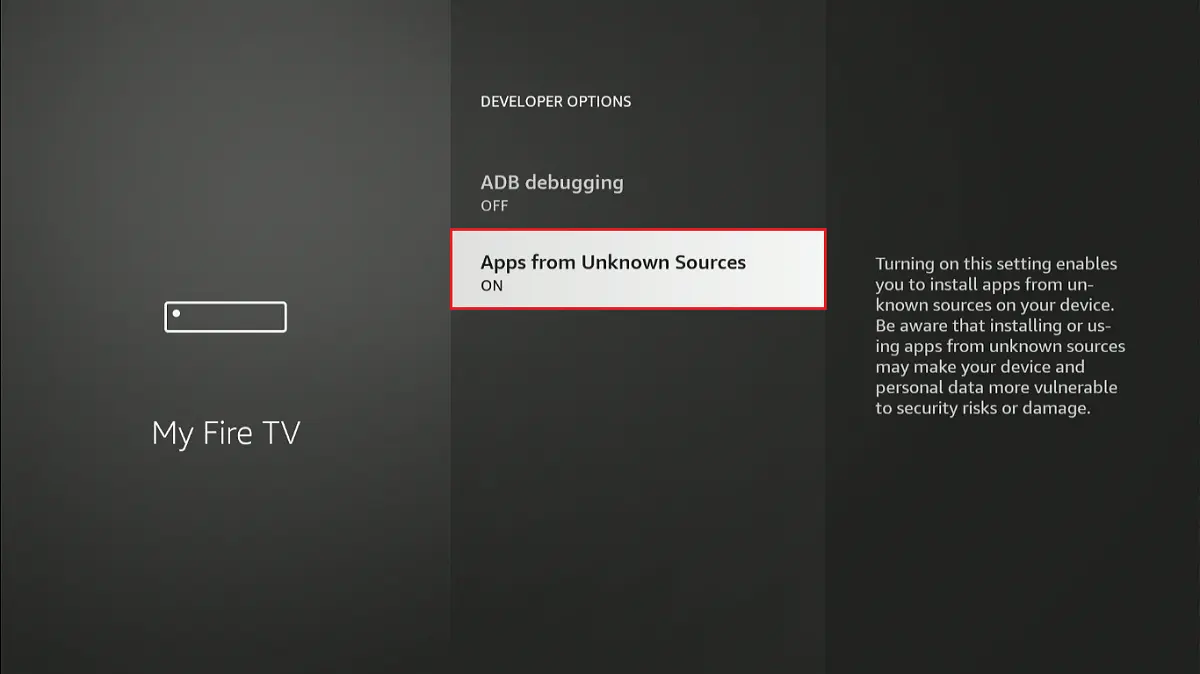
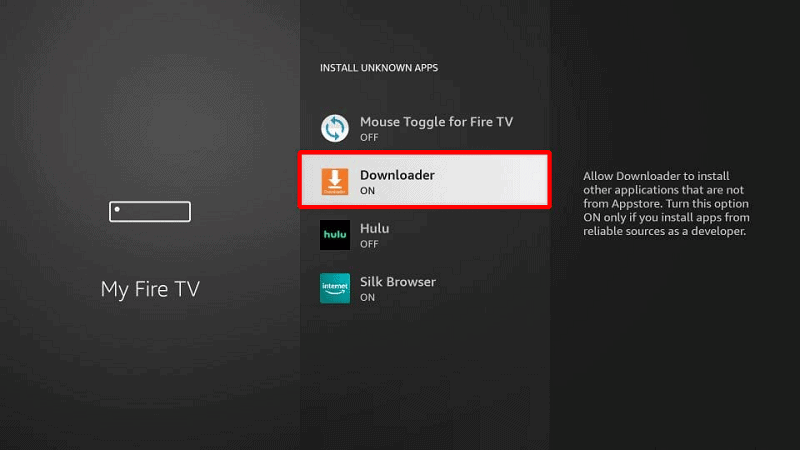
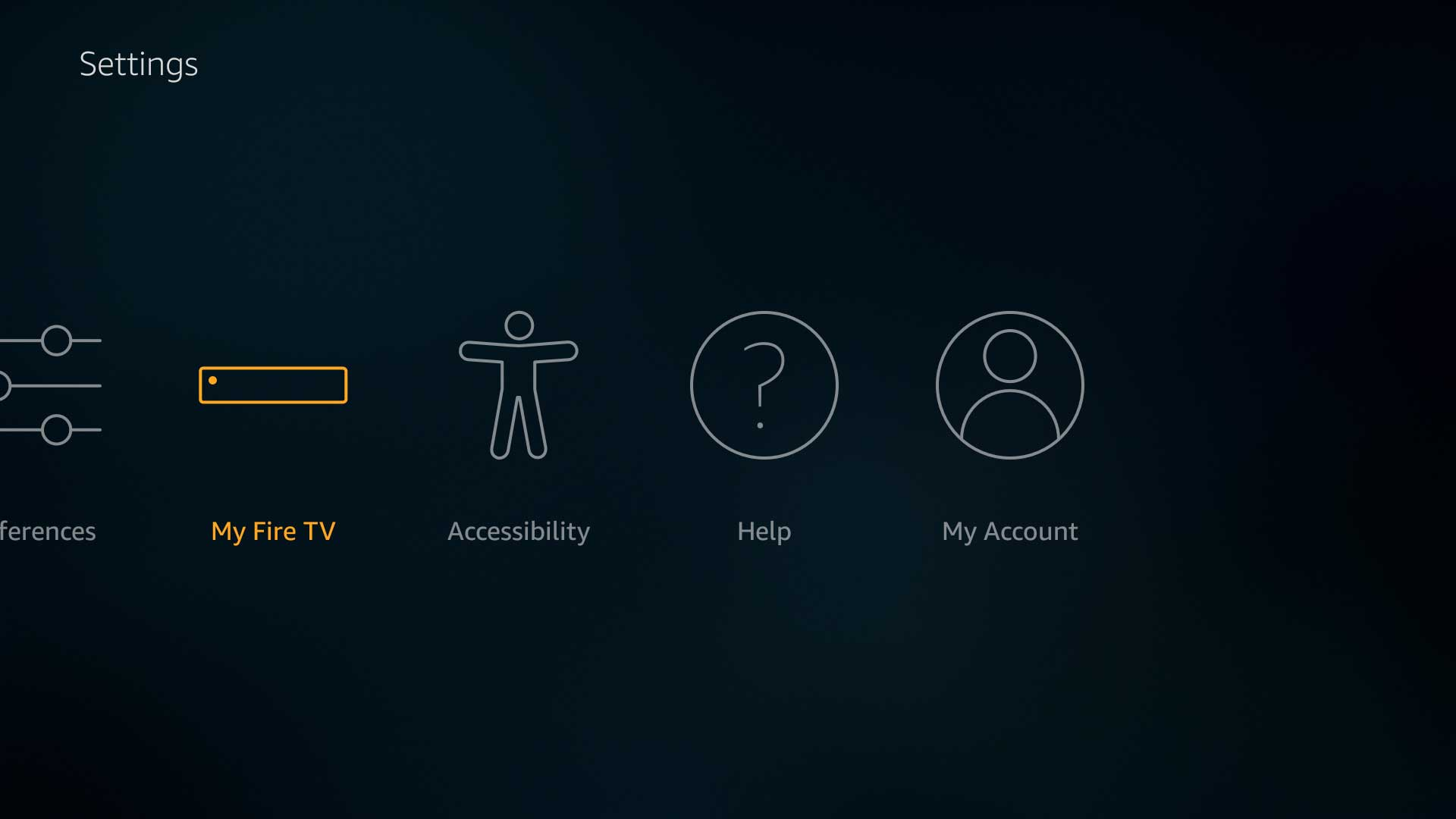
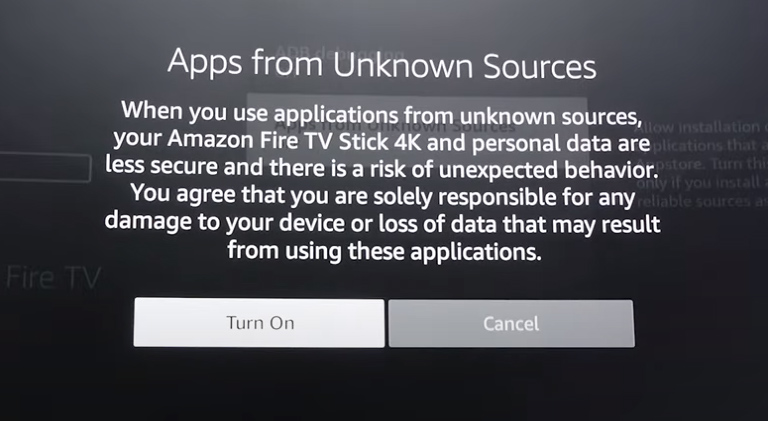
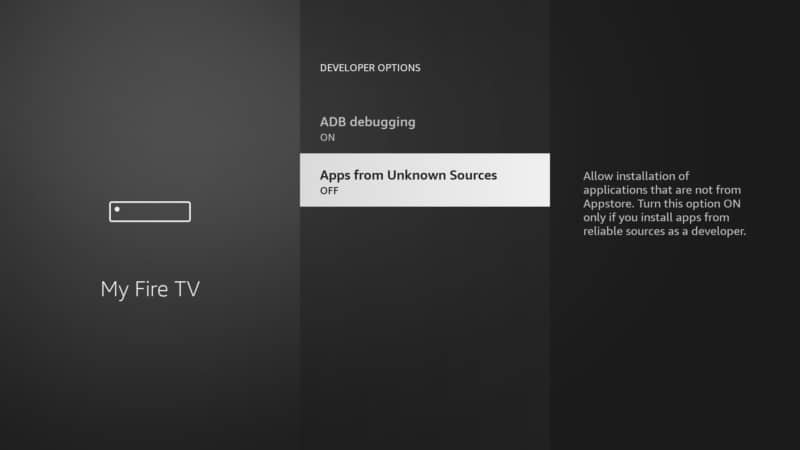
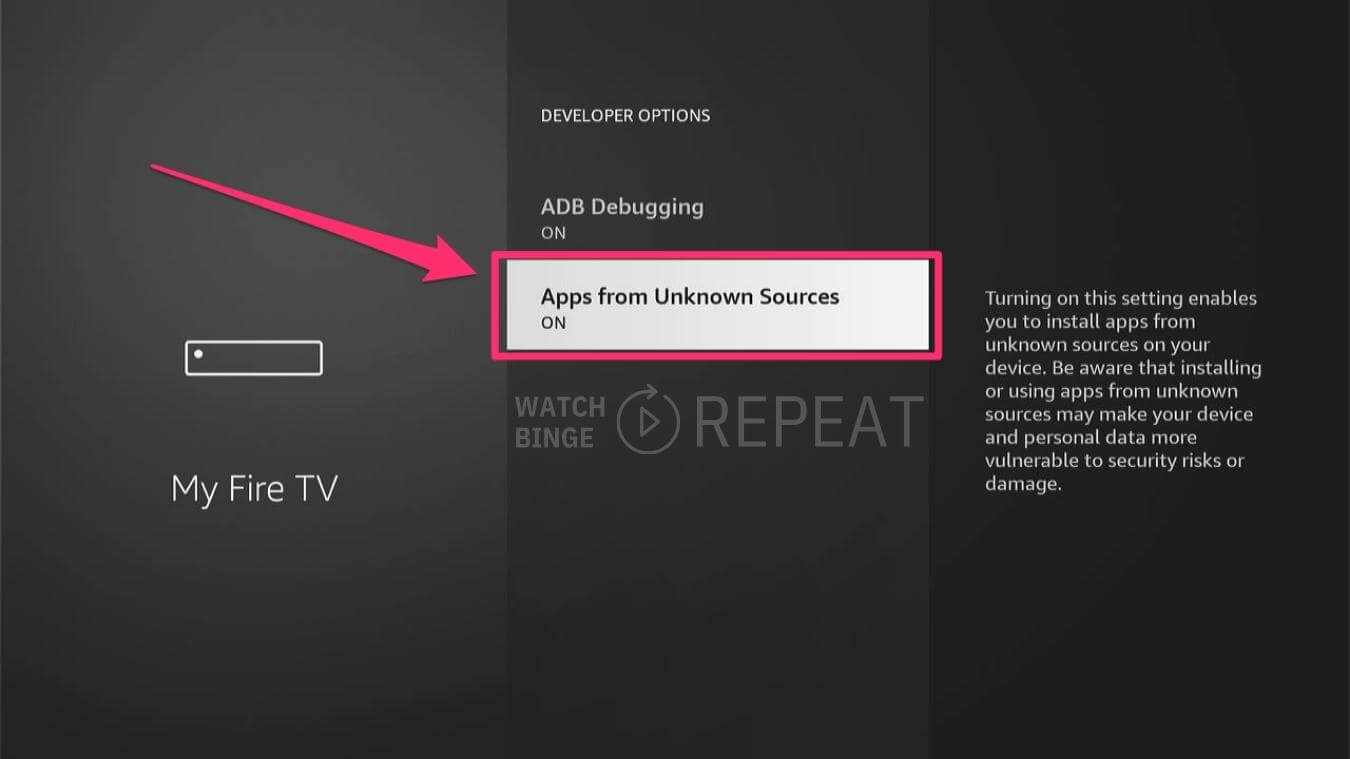
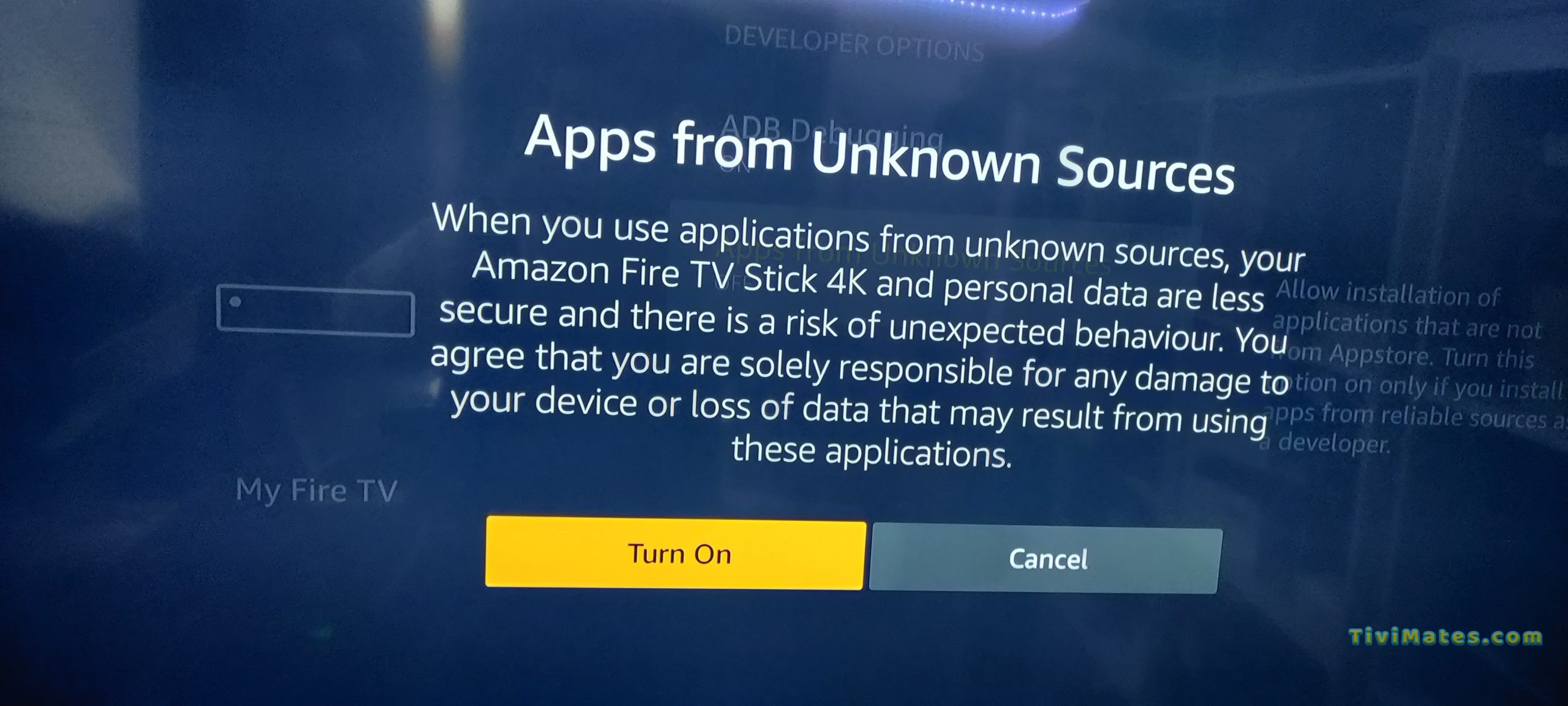
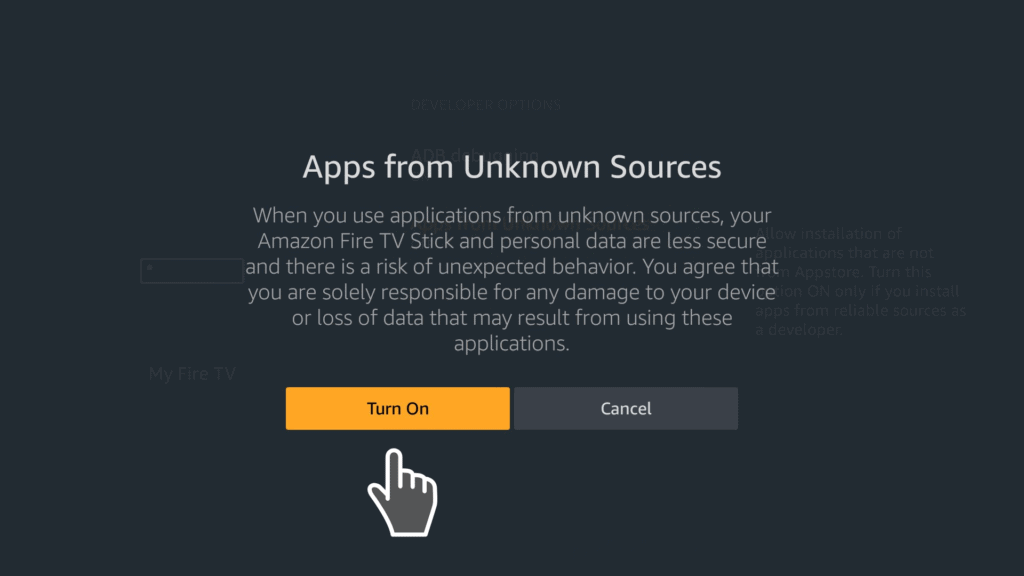
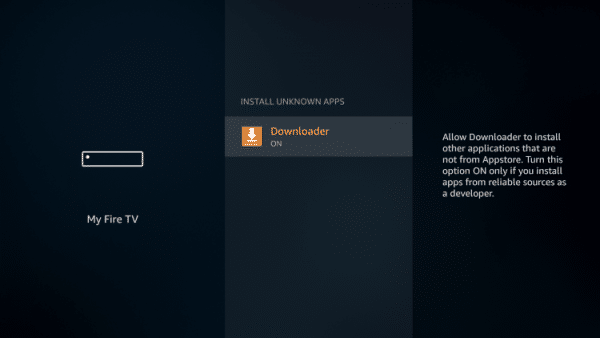
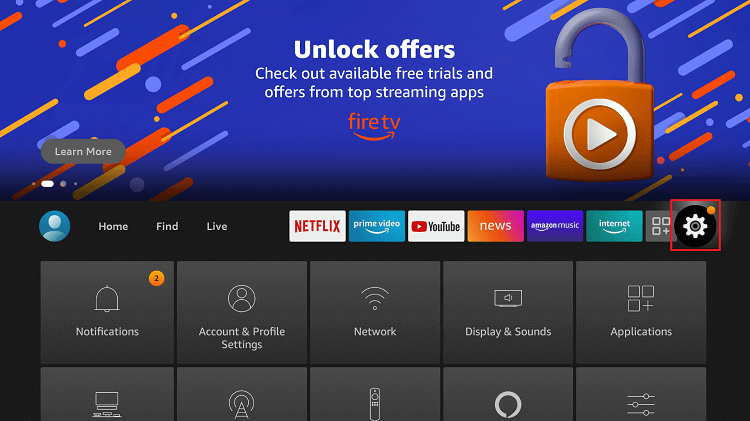
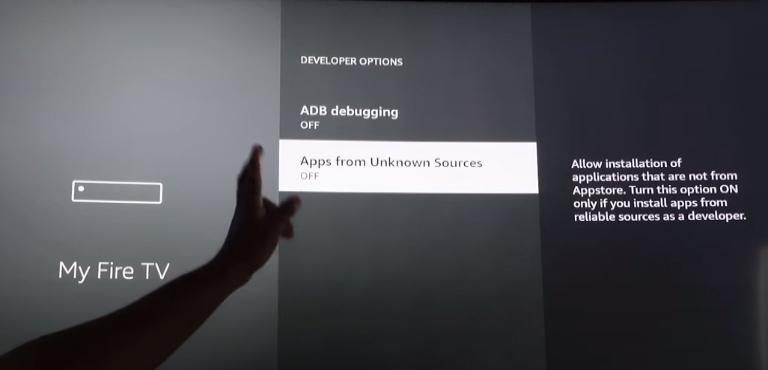
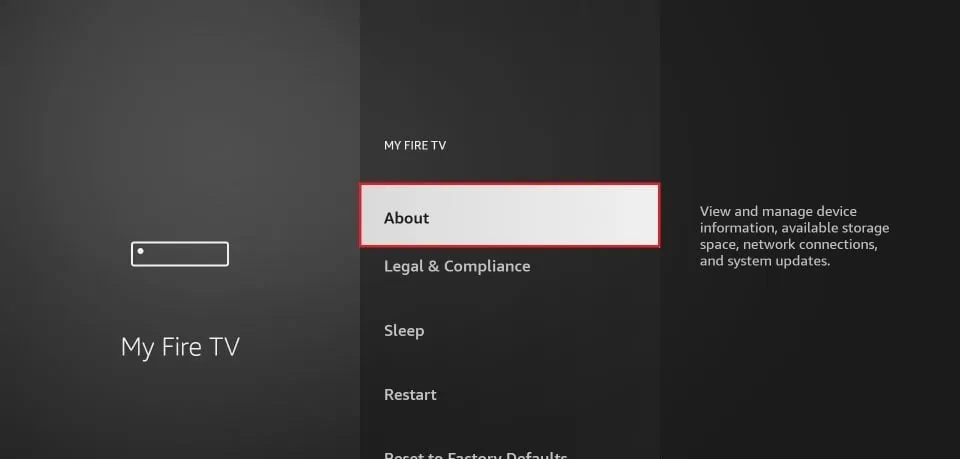
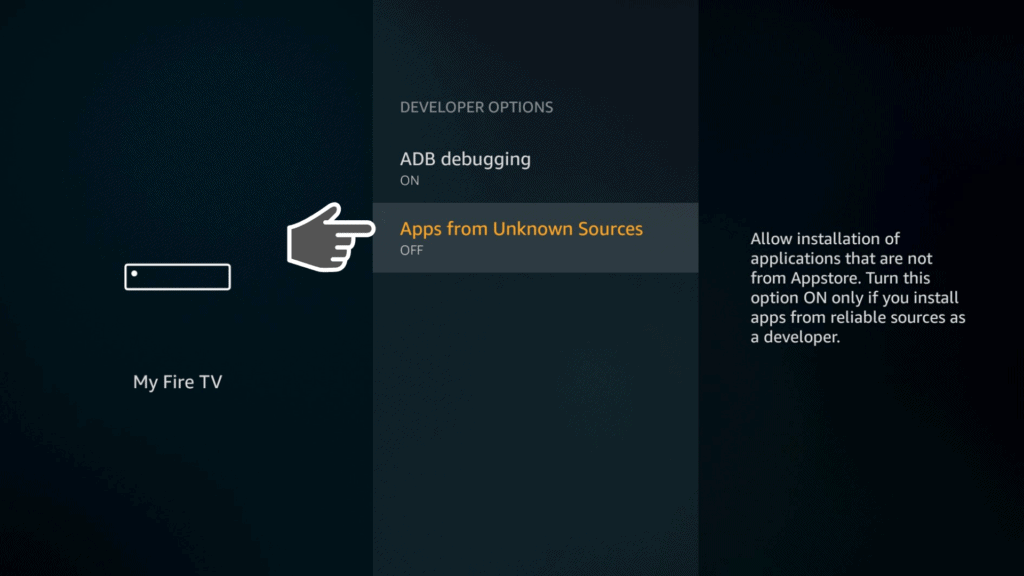
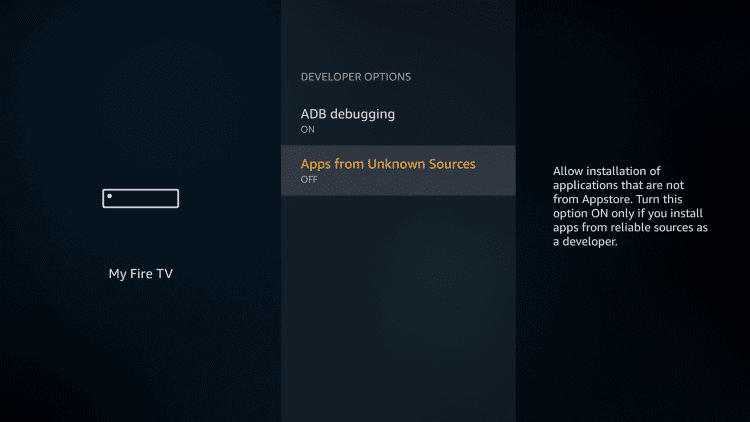
To install unknown apps on Firestick , first enable " Apps from Unknown Sources " by going to Settings > My Fire TV > Developer Options and turning it on. Then, install the Downloader app from the Amazon App Store.
How to Sideload Apps on the Fire TV and Fire TV Stick

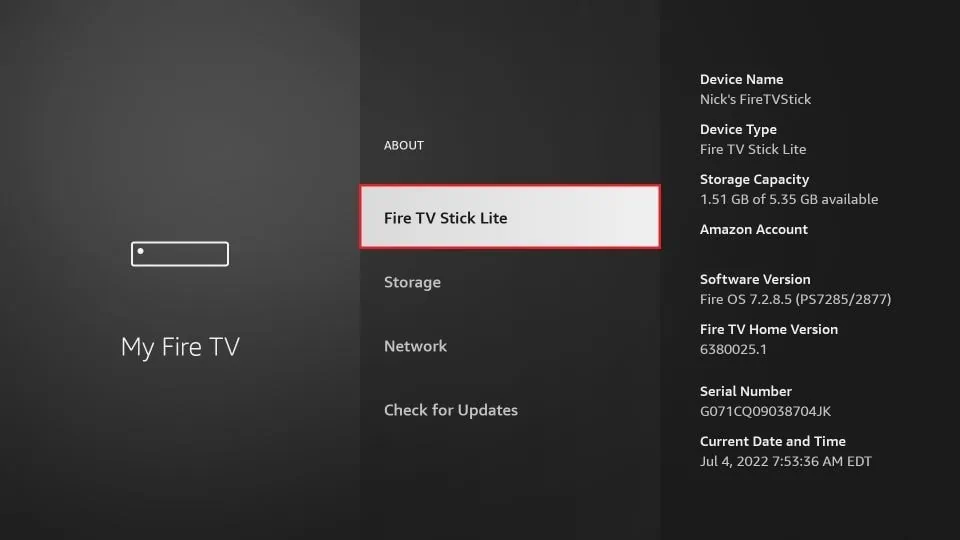
Allow Apps From Unknown Sources on Fire TV To sideload Android apps on a Fire TV device, you need to first allow " Apps From Unknown Sources " to be installed. This can be done from the Developer Options menu we enabled in the section above. First, go to Settings and choose "My Fire TV" or "Device & Software." Next, select "Developer ...
In this video, I'll show you how to install apps from unknown sources on your Fire TV Stick. I'll guide you step-by-step through enabling the permission for ...
How to Enable Developer Options on FirestickAndroid TV (2026)
Understanding Install Firestick Apps From Unknown Sources Before the Gallery
Install XCIPTV Player on FireStick, Android TV & More! - SUPER IPTV. It gives the article a little more context before the image collection begins.
Get Spectrum TV App on Firestick (How to Install) • TechYOY. It works as a short bridge between the article summary and the gallery section.
Fire Tv Allow Apps From Unknown Sources | Detroit Chinatown. This note connects the source idea with the visuals in a simple, reader-friendly way.
Looking at multiple sources also helps separate the main idea from small decorative details.
These notes are added so the page offers more than images and gives each visitor a clearer reason to keep reading.