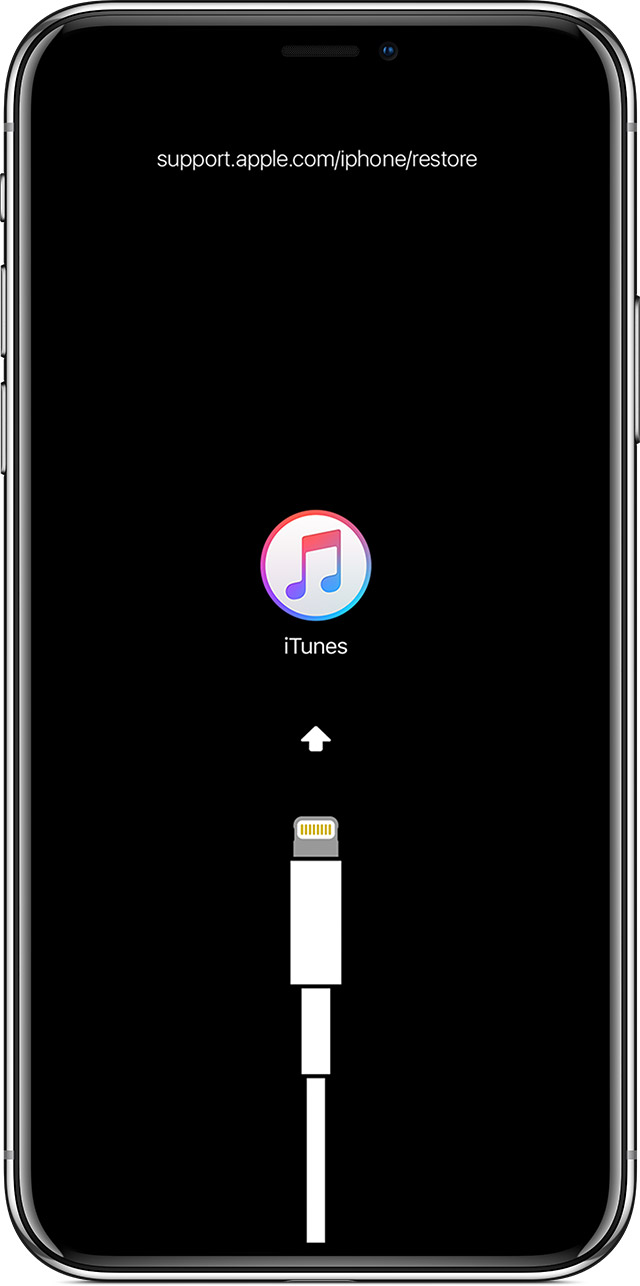
iPhone Stuck on Connect to iTunes Screen,
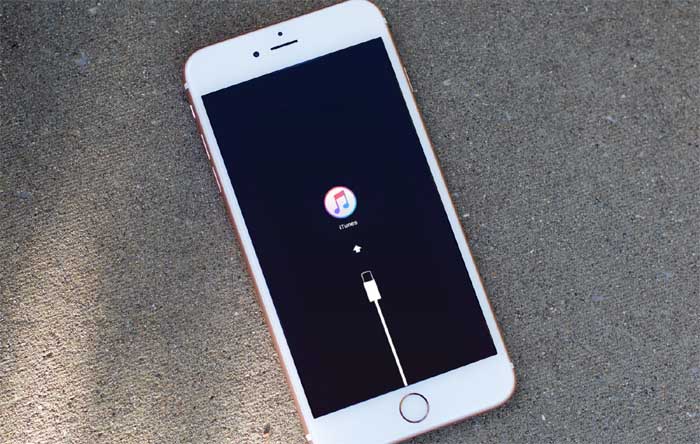
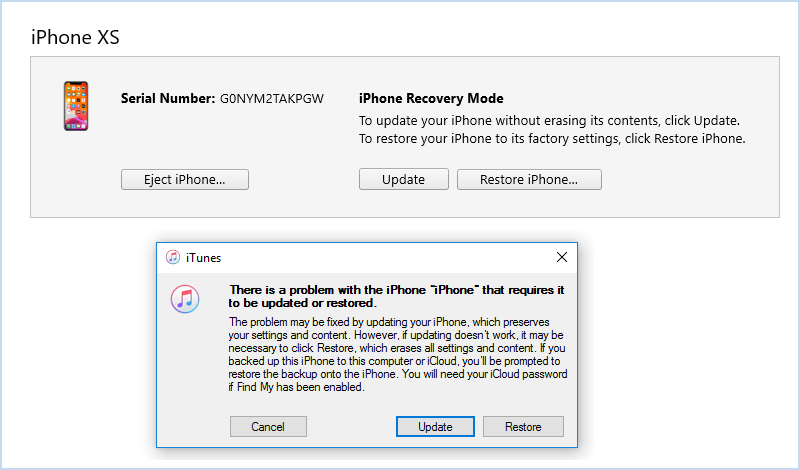
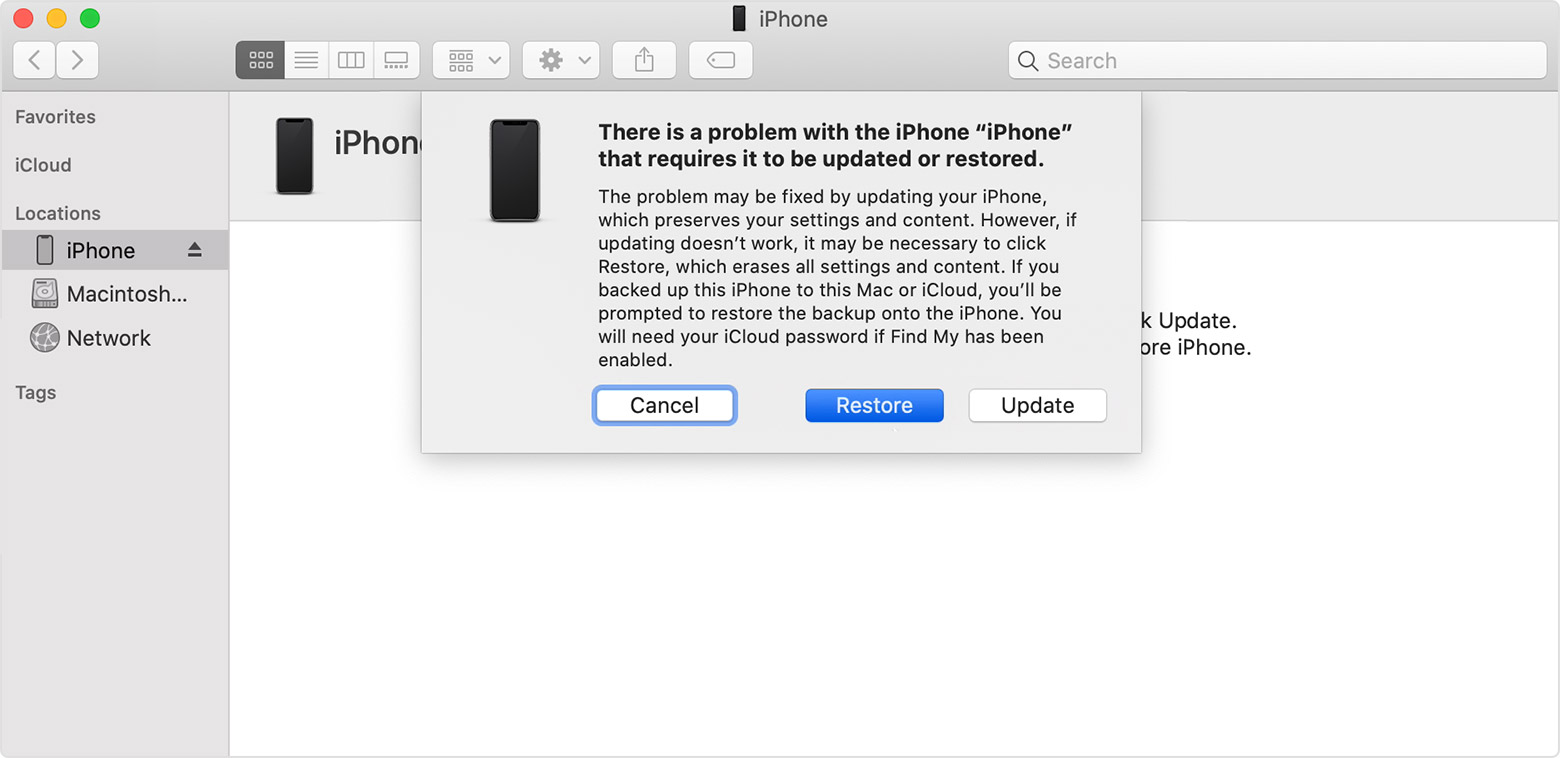
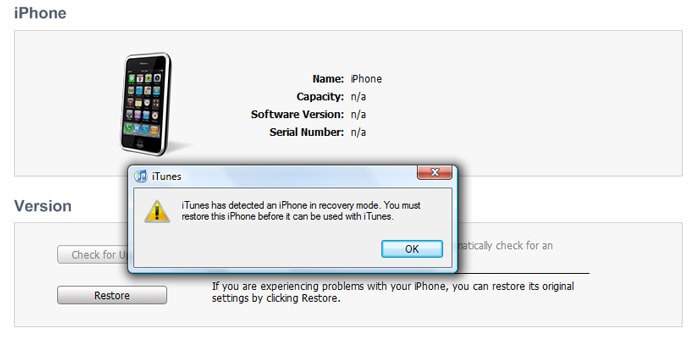
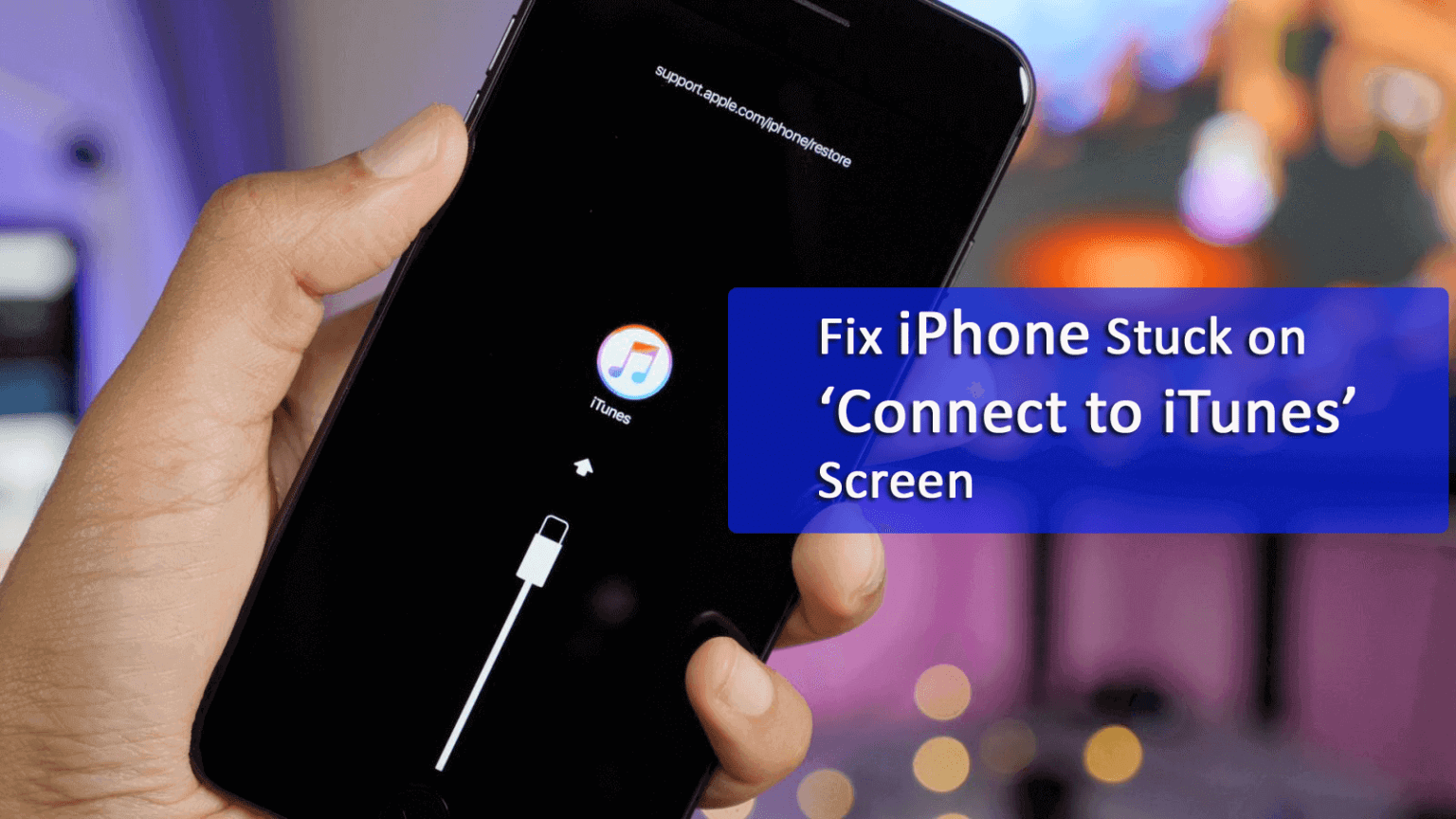
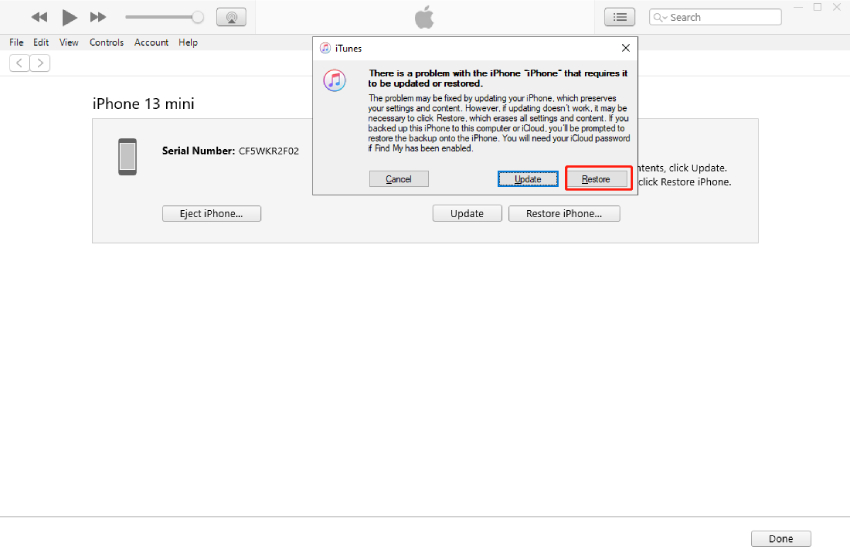
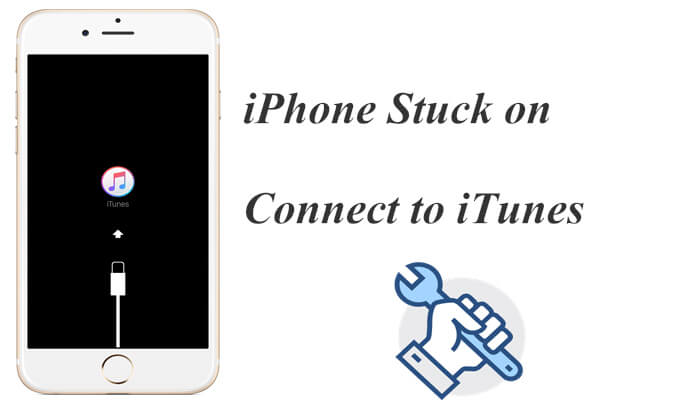
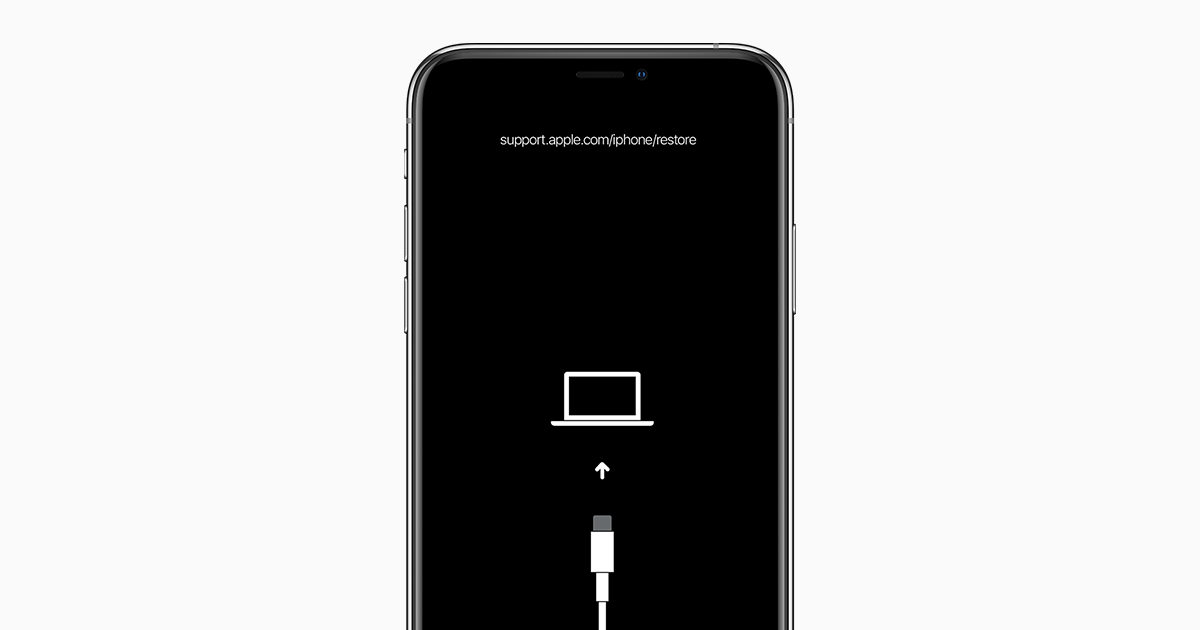
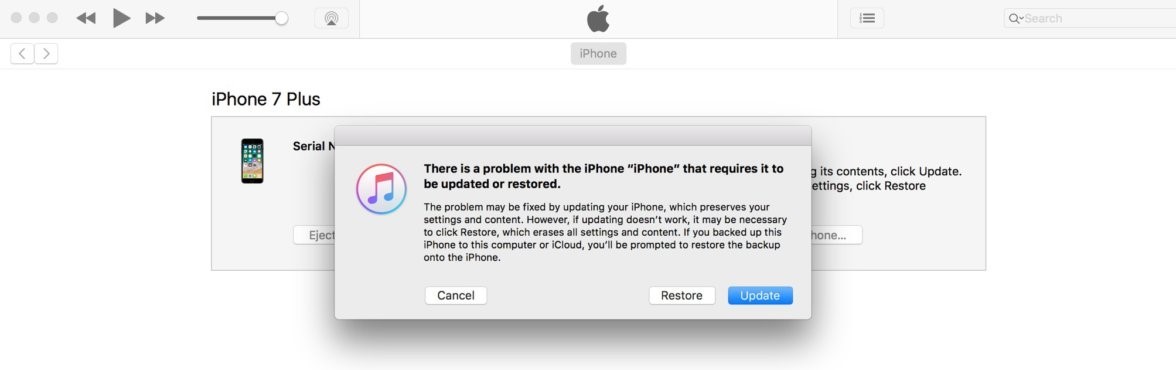
My iPhone getting stuck on the " Connect to iTunes " screen, as this device seems to be unable to connect to iTunes , which prevents it from being activated. I believe this issue can occur due to various reasons, such as software updates, physical damage, or complications with hard resets .
iPhone Stuck on Connect to iTunes Causes and 6 Proven Fixes
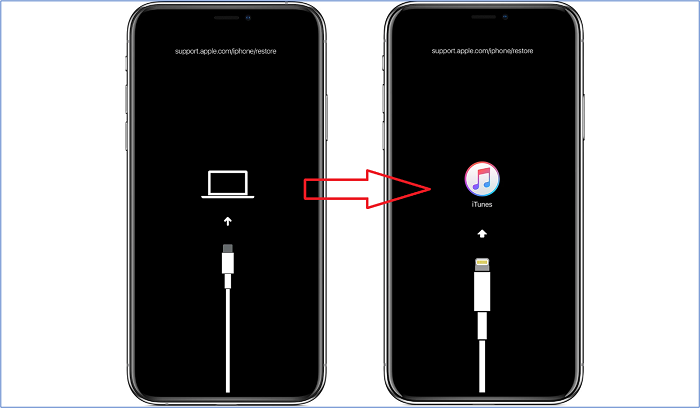
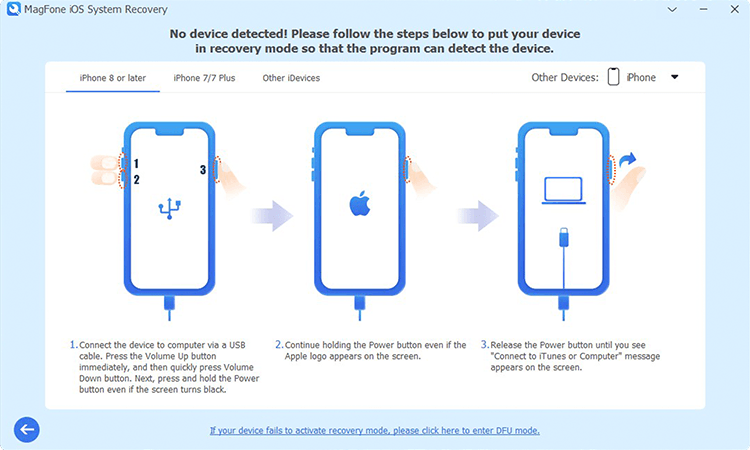
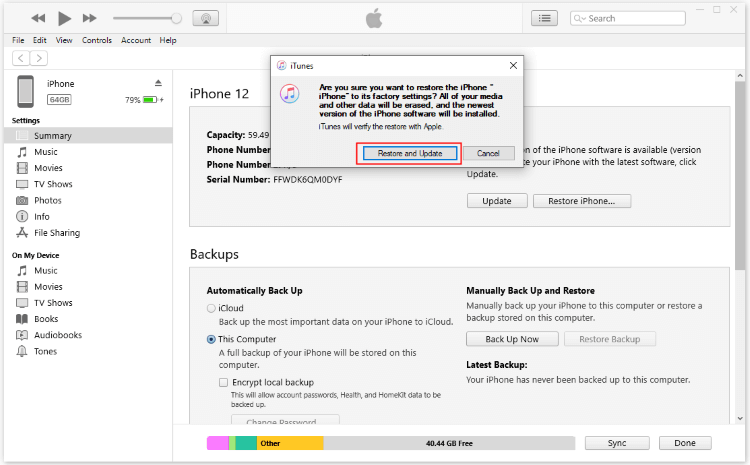
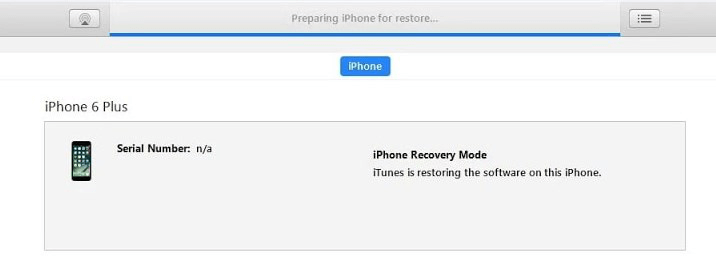
In fact, iPhone stuck on Connect to iTunes screen is not uncommon, and it's often related to system updates, failed restores, or software issues. This article will systematically introduce various effective solutions to help you safely exit the " Connect to iTunes " screen.
This guide will walk you through the reasons your iPhone is stuck on the " Connect to iTunes " screen and offer you three effective methods to restore your device to its former glory.
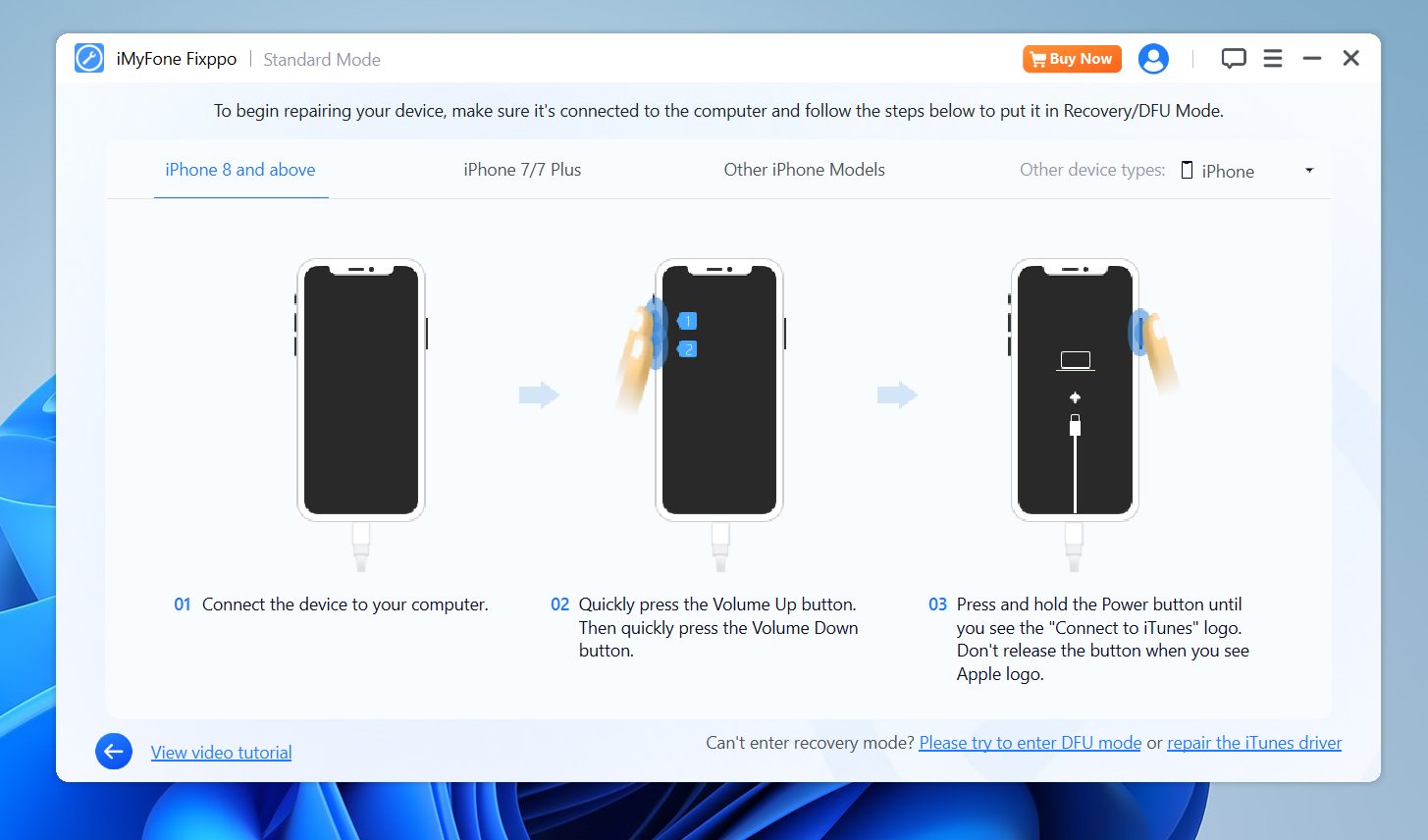
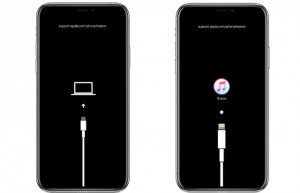
Furthermore, visual representations like the one above help us fully grasp the concept of Iphone Soft Reset Stuck On Connect To Itunes.
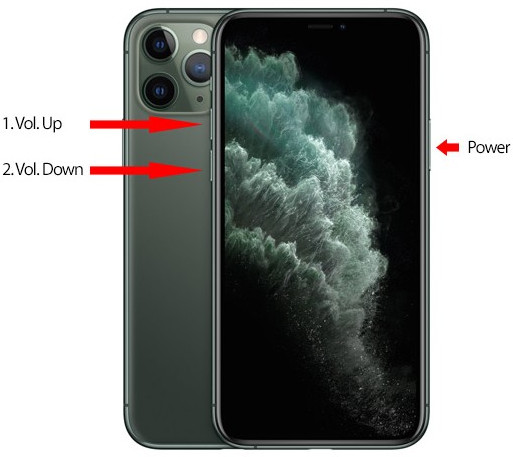
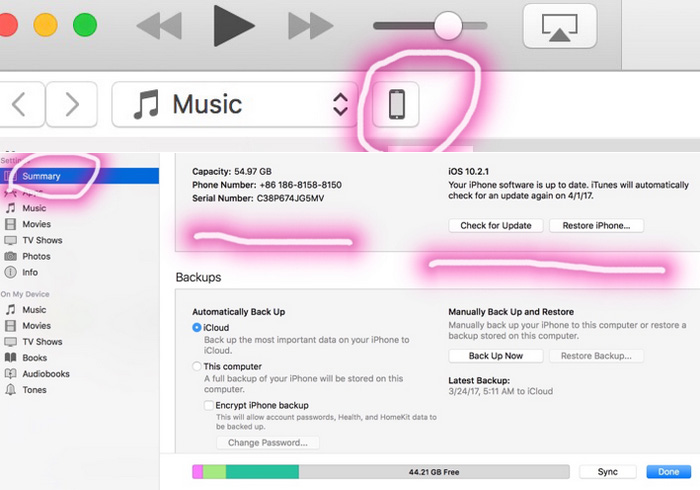
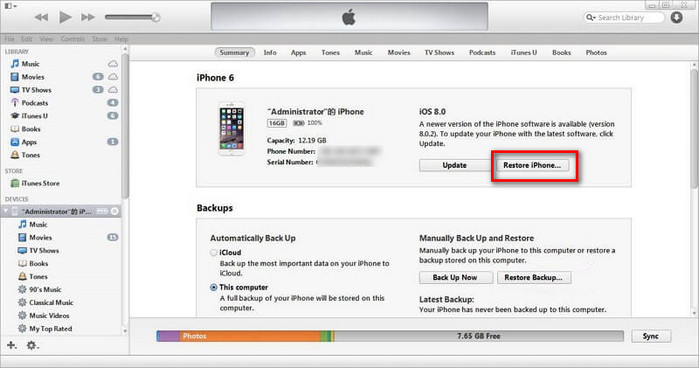
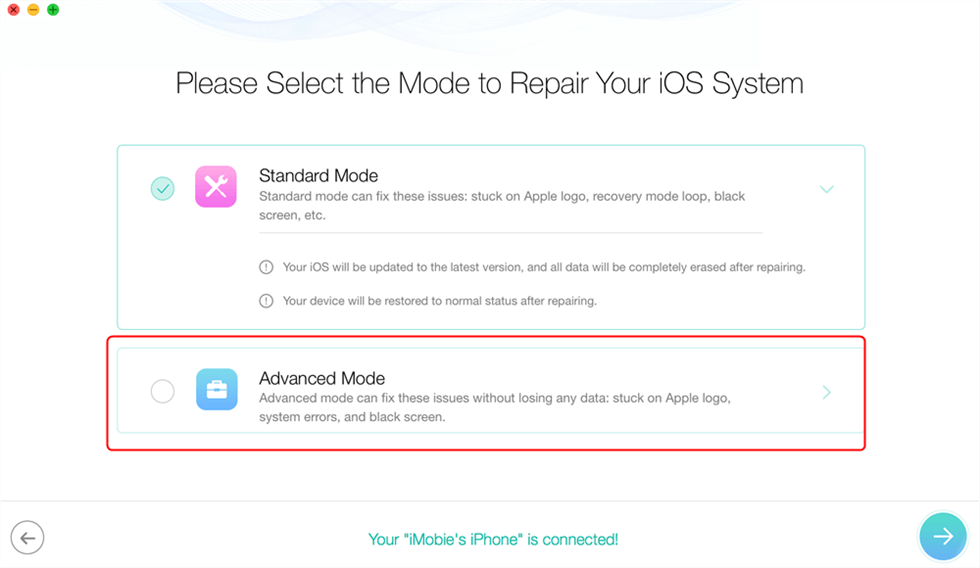
How to Fix iPhone Stuck on Connect to iTunes Screen
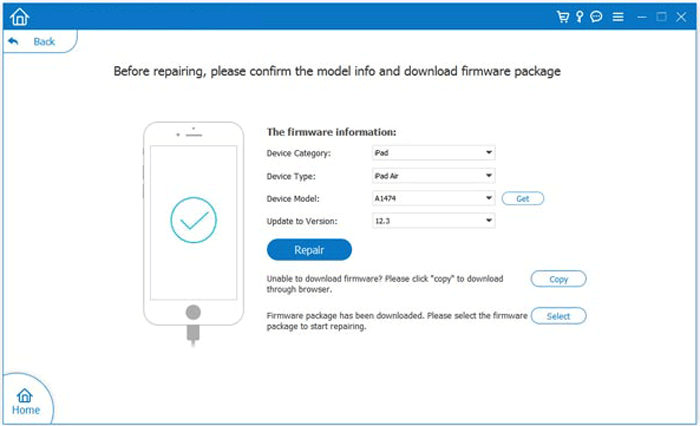
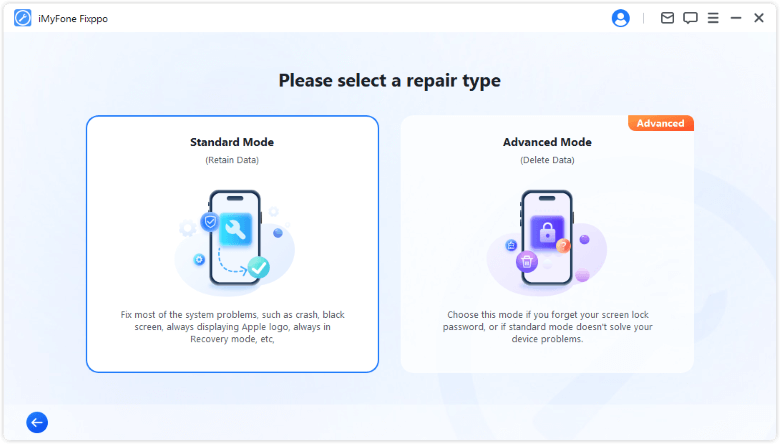
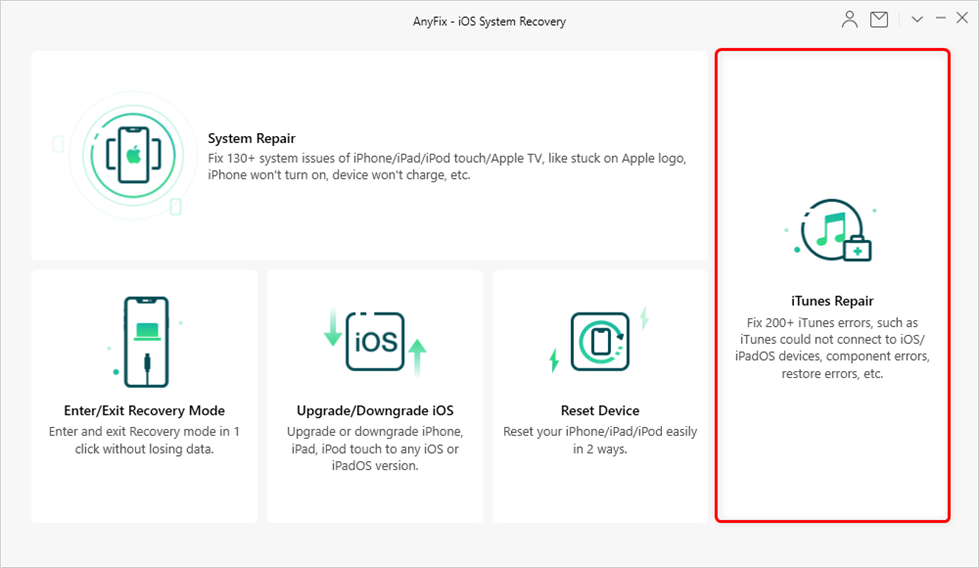
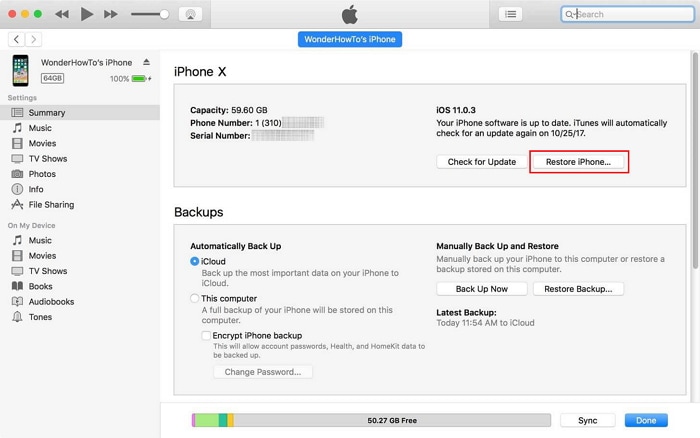
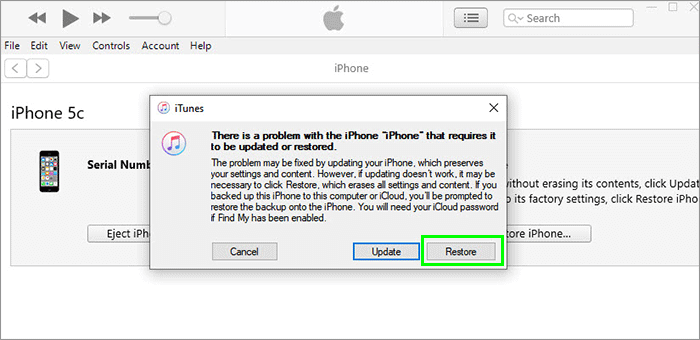
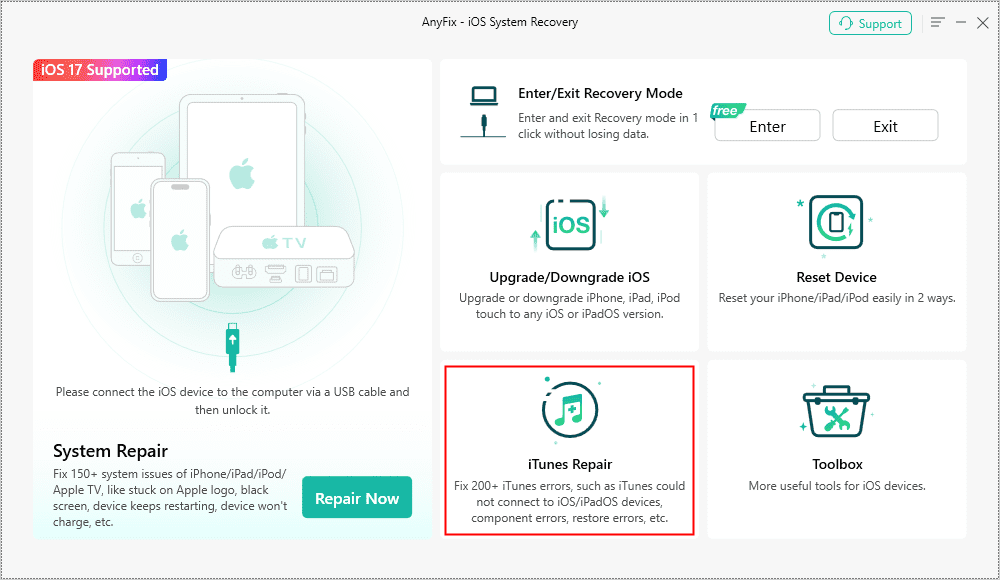
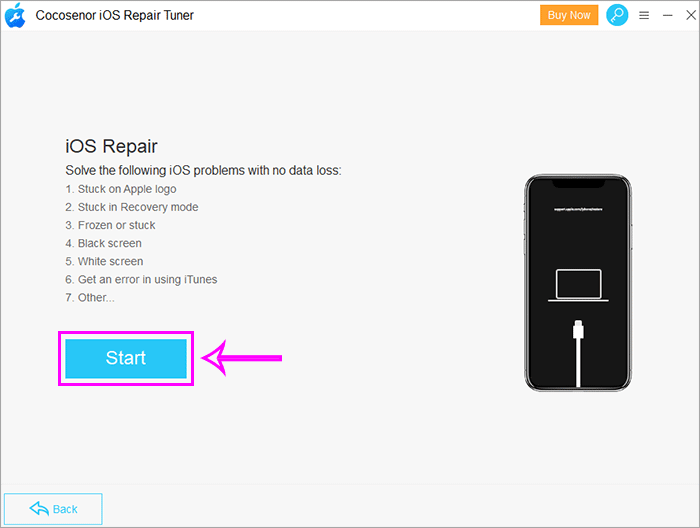
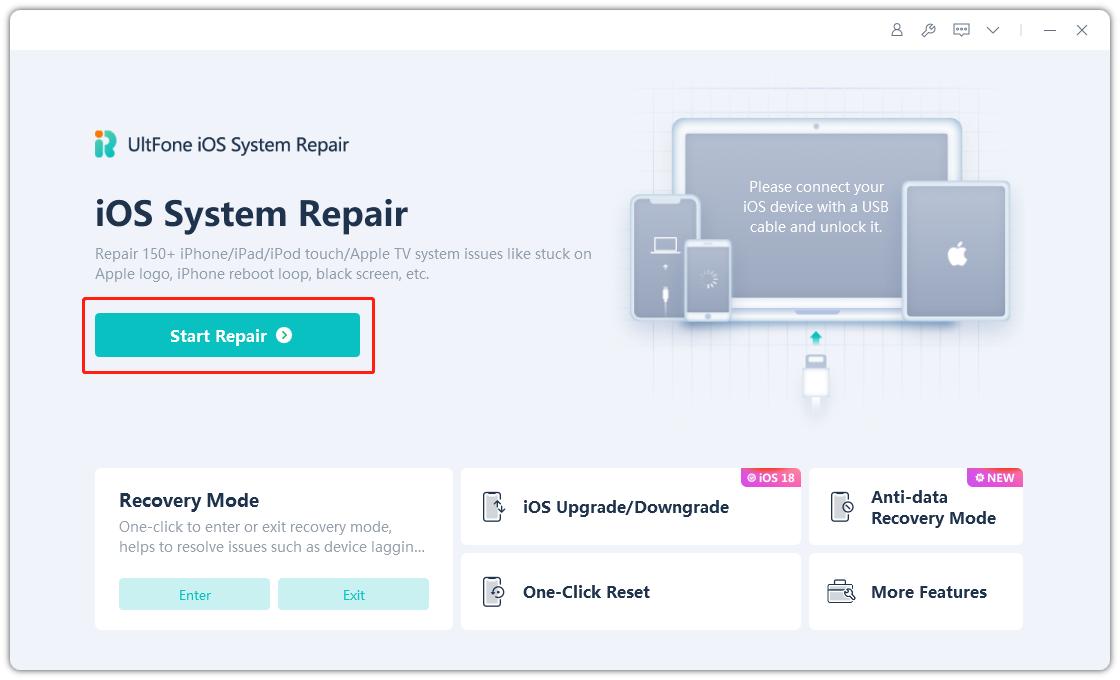
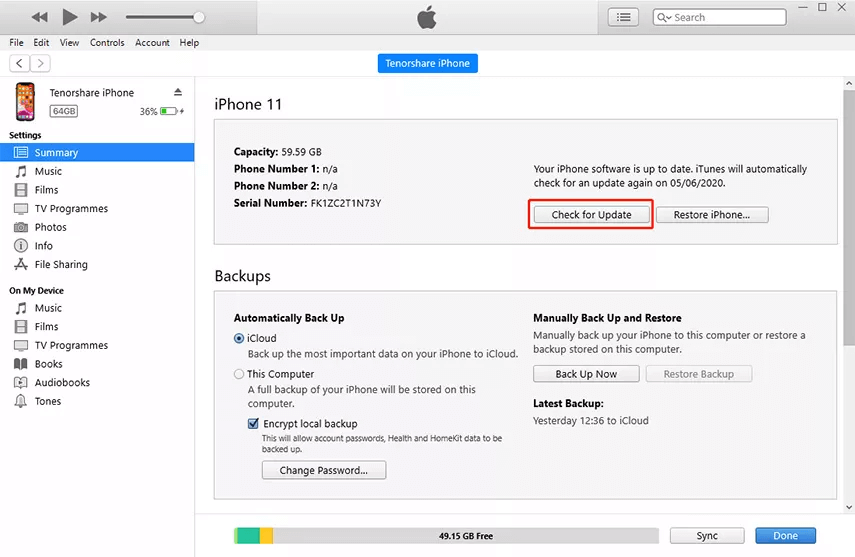
If your iPhone stuck on connect to iTunes , just check out this article with 5 methods and the free tool to exit the iPhone stuck on iTunes logo for free.
Additional Notes on Iphone Soft Reset Stuck On Connect To Itunes
restore - iPhone stuck on Connect to iTunes - Ask Different. This note connects the source idea with the visuals in a simple, reader-friendly way.
How to Fix iPhone Stuck on Connect to iTunes Screen - 5 Ways. It works as a short bridge between the article summary and the gallery section.
iPhone Stuck on Connect to iTunes? Causes and 6 Proven Fixes. The extra context helps the page feel more useful without forcing the same phrase repeatedly.
Looking at multiple sources also helps separate the main idea from small decorative details.
These notes are added so the page offers more than images and gives each visitor a clearer reason to keep reading.