Secure Mobile Payments
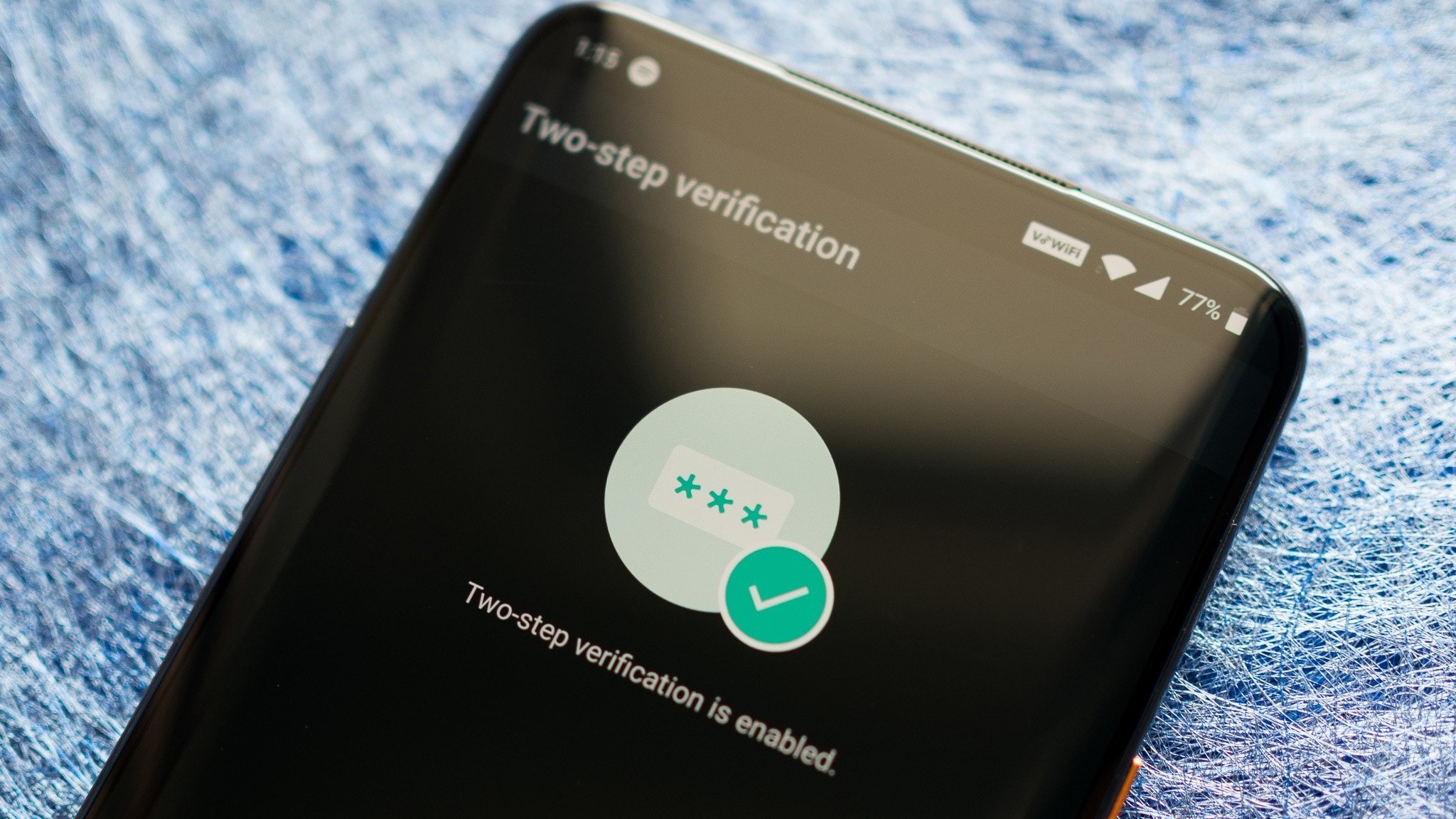
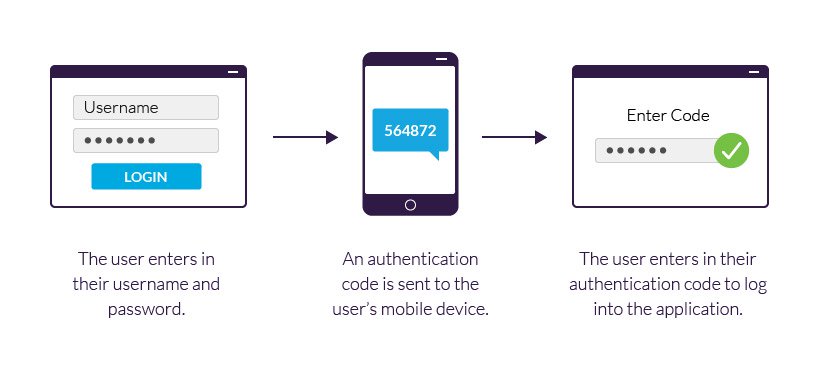
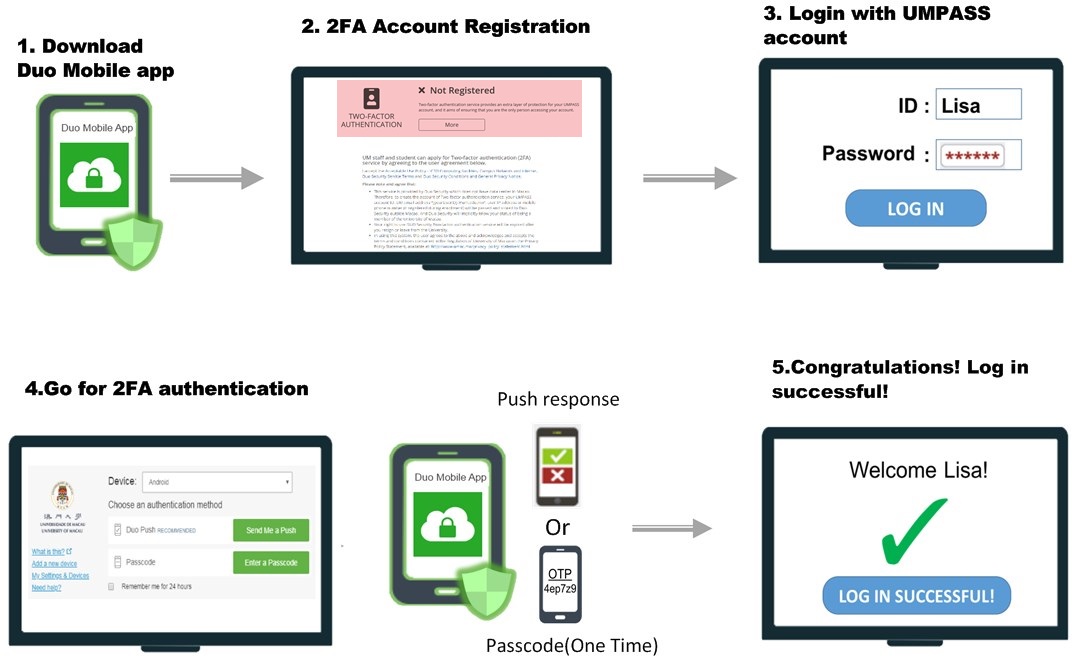
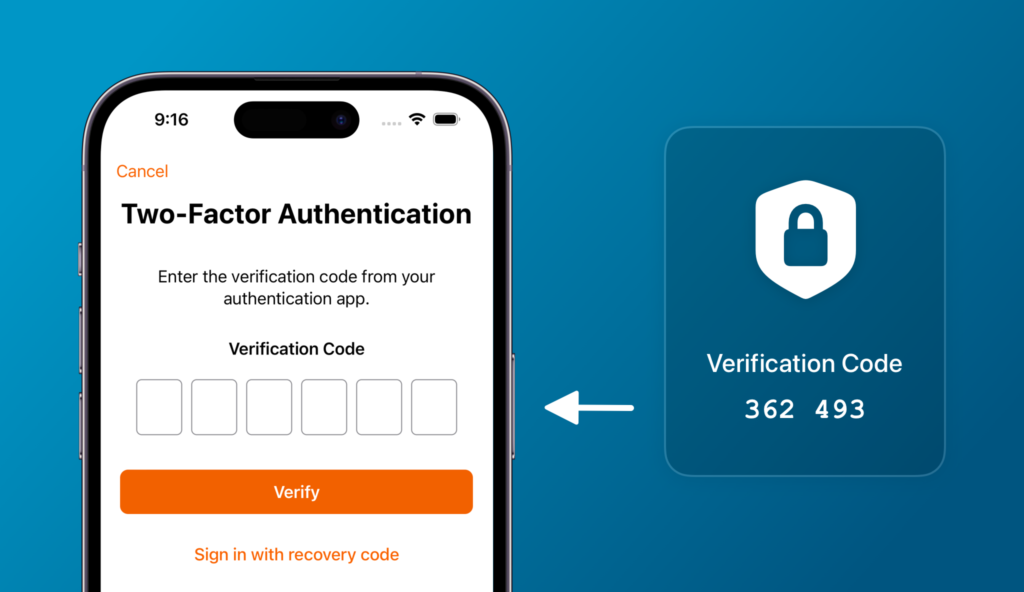
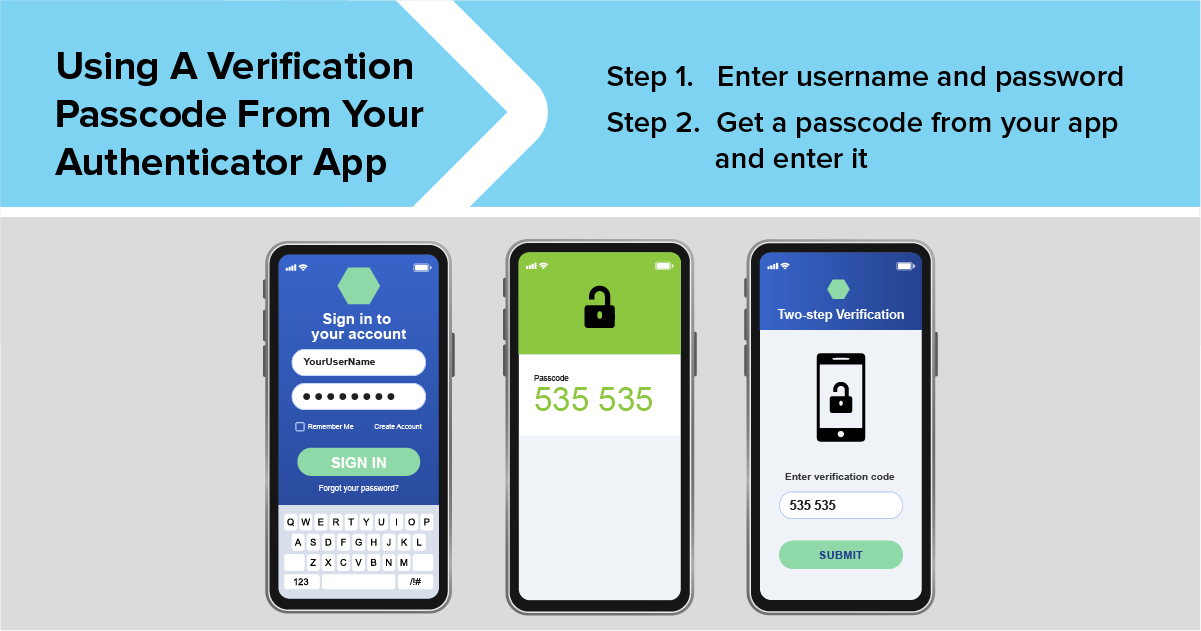
Duo Mobile app : secure access from your smartphone Using an authenticator app will help keep your company and personal data safe. Secure all of your devices with one simple and easy authentication app : Duo Mobile , a two-factor authentication (2FA) and multi- factor authentication (MFA) solution.
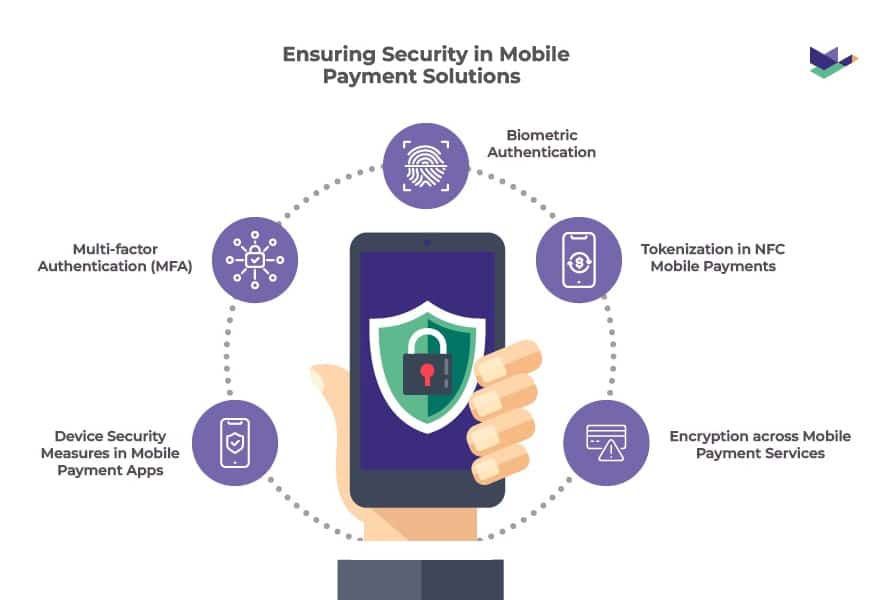
Activate multiple layers of security

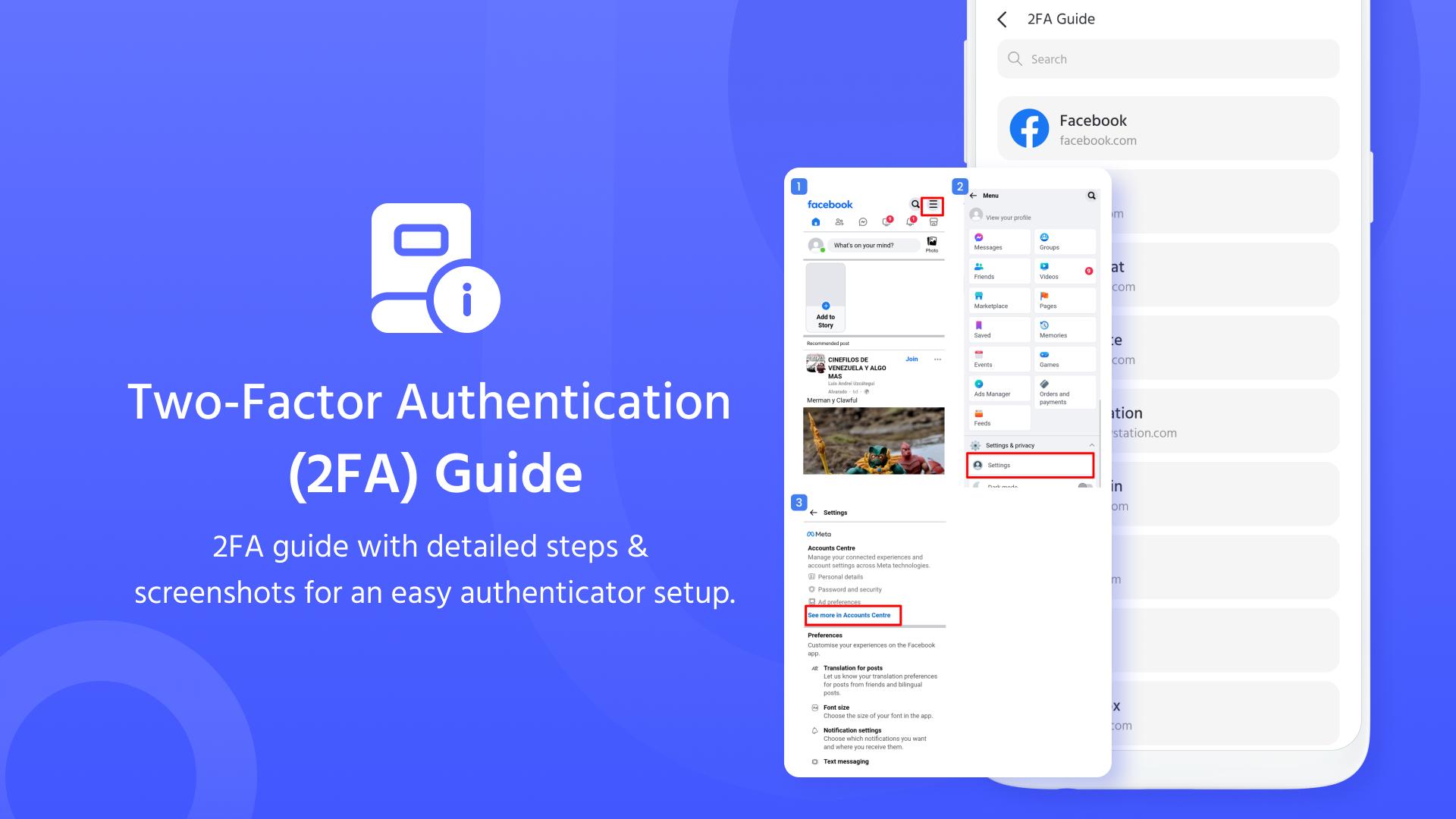
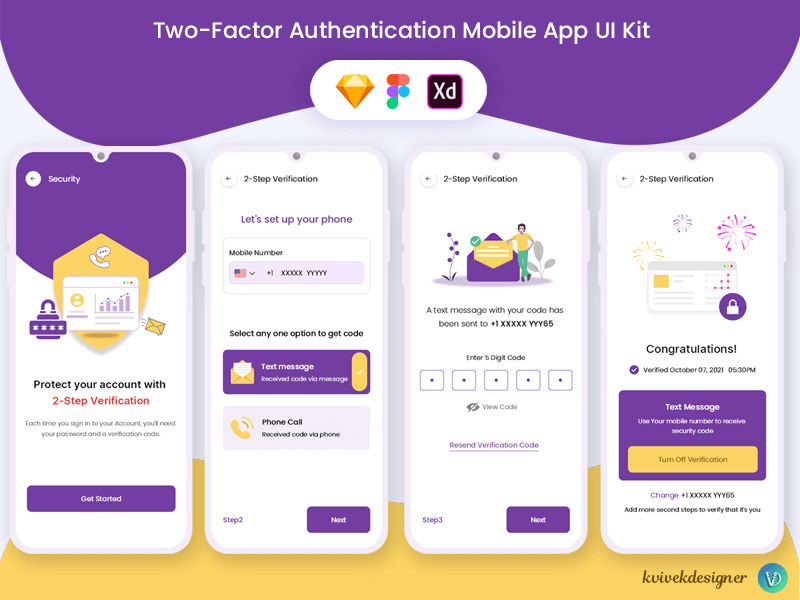
6. Select Use Two-Factor Authentication and tap Get Started. 7. Choose your security method: either Authentication App or Text Message. If you select Text Message, enter your mobile number and then enter the verification code sent to you. 8. Once completed, tap Finish, and you're done. Takeaways • Activate 2FA across all your accounts.
Such details provide a deeper understanding and appreciation for Mobile Payment App Two Factor Authentication.
Secure every login with powerful 2FA or MFA authentication . Trust LastPass This June, 2026. Ends In 20 Days Days. Best Password Software Manager
Useful Notes on Mobile Payment App Two-Factor Authentication
More Context About Mobile Payment App Two Factor Authentication
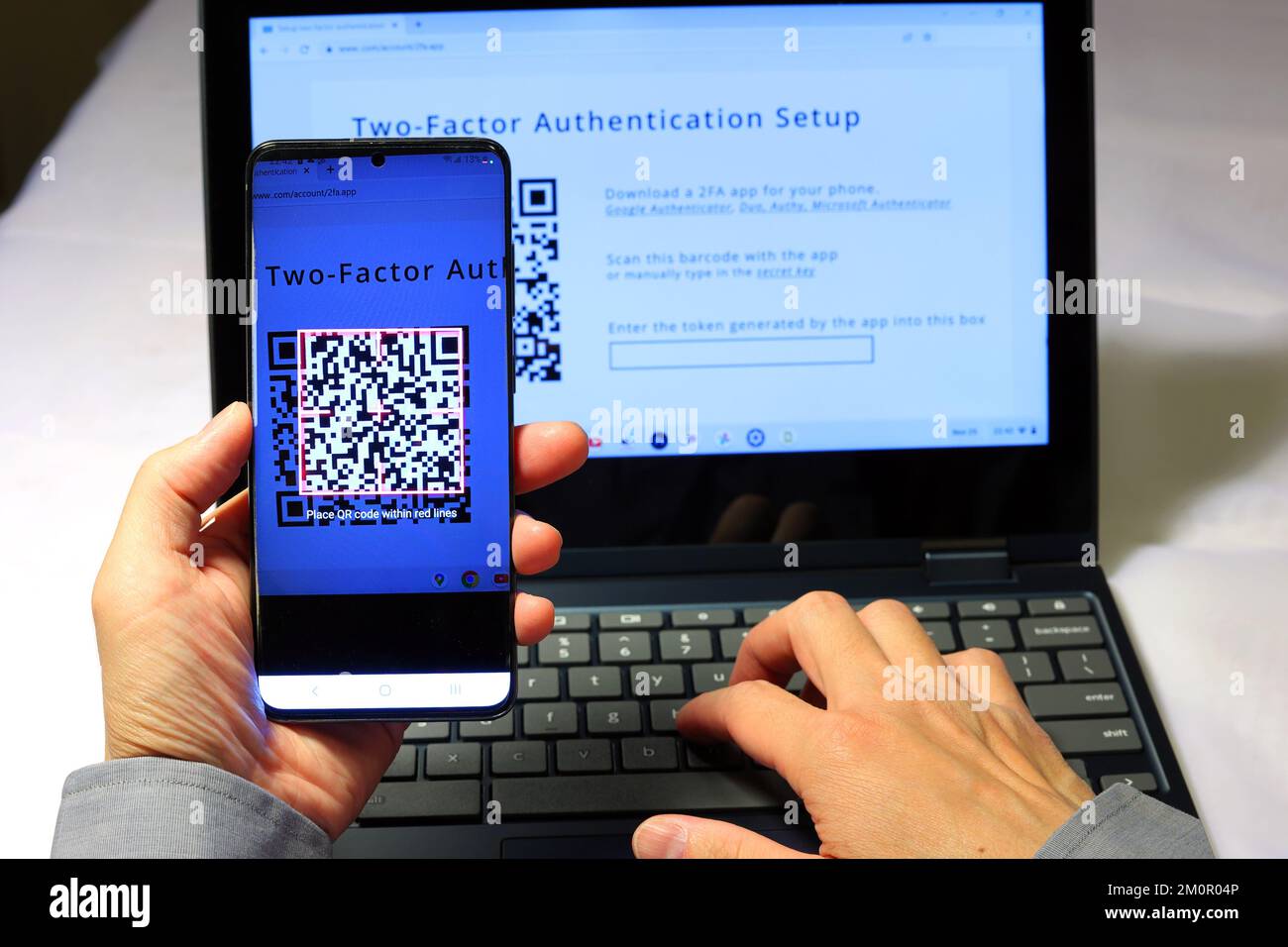
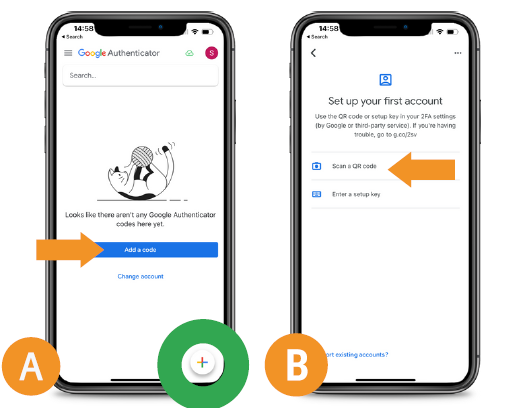
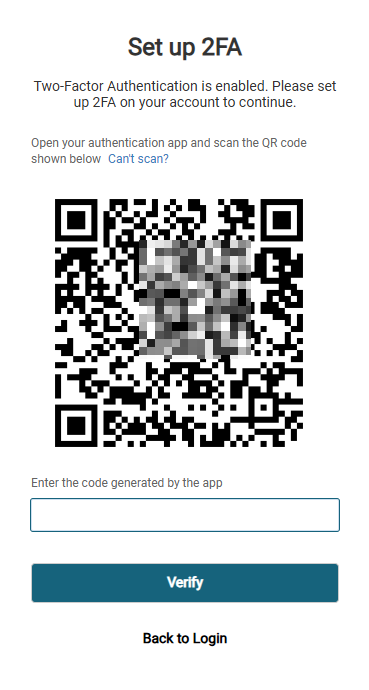
A person scans a QR code with the Google Authenticator app on their. This note connects the source idea with the visuals in a simple, reader-friendly way.
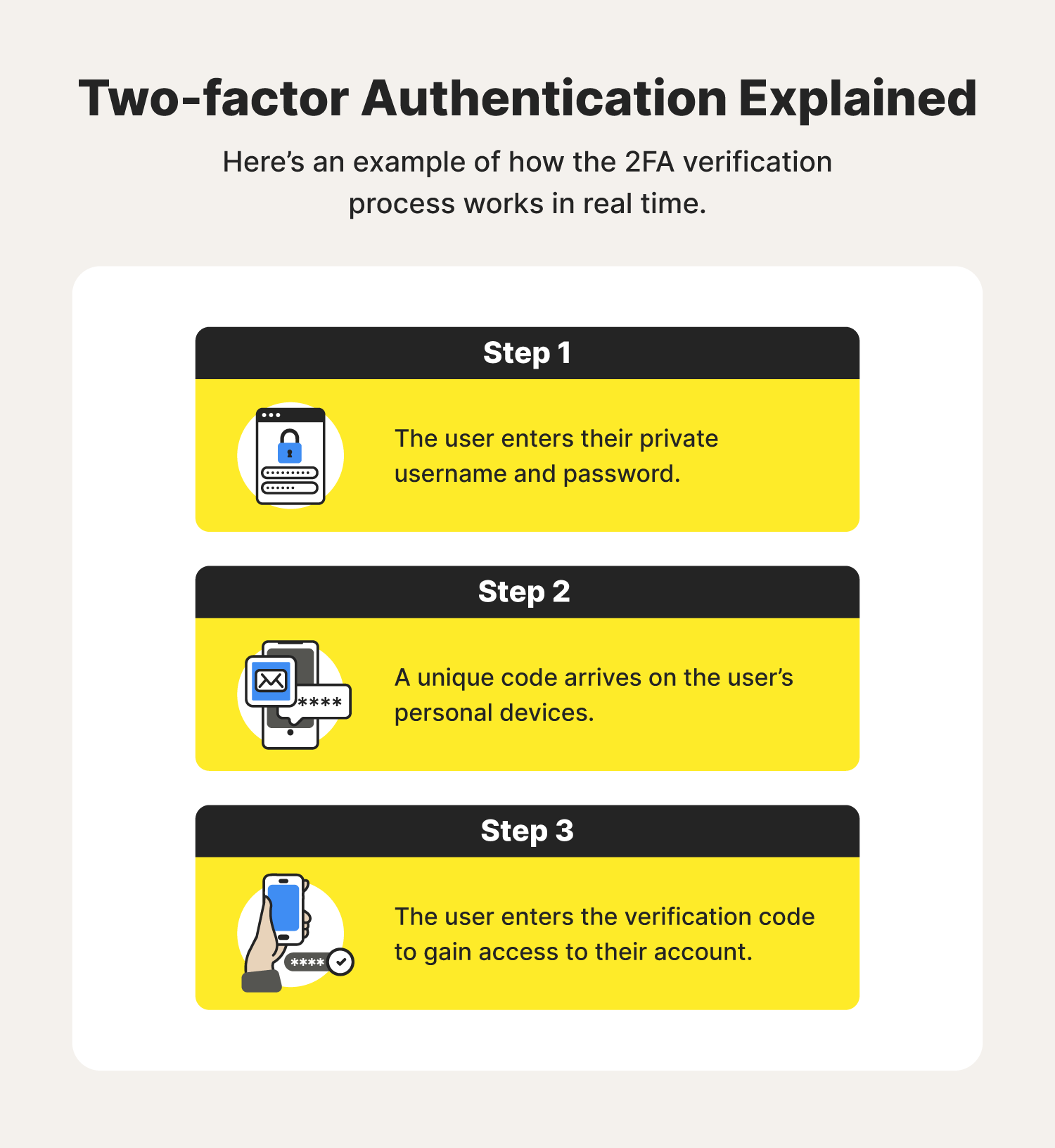
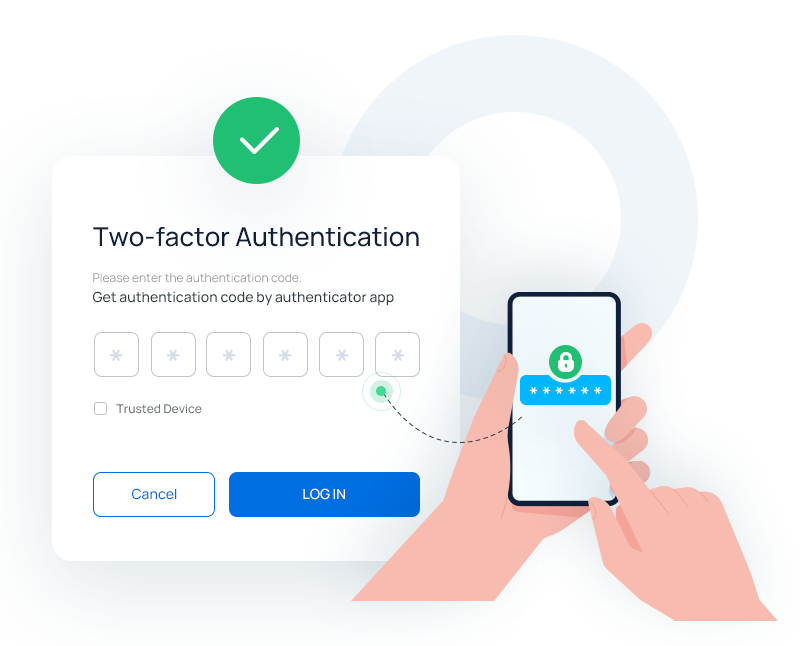
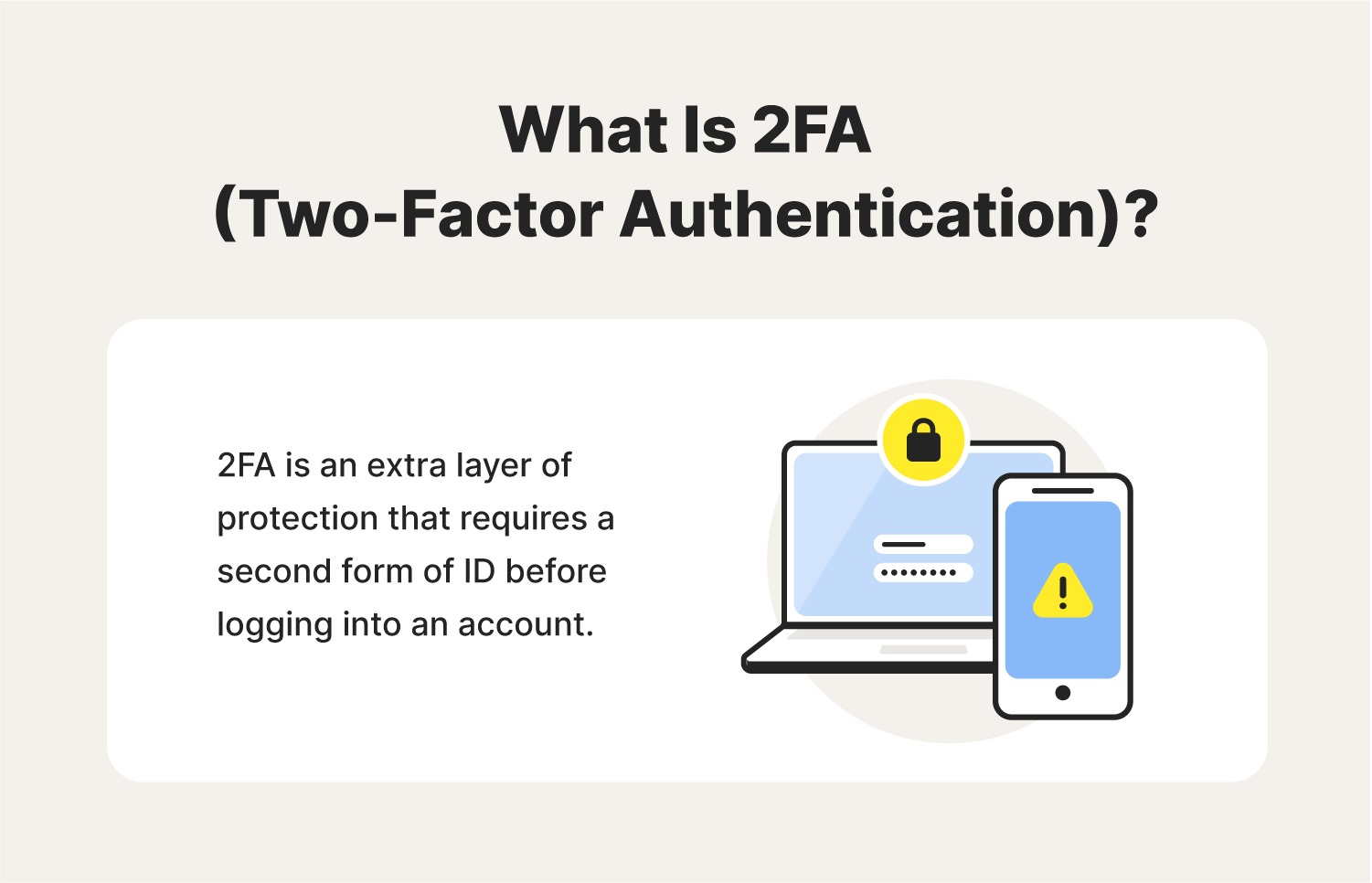
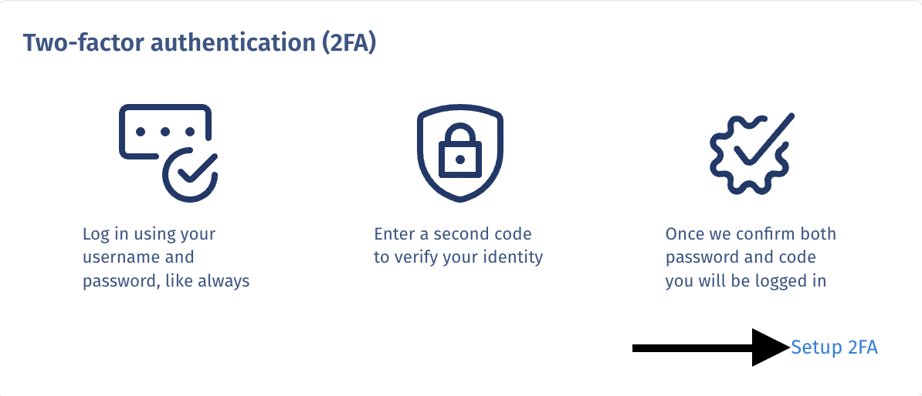
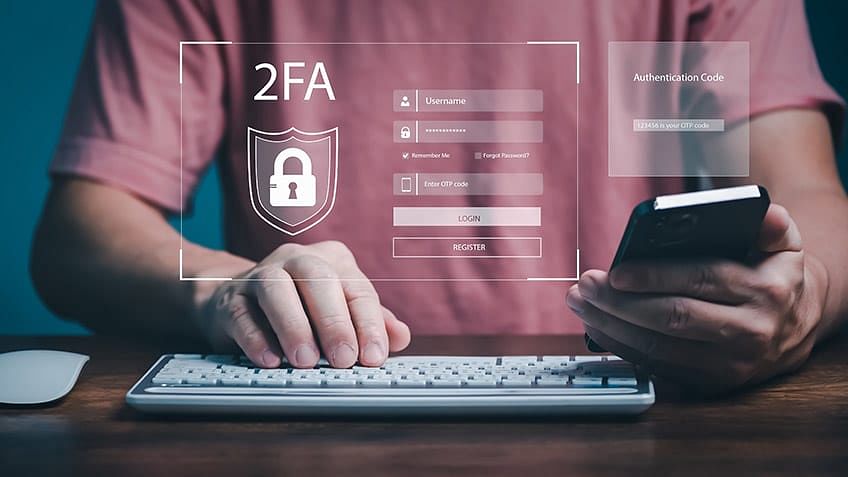
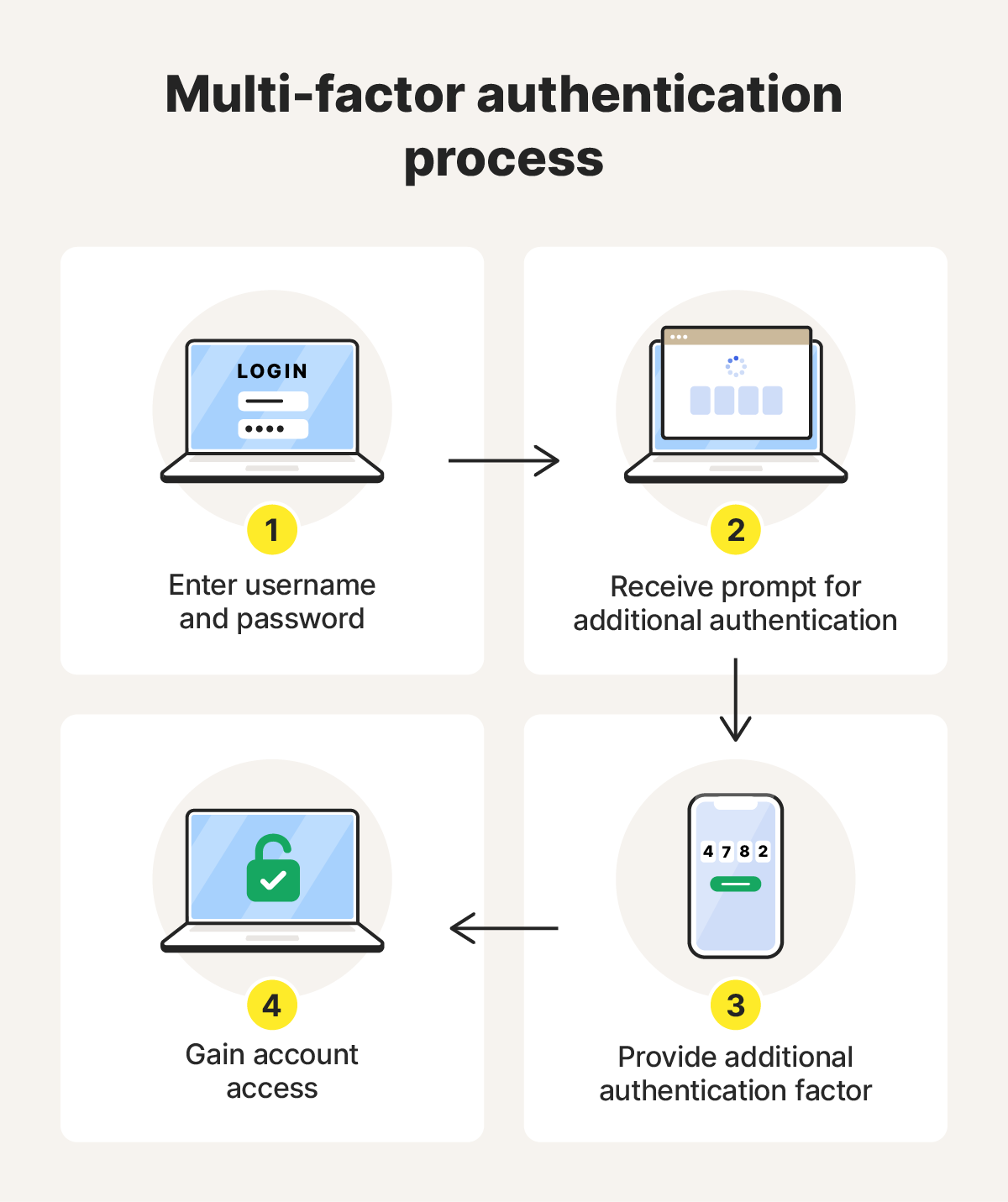
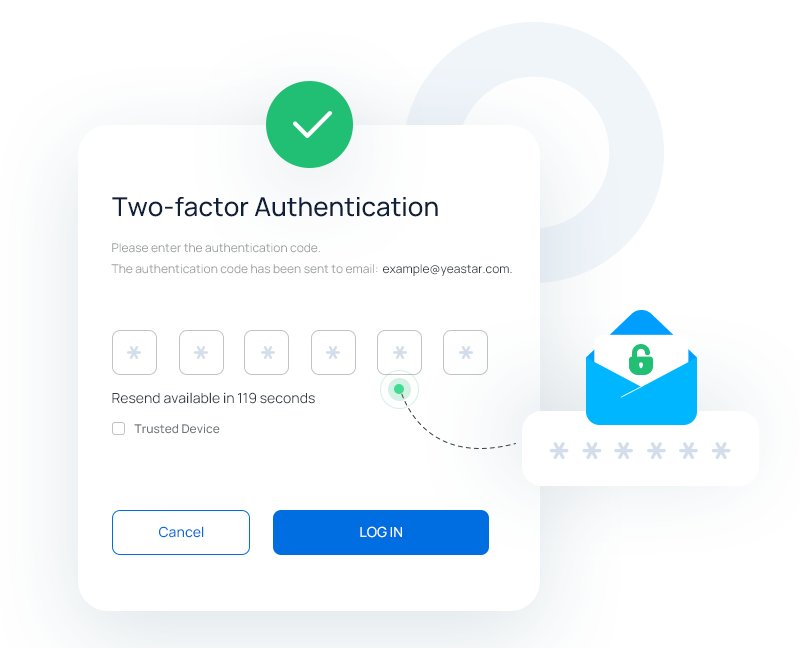
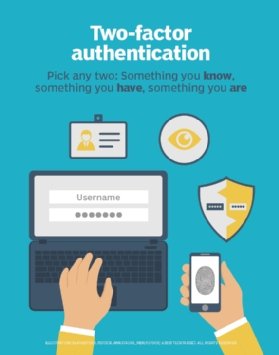
Two-factor Authentication (2FA) Overview. This note connects the source idea with the visuals in a simple, reader-friendly way.
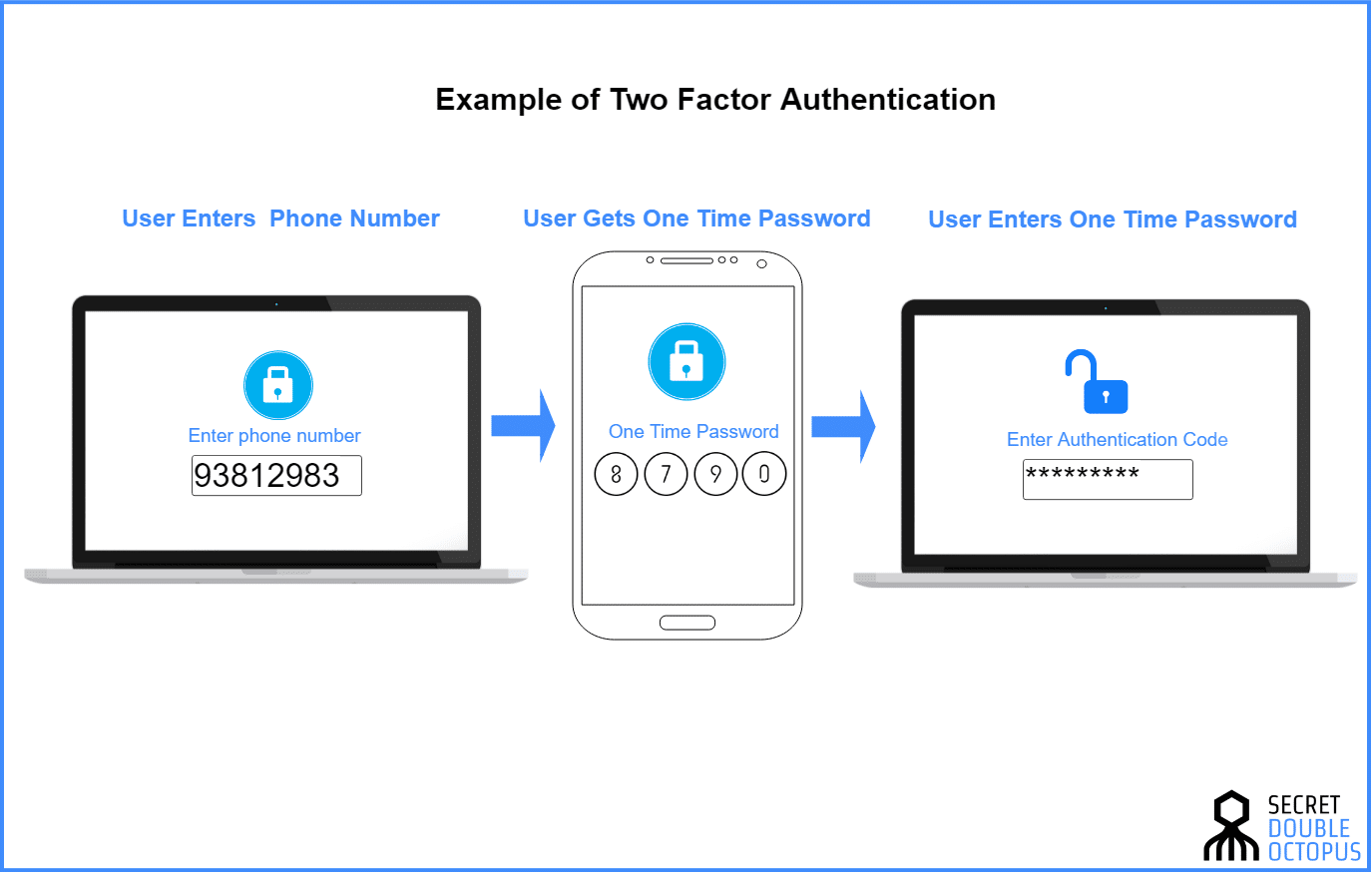
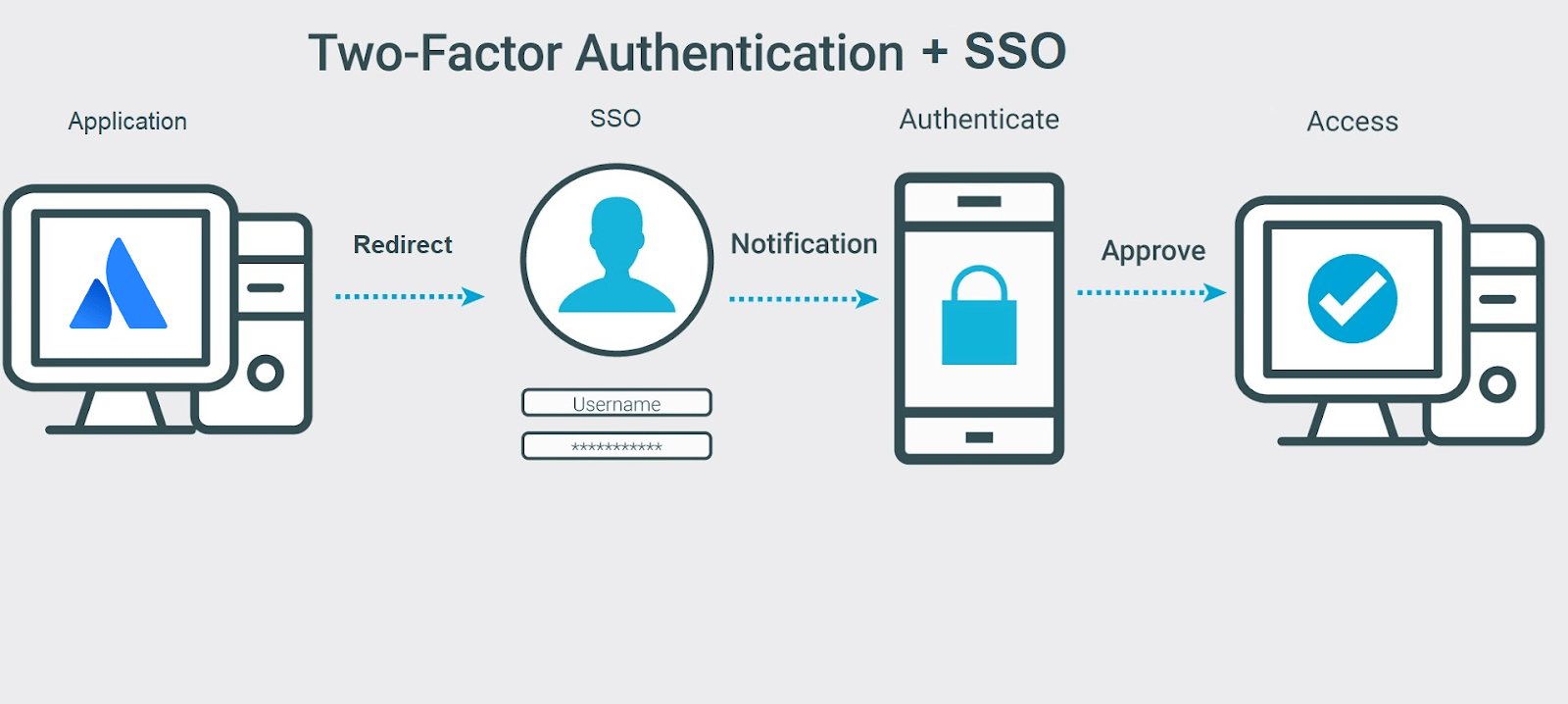
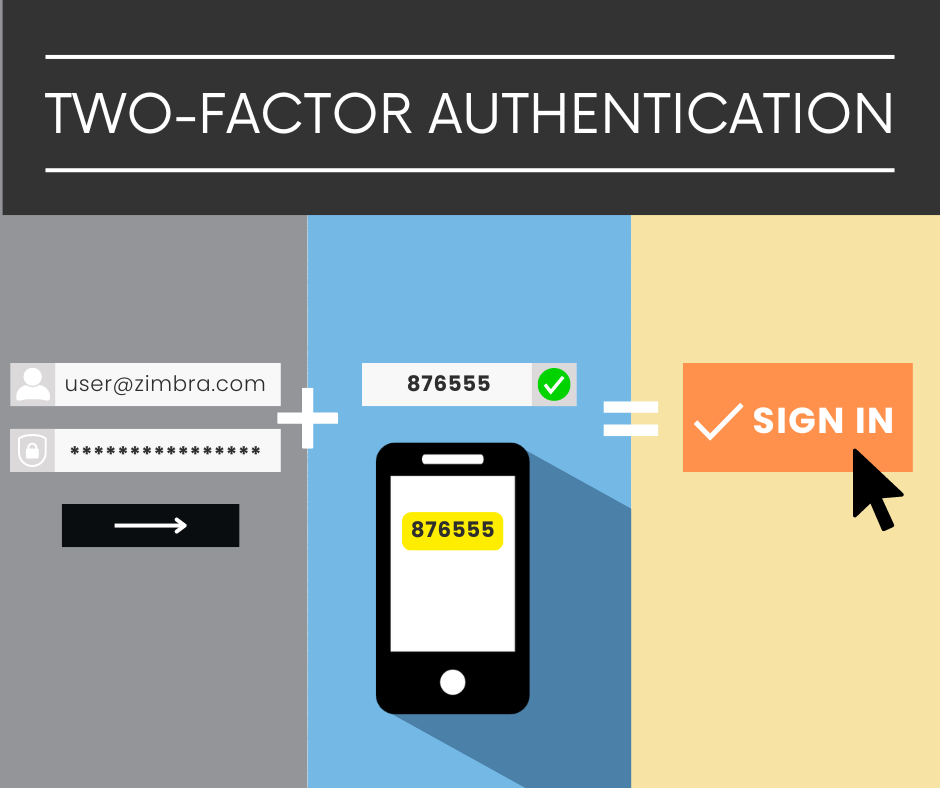
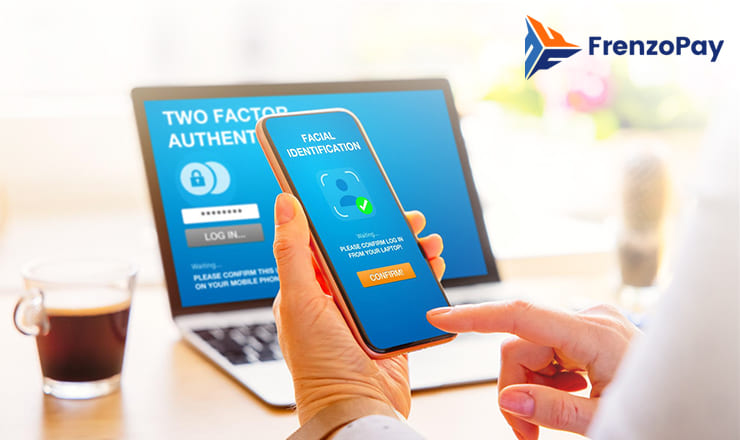
Two-Factor Authentication in Payments | Frenzopay. The extra context helps the page feel more useful without forcing the same phrase repeatedly.
Looking at multiple sources also helps separate the main idea from small decorative details.
These notes are added so the page offers more than images and gives each visitor a clearer reason to keep reading.