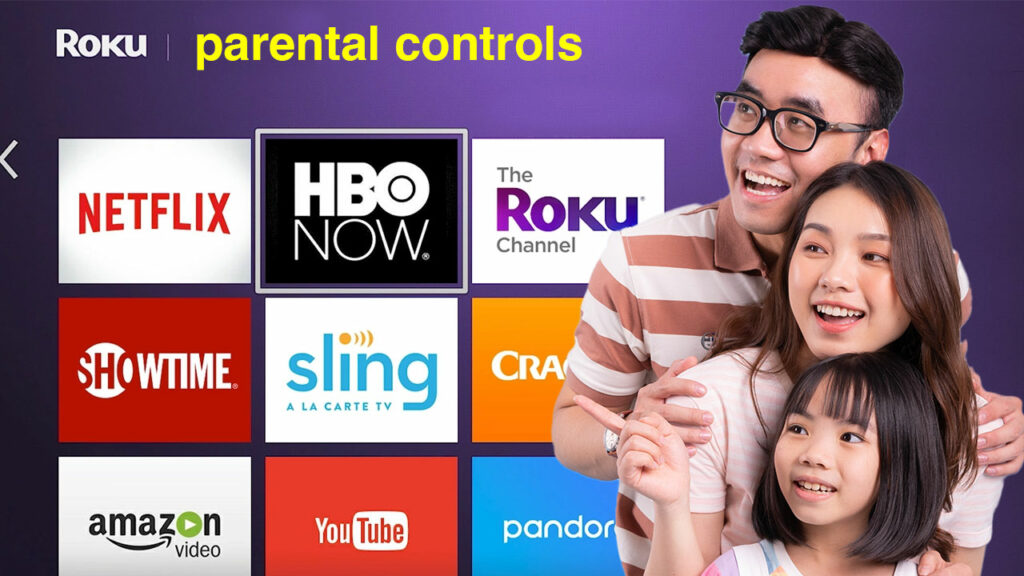
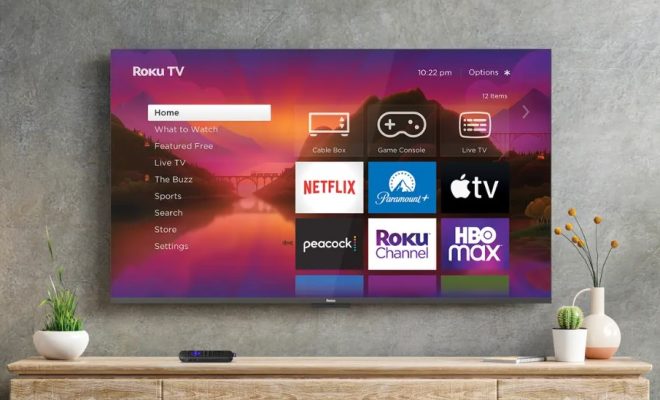
How to use parental controls on your Roku and Fire TV
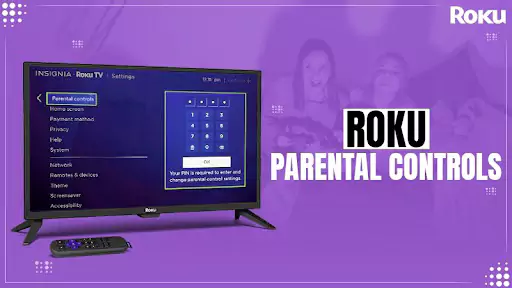
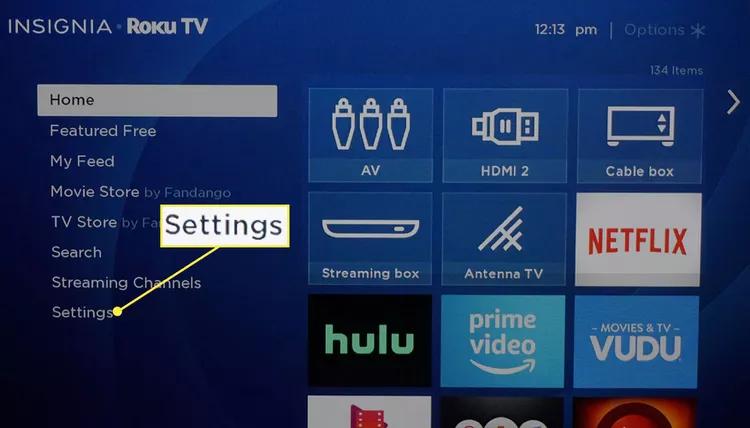
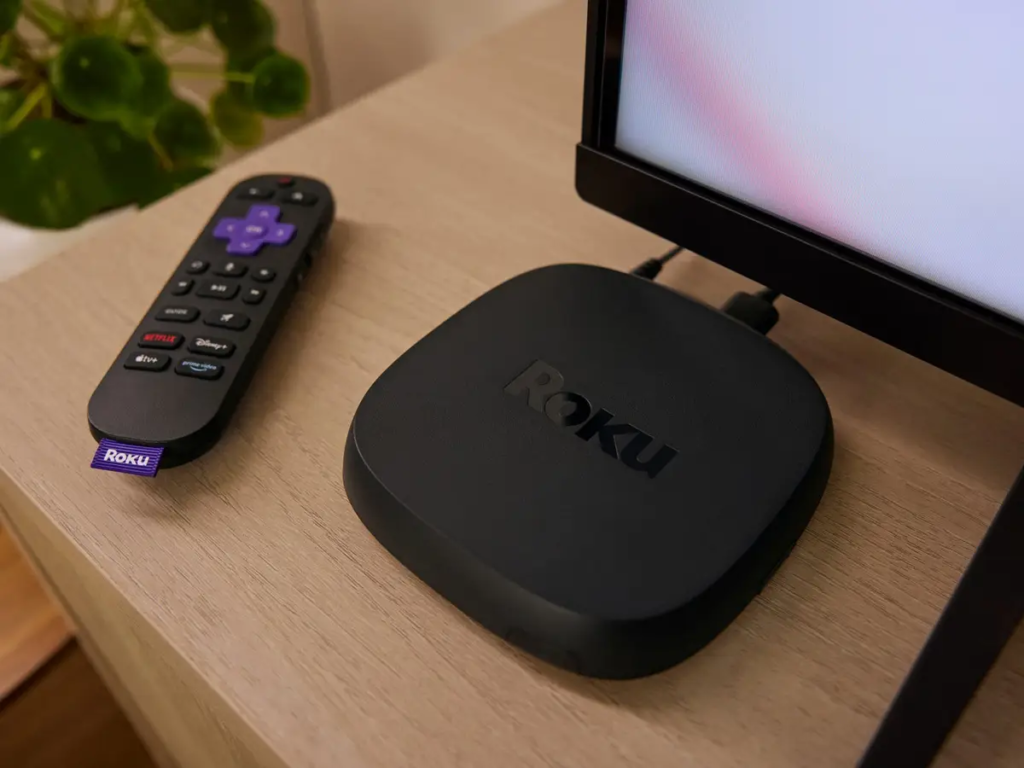
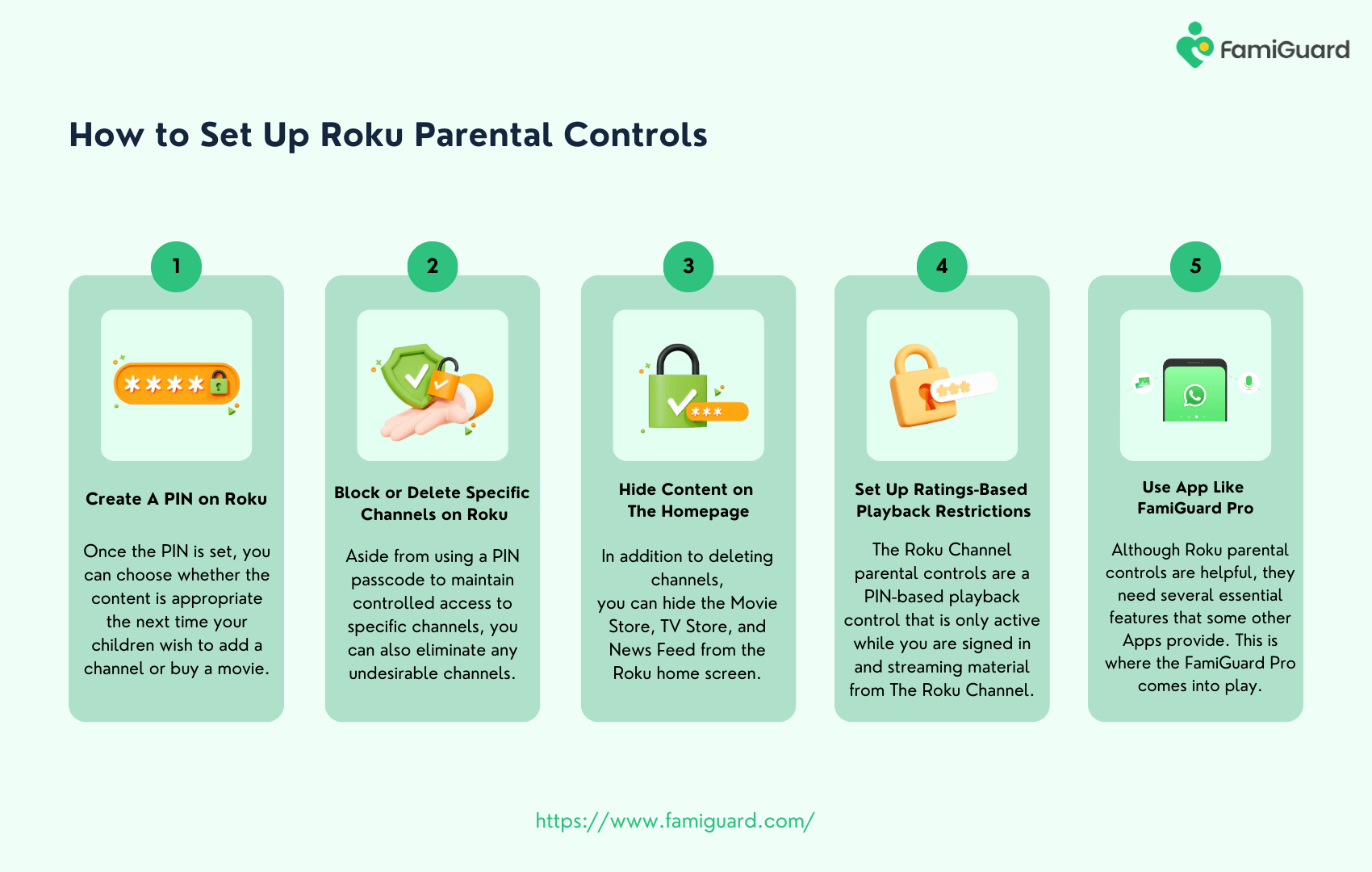
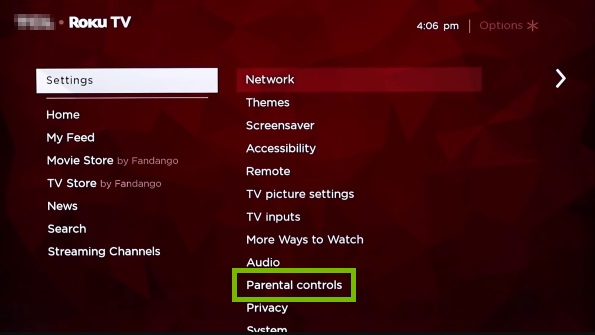
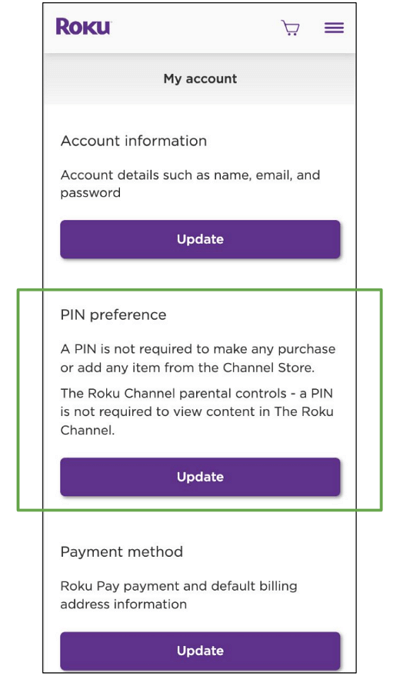
For streaming devices like the Roku Streaming Stick or Roku Ultra, parental controls can be found through your account settings at https://my. roku .com. Once there, choose PIN/ Parental controls under Device Settings to set up a PIN and any restrictions.
While Roku does not offer extensive parental controls like some other streaming devices , you can still create a safe environment for your children by setting up a PIN, managing streaming app settings , and using Roku's Kids & Family section.
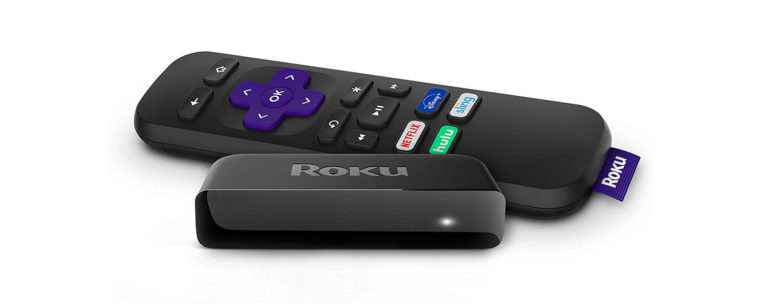
Set parental controls
Step-by-step guide to Roku parental controls : PIN setup, content ratings, channel restrictions, per-app settings , and the streaming gaps most parents don't know about.

Roku Parental Controls 2026
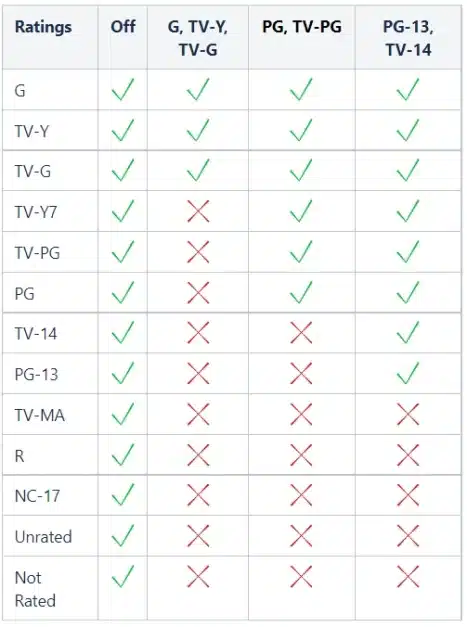
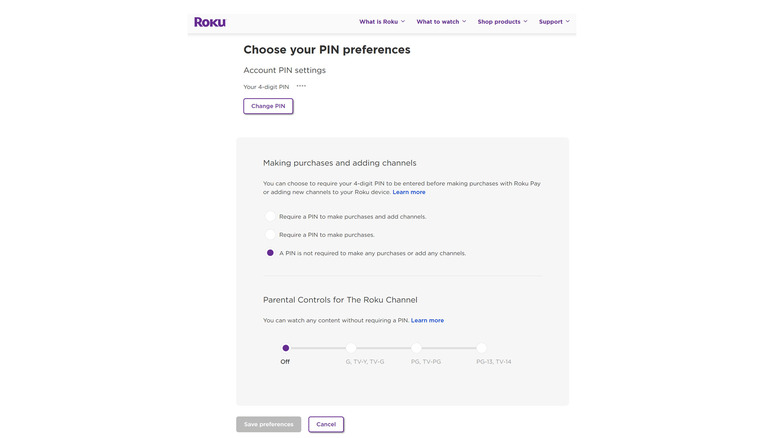
Configure specific viewing restrictions for the Roku Channel and other affiliated services under the parental controls menu [1:27]. Click the save button at the bottom of the page to apply your new settings .
Additional Notes on Parental Controls For Roku Streaming Device Settings
Minimum Age to Set Up Roku: Complete Guide for Parents. This note connects the source idea with the visuals in a simple, reader-friendly way.
How to use parental controls on your Roku and Fire TV. It works as a short bridge between the article summary and the gallery section.
How to Use Roku Parental Controls. The extra context helps the page feel more useful without forcing the same phrase repeatedly.
Looking at multiple sources also helps separate the main idea from small decorative details.
These notes are added so the page offers more than images and gives each visitor a clearer reason to keep reading.