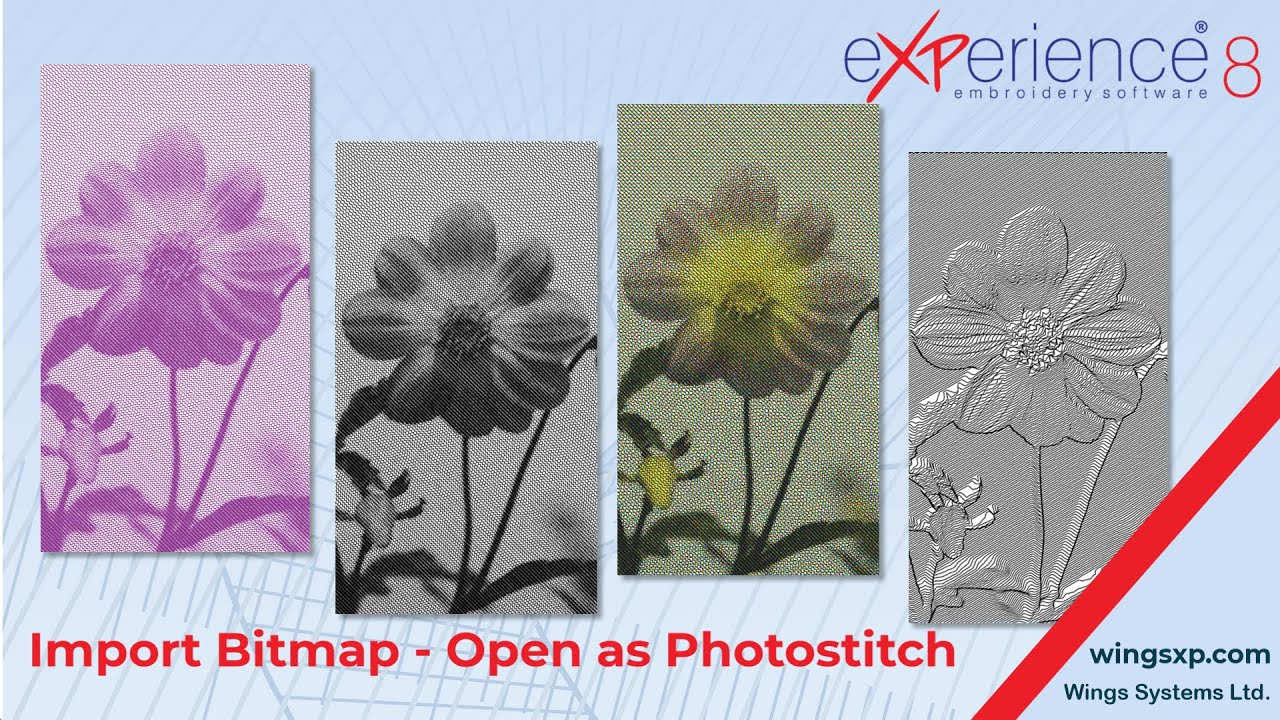
How to Import, Crop, and Resize Bitmap Images for Embroidery
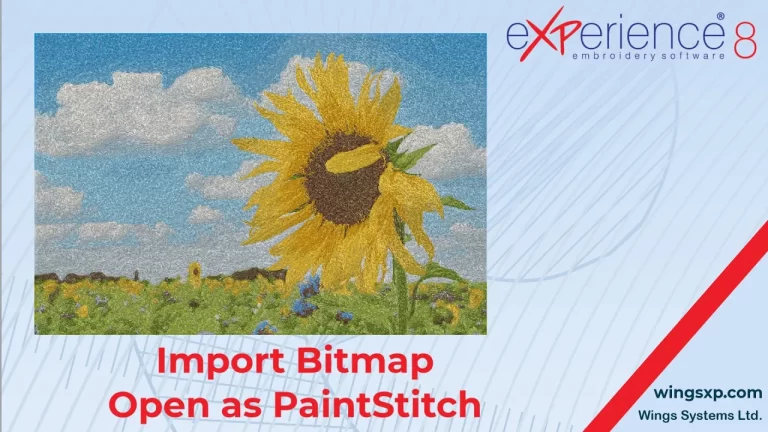
This guide will walk you through the initial steps of importing a bitmap image into your project. You will learn how to open an image, use the import dialog to crop it, and adjust its size and resolution before it is placed on the design area as a backdrop. Bitmap images are raster graphics made up of individual dots of color (pixels).
How to Import, Crop, and Resize Bitmap Images for Embroidery

This tutorial provides a comprehensive guide on importing and preparing Bitmap images within the software. We begin by explaining what Bitmap images are—such as photos from a camera or images ...
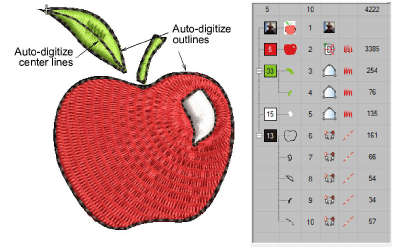
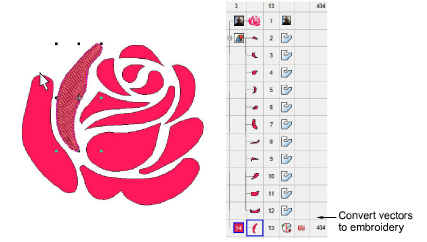
Digitizing with Bitmaps EmbroideryStudio supports the automatic and semi-automatic digitizing of both bitmap images and vector graphics. The quality of the resulting designs greatly depends on the type and quality of the original artwork. Generally speaking, vector graphics preserve the picture quality when resized, whereas bitmap images cause problems of pixelation and image degradation when ...

Such details provide a deeper understanding and appreciation for Rich Bitmap Embroidery.
Bitmap Embroidery Design
Check out our bitmap embroidery design selection for the very best in unique or custom, handmade pieces from our patterns shops.
Understanding Rich Bitmap Embroidery Before the Gallery
Wilcom EmbroideryStudio + CorelDRAW Quick Trace: Turn a Low-Res Bitmap. It gives the article a little more context before the image collection begins.
Step-by-Step Guide to Turning a Traced Bitmap Into a Custom Ink/Stitch. It gives the article a little more context before the image collection begins.
eXPerience® 8 embroidery software - Level Advanced - eXPerience. It works as a short bridge between the article summary and the gallery section.
Looking at multiple sources also helps separate the main idea from small decorative details.
These notes are added so the page offers more than images and gives each visitor a clearer reason to keep reading.