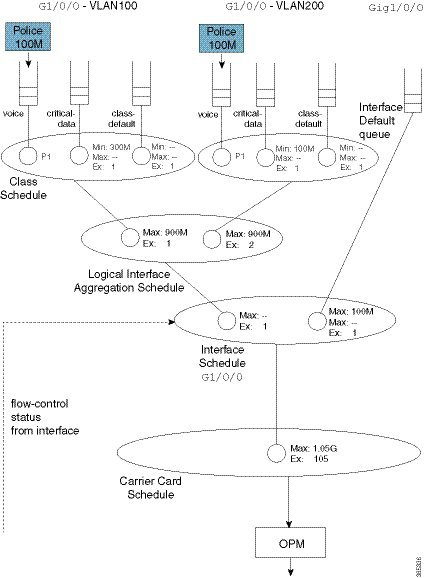
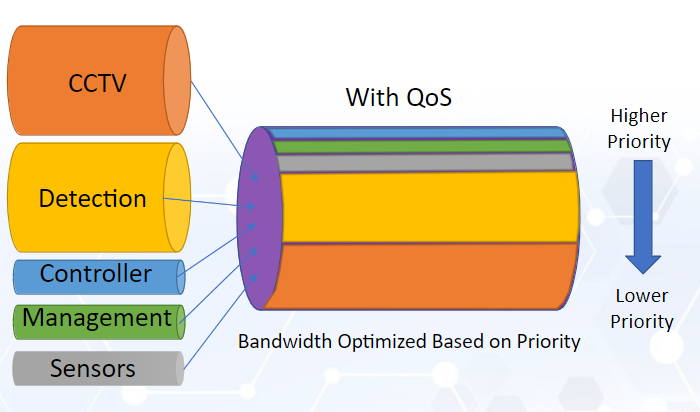
QoS Settings
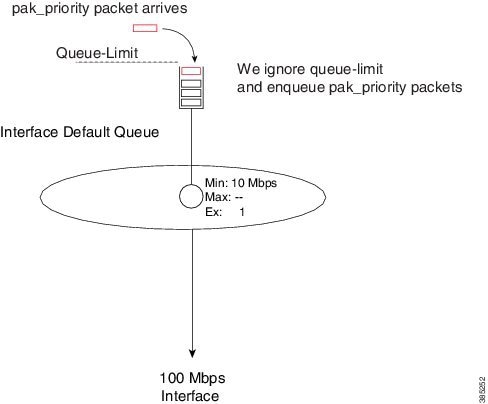
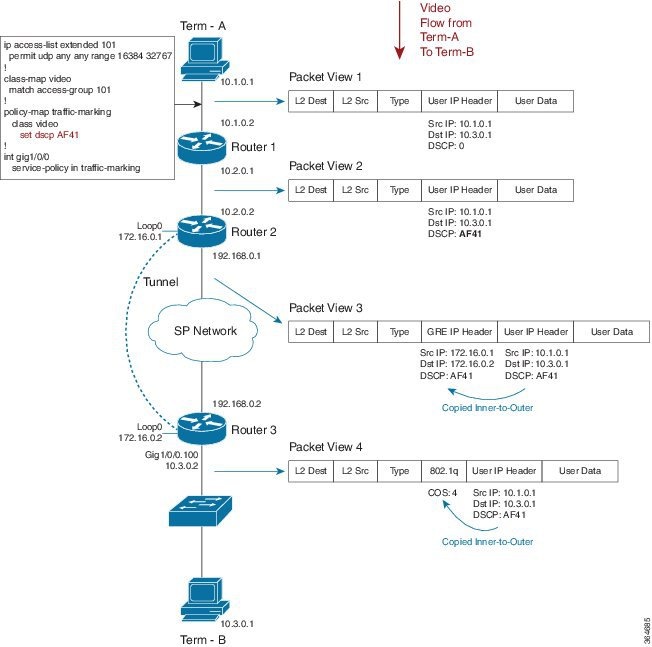
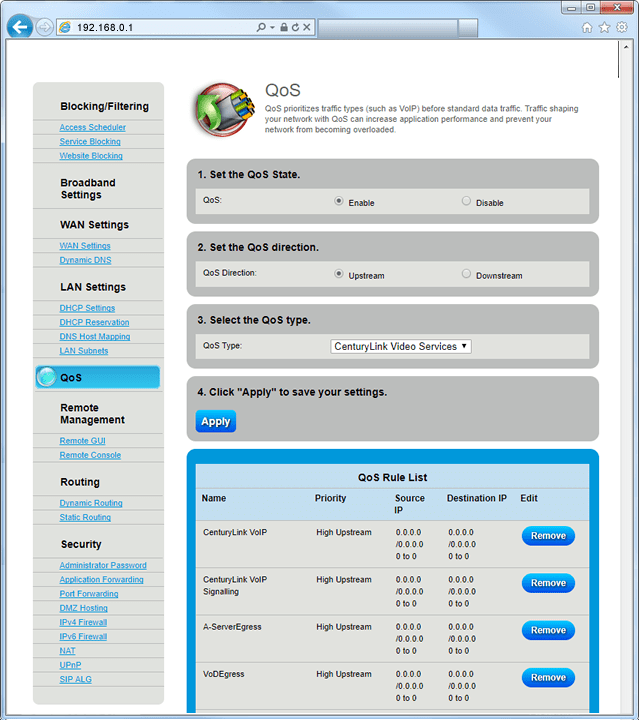
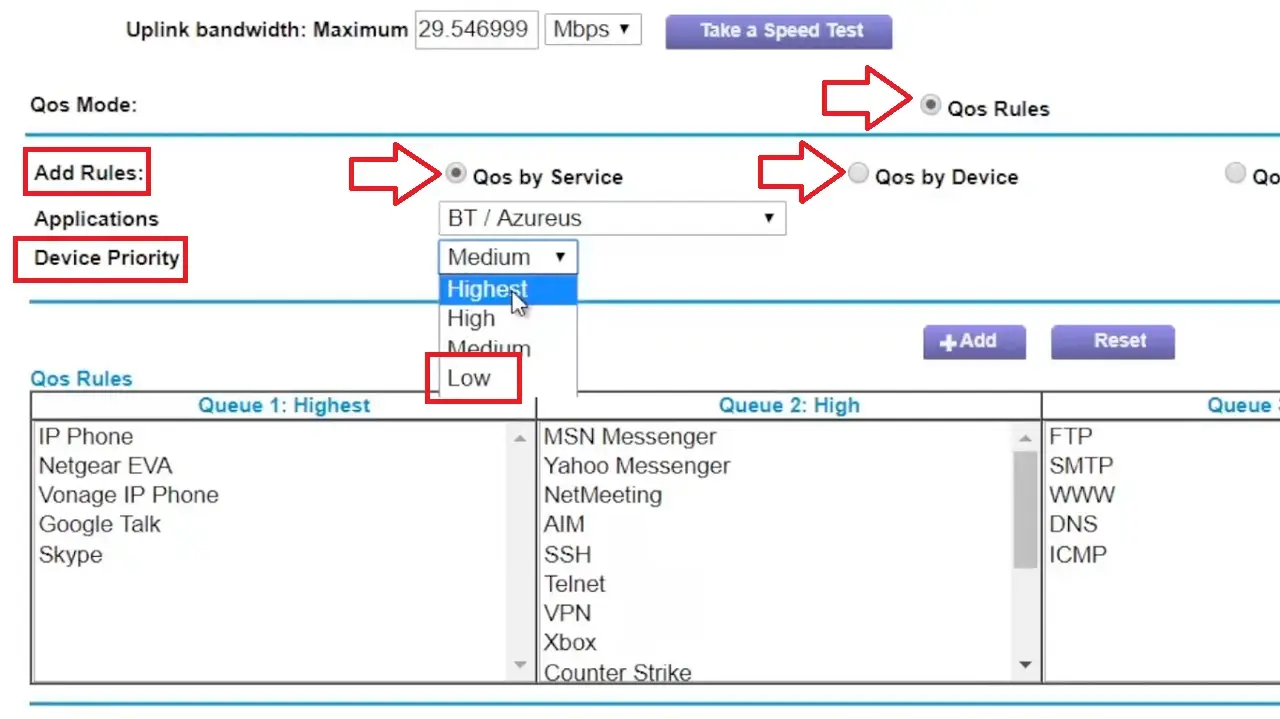
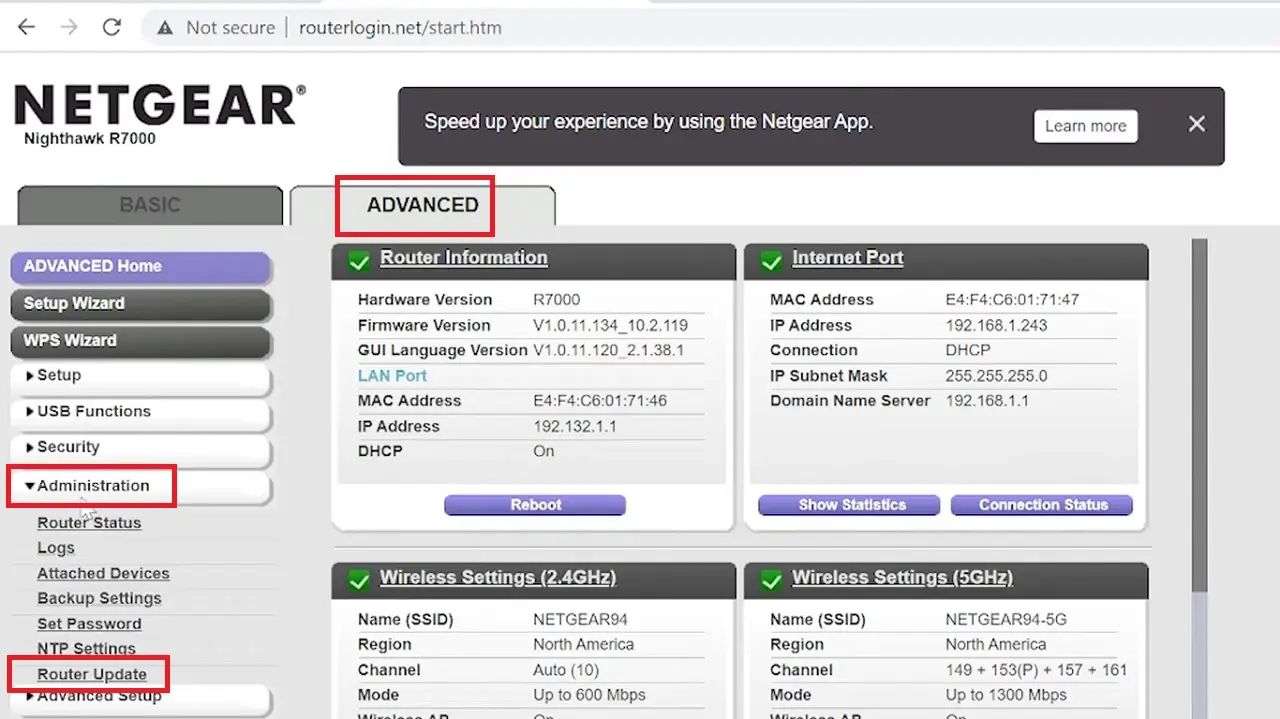
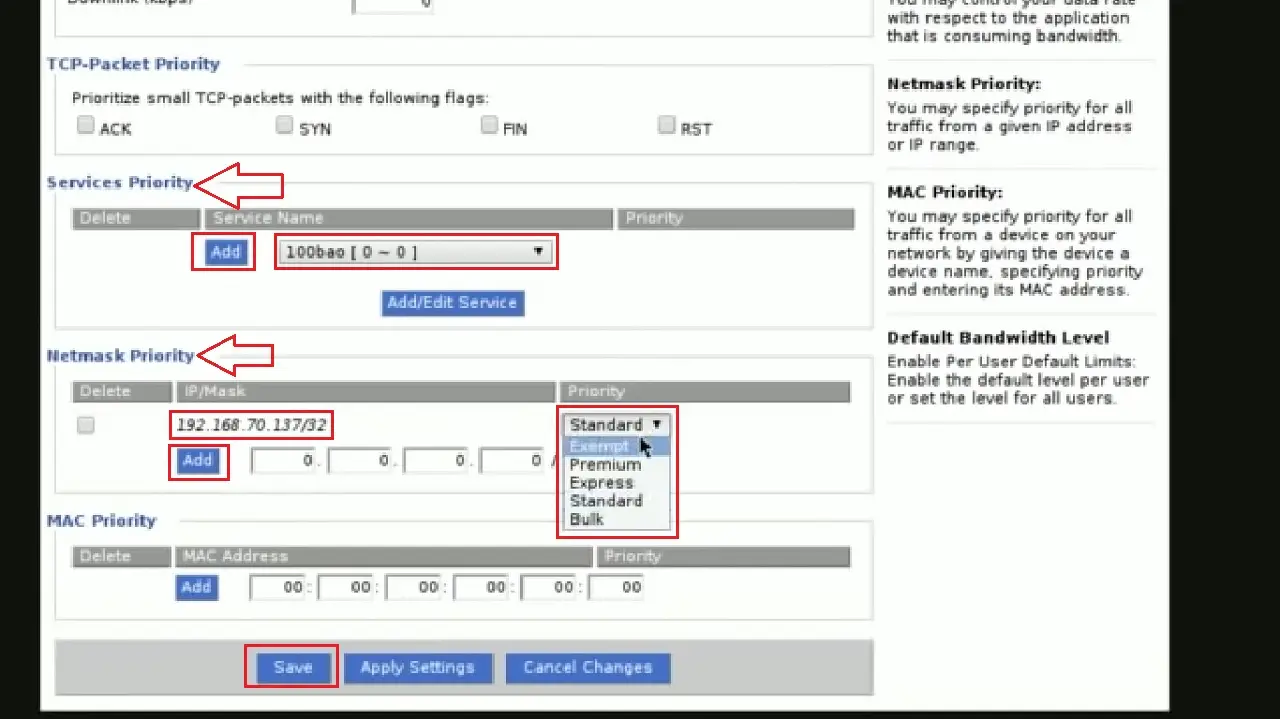
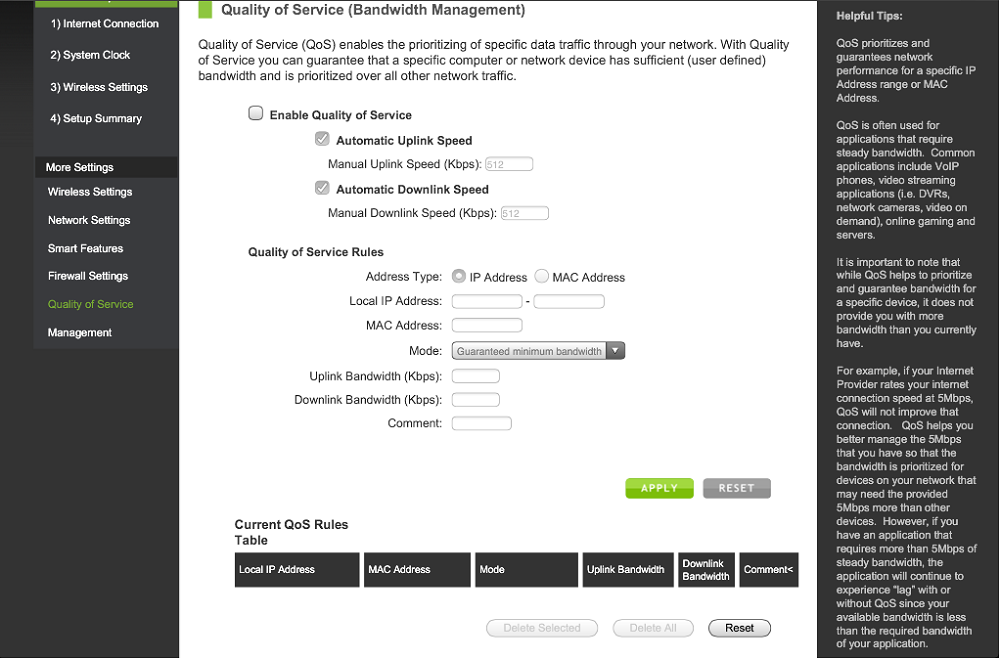
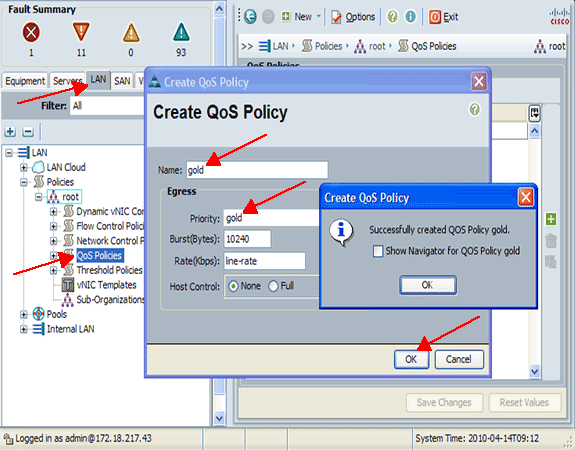
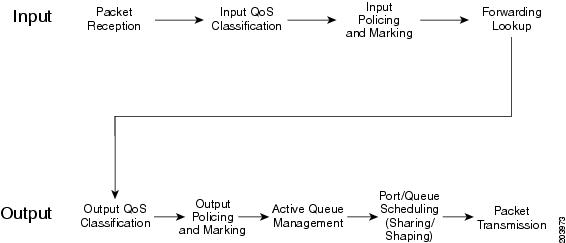
QoS ( Quality of Service ) settings are router features that allow you to prioritize certain devices, applications, or services on your network [1]. This technology controls how your router allocates bandwidth, ensuring critical devices and applications receive the resources they need for optimal performance.
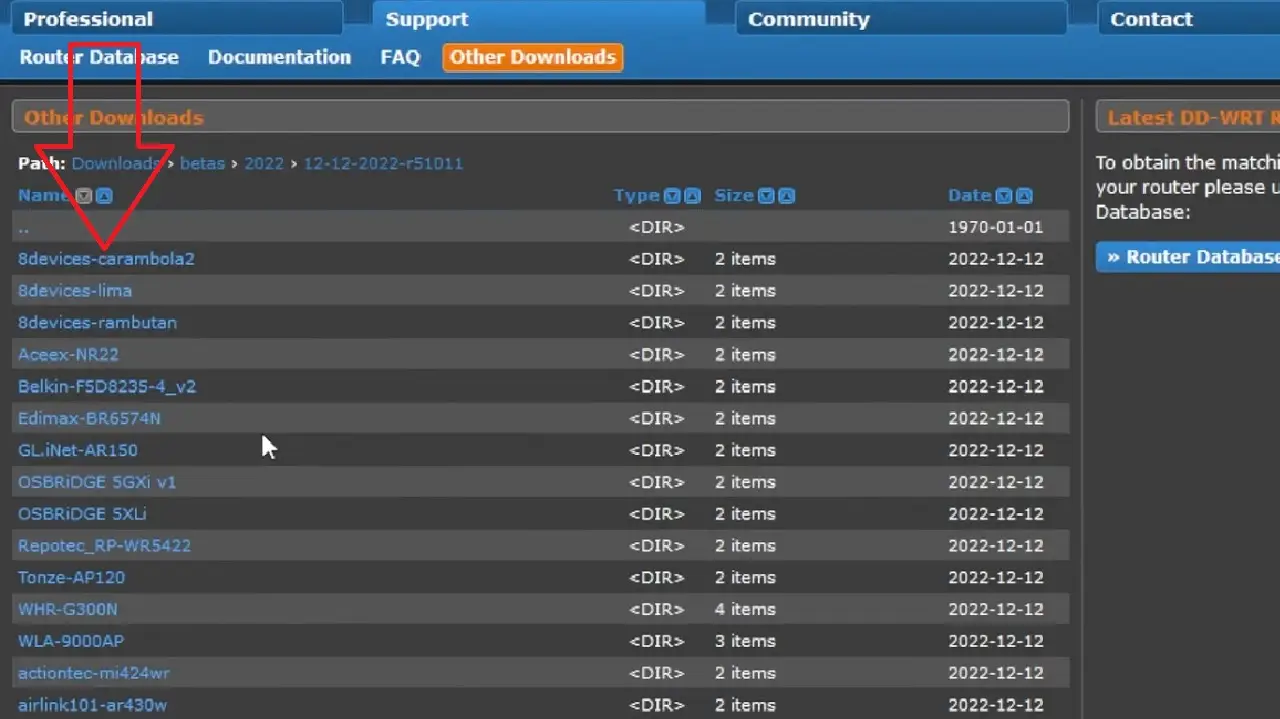
Configuring Quality of Service (QoS) on your router can greatly improve your internet experience by prioritizing essential traffic. This guide walks you through the steps to set up QoS effectively, ensuring that important applications like video calls and gaming receive the bandwidth they need. Whether you're a beginner or have some experience, this step-by-step guide will help you ...
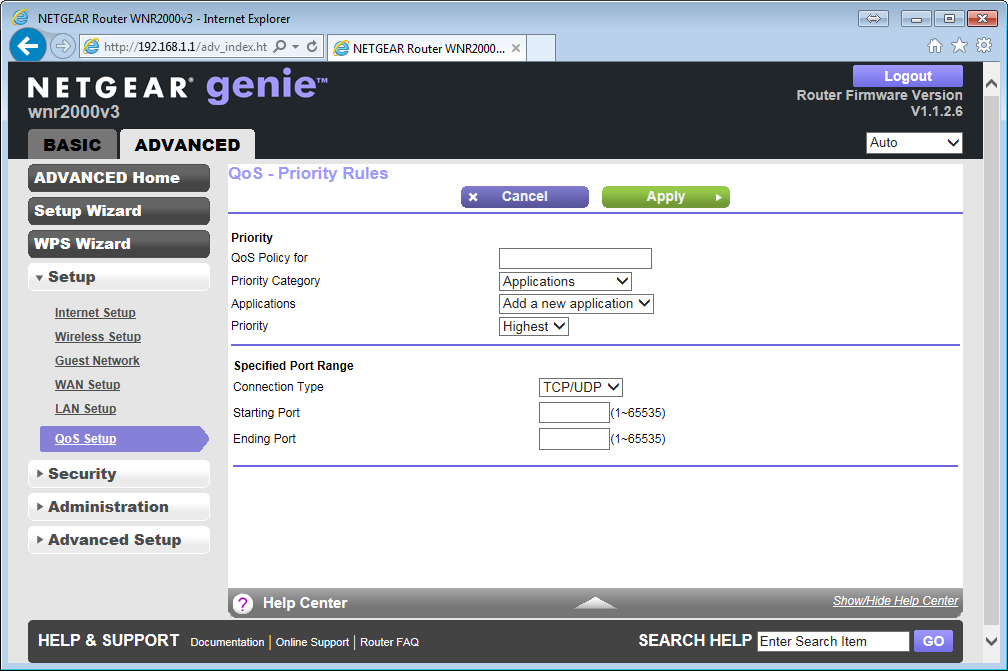
How to Use Quality of Service (QoS) to Get Faster ...

Learn how to use Quality of Service (QoS) on your router to prioritize internet traffic and improve performance for critical applications.
The Quality of Service (QoS) section in a Ubiquiti UniFi router and that of an ASUS router . The former is much more comprehensive but requires specific networking know-how to configure, whereas the latter is much easier to use.
Learn what QoS ( Quality of Service ) means, how it helps improve internet performance, and how to set it up on your router in simple steps.
More Context About Router Quality Of Service Settings
How to Set Up Router Quality of Service (QoS)?. It gives the article a little more context before the image collection begins.
Quality of Service (QoS) 101: Real Tips for Better Internet | Dong. It works as a short bridge between the article summary and the gallery section.
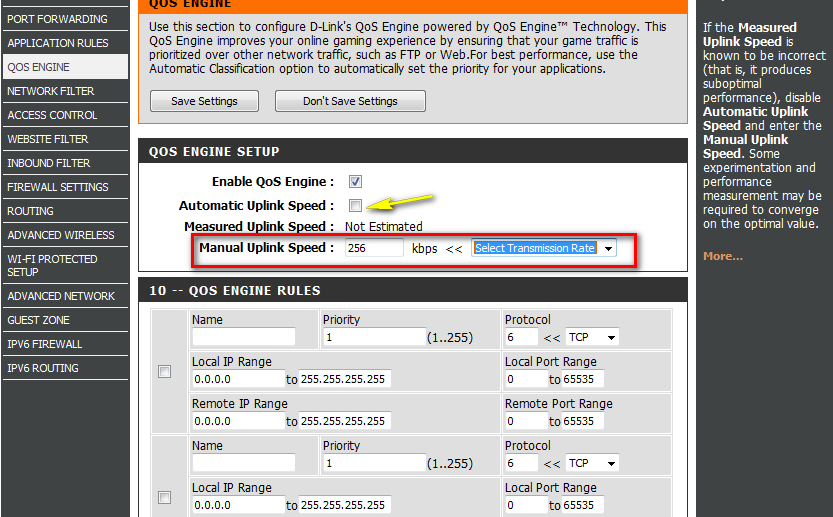
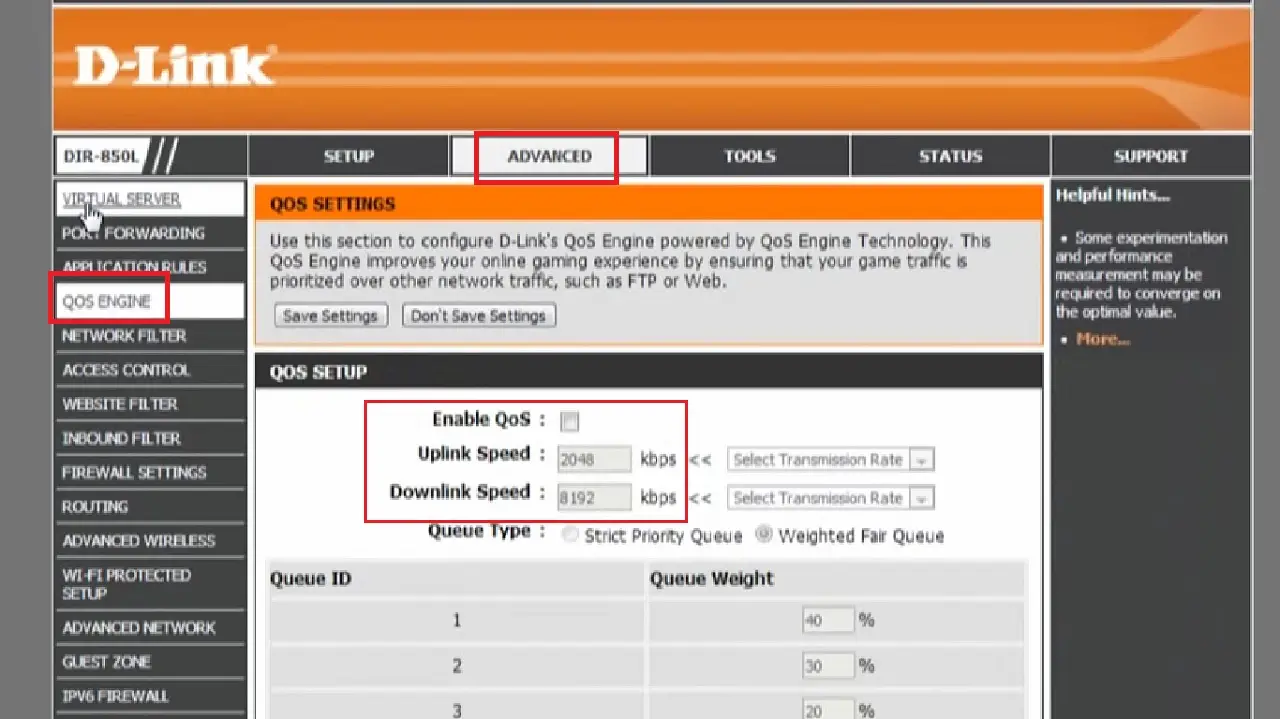
How do I configure QoS (Quality of Service) settings on my router? | D. This note connects the source idea with the visuals in a simple, reader-friendly way.
Looking at multiple sources also helps separate the main idea from small decorative details.
These notes are added so the page offers more than images and gives each visitor a clearer reason to keep reading.