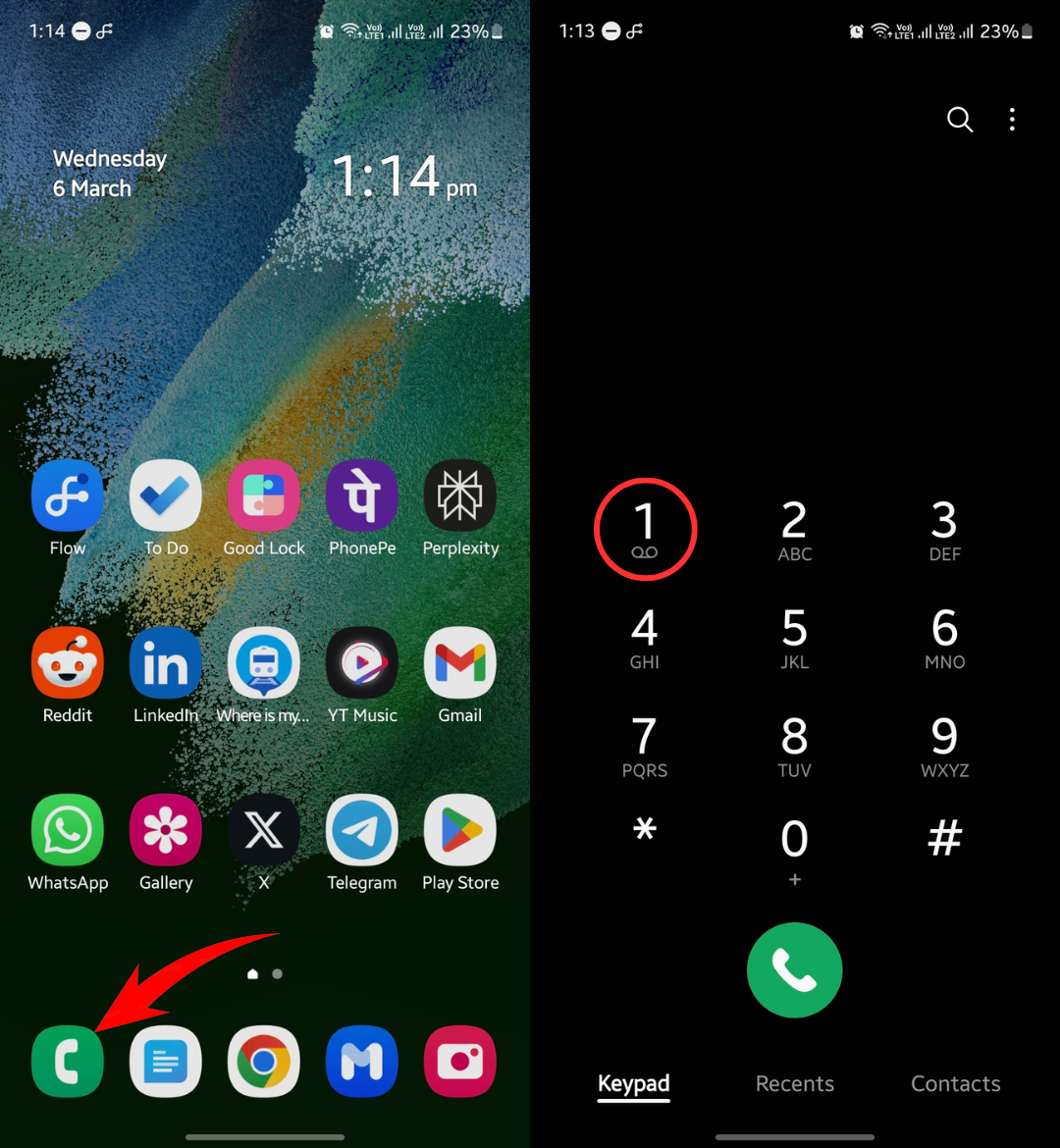
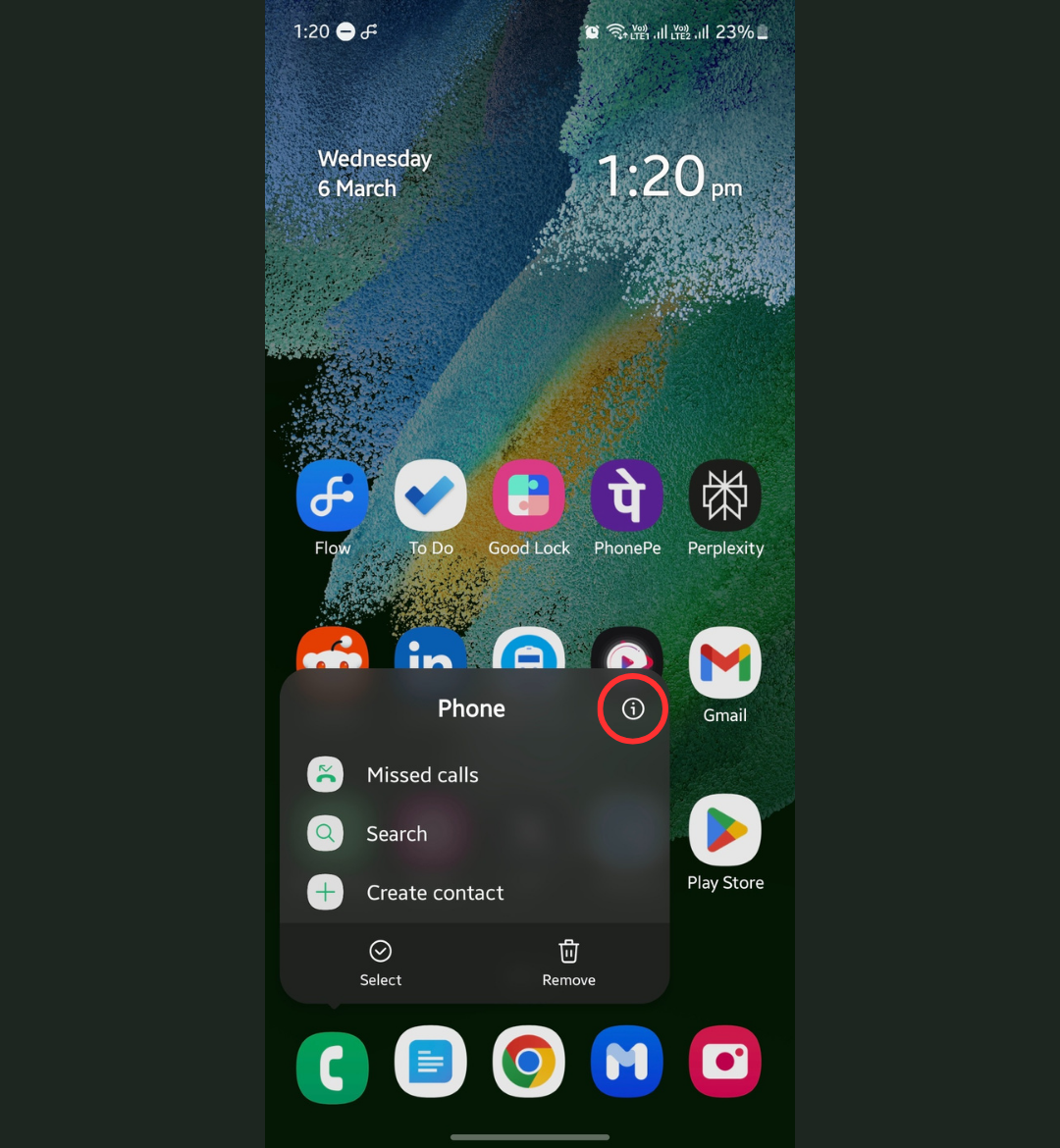
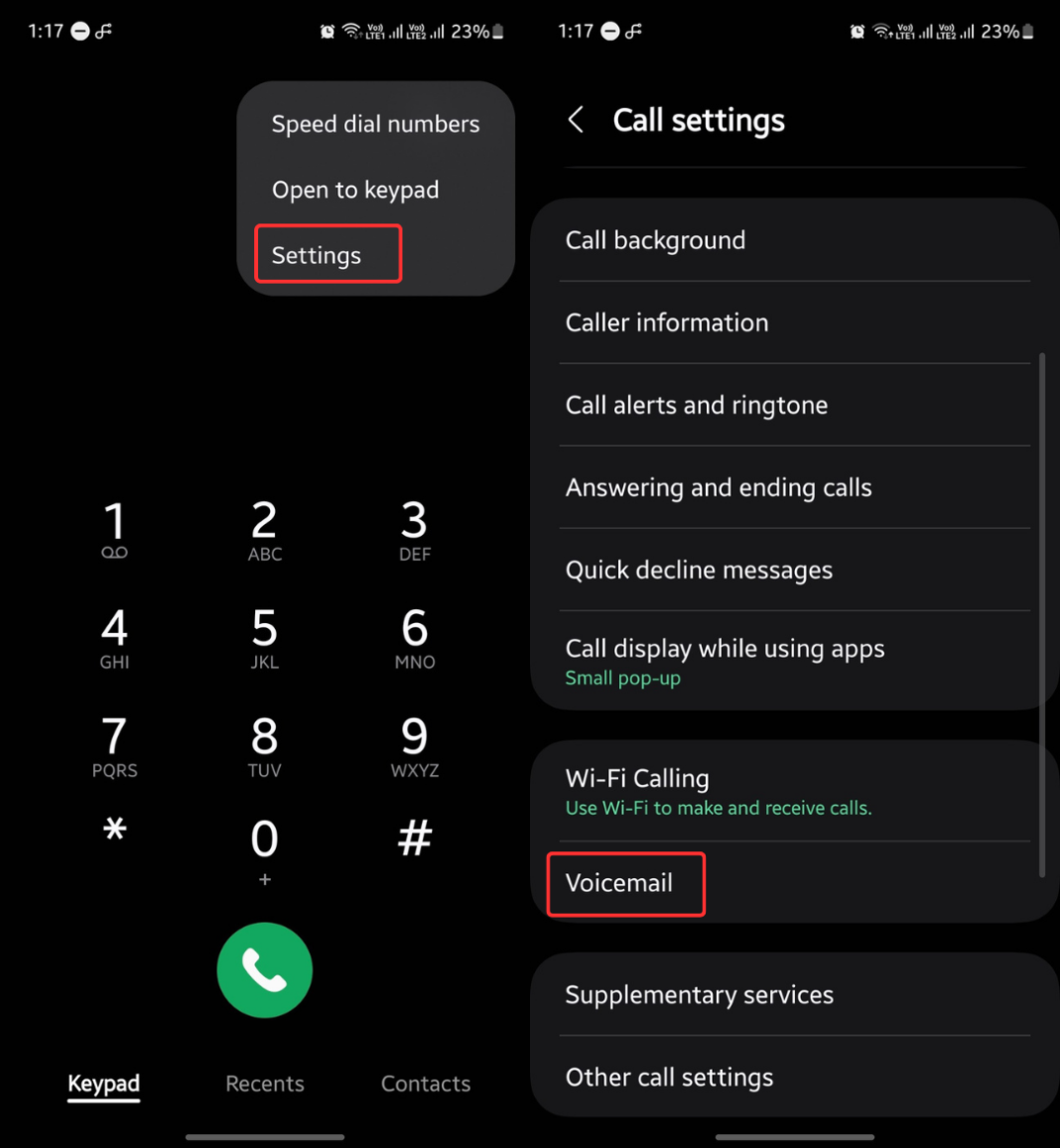
Cannot setup voicemail on Galaxy S9
Are you frustrated with the missing voicemail icon on your Samsung Galaxy S9 ? You're not alone. Many users have reported this issue, and it can be quite annoying, especially when you need to check your voicemails urgently. In this article, we'll explore the possible reasons behind the missing voicemail icon and provide step-by-step solutions to help you get it back.

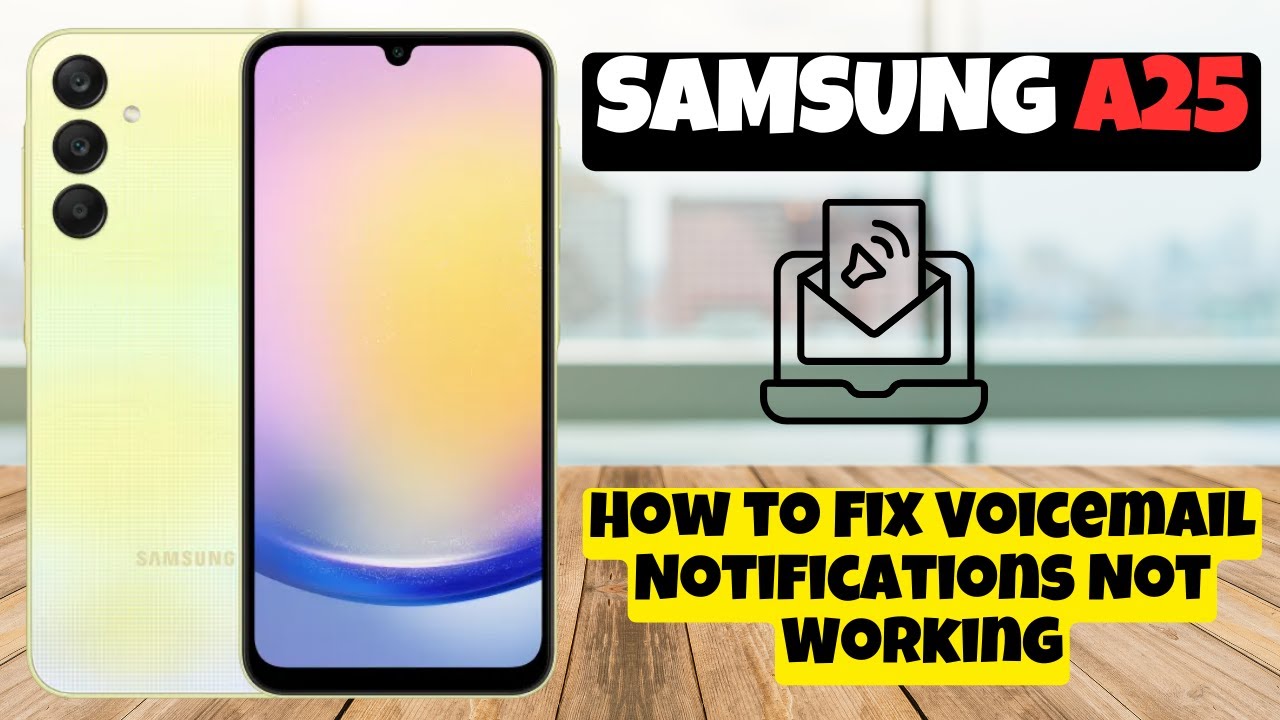
Furthermore, visual representations like the one above help us fully grasp the concept of Samsung Galaxy S9 Voicemail Not Working.
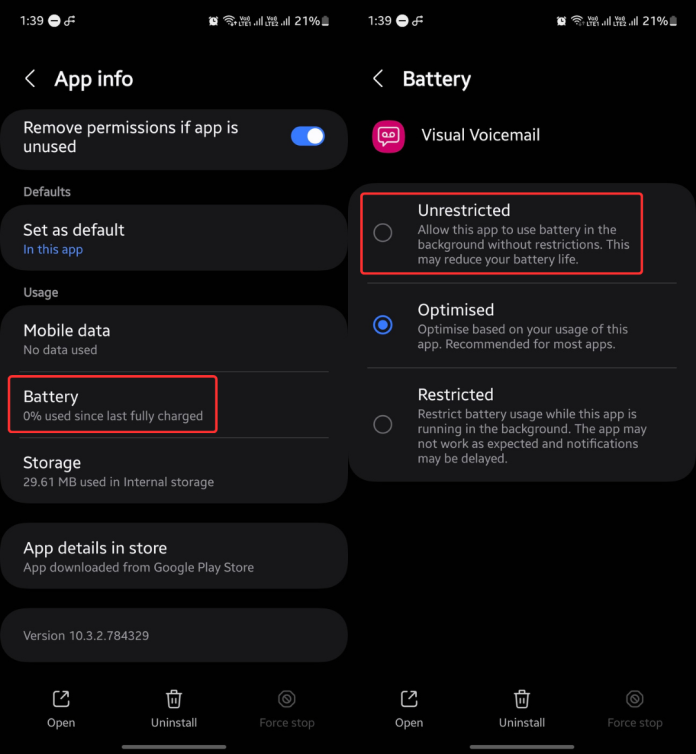
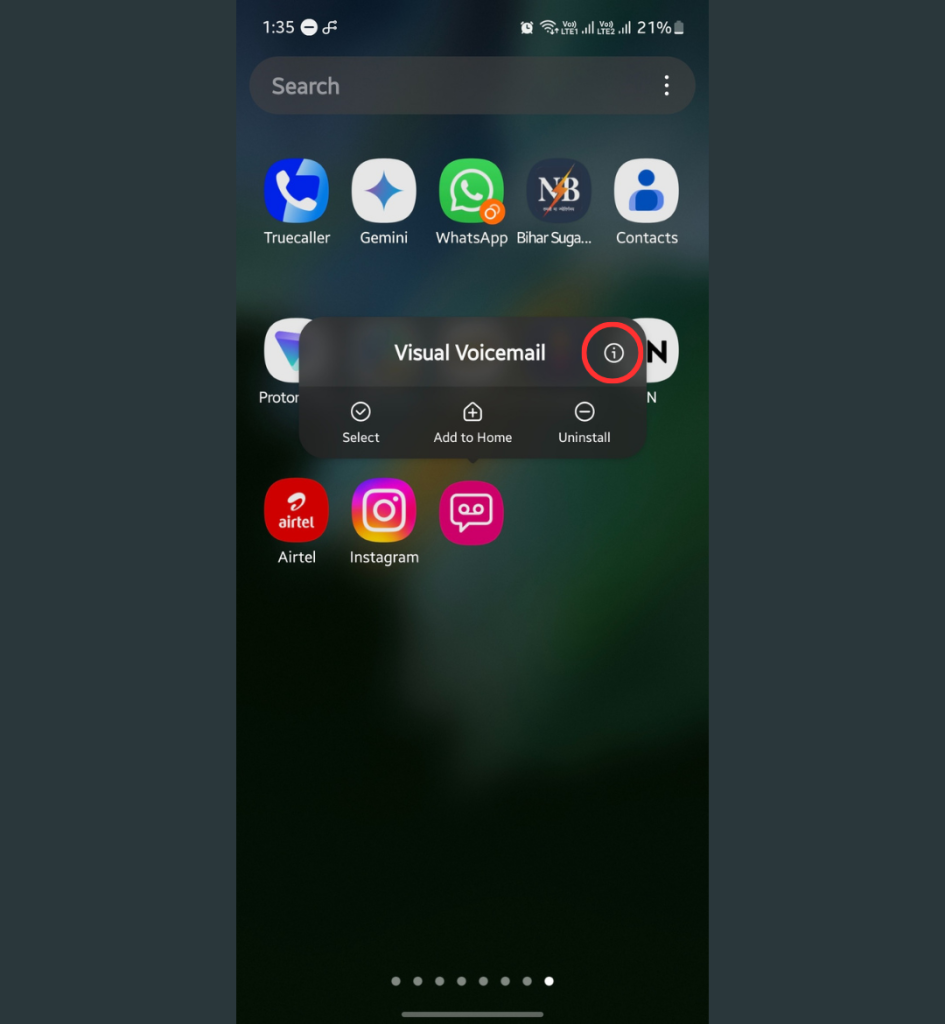
Discover solutions to resolve visual voicemail not working on Samsung devices and keep your communication flowing smoothly.
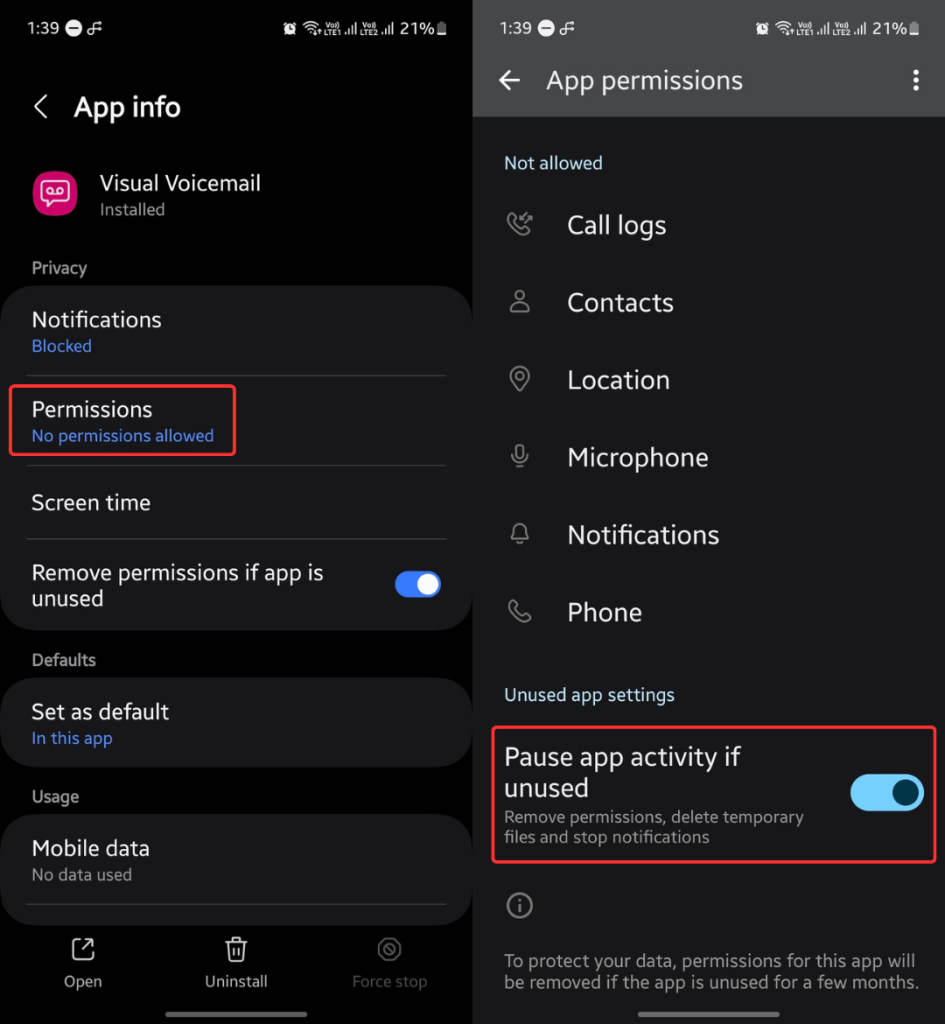
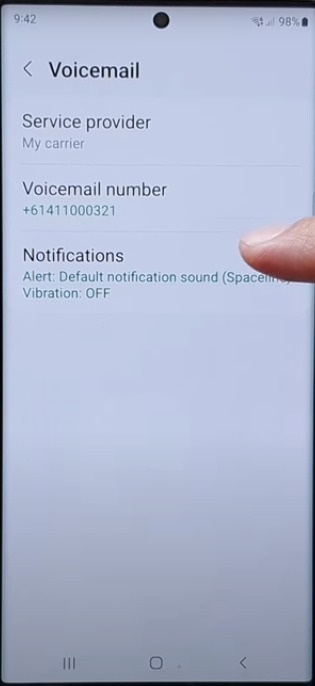
I have problems receiving voice messages on my Samsung Galaxy S9 If you can't receive messages on your voicemail , there may be several causes of the problem.
More Context About Samsung Galaxy S9 Voicemail Not Working
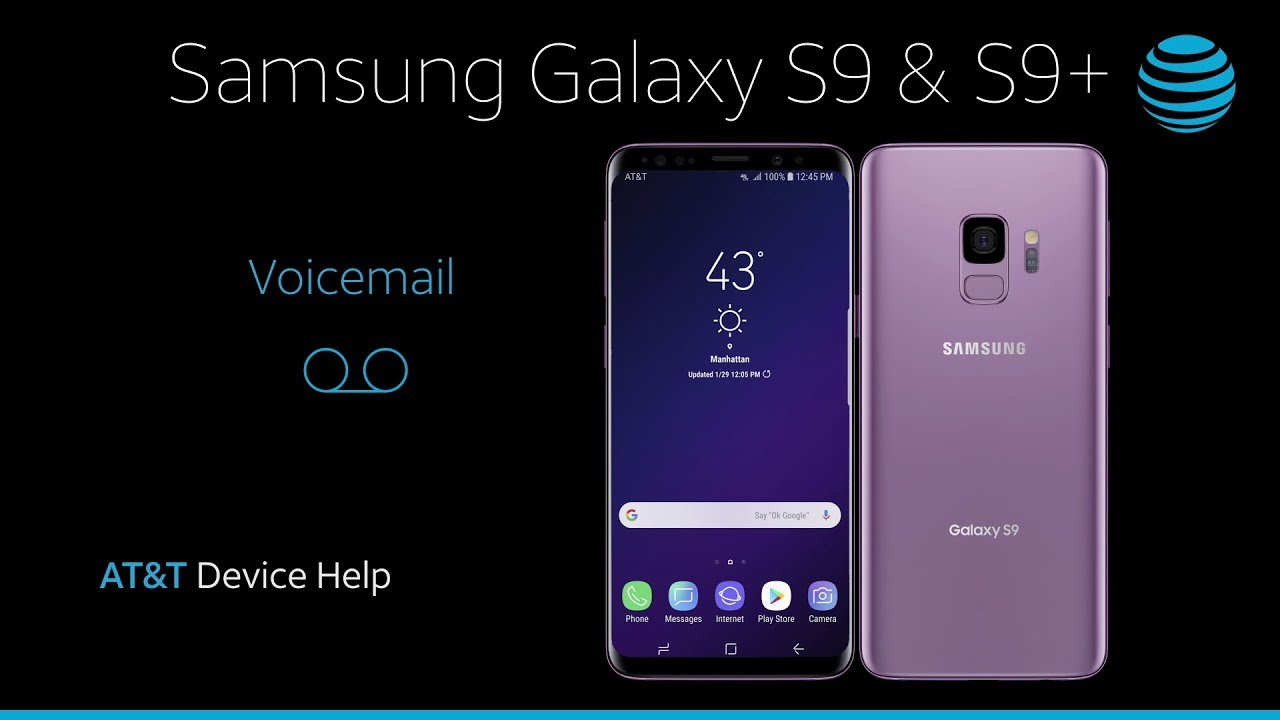
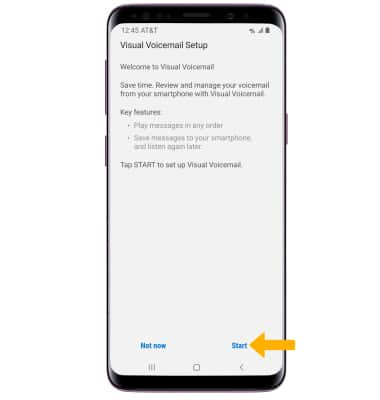
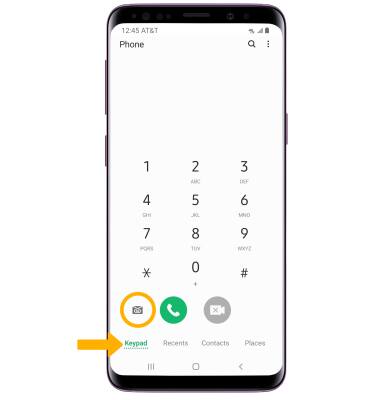
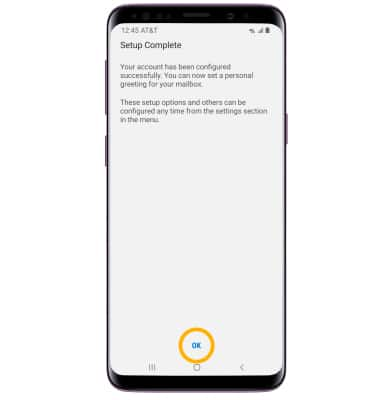
Samsung Galaxy S9 / S9+ (G960U/G965U) - Set Up Voicemail - AT&T. For Samsung Galaxy S9 Voicemail Not Working, this point helps readers notice the most relevant visual details before moving into the gallery.
How to Delete Voicemail Messages on Samsung Galaxy Phones - YouTube. It works as a short bridge between the article summary and the gallery section.
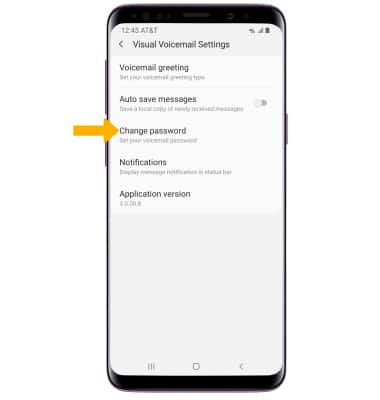
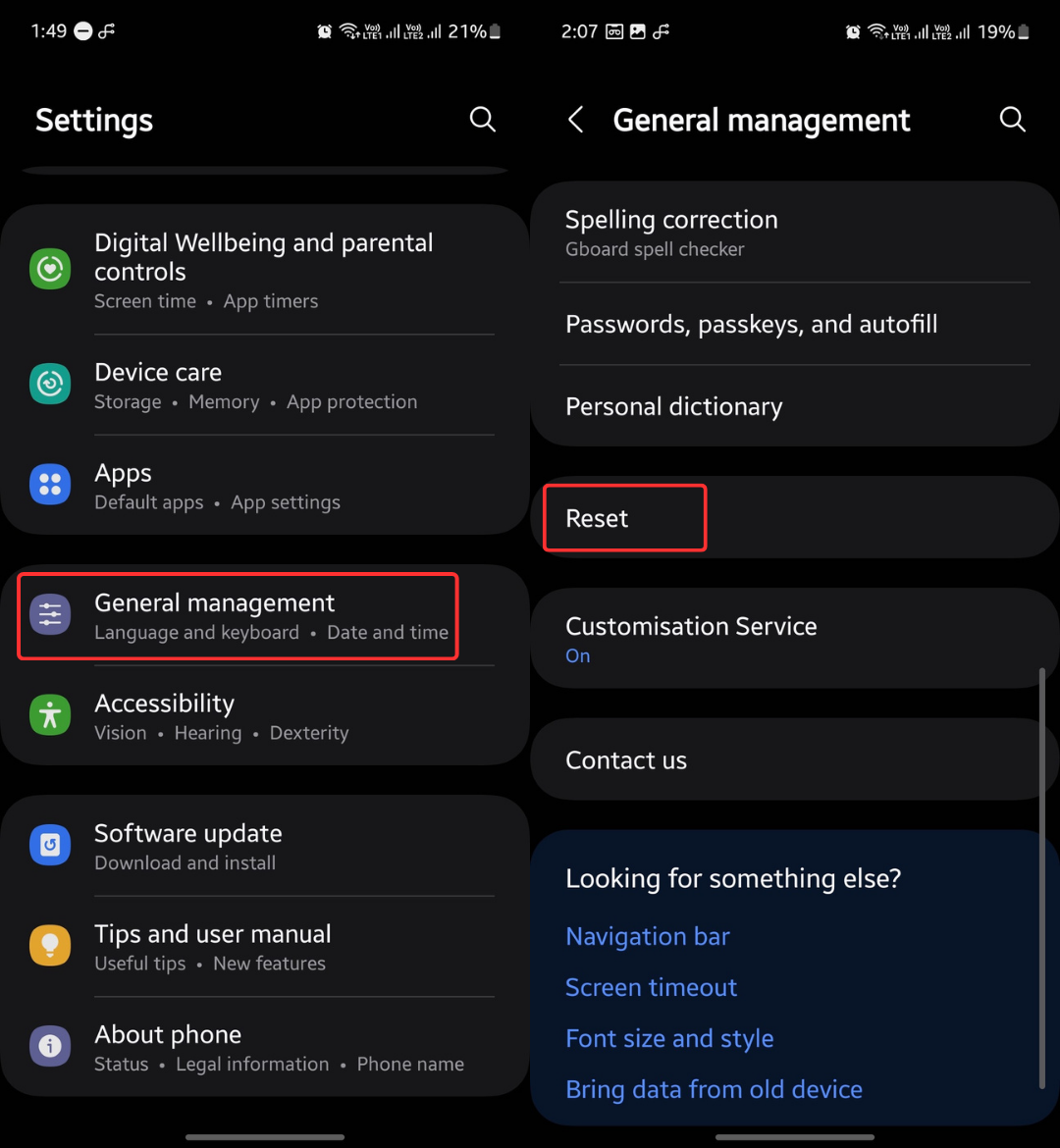
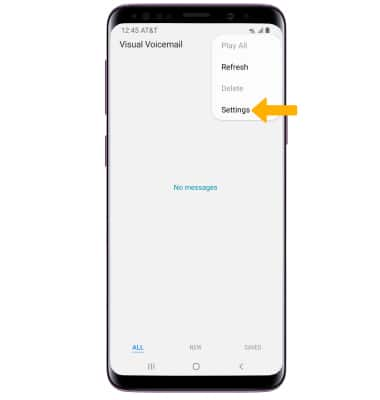
Samsung Galaxy S9 / S9+ (G960U/G965U) - Change or Reset Voicemail. This note connects the source idea with the visuals in a simple, reader-friendly way.
Looking at multiple sources also helps separate the main idea from small decorative details.
These notes are added so the page offers more than images and gives each visitor a clearer reason to keep reading.