Mastering How To Connect A Personal Router To A Public Wi
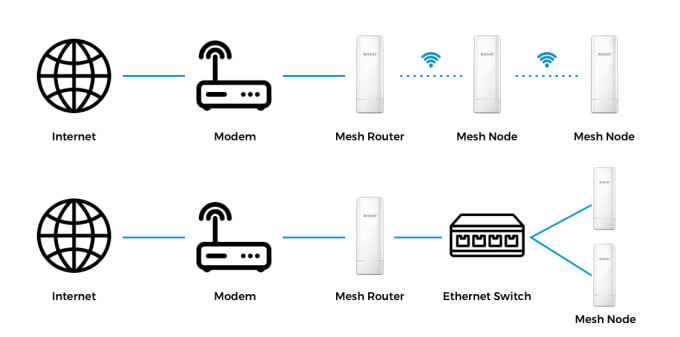
Learn how to connect your personal router to a public Wi-Fi network and simplify your digital lifestyle today! Key Takeaways: Utilize a wireless bridge or a wireless mesh system to connect your personal router to a public Wi-Fi network. Optimize router placement for optimal coverage and performance.
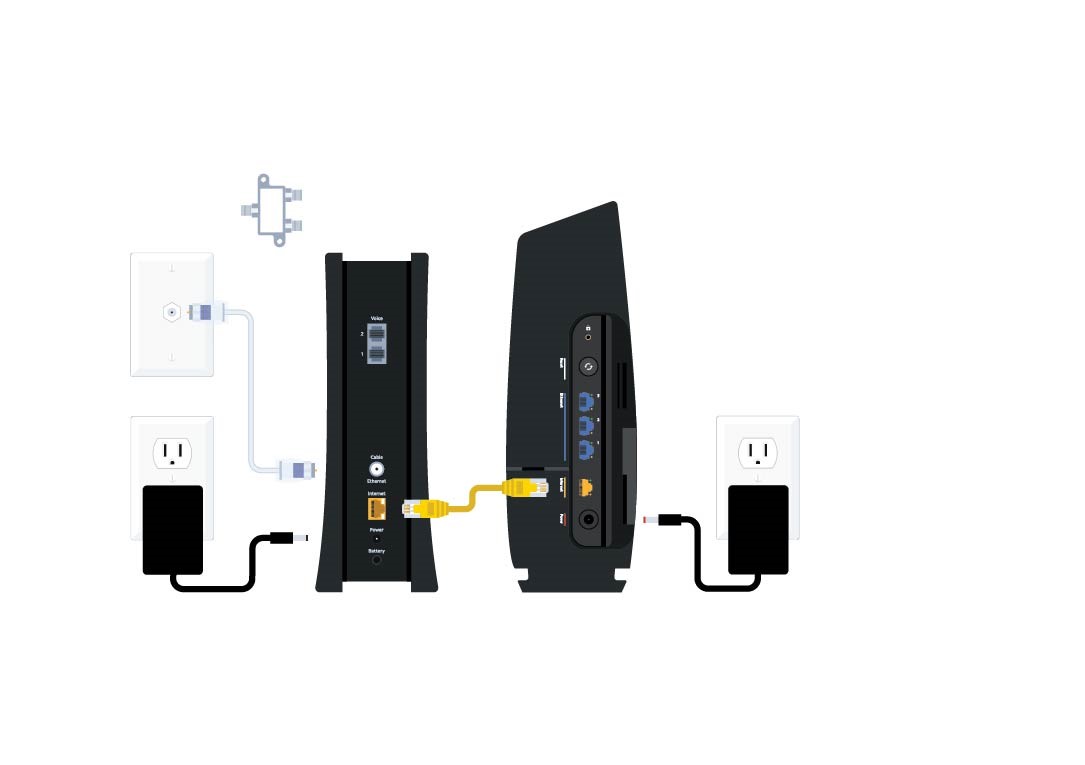
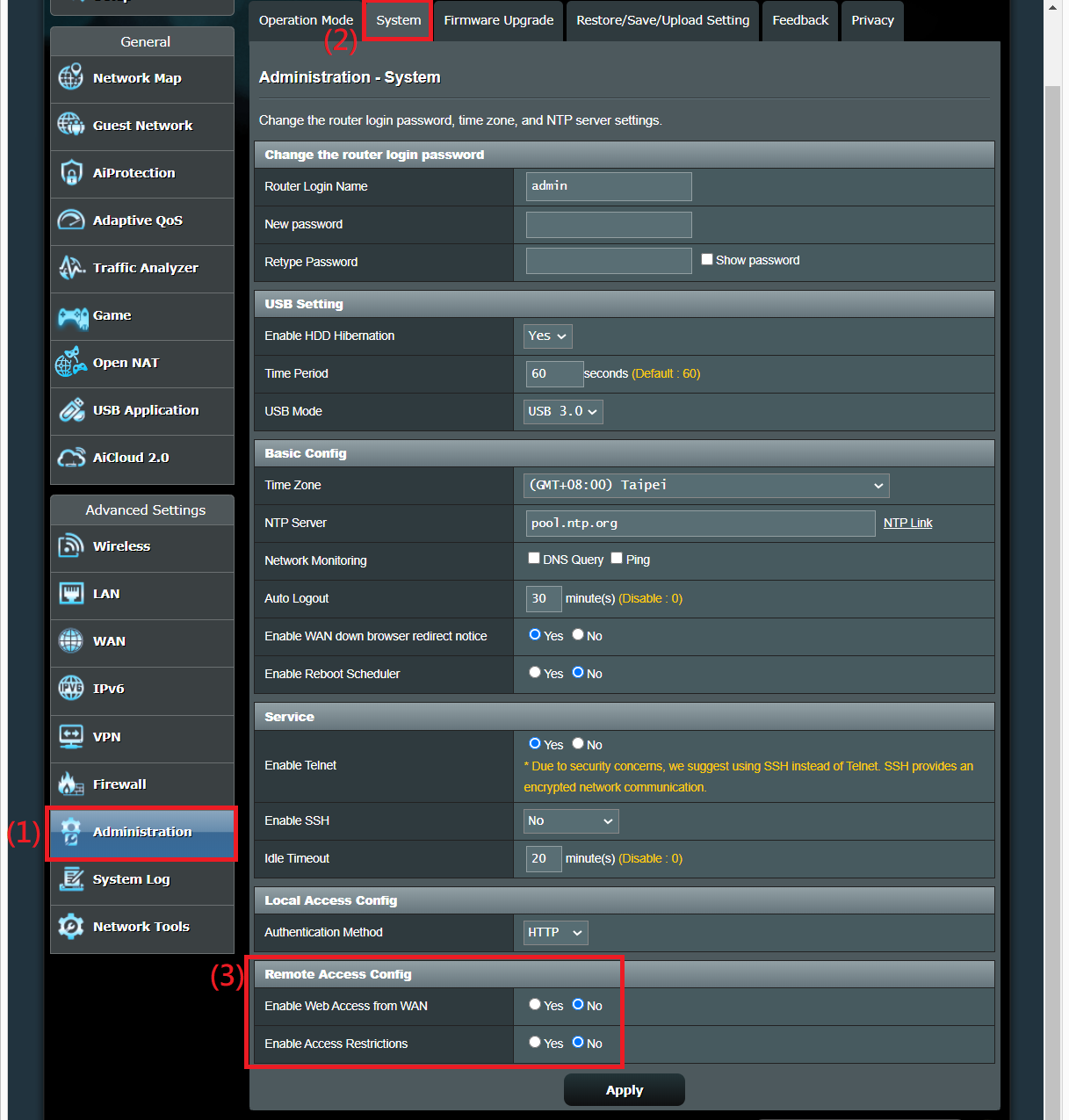
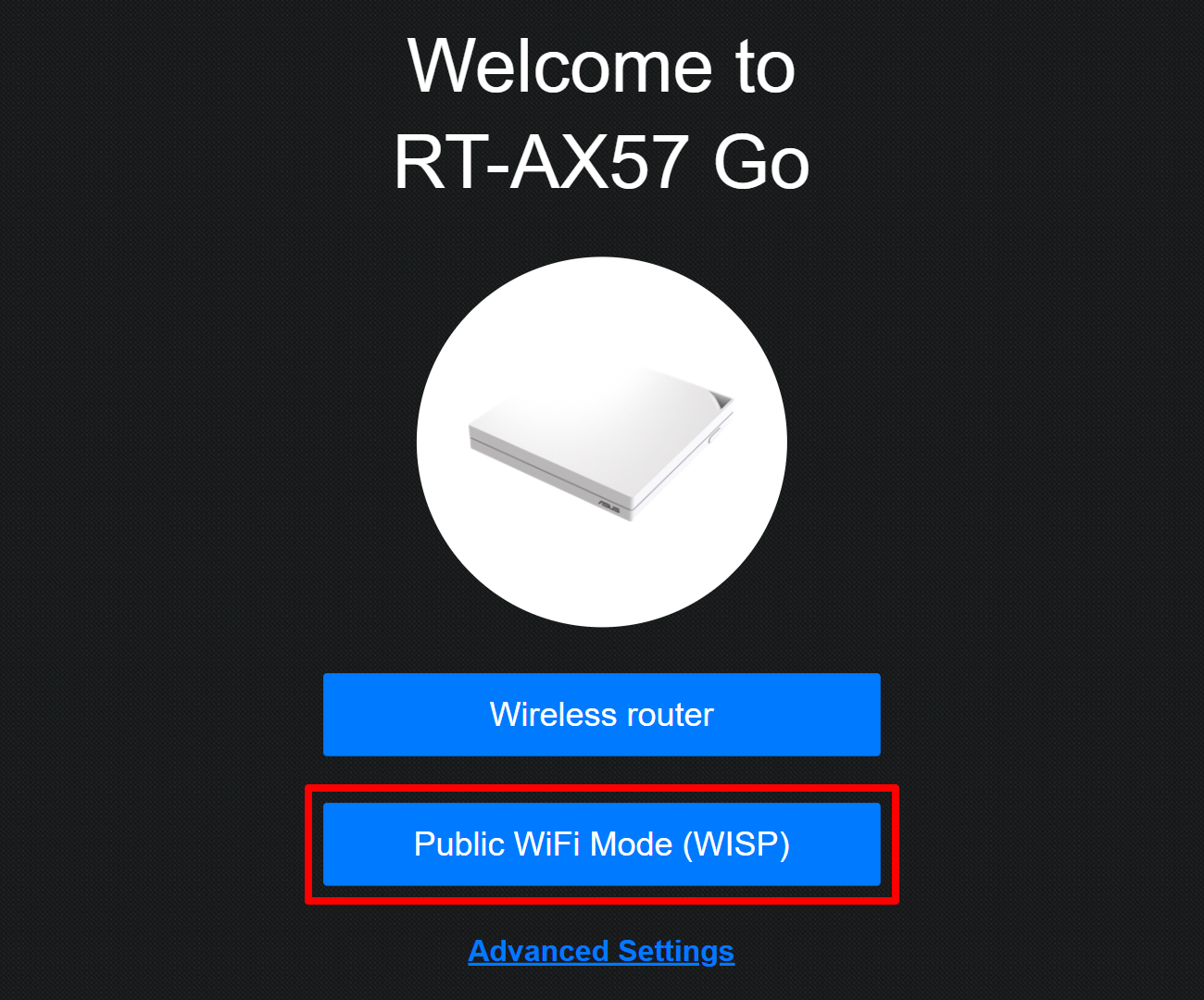
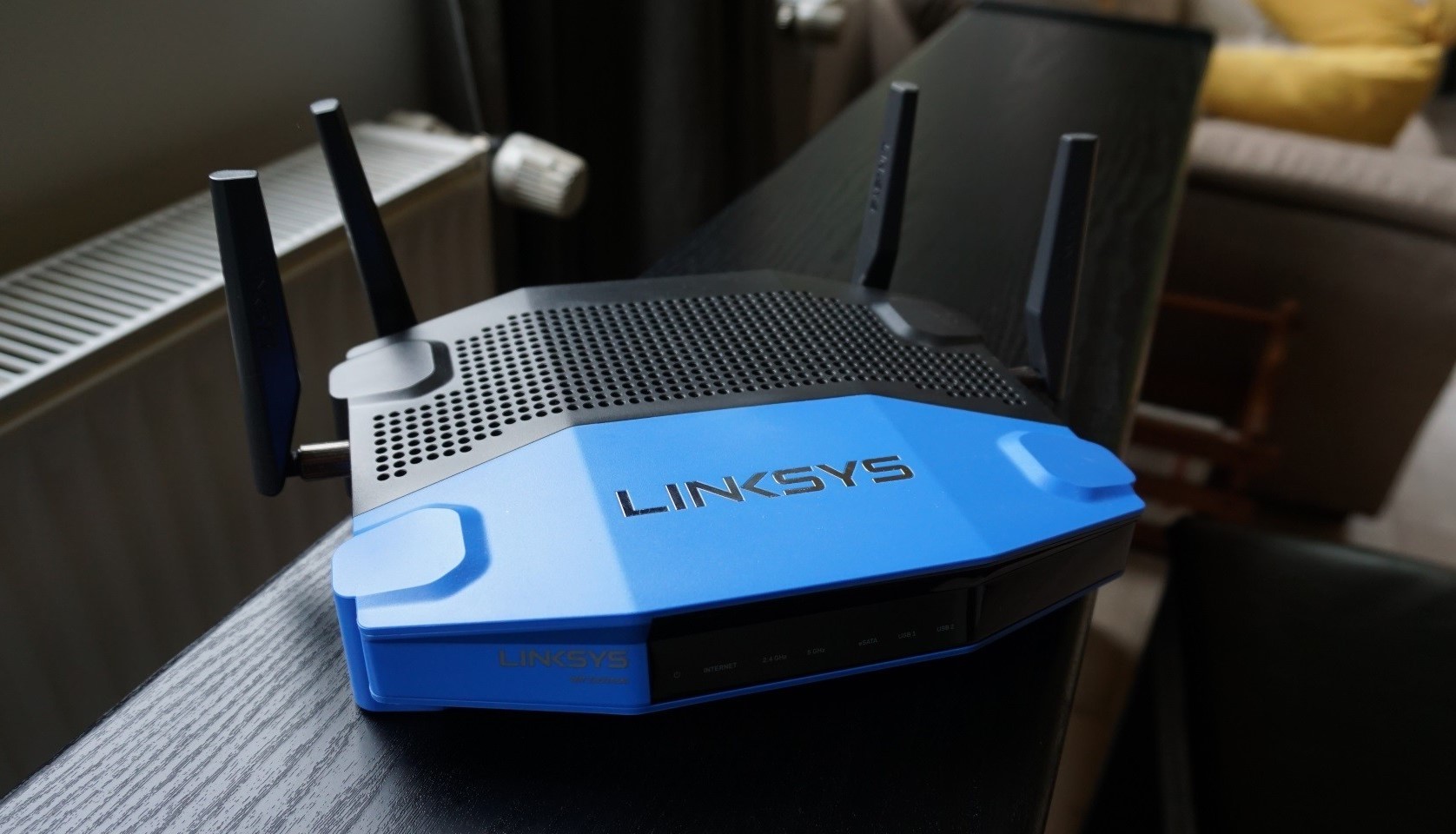
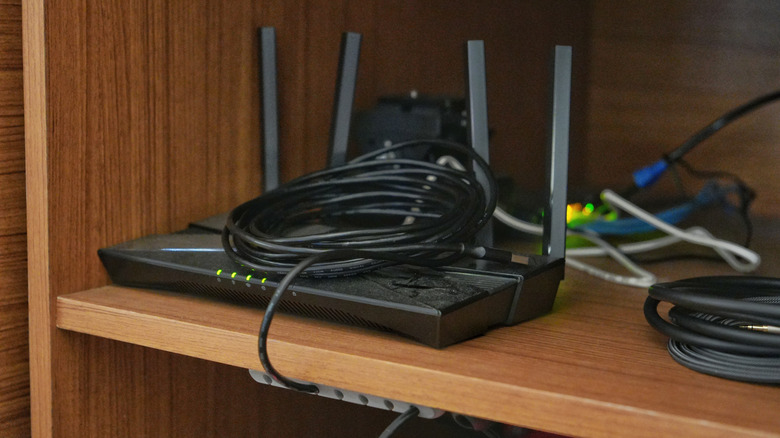
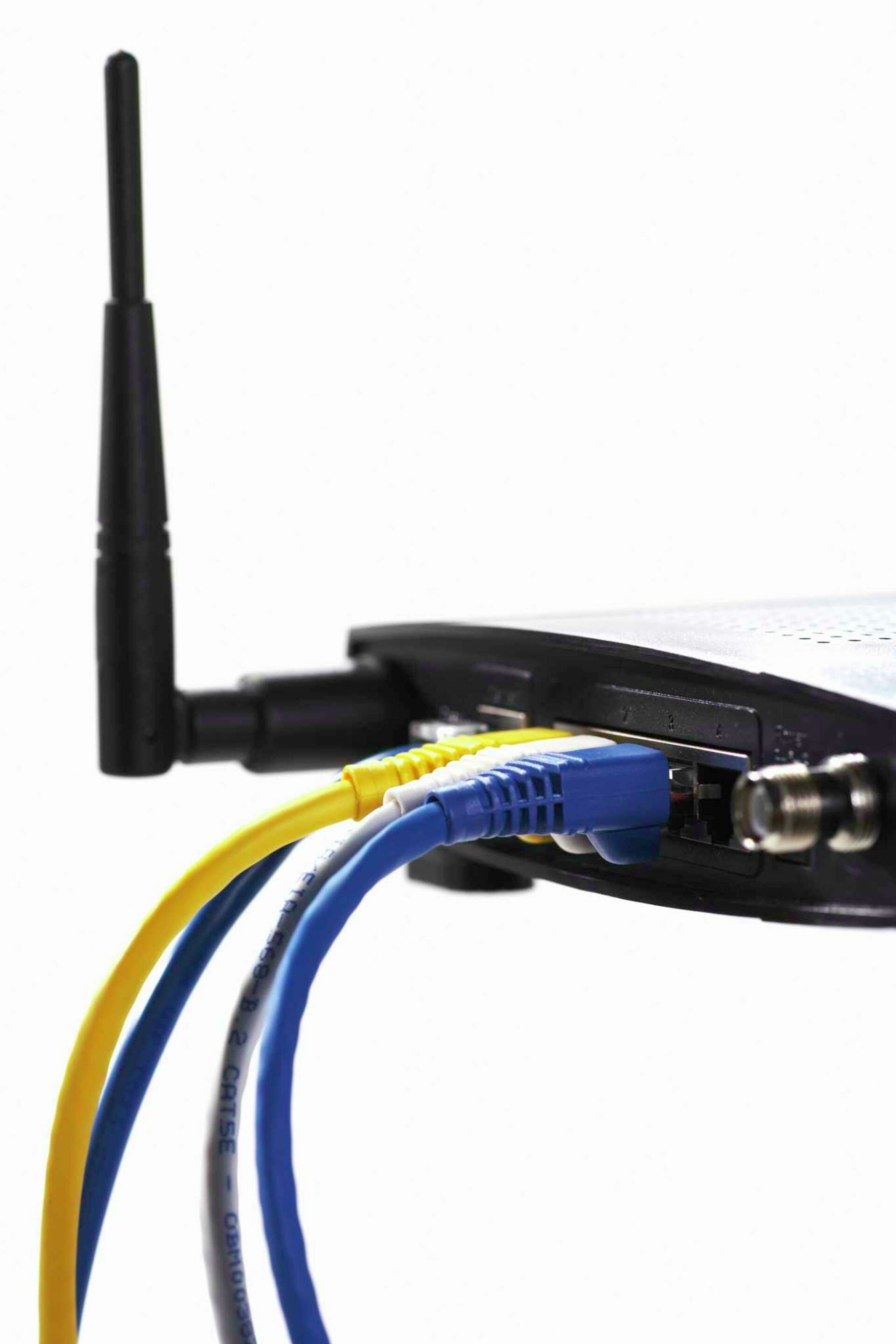
Furthermore, visual representations like the one above help us fully grasp the concept of Setting Up Wireless Public Fascies On G Router.
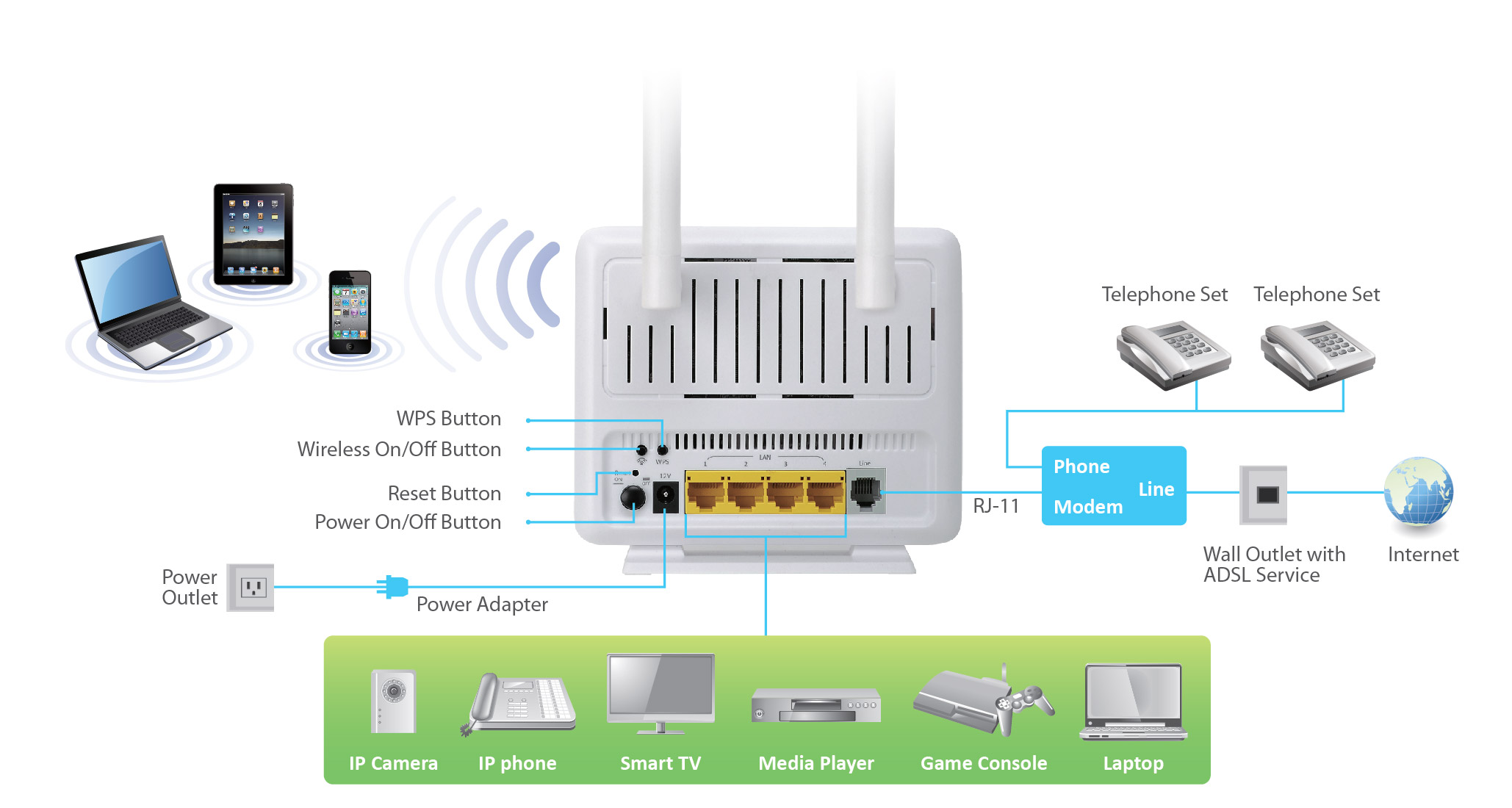
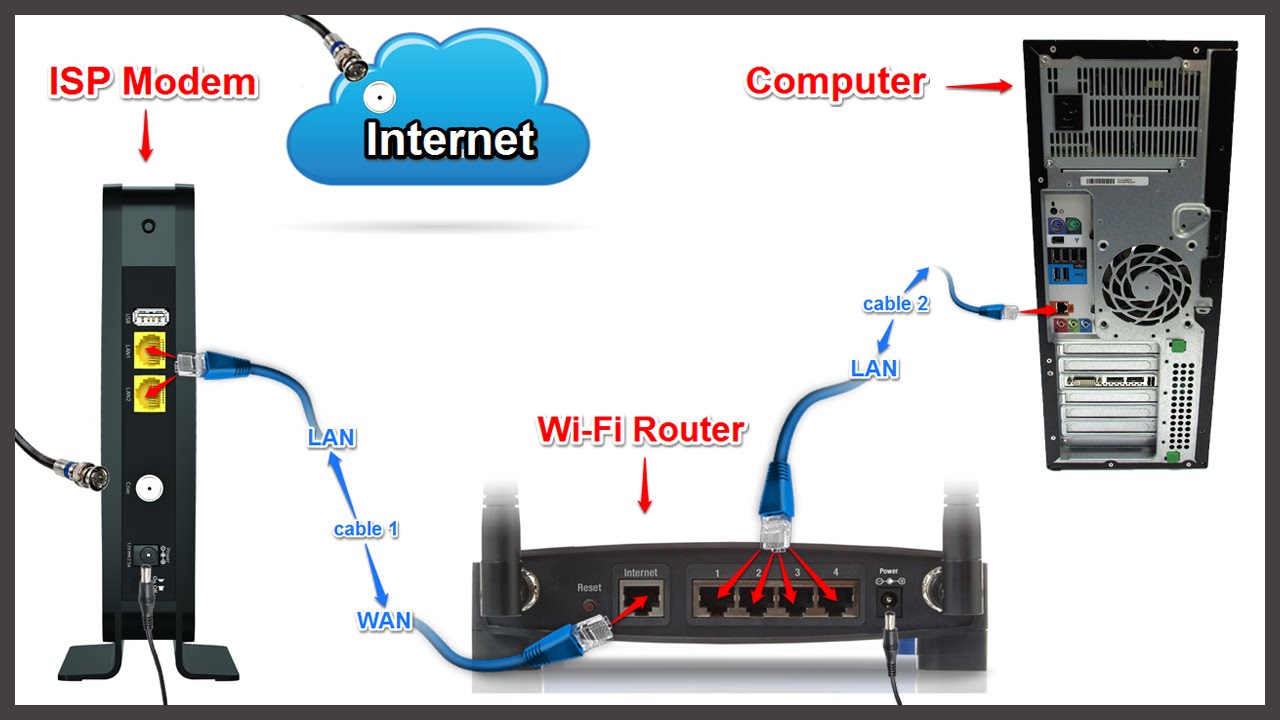
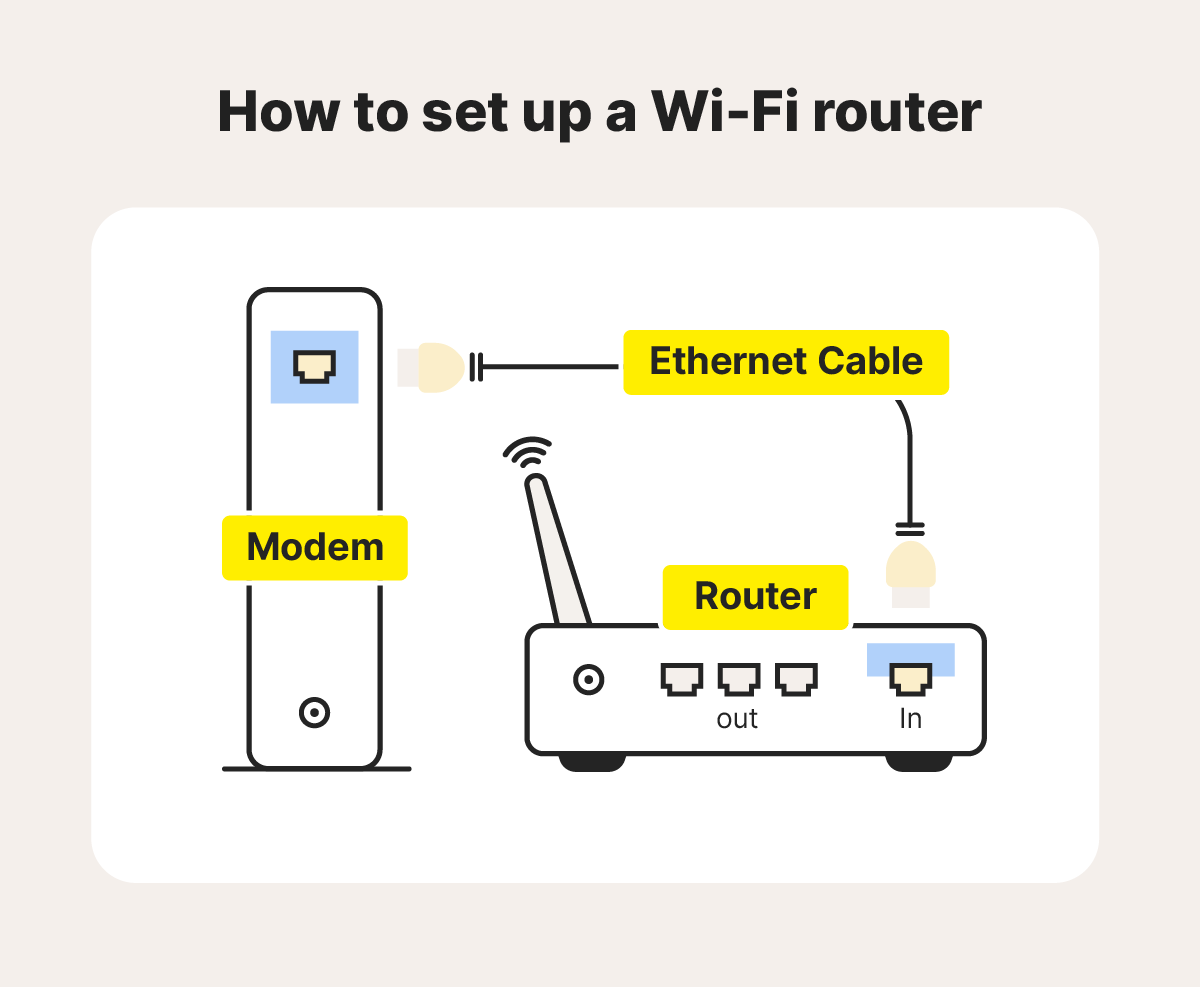
An easy-to-follow tutorial on setting up WiFi at home Getting your new wireless router set up doesn't need to be complicated! If your modem has a built-in router , you can skip the whole process of buying one and configuring parts and just...

Configure your Wifi Network

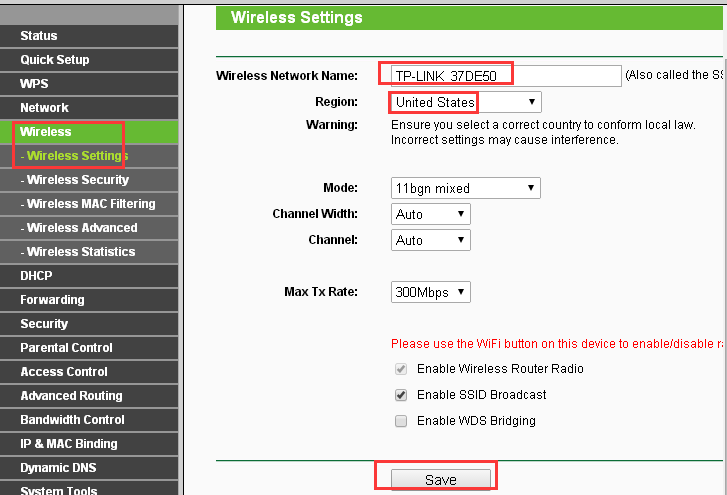
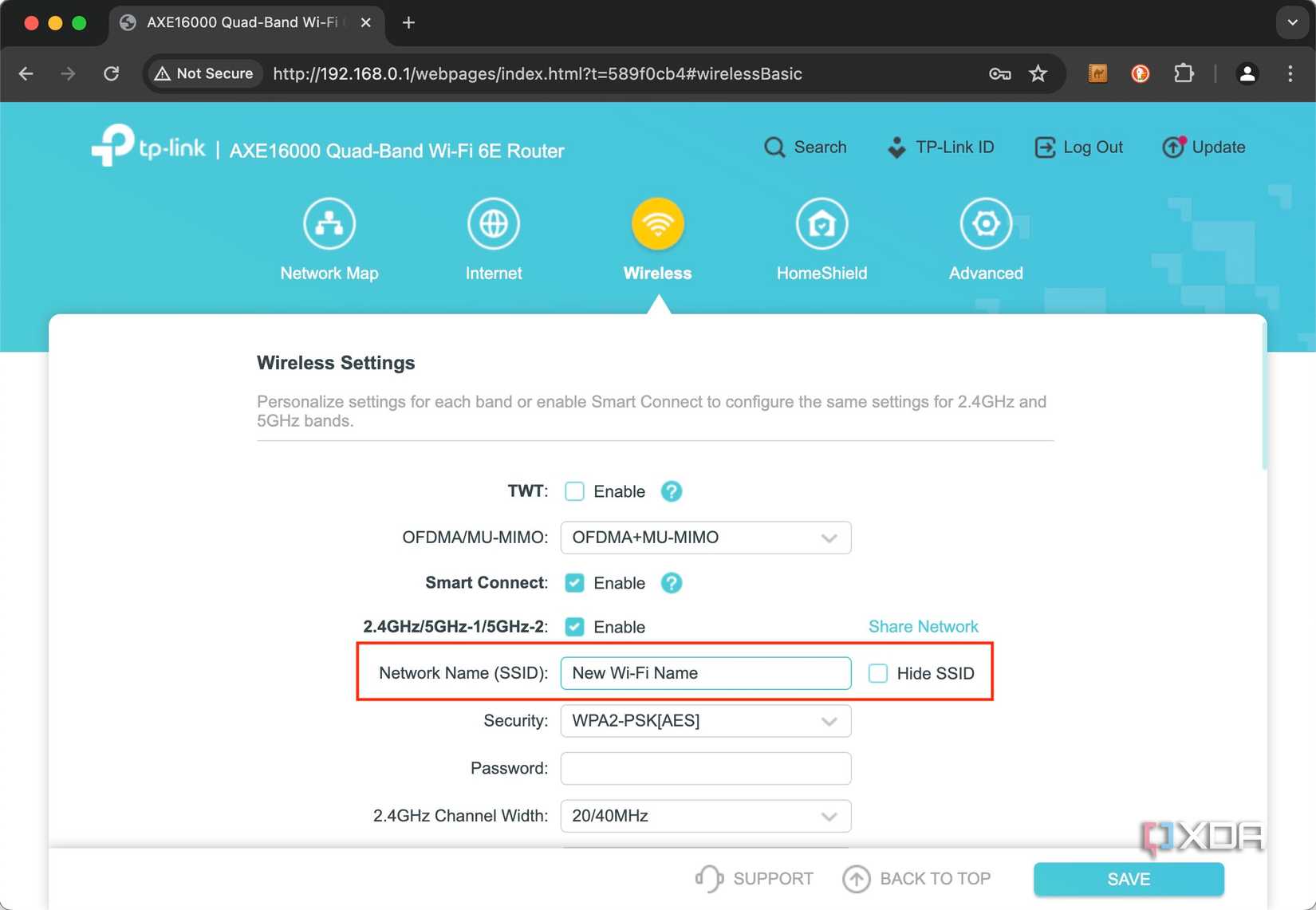
Configure your Wifi Network To set up your wireless network, begin by signing in to your GFiber account and navigating to your router's device configuration.
Additional Notes on Setting Up Wireless Public Fascies On G Router
How to Set Up a Wireless Router (with Pictures) - wikiHow. For Setting Up Wireless Public Fascies On G Router, this point helps readers notice the most relevant visual details before moving into the gallery.
How to Set Up a Wireless Router: A Step-By-Step Guide. It gives the article a little more context before the image collection begins.
How to Set Up and Optimize Your Wi-Fi Router for the Best Performance. This note connects the source idea with the visuals in a simple, reader-friendly way.
Looking at multiple sources also helps separate the main idea from small decorative details.
These notes are added so the page offers more than images and gives each visitor a clearer reason to keep reading.