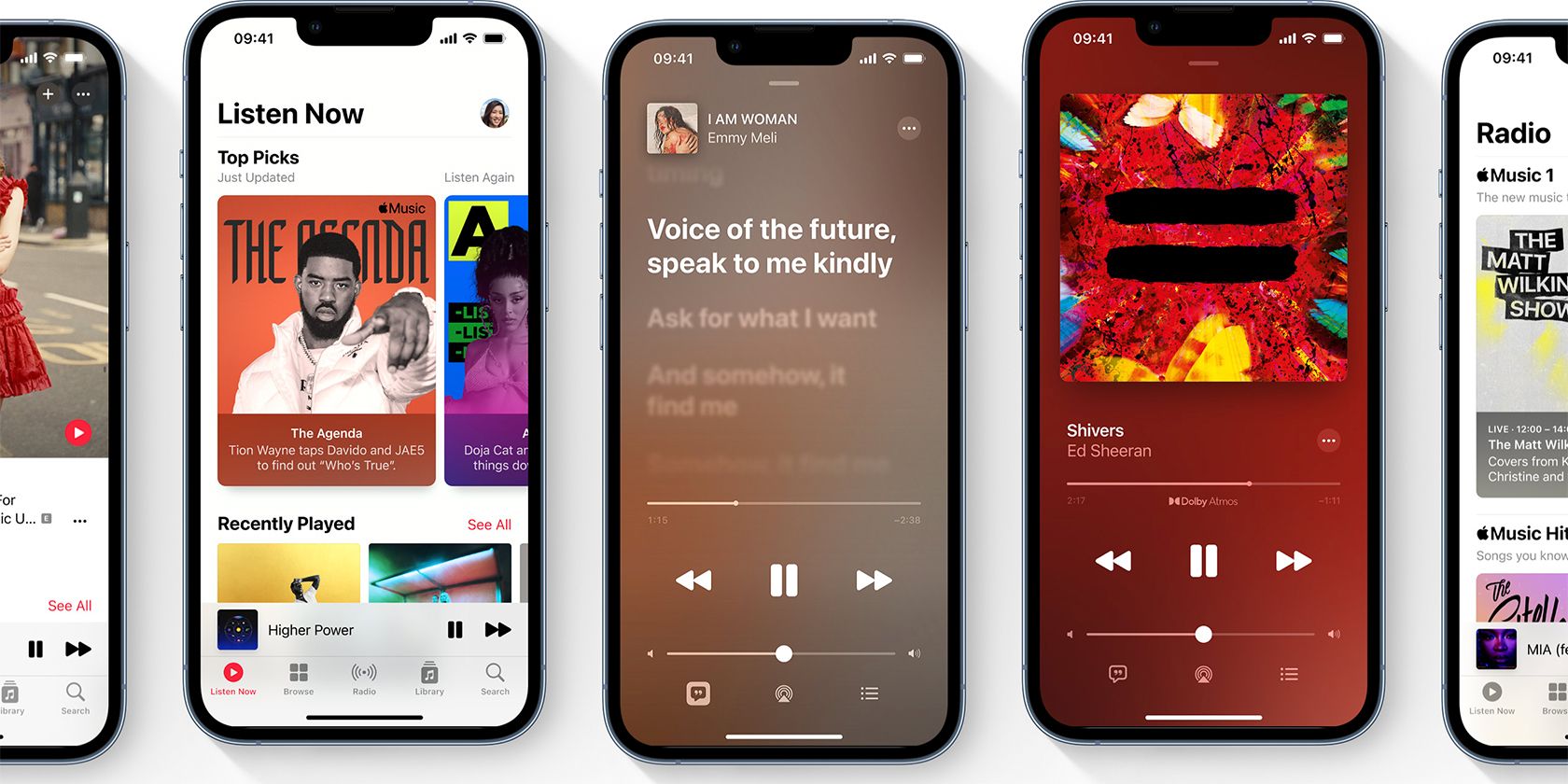
How to SharePlay Apple Music 2026
Music sharing has evolved dramatically in 2026, and Apple Music SharePlay remains one of the most powerful features for synchronized listening. This innovative feature lets you and your friends listen to the exact same song simultaneously during FaceTime calls, creating virtual listening parties that bridge any distance.
This feature lets you listen to music or watch a movie or TV show with family or friends . SharePlay works with FaceTime and lets users on a FaceTime call to not only enjoy the same content together but they can also control playback together on iPhone, iPad, Apple TV and Mac.

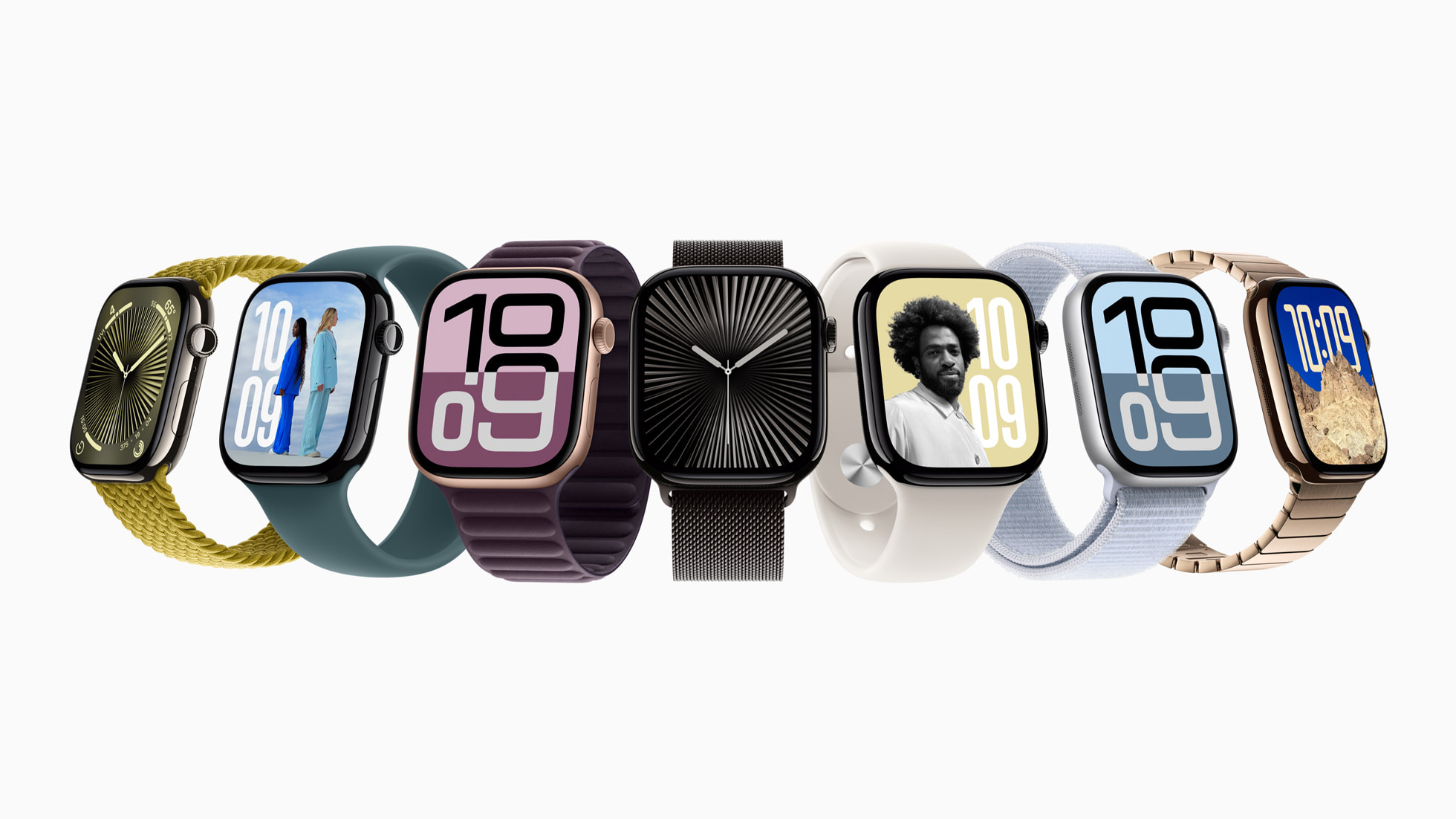
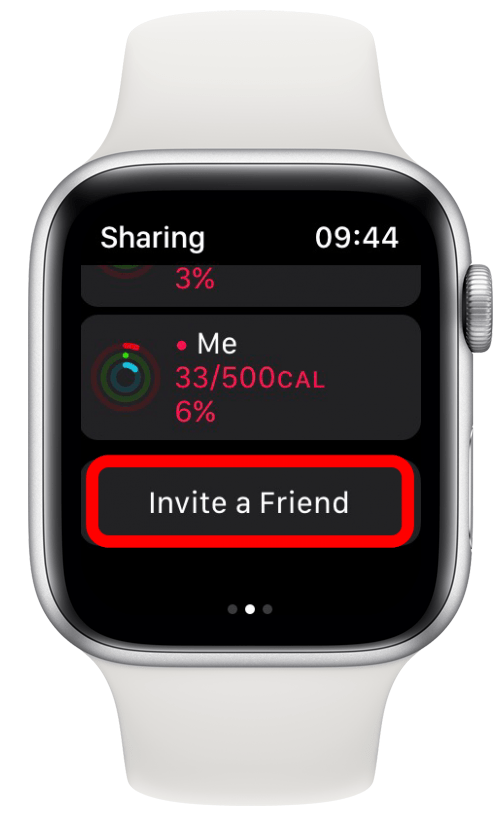
Furthermore, visual representations like the one above help us fully grasp the concept of Sharing Music With Friends On Apple Watch.
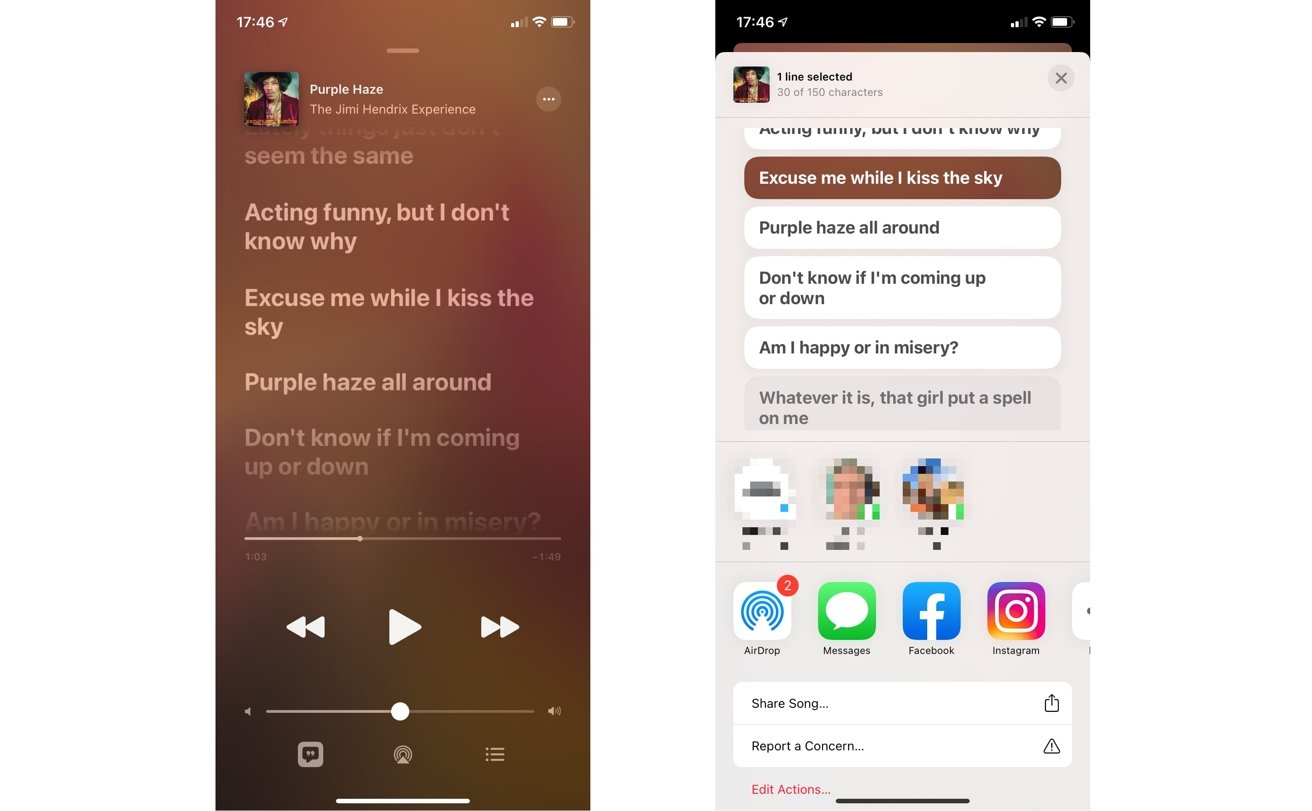
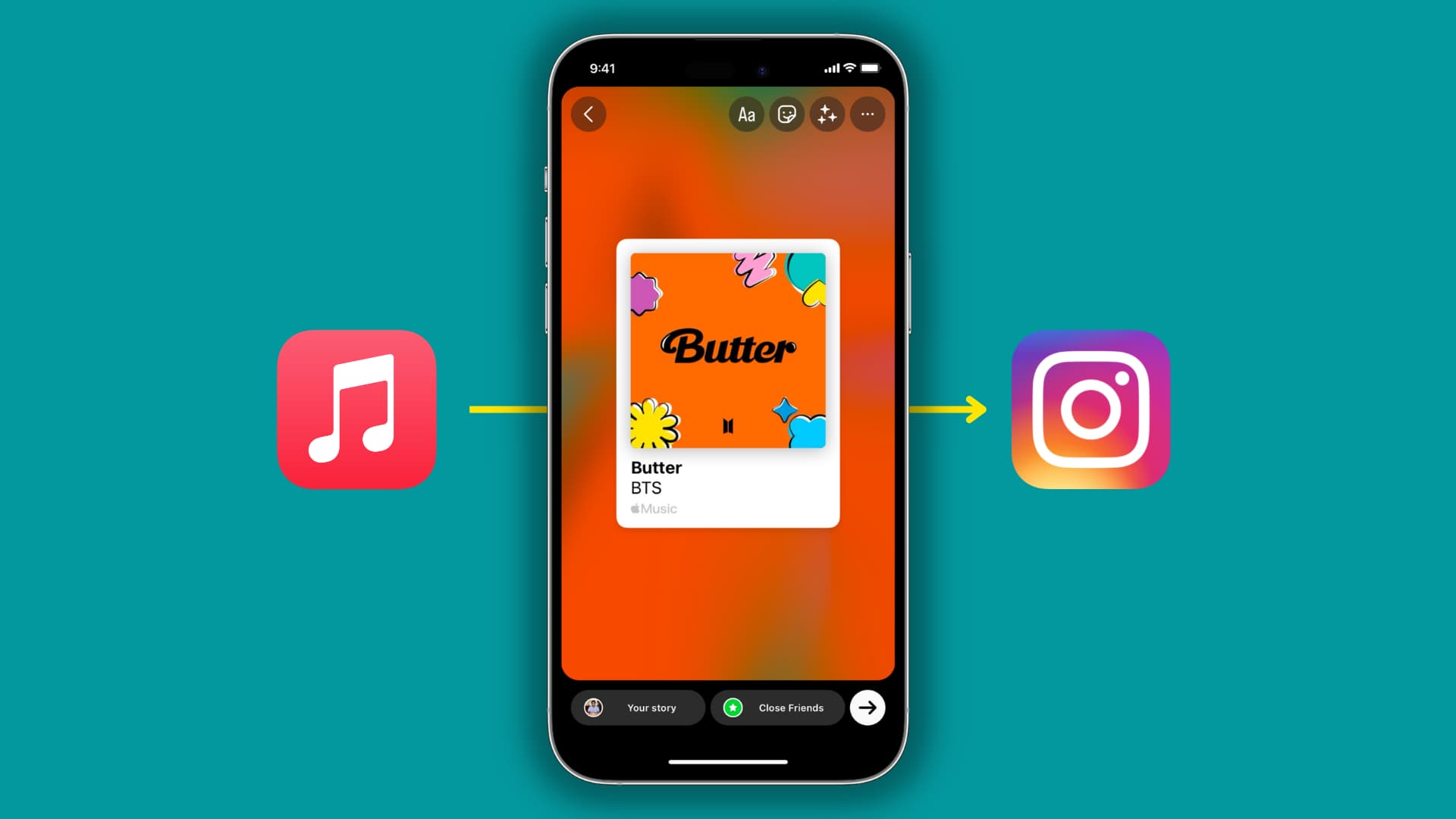
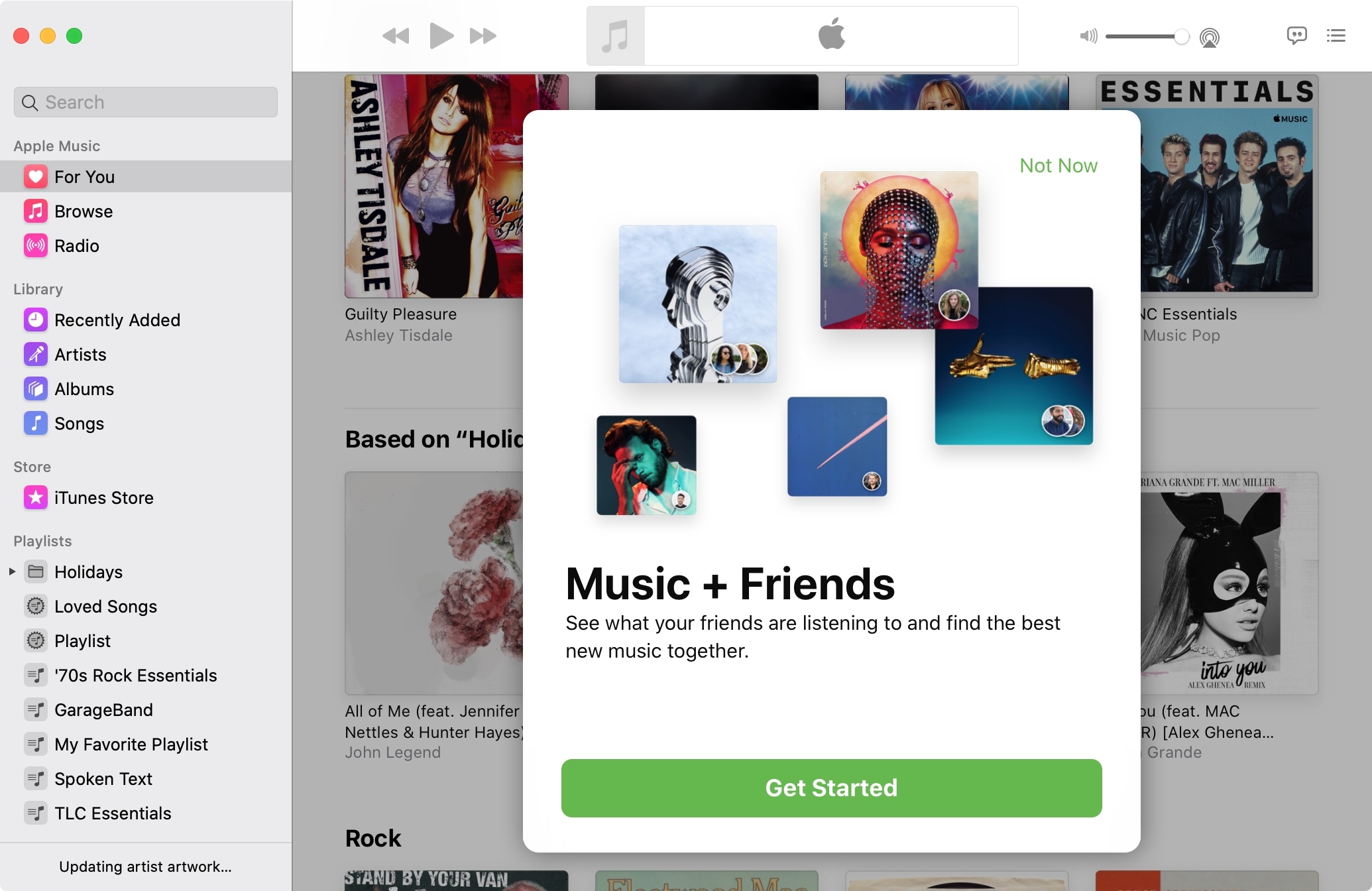
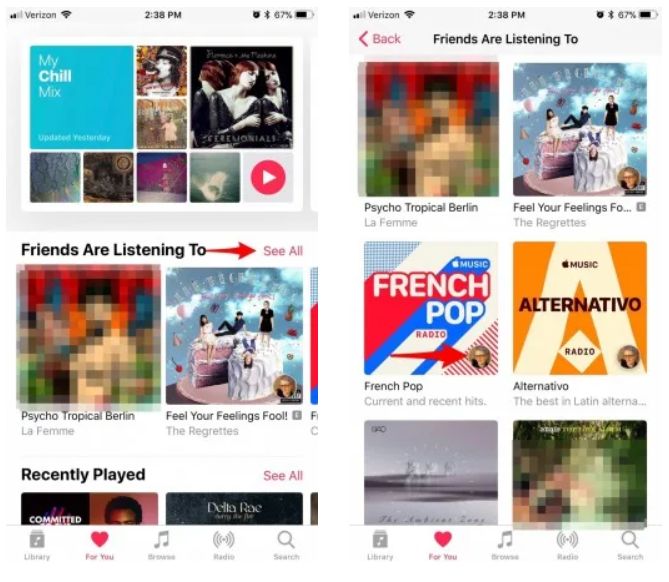
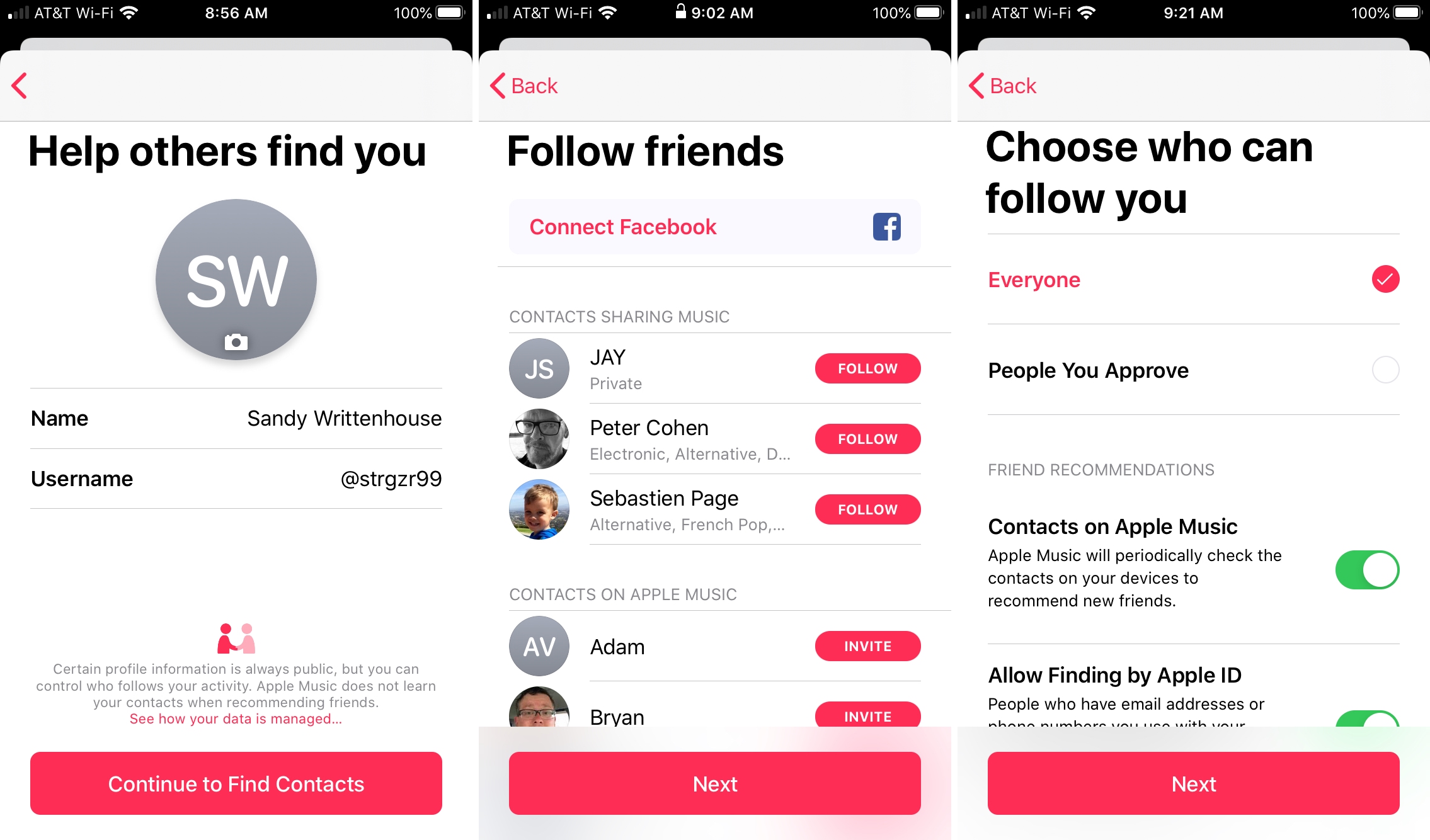
How To Share Apple Music Playlists With Friends
Sometimes you find yourself digging through menus just to find a simple share button. The reality is that music sharing is the new social currency. Whether you want to send a quick link via iMessage or build a collaborative masterpiece for a housewarming party, understanding the mechanics of how Apple handles playlist data is essential.
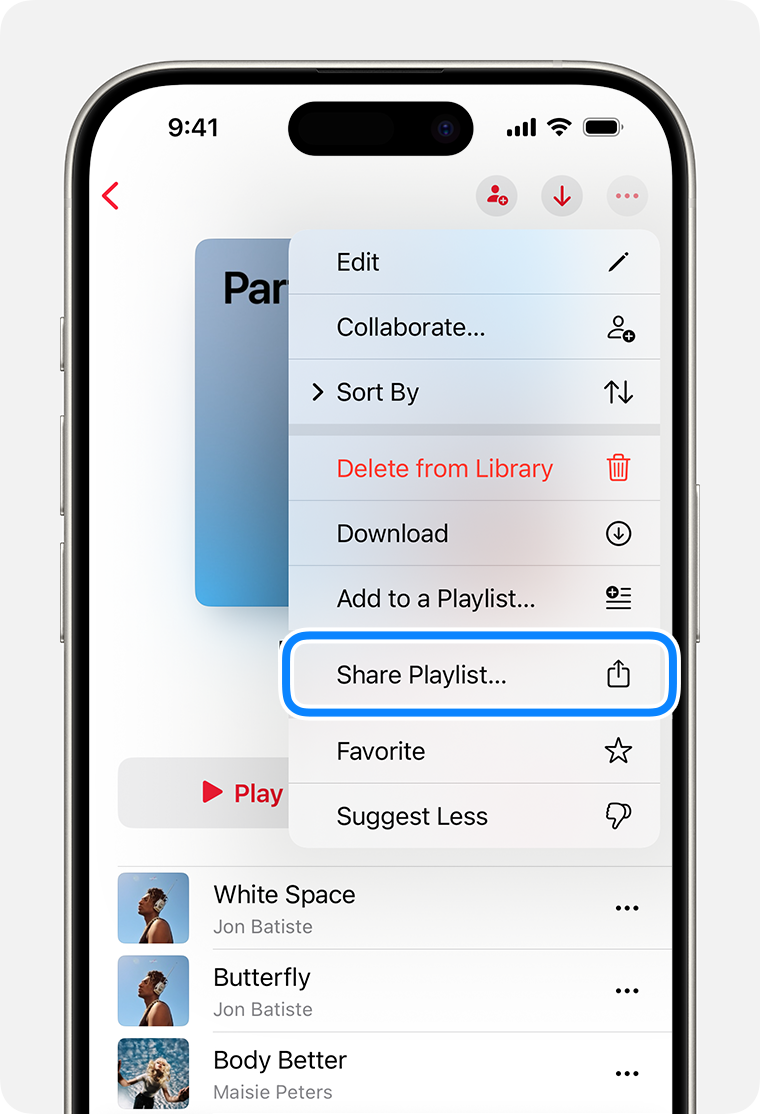
Such details provide a deeper understanding and appreciation for Sharing Music With Friends On Apple Watch.
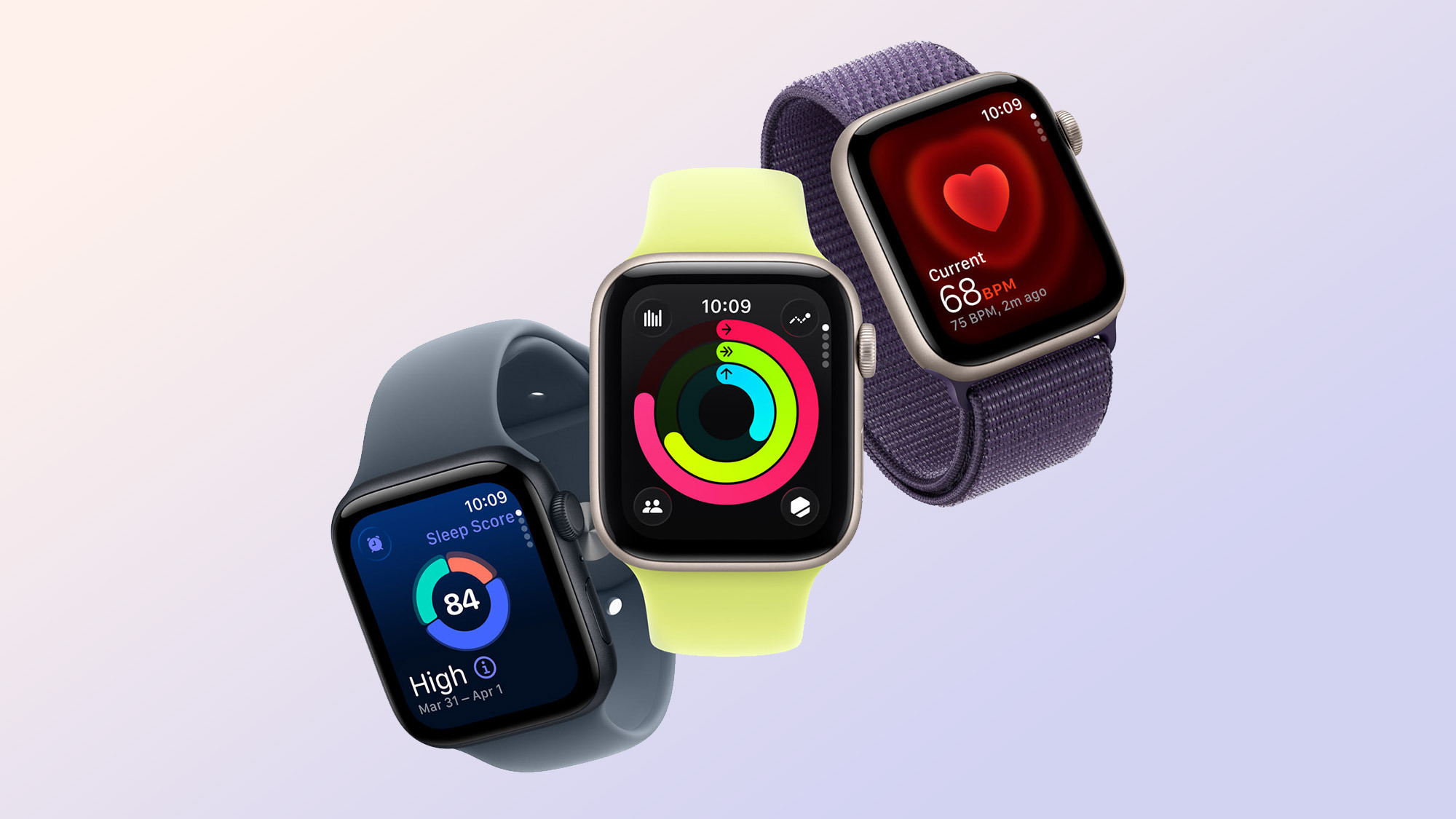
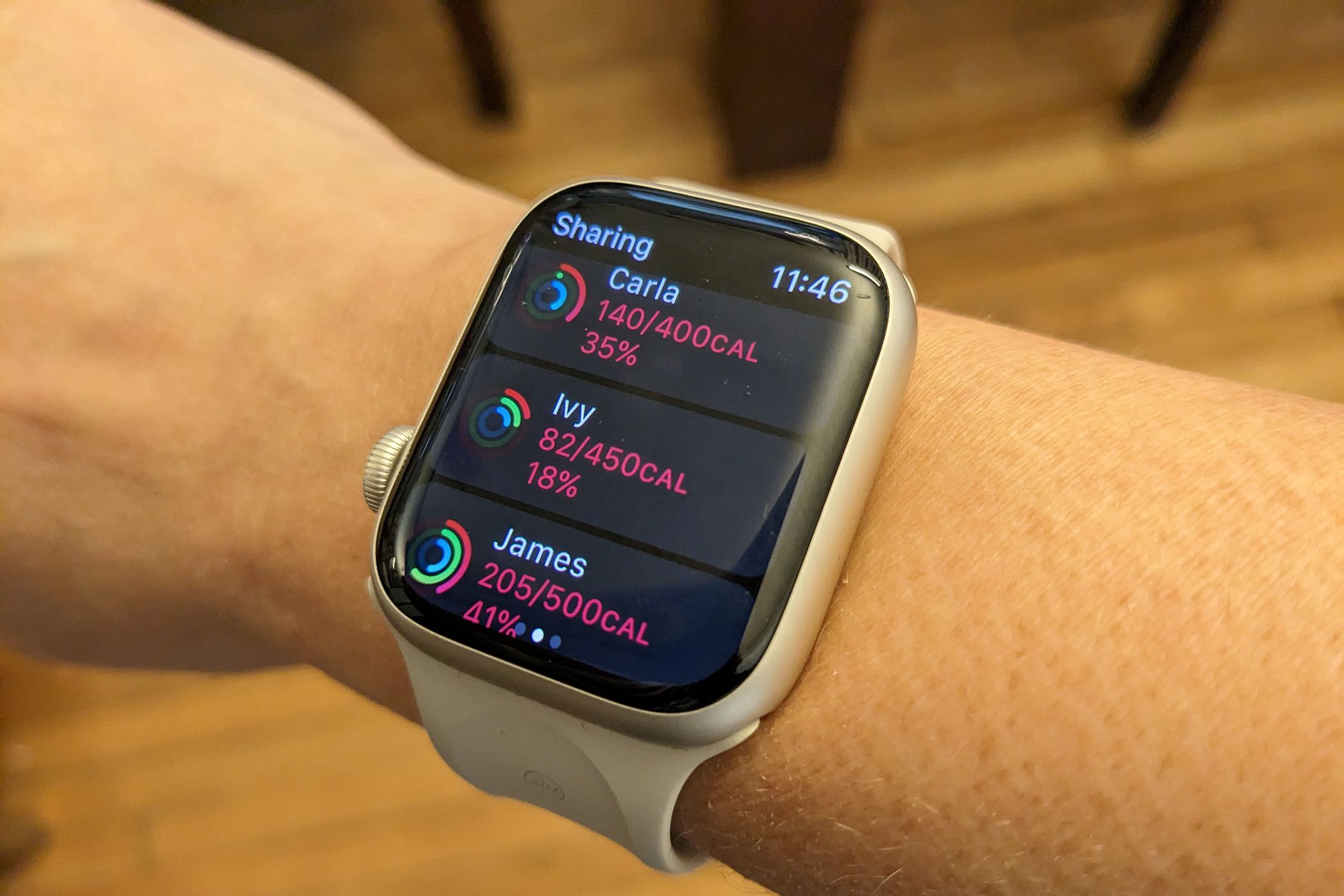
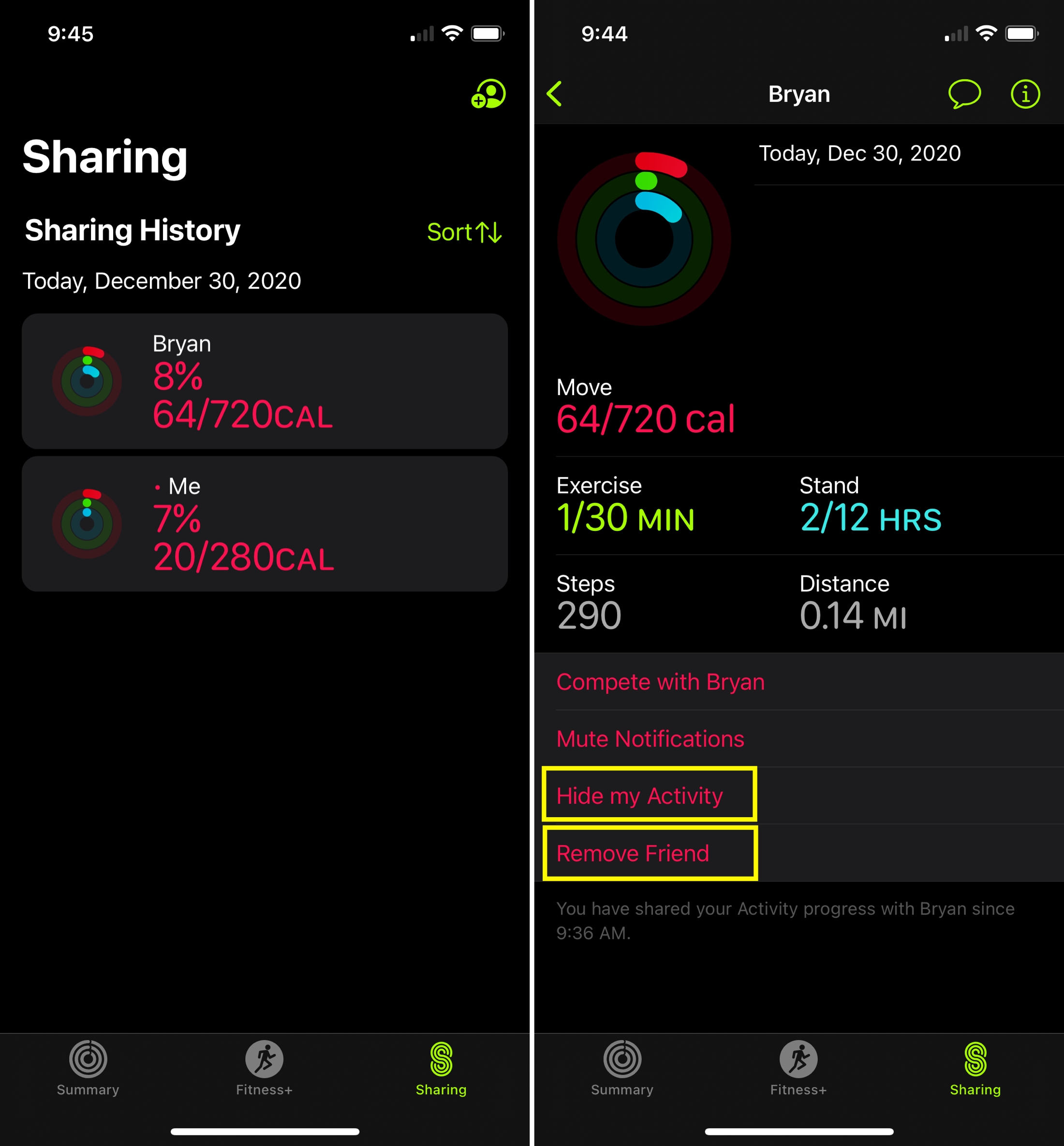
How To Share Apple Watch Activity With Friends
Want to stay motivated and keep your friends accountable? In this full guide, I'll show you how to share Apple Watch activity with friends step-by-step.
Understanding Sharing Music With Friends On Apple Watch Before the Gallery
How to Compete with Friends on Apple Watch. It gives the article a little more context before the image collection begins.
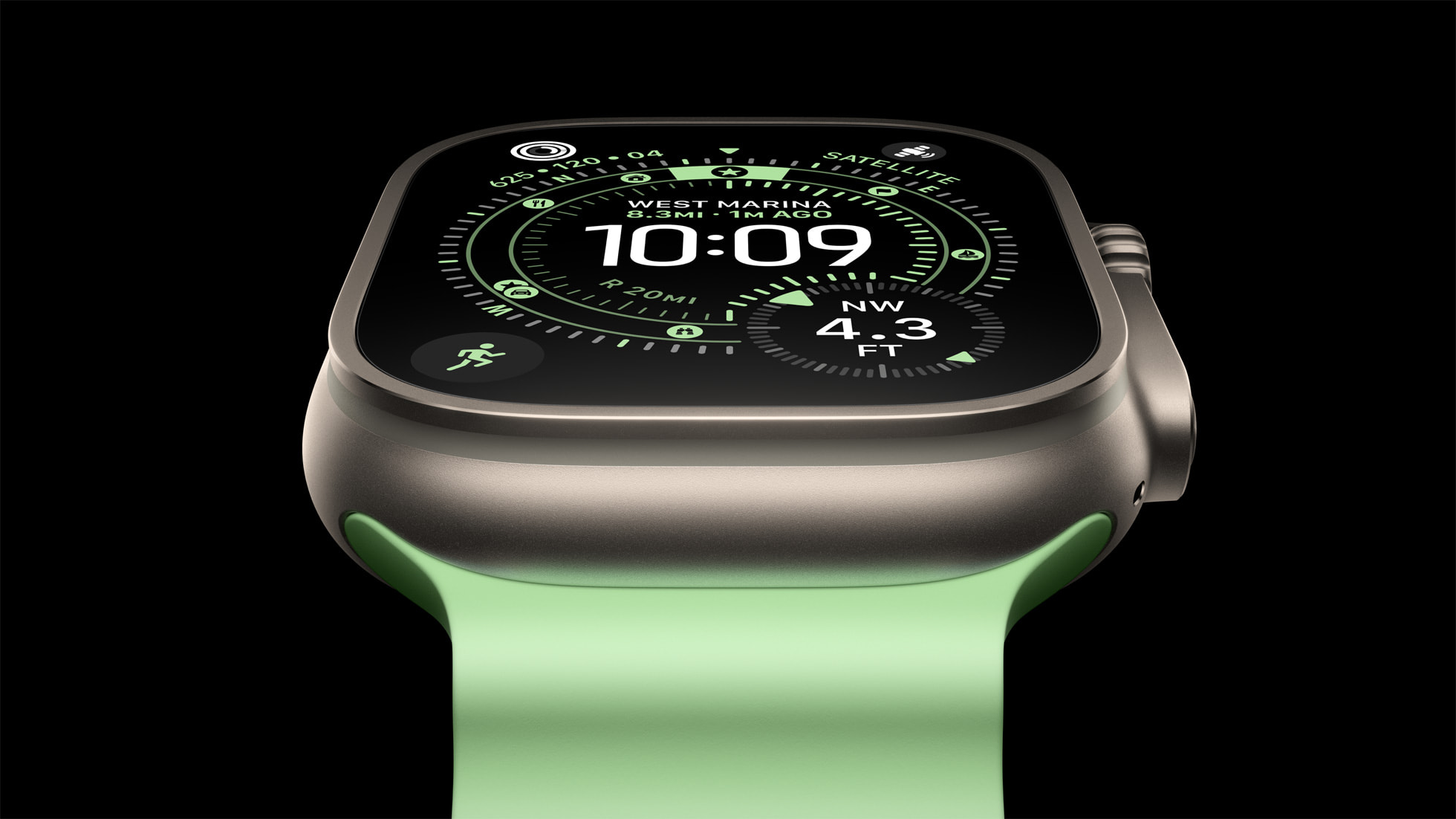
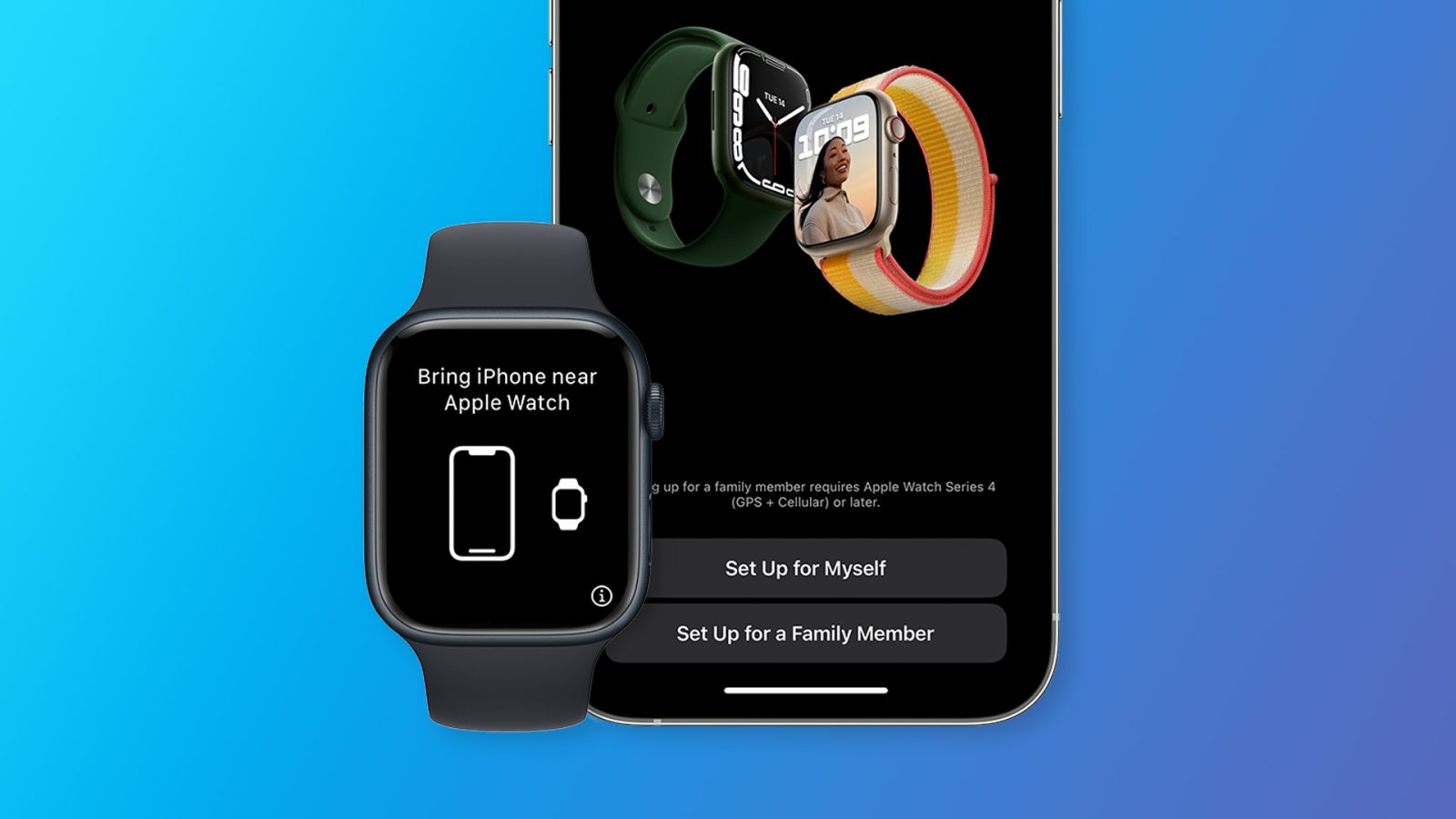
Introducing Apple Watch Ultra 3 - Apple. This note connects the source idea with the visuals in a simple, reader-friendly way.
How to stop sharing Apple Watch activity with your friends. The extra context helps the page feel more useful without forcing the same phrase repeatedly.
Looking at multiple sources also helps separate the main idea from small decorative details.
These notes are added so the page offers more than images and gives each visitor a clearer reason to keep reading.