How to Optimize Wi
Improve WiFi speed with router optimization tips including channel selection, 5GHz band settings , QoS prioritization, and mesh systems for faster home internet.
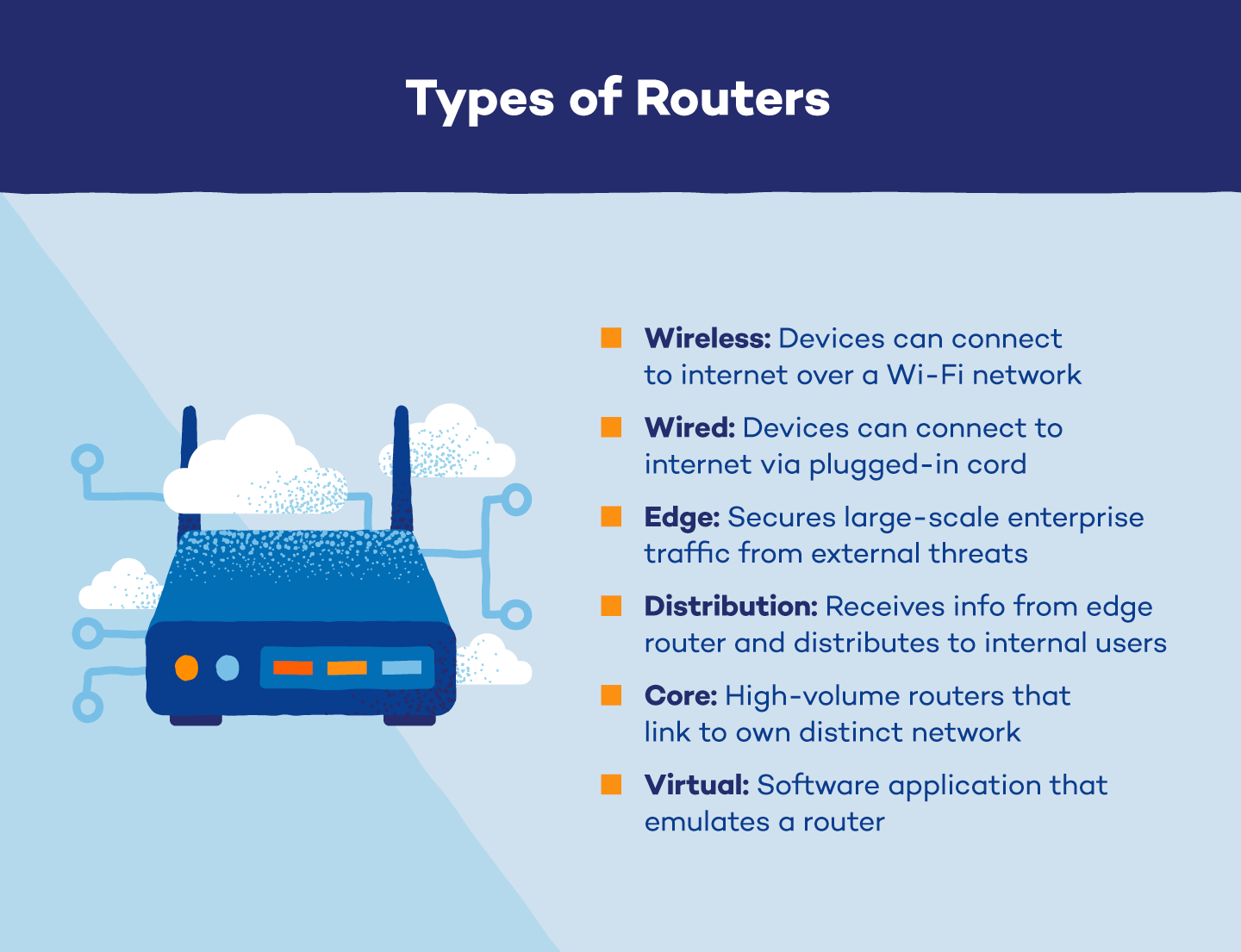
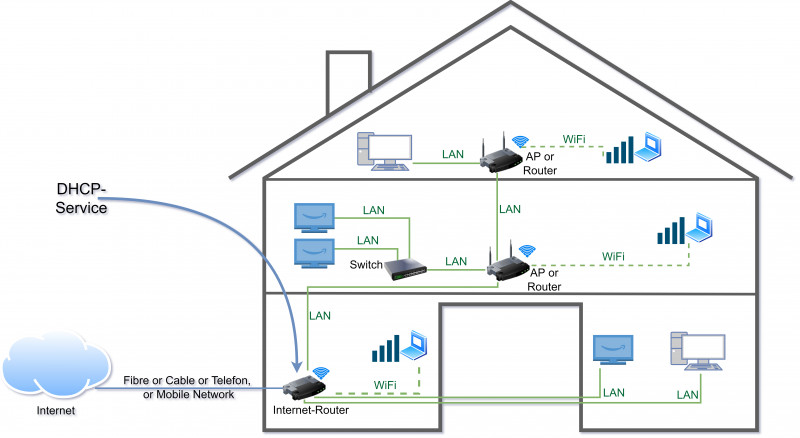
Home network setup guide
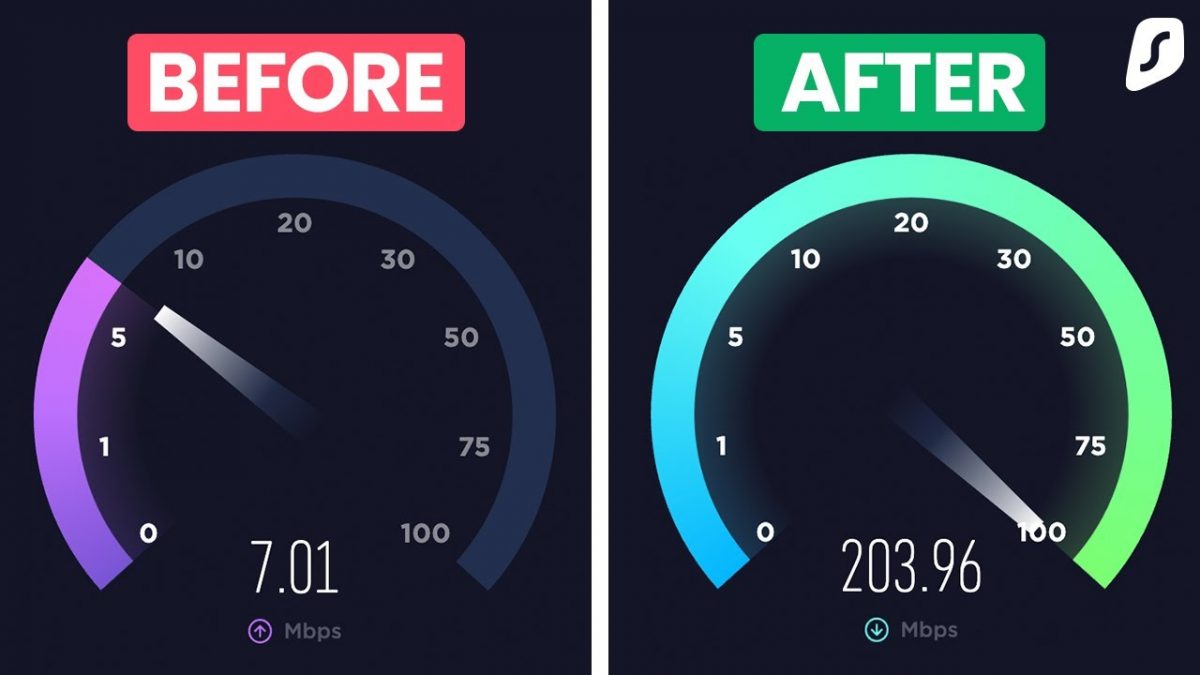
Furthermore, visual representations like the one above help us fully grasp the concept of Tips For Adjusting G Router Settings For Home Network Speed.
Build a faster, safer home network with router setup, Wi-Fi optimization, mesh Wi-Fi planning, troubleshooting steps, and performance tips .
Moving forward, it's essential to keep these visual contexts in mind when discussing Tips For Adjusting G Router Settings For Home Network Speed.
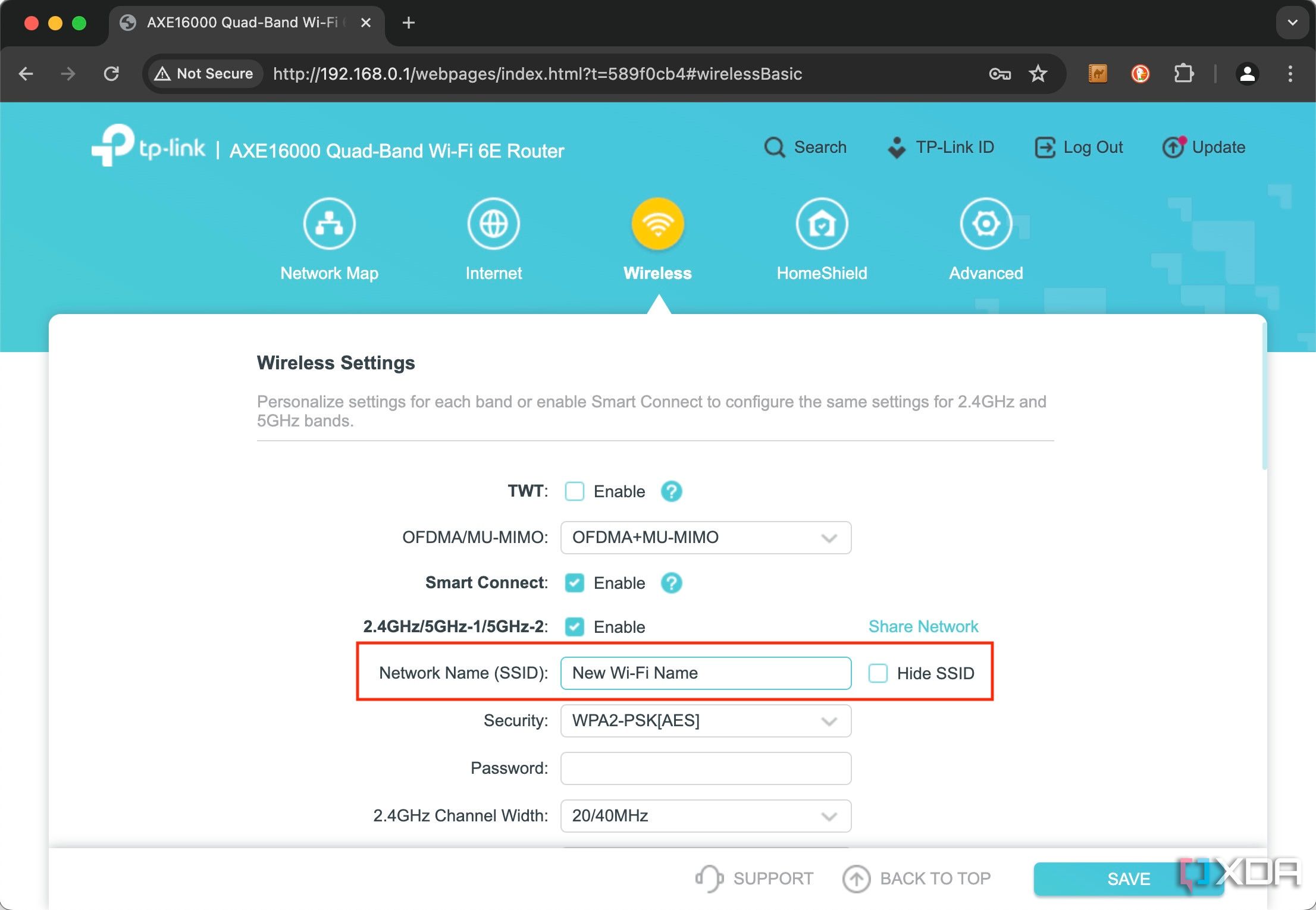
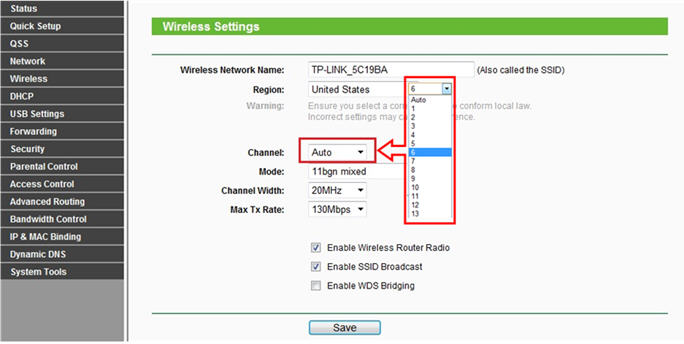
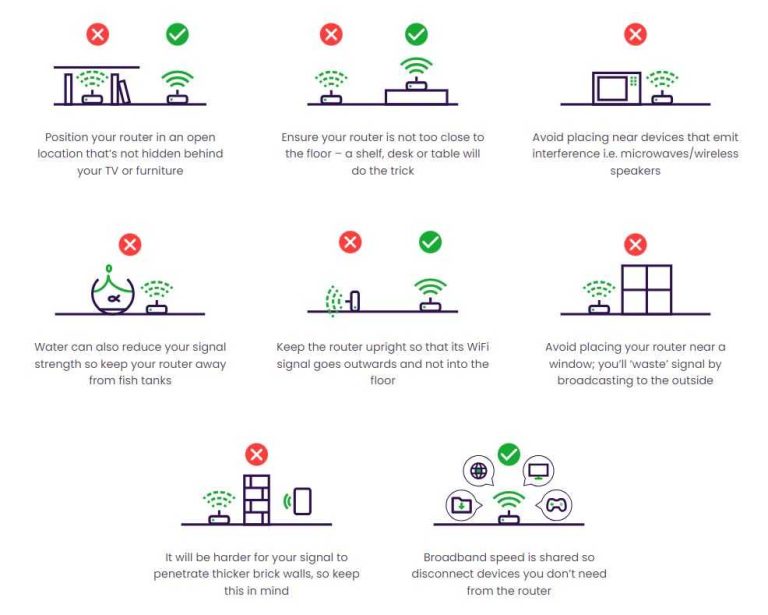
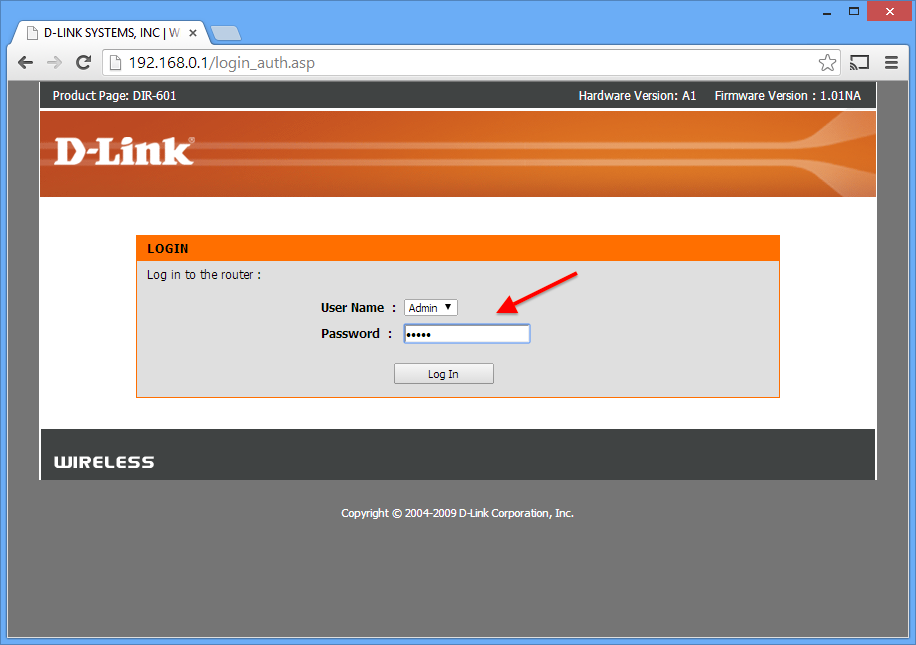
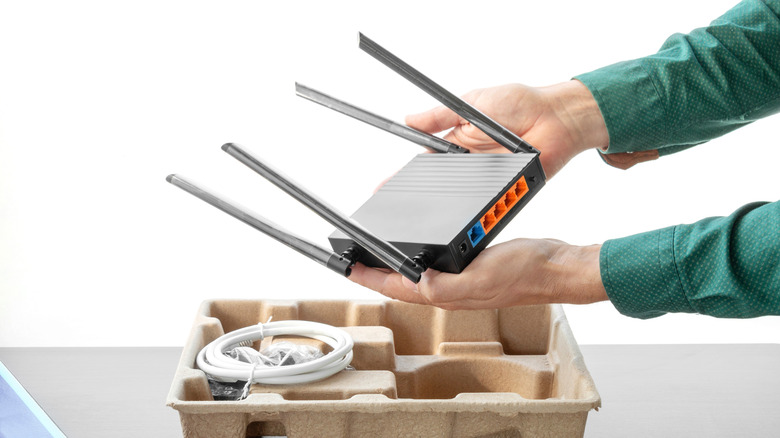
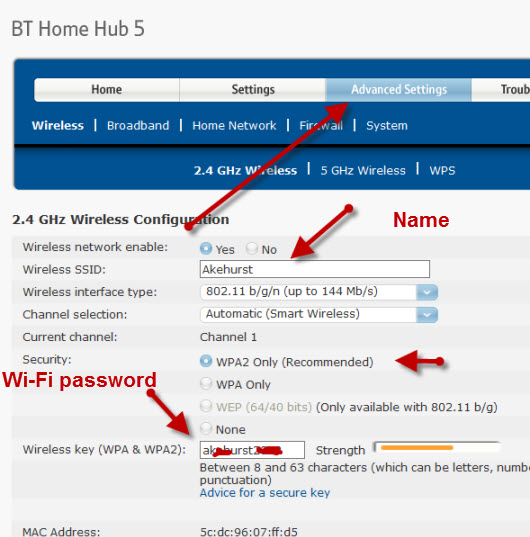
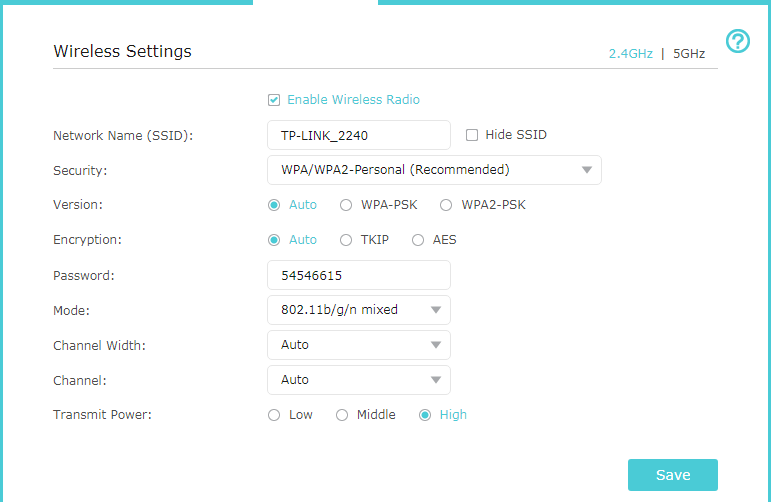
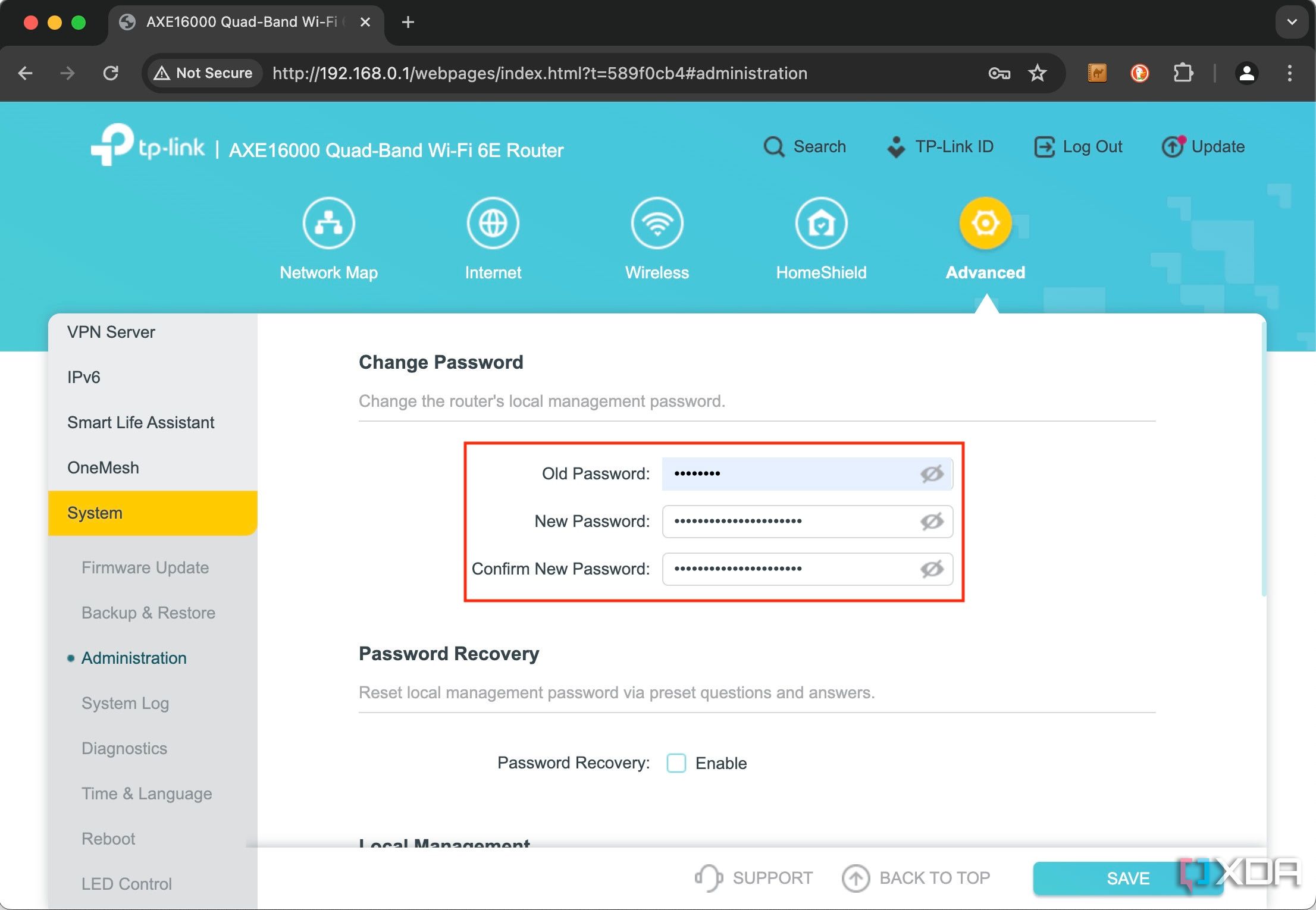
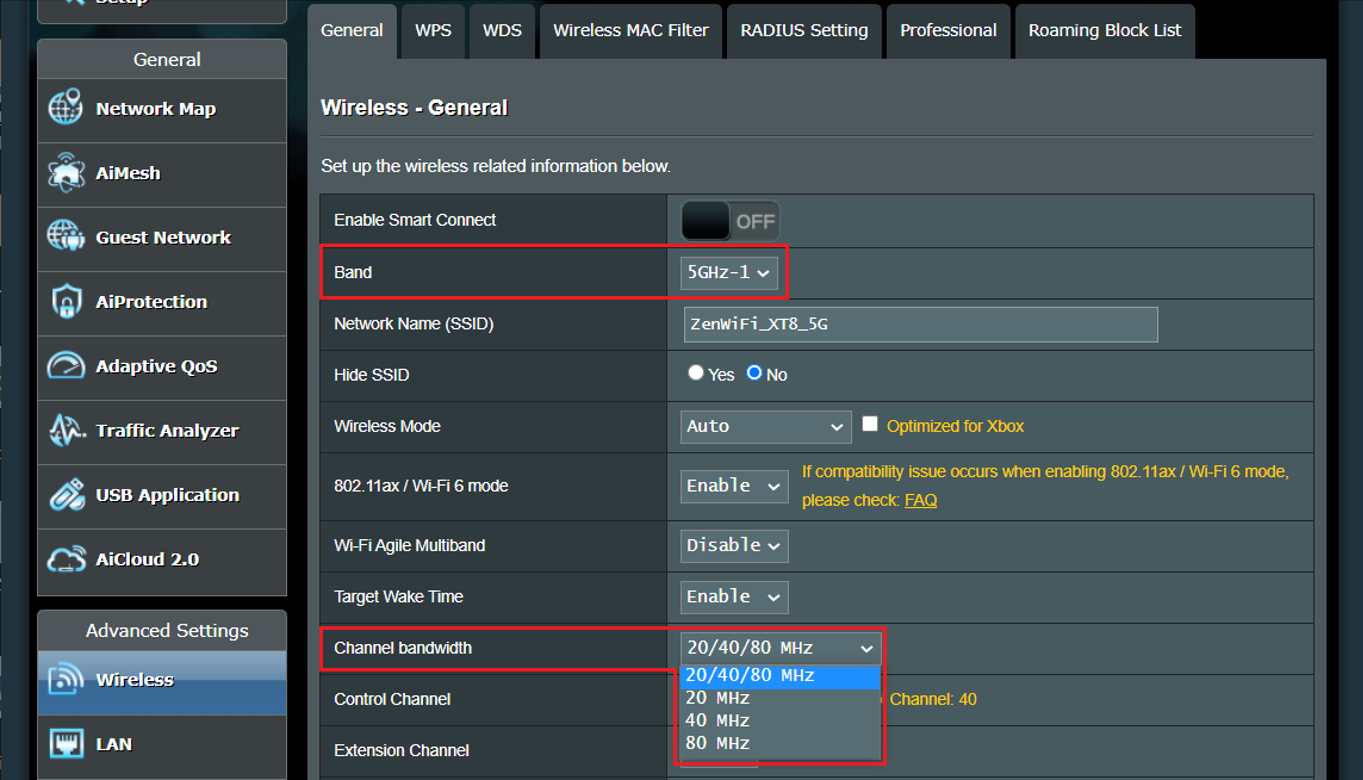
Optimize your Wi-Fi router by choosing the right placement, adjusting its settings , using the 5GHz band, and securing your network settings .
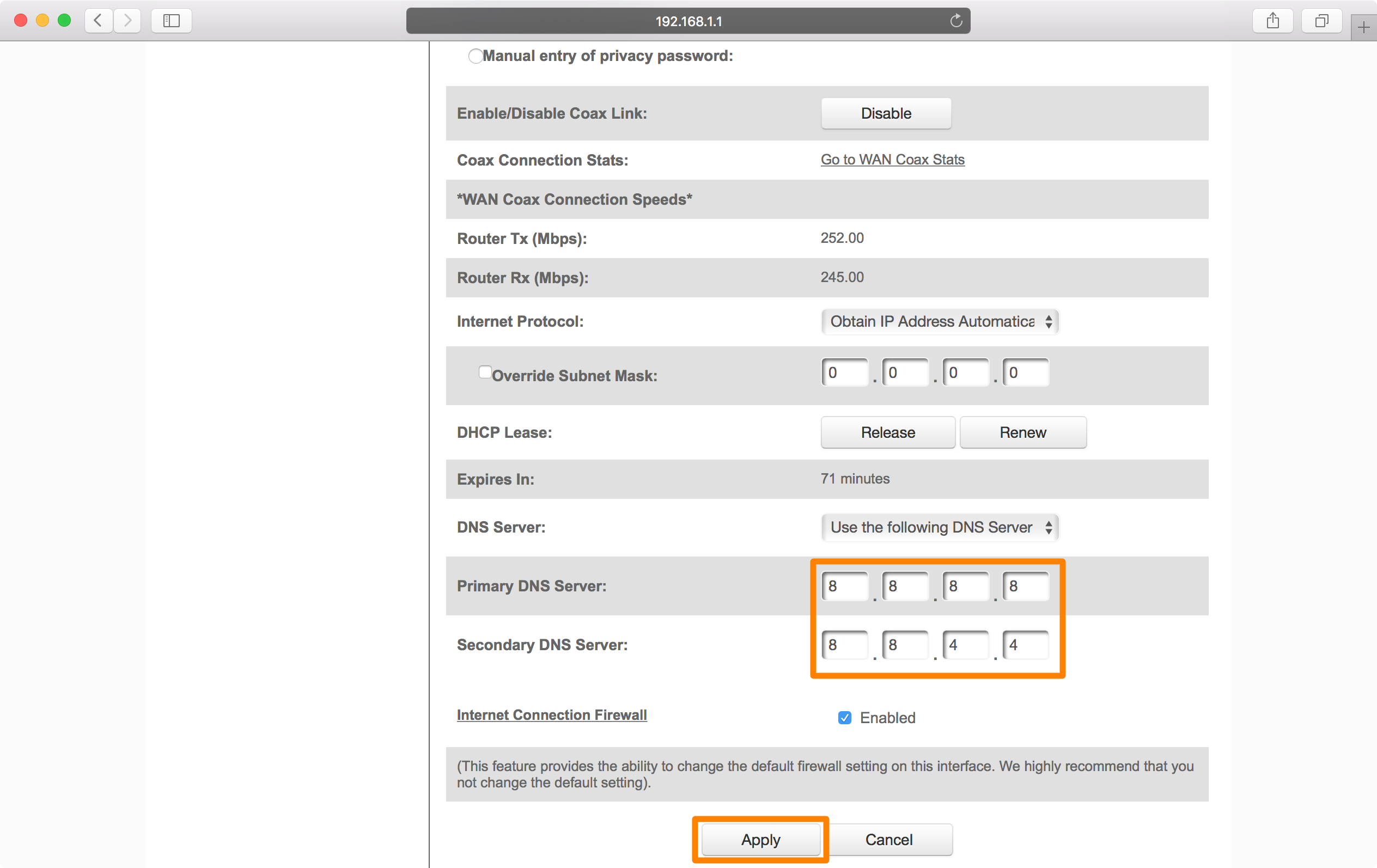
If your router has a "quality of service" (QoS) feature, you can configure these settings to improve connection speed as well. QoS controls enable you to prioritize specified devices on your network .
Additional Notes on Tips For Adjusting G Router Settings For Home Network Speed
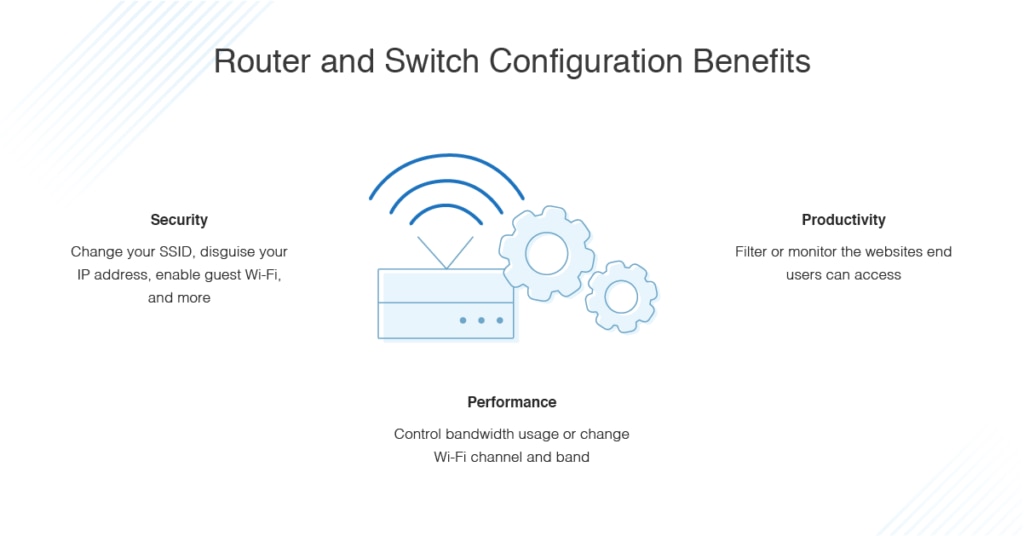
Configuring Advanced Router Settings for Better Speed. For Tips For Adjusting G Router Settings For Home Network Speed, this point helps readers notice the most relevant visual details before moving into the gallery.
Ten Ways To Improve Your Router Speed - Techyv.com. It works as a short bridge between the article summary and the gallery section.
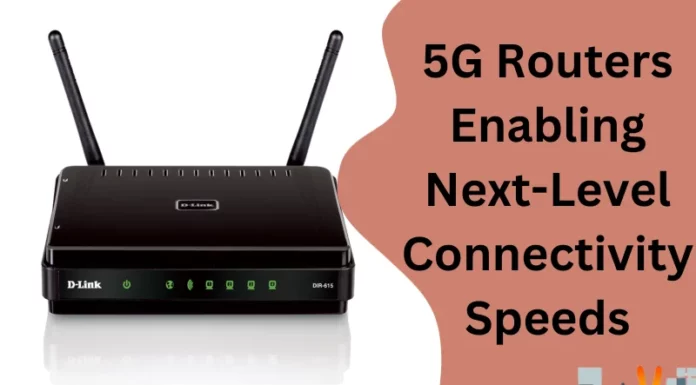
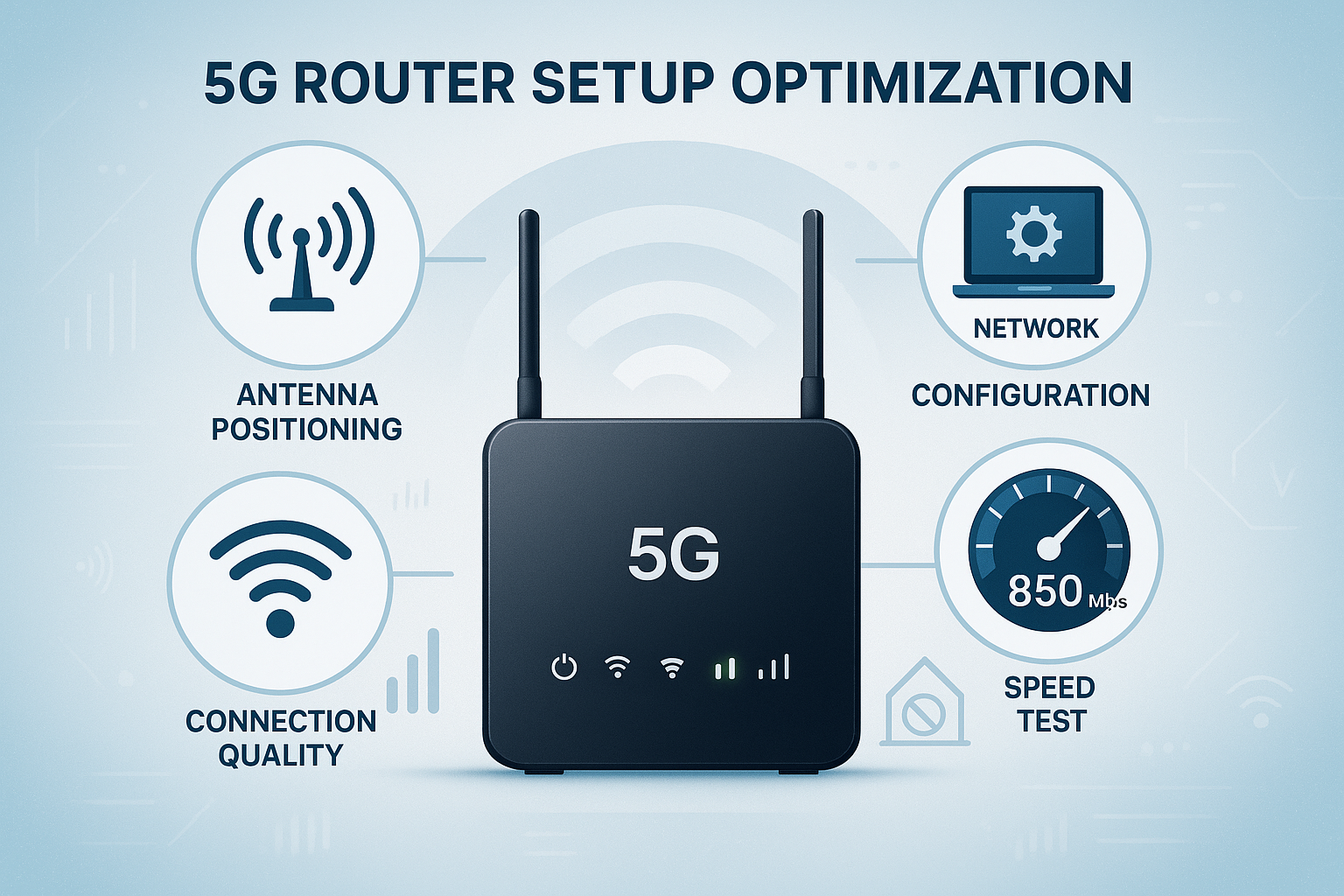
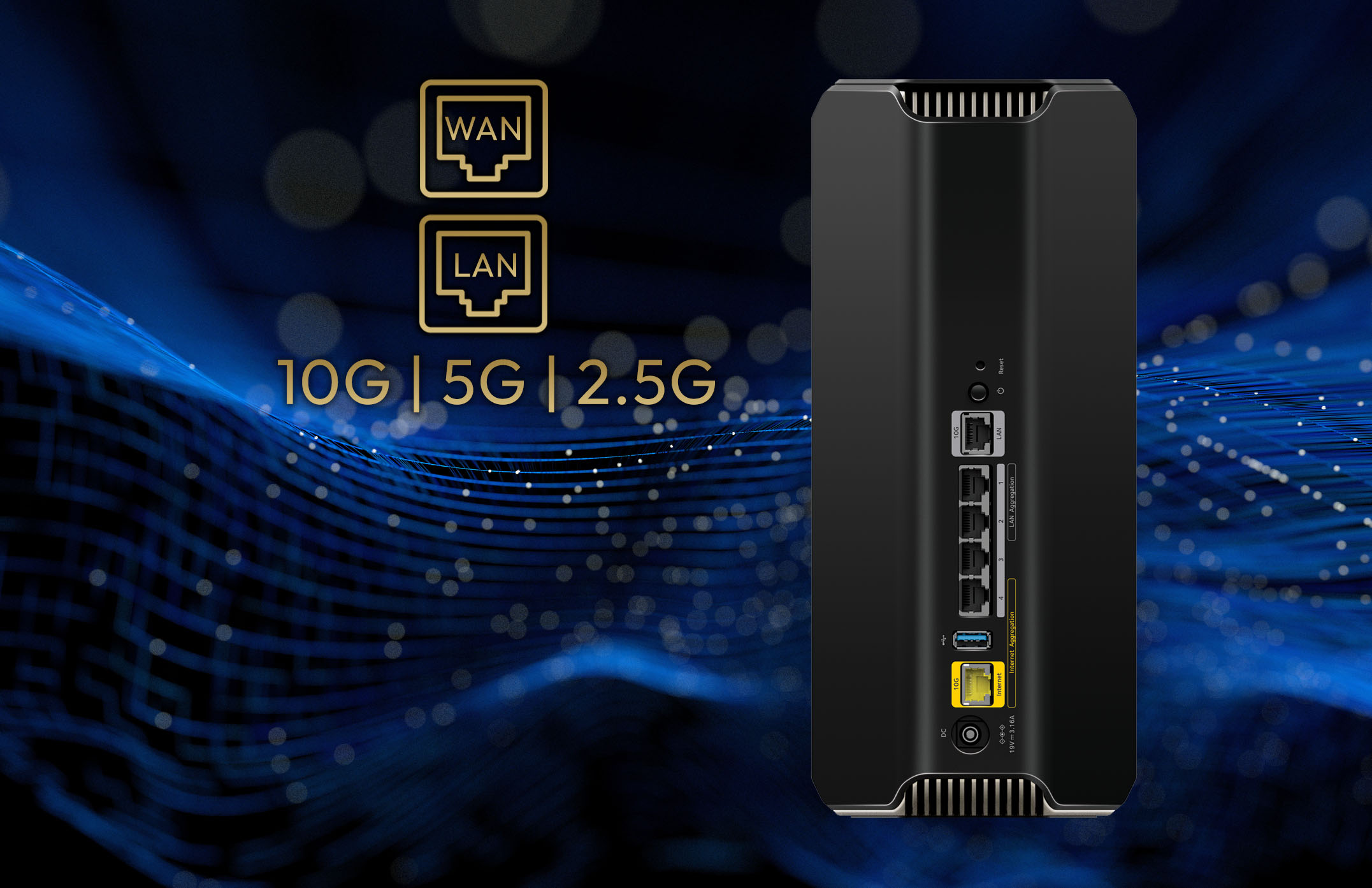
How to Set Up Your 5G Router for Optimal Speed and Performance - ZBTWIFI. The extra context helps the page feel more useful without forcing the same phrase repeatedly.
Looking at multiple sources also helps separate the main idea from small decorative details.
These notes are added so the page offers more than images and gives each visitor a clearer reason to keep reading.