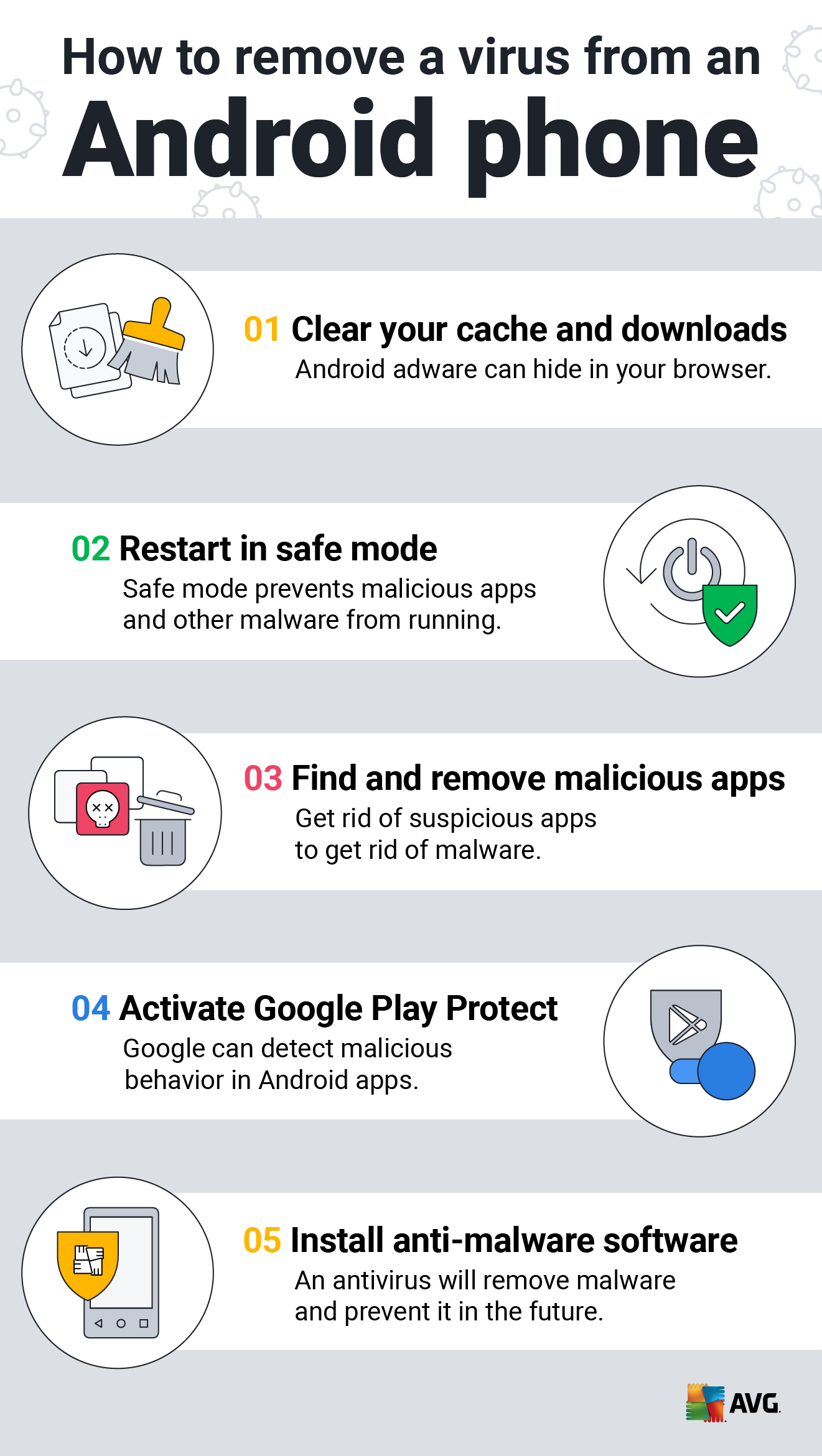
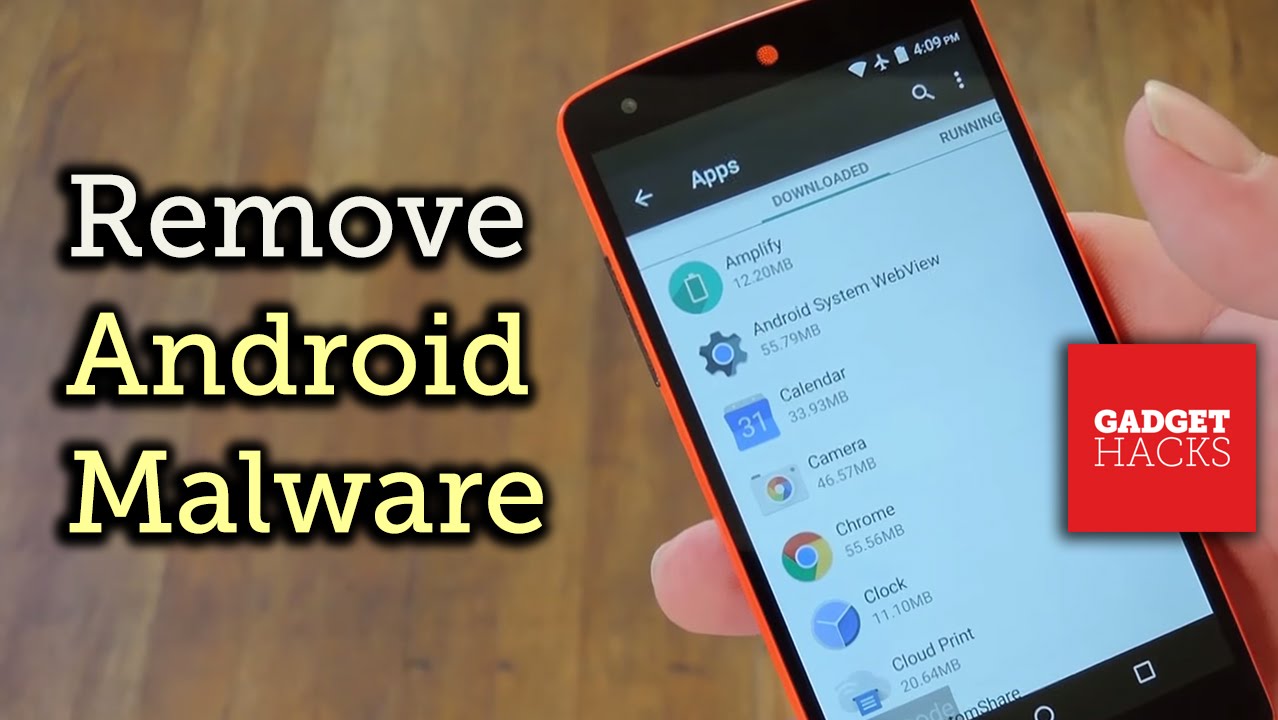
How to remove malware from your Android phone in 7 steps
These malicious apps steal your information, kill your battery life, slow down the performance of your device , and eat at your data usage. This wikiHow teaches you how to detect and remove malware on an Android device .
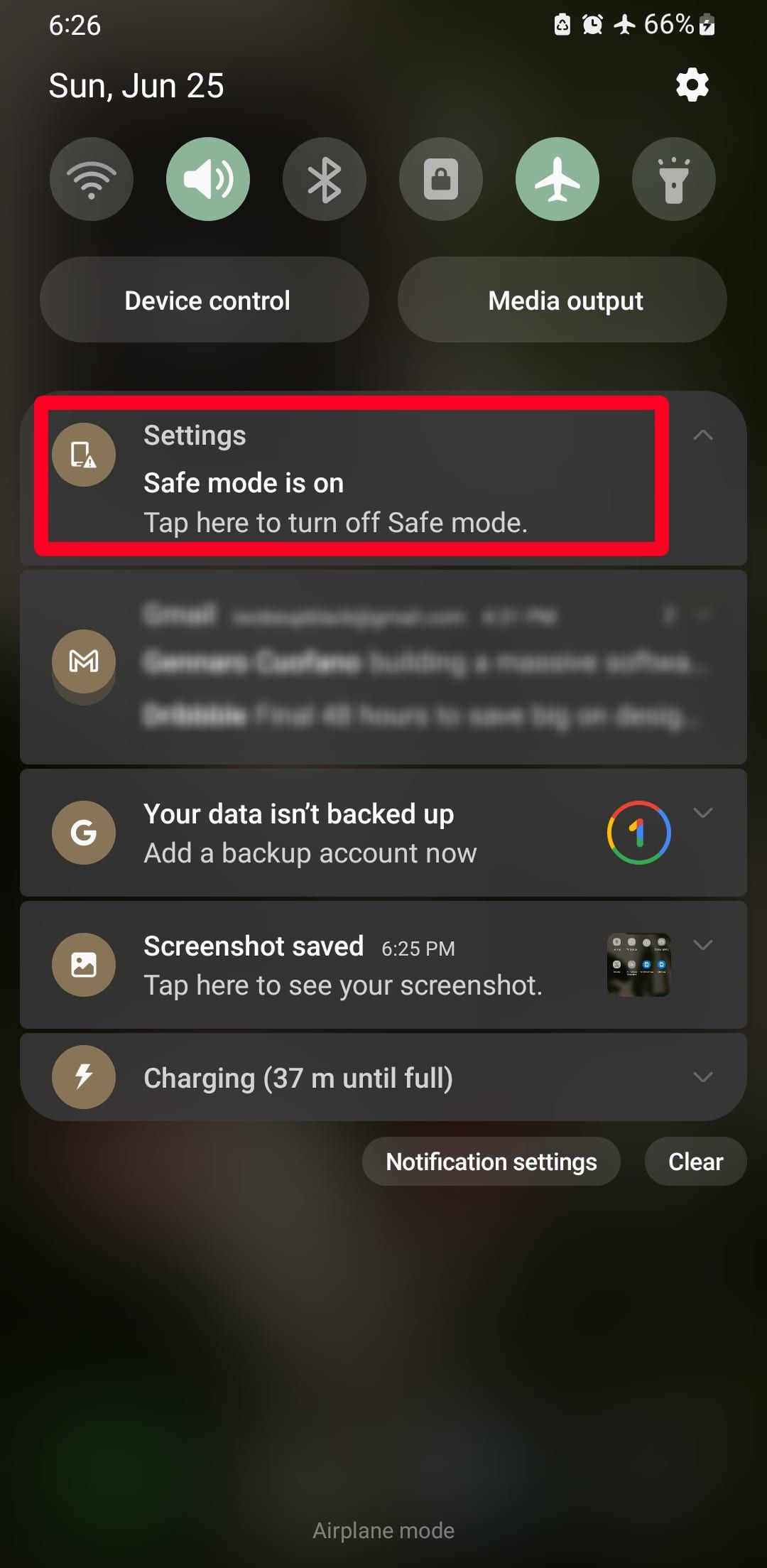
Remove malware or unsafe software
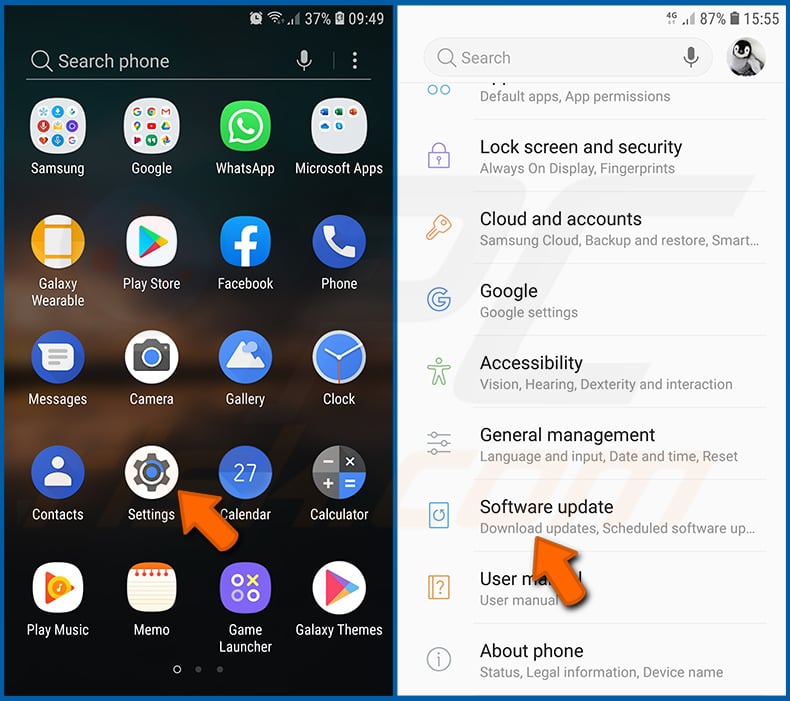
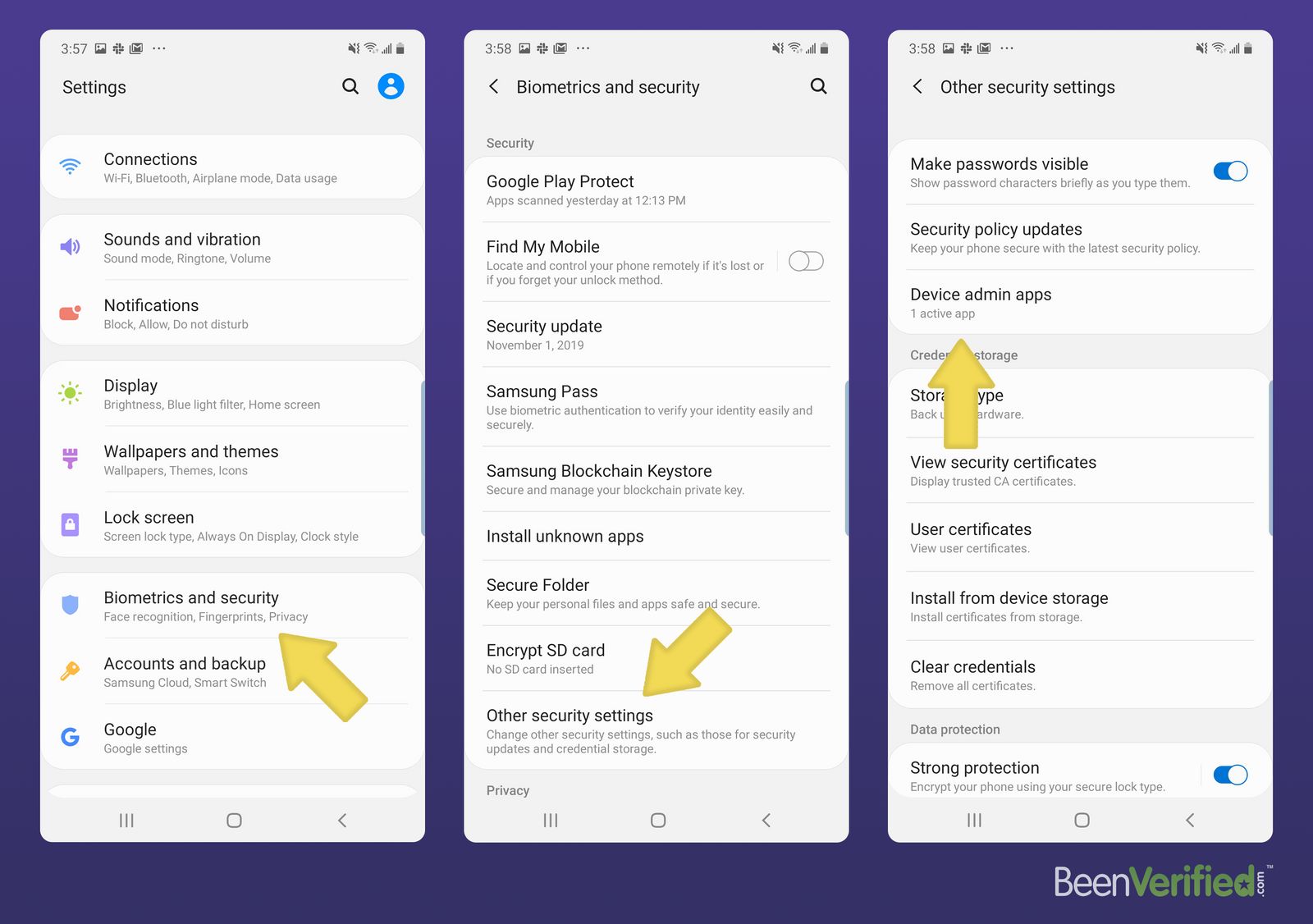
Remove malware or unsafe software Malware is unsafe or unwanted software that can steal your info or harm your device . Your device might have malware if: Google signed you out of your Google Account to protect your device . You get weird things on your device , like pop-up ads that won't go away.
Left unchecked, malware can disrupt and degrade your phone's performance while compromising your privacy and security. The good news is that with the right tools and techniques, you can scan your Android device for malware , identify any malicious apps or files, and thoroughly remove any infections to restore performance and security.

How to remove viruses and malware from an Android phone
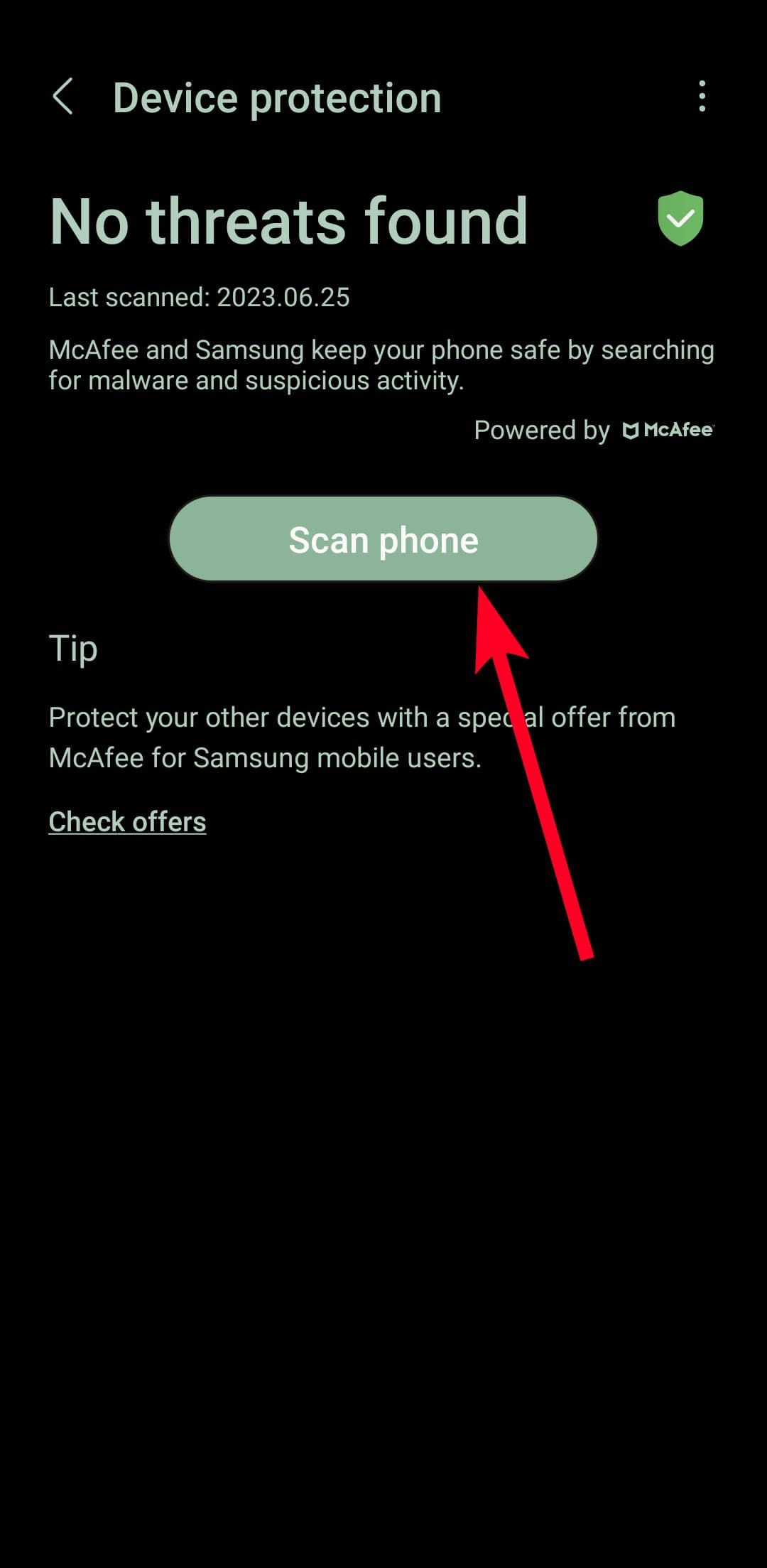
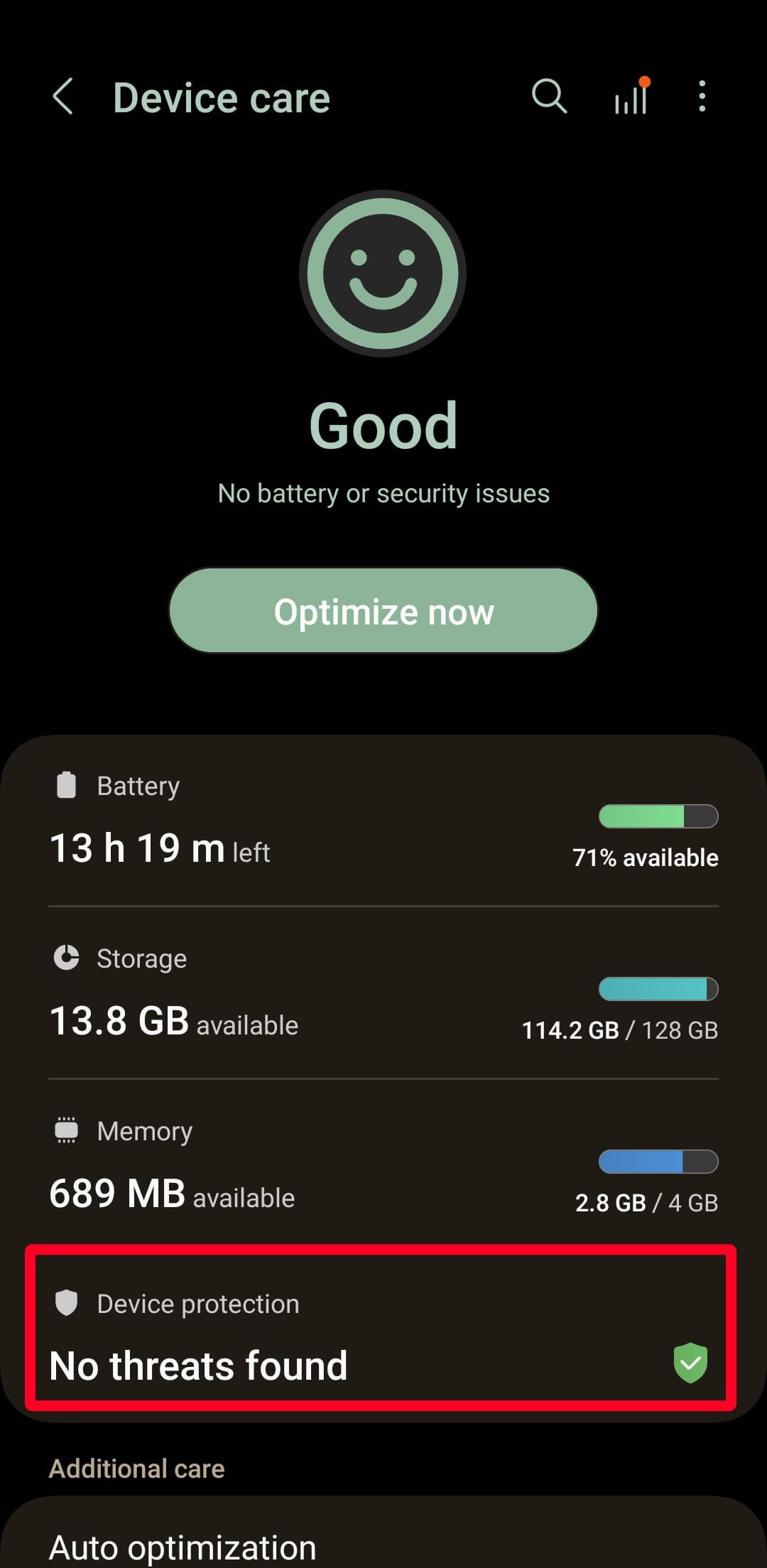
Scan and remove malware McAfee security powers the latest Samsung smartphones, and you can check for viruses with the inbuilt scan tool. Other devices can use Google Play Protect. We explain how ...
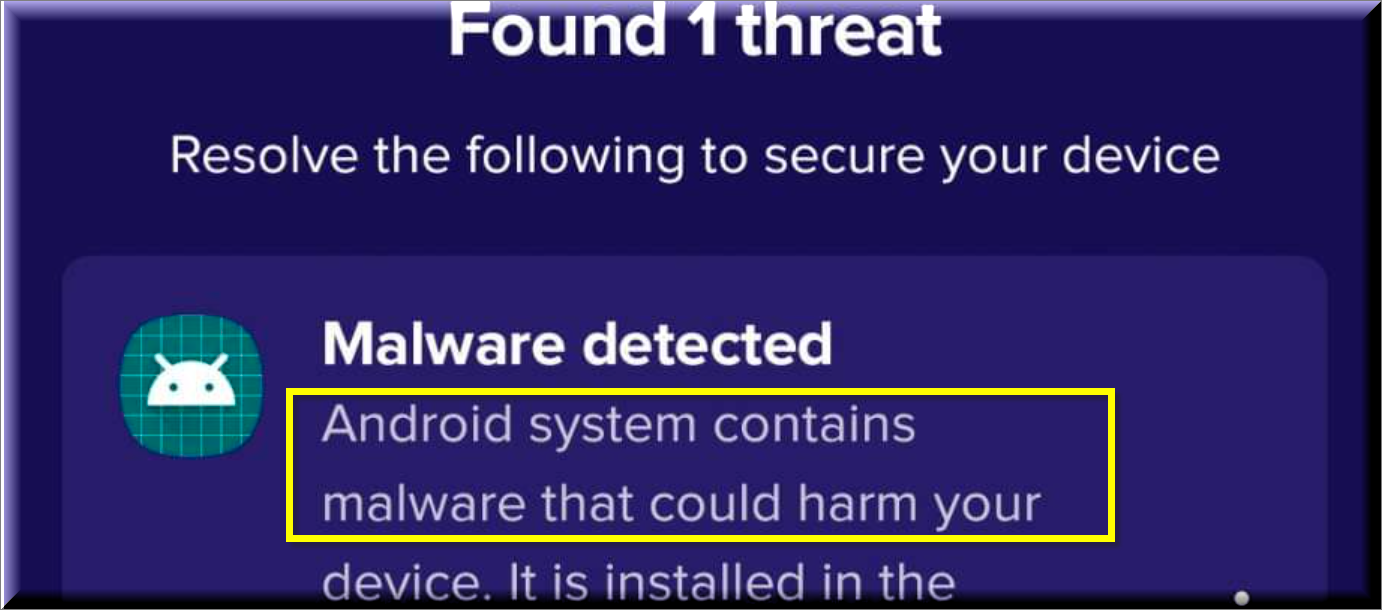
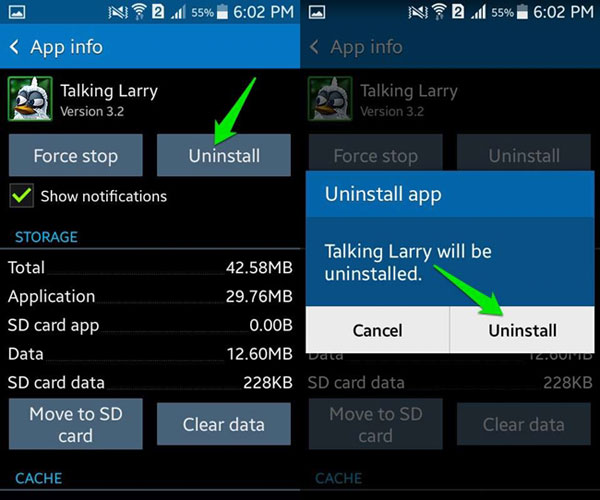
Step 2. Remove Malware and All Other Infected Files After running a full scan, your antivirus app will reveal any malware files or other security issues on your Android device . Most antiviruses place suspicious files in a quarantine folder so you can choose what to do with them — you can either ignore the threats or remove them from your device . But you need to be careful! Some flagged files ...
Additional Notes on Ways To Delete Malware From Android Device
How to Check for Malware on Android and Remove It. It gives the article a little more context before the image collection begins.
Android Malware: Clean It Up Now. It gives the article a little more context before the image collection begins.
How to Clean an Android or iPhone from Viruses for Free. The extra context helps the page feel more useful without forcing the same phrase repeatedly.
Looking at multiple sources also helps separate the main idea from small decorative details.
These notes are added so the page offers more than images and gives each visitor a clearer reason to keep reading.