Screen mirroring and projecting to your PC or wireless display
After " Wireless Display" is installed, select Back to manage your projection preferences on the Projecting to this PC page in Settings . Launch the Wireless Display app by entering " wireless display" in the search box on the taskbar and select Wireless Display in the list of results.
LED Lamp Link Mode LED Lamp Enable or disable the status LEDs on the WR‑R11a or WR‑R10 wireless remote controller mounted on the camera. For more information, see the documentation supplied with the wireless remote controller. Link Mode Choose a link mode for WR‑R11a or WR‑R10 wireless remote controllers mounted on other cameras or radio-controlled flash units that support Advanced ...
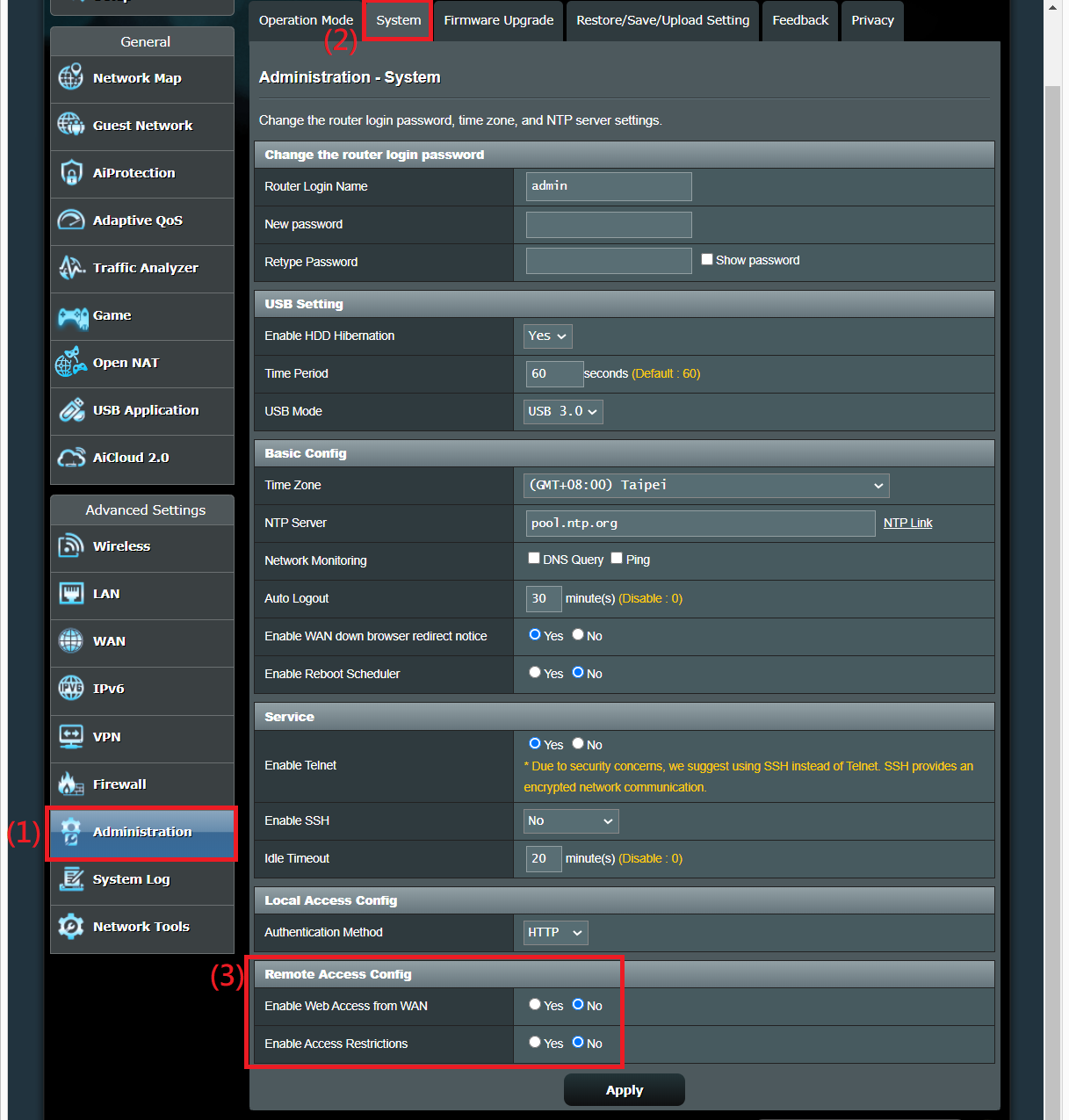
Remote management lets you access and manage your TP-Link router through a web interface when you are not physically on the same network. This is useful for troubleshooting issues from another location, adjusting settings while away, or helping others with their network. Keep in mind that enabling remote access does expose your router to the Internet, so it is important to use a strong ...
How to Enable Remote Desktop on Windows 11 To begin, click the "Start" button and select " Settings " from the pinned apps. Alternatively, press Windows+i on your keyboard to launch the Settings app quickly.

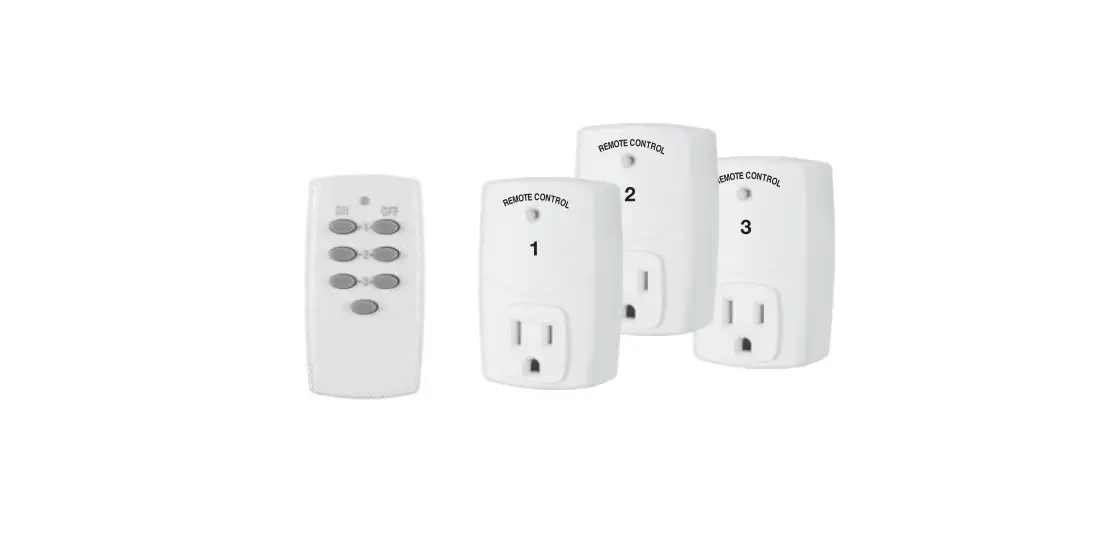
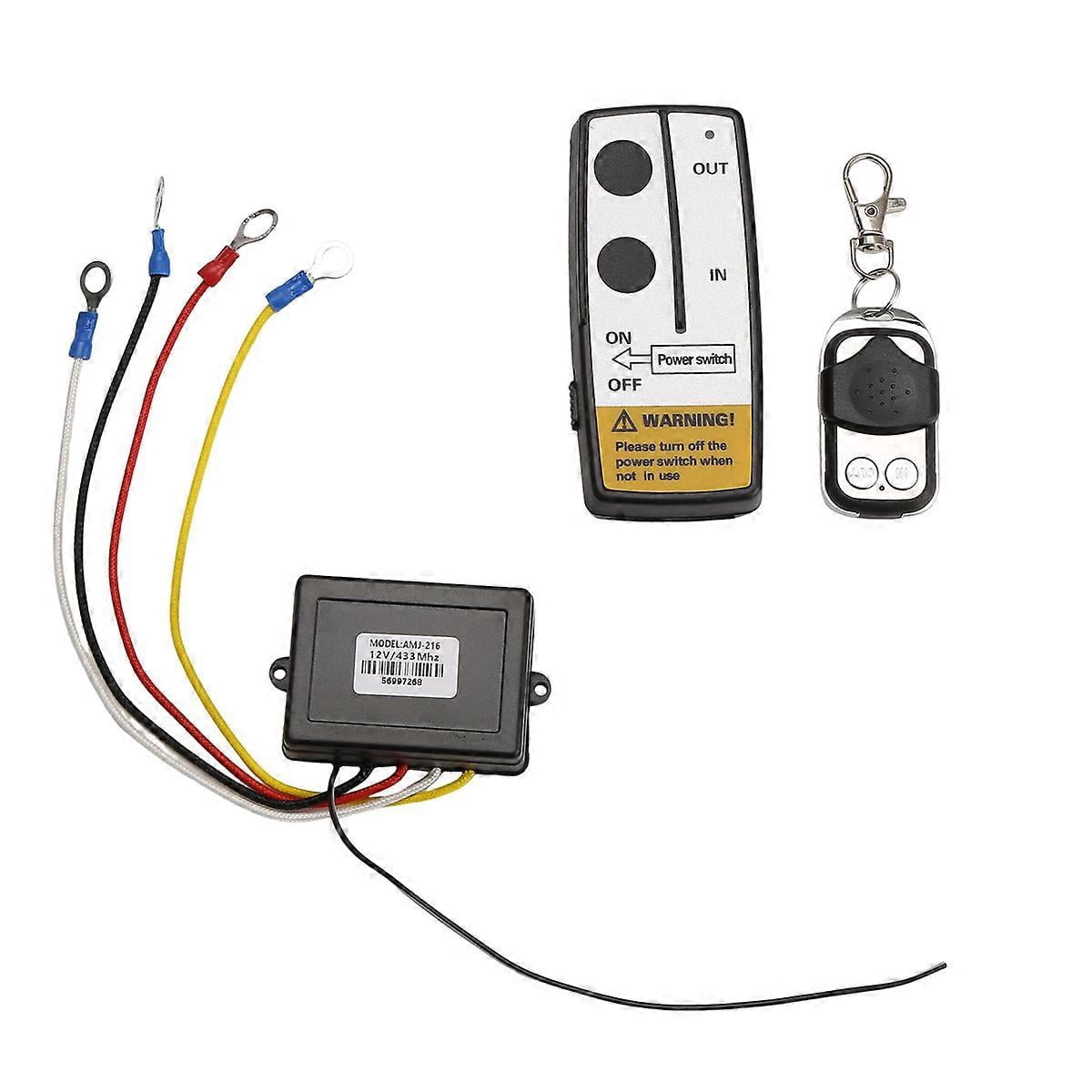
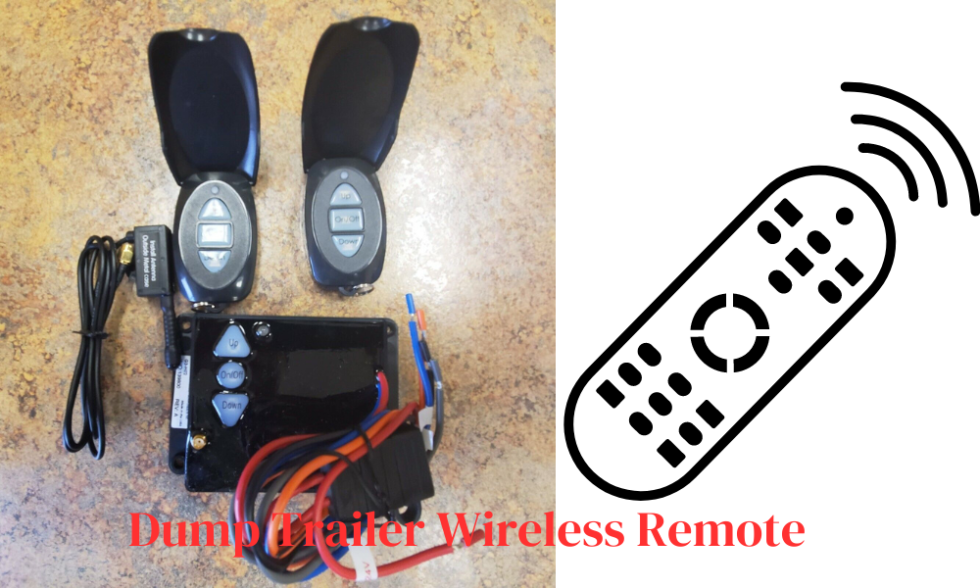
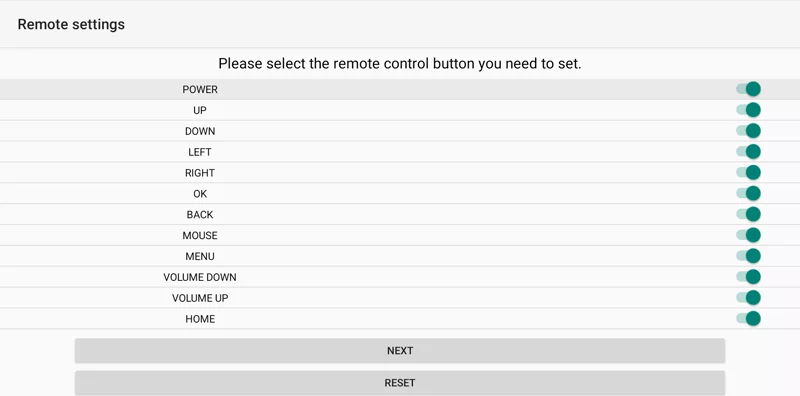
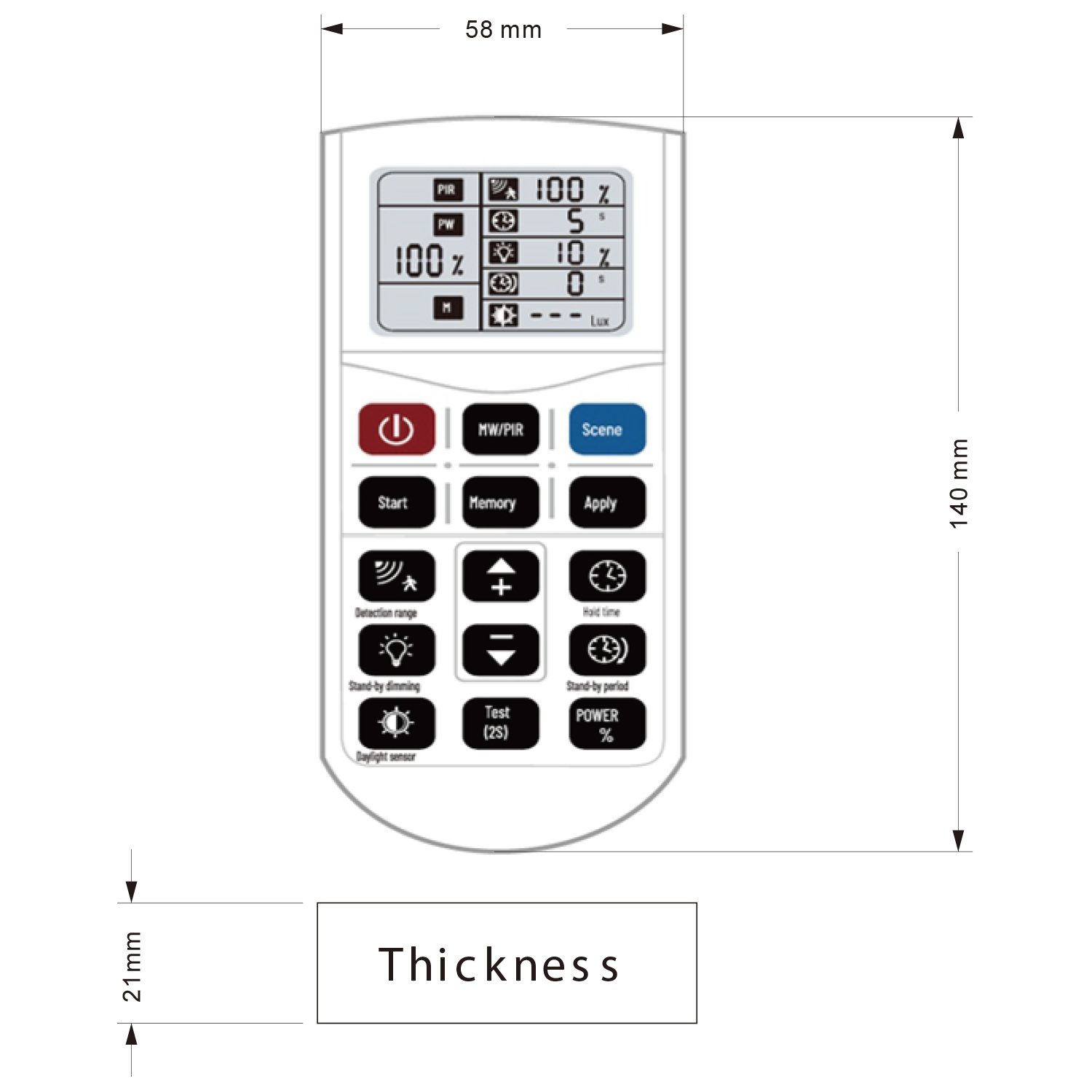
As we can see from the illustration, Wireless Remote Settings has many fascinating aspects to explore.
How do I enable or disable Remote Management on my NETGEAR router
Settings > Advanced Setup > Remote Management Select the Turn Remote Management On check box to enable Remote Management or clear the check box to disable Remote Management.
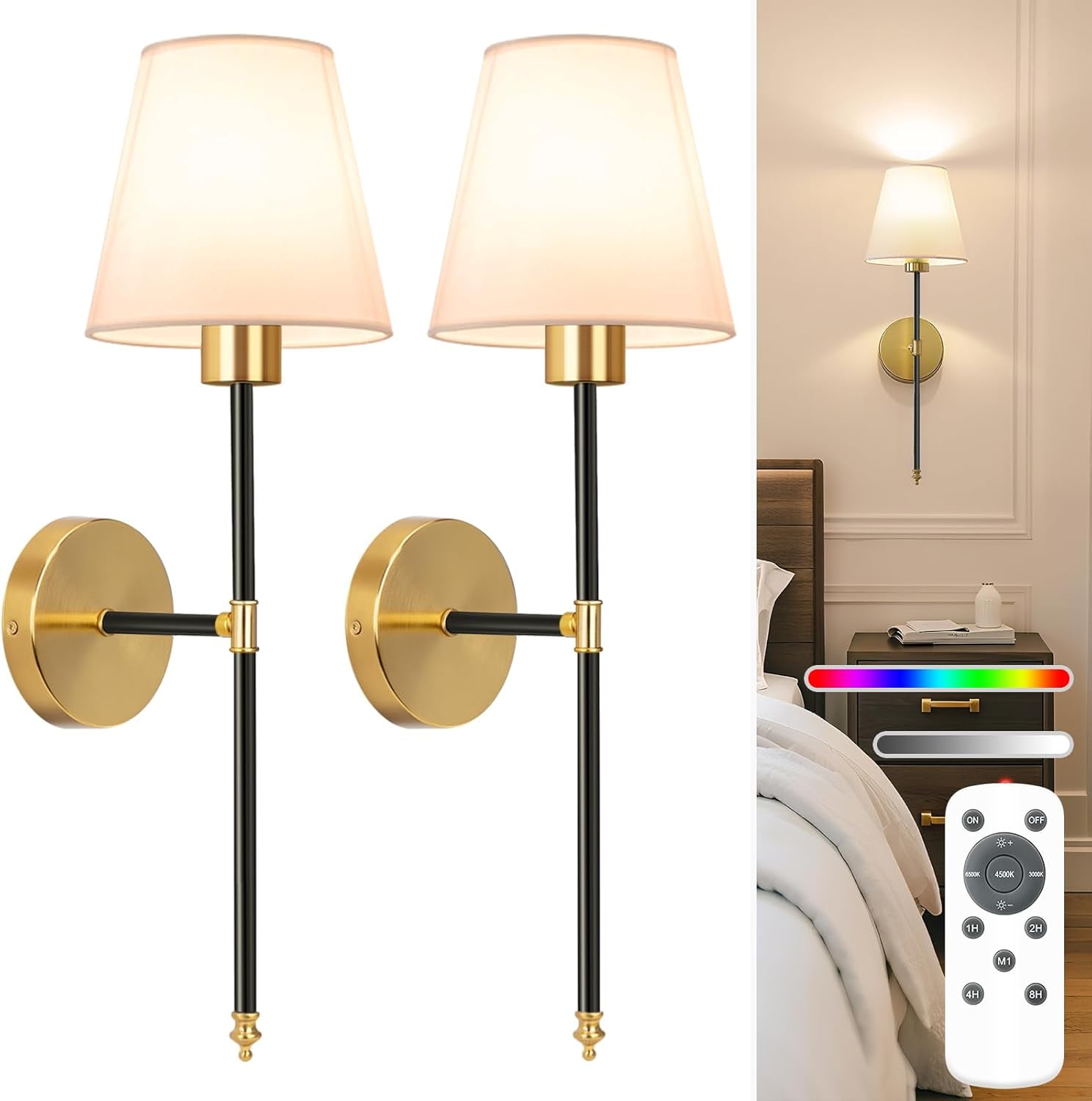
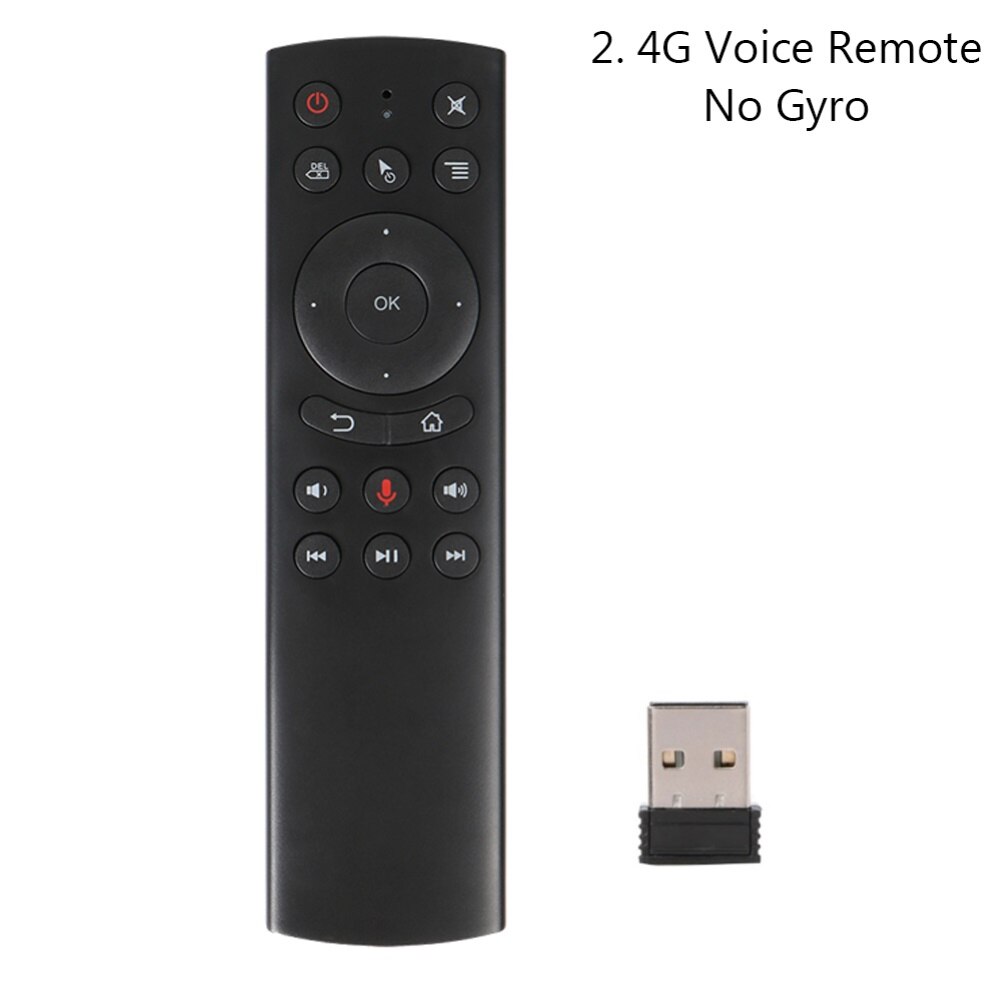
If you are experiencing issues when using a wireless remote control, or when using the (MIC) button/voice command function on your Voice command remote control, follow these steps to unpair and then re-pair the remote control, or perform the remote control pairing:
Understanding Wireless Remote Settings Before the Gallery
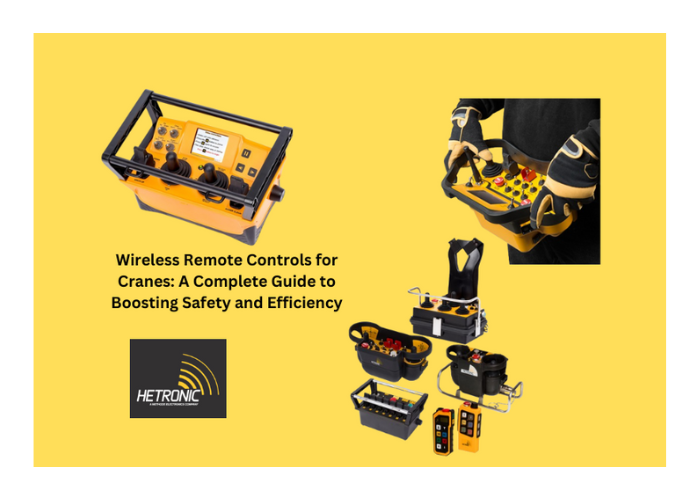
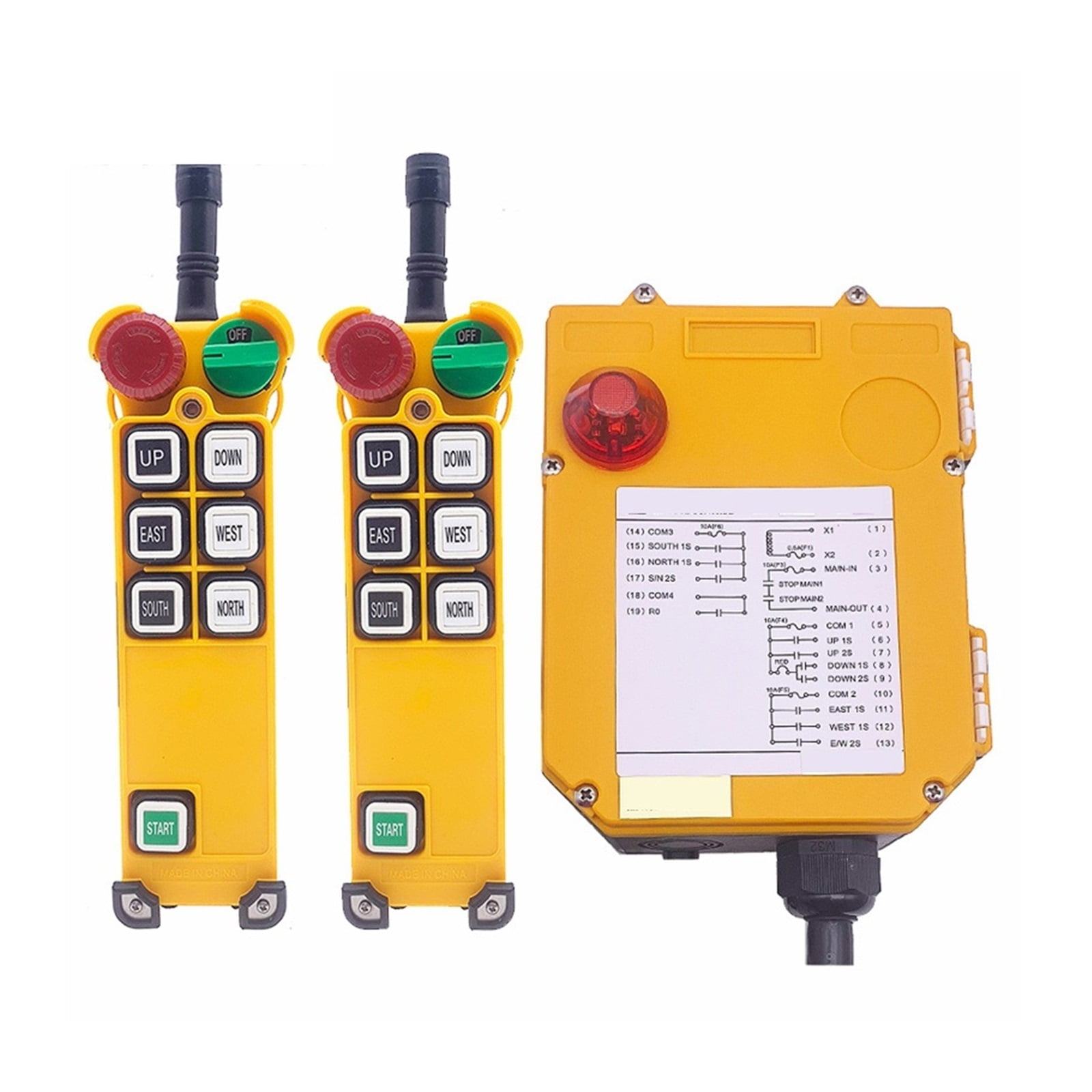
Amazon.com: Industrial Wireless Crane Remote Control kit F21-E1B 8. It gives the article a little more context before the image collection begins.
Remote Control Crane Industrial at Alica Martel blog. It gives the article a little more context before the image collection begins.
F24-6D 6 Buttons Industrial Wireless Radio Crane Remote Control Double. The extra context helps the page feel more useful without forcing the same phrase repeatedly.
Looking at multiple sources also helps separate the main idea from small decorative details.
These notes are added so the page offers more than images and gives each visitor a clearer reason to keep reading.